The “Addon Packages” Add On allows you to sell access to individual pages or posts for a flat fee. By default, each Addon Package (the post or page you’re selling access to) is an individual purchase even for existing members.
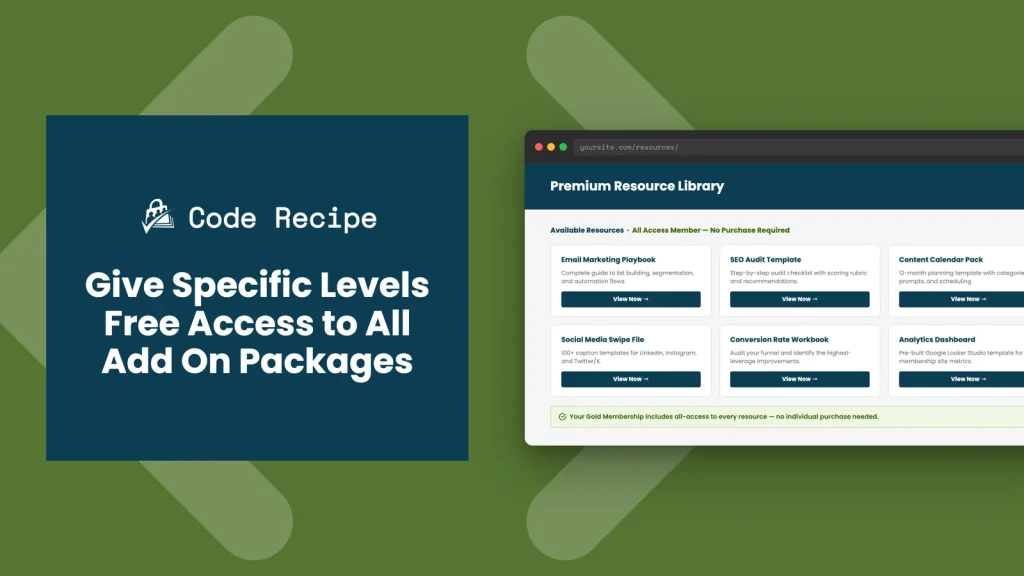
This code recipe uses the pmproap_all_access_levels filter to grant certain membership levels complimentary access to all Addon Packages without requiring an additional purchase.
Do You Need This Recipe?
This recipe is a good fit if:
- You sell individual content items as Addon Packages but want to offer premium members free access to all of them as a benefit of their level.
- You want to tier your membership site: lower levels pay per item, higher levels get everything included.
- You have a VIP or all-access membership level that should not hit a paywall for Addon Package content.
If all of your members should have access to all Addon Packages, consider whether a standard membership level structure (without Addon Packages) might be simpler.
About the Code Recipe
You can set one or more membership level IDs as “all access” levels by using the pmproap_all_access_levels filter. This filter receives a list of all-access level IDs, the current user’s ID, and the current post’s ID.
In this recipe, you can pass a level inside the $levels array on line 20. In our example, we’ve passed level 16.
Members of that level bypass the Addon Package purchase requirement for all content. Other membership levels and non-members will still need to purchase each Addon Package individually.
The Code Recipe
Adding the Recipe to Your Website
You can add this recipe to your site by creating a custom plugin or using the Code Snippets plugin available for free in the WordPress repository. Read this companion article for step-by-step directions on either method.
How To Customize This Recipe
Add multiple all-access levels: Replace the array value with a comma-separated list of level IDs: $levels = array( 16, 22, 30 );.
Limit all-access to specific content: The filter also receives the current post ID, so you can grant free access only when certain conditions are met — for example, only for Addon Package posts in a particular category. Replace 'premium-content' with your category slug and 16 with your all-access level ID.
function my_pmproap_all_access_levels( $levels, $user_id, $post_id ) {
	// Only grant all-access if the Add On Package belongs to this category.
	if ( has_term( 'premium-content', 'category', $post_id ) ) {
		$levels = array( 16 ); // Replace with your all-access membership level ID(s).
	}
	return $levels;
}
add_filter( 'pmproap_all_access_levels', 'my_pmproap_all_access_levels', 10, 3 );

Get Support From Our Team of Experts
Have a question about how to use this feature? Our Support Page outlines three ways to get support.
Our Max plans include hands-on help customizing your membership site and implementing new features. Upgrade to PMPro Max now »


