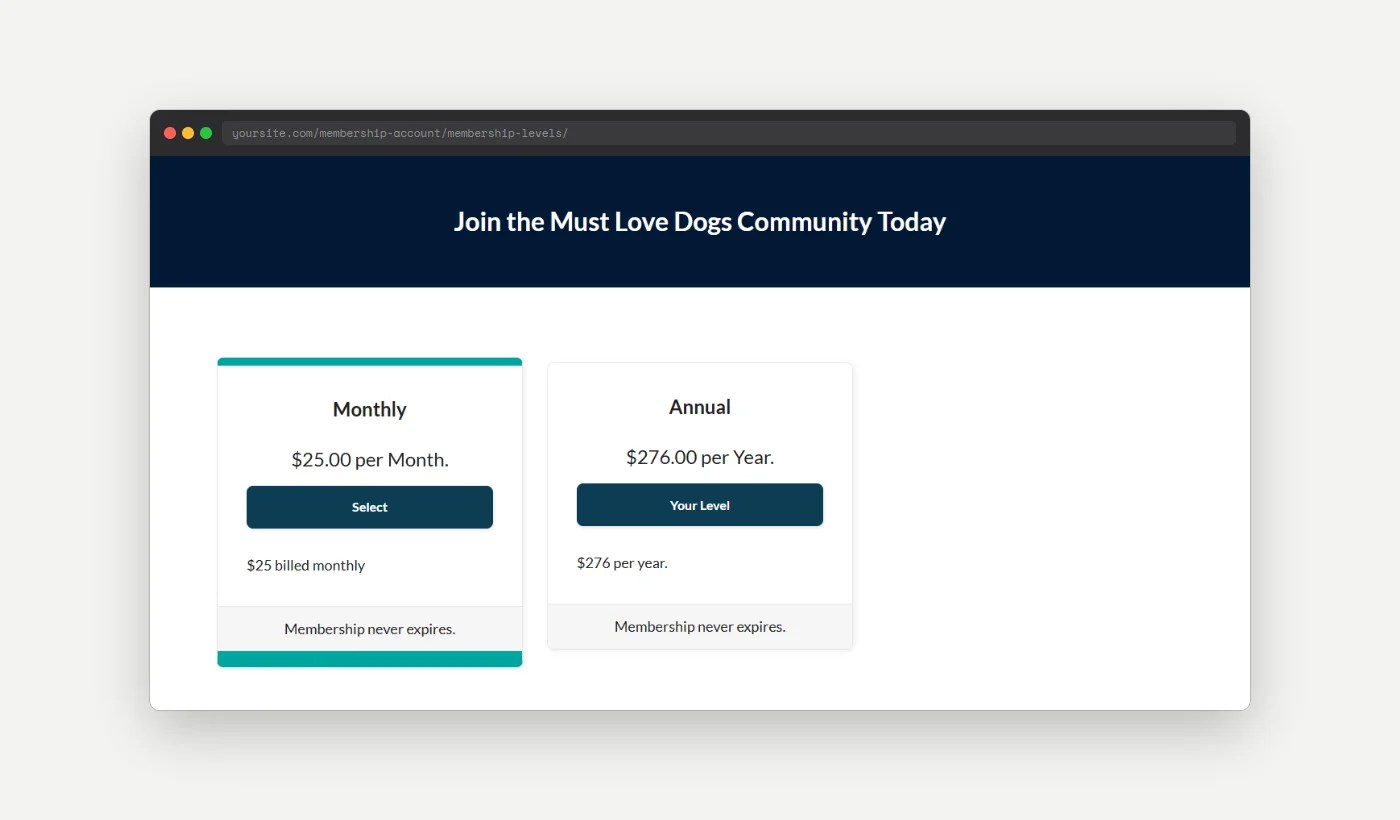
Not every membership level on your site is meant for public signup. You might have a free trial level created for testing, a legacy level some members were grandfathered into, or a level that only gets assigned through the backend. When levels like these sit next to your paid options on the Membership Levels page, they clutter the signup experience and can confuse potential members.
This code recipe filters which levels appear on the Membership Levels page, hiding every free level automatically so members only see the levels you are actively selling.
Do You Need This Recipe?
This recipe is a good fit if:
- You have one or more free levels that exist for a specific purpose (a trial, an internal test level, a legacy level) and do not want them shown as a signup option.
- You want the Membership Levels page to show only the levels you are actively selling, without deleting or deactivating the free levels.
If every level on your site is one you want members to see and select, you do not need this recipe.
About the Code Recipe
This recipe uses the pmpro_levels_array filter, which PMPro runs on the array of levels right before it displays them on the Membership Levels page. Your callback receives the levels array and returns a filtered array. Whatever you return is what members see and can select from.
It uses PMPro’s pmpro_isLevelFree() function to check each level and remove any level with no cost, so every free level disappears automatically, including ones you add later.
The Code Recipe
Adding the Recipe to Your Website
You can add this recipe to your site by creating a custom plugin or using the Code Snippets plugin available for free in the WordPress repository. Read this companion article for step-by-step directions on either method.
How To Customize This Code Recipe
- Hide levels by a condition other than price (line 24): Replace the
pmpro_isLevelFree( $level )check with your own logic, such as checking a custom field saved on the level. For example, if you save a checkbox meta value under the keyhide_from_levels_pagefor each level, replace the check withget_pmpro_membership_level_meta( $level->id, 'hide_from_levels_page', true ).

Get Support From Our Team of Experts
Have a question about how to use this feature? Our Support Page outlines three ways to get support.
Our Max plans include hands-on help customizing your membership site and implementing new features. Upgrade to PMPro Max now »


