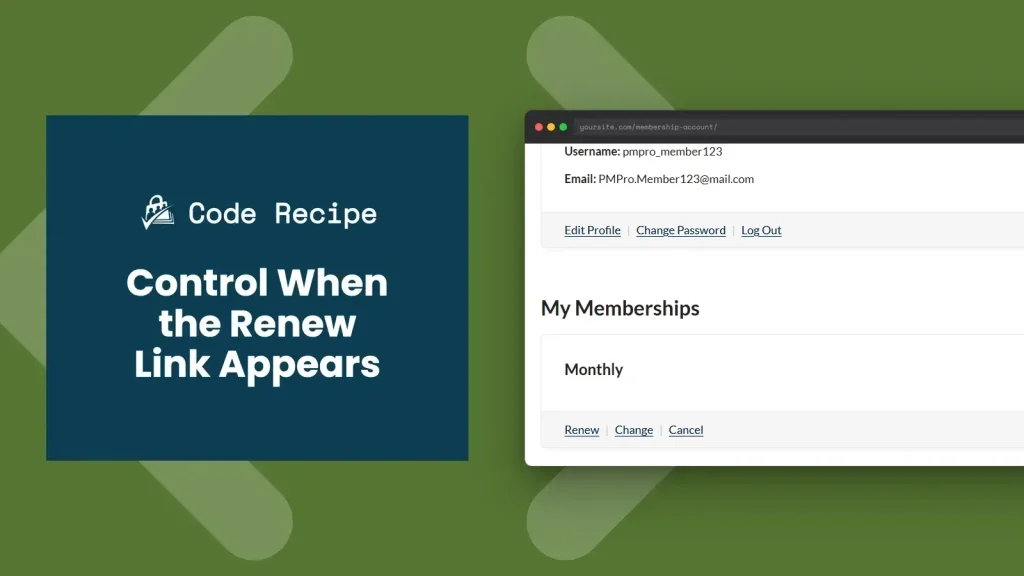
Paid Memberships Pro shows a “Renew” link on the Membership Account page whenever a membership is expiring soon, but what counts as “soon” is tied to the billing period. Depending on your membership level setup, the link may appear far too early or disappear before members have a real chance to act.
This code recipe uses the pmpro_is_level_expiring_soon filter to show the “Renew” link within a fixed window that you define. It will be the same number of days before expiration for every level, regardless of billing period.
Do You Need This Recipe?
This recipe is a good fit if:
- Your site has annual memberships and you want the “Renew” link to appear only in the final 30 or 60 days, not for the full year.
- You want a consistent renewal window across all membership levels regardless of billing frequency.
- You want to suppress the “Renew” link entirely until a specific point before expiration.
If the default renewal window works well for your membership types, this recipe is not needed.
Understanding the Recipe
By default, PMPro’s renewal window equals one full billing period:
| Billing Period | Default Renewal Window |
|---|---|
| Hourly | Within 1 hour of expiration |
| Daily | Within 1 day of expiration |
| Weekly | Within 7 days of expiration |
| Monthly | Within 30 days of expiration |
| Yearly | Within 365 days of expiration |
For annual memberships, that means the “Renew” link is visible for the entire year. It is persistent enough that members may tune it out or feel pressured to renew early. For hourly or daily memberships, the window may close before anyone notices. This recipe replaces the per-period logic with a single, consistent threshold you control.
The pmpro_is_level_expiring_soon Filter
The pmpro_is_level_expiring_soon filter runs whenever PMPro checks whether to display the renewal link. It receives two arguments:
$r(bool): The current return value.truemeans PMPro considers the level expiring soon and will show the “Renew” link.falsemeans it will show the standard “Change” link.$level(object): The membership level object for the current member. Includes$level->enddate(the expiration timestamp) and$level->id(the level ID).
Your callback returns true to show the “Renew” link or false to hide it.
About the Code Recipe
The recipe overrides the default renewal window by comparing the current time to the membership’s expiration date. If the expiration is within $days days, the filter returns true and the “Renew” link appears. If the membership has no expiration date, the filter returns false. Members on open-ended memberships should not see a renew prompt.
By default, this code recipe sets the $days value to 30 days.
The Code Recipe
Adding the Recipe to Your Website
You can add this recipe to your site by creating a custom plugin or using the Code Snippets plugin available for free in the WordPress repository. Read this companion article for step-by-step directions on either method.
How to Customize This Code Recipe
Change the renewal window: Update the $days value on line 26 to any number. Use 60 to show the “Renew” link two months out, or 7 to keep it close to expiration.
Related Resources

Get Support From Our Team of Experts
Have a question about how to use this feature? Our Support Page outlines three ways to get support.
Our Max plans include hands-on help customizing your membership site and implementing new features. Upgrade to PMPro Max now »


