
Discount codes pile up on a membership site. A code from a holiday sale, a partner deal, a one-off gift for a member. After enough time passes, it is not always clear why a particular code exists or who it was made for.
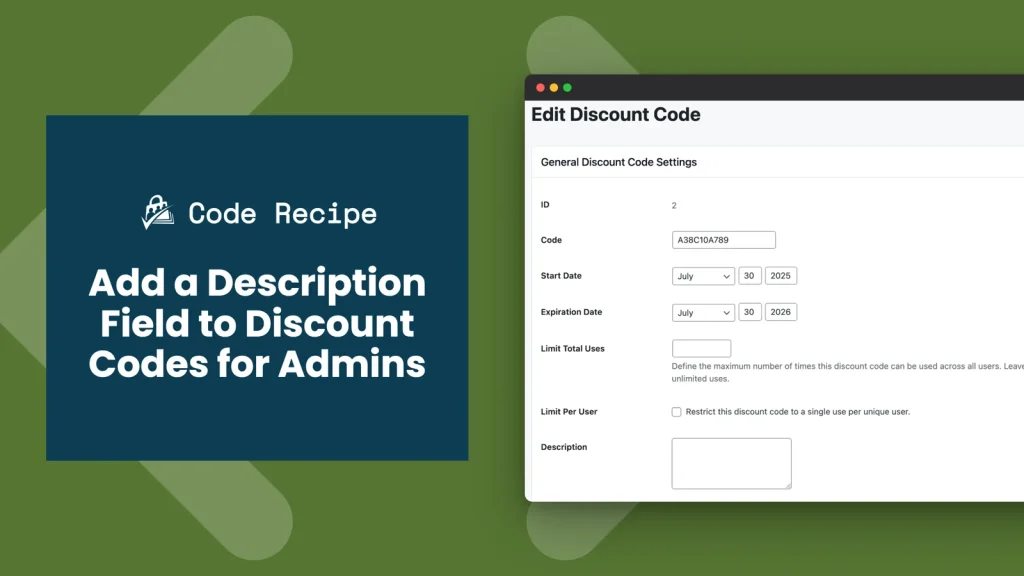
This code recipe adds an admin-only Description field to each discount code, plus a matching Description column on the Discount Codes list. Add a quick note when you create a code, then see that note at a glance from the list instead of opening each code to check.
About the Code Recipe
This recipe changes two screens under Memberships > Discount Codes: the edit screen for a single discount code, and the list of all discount codes.
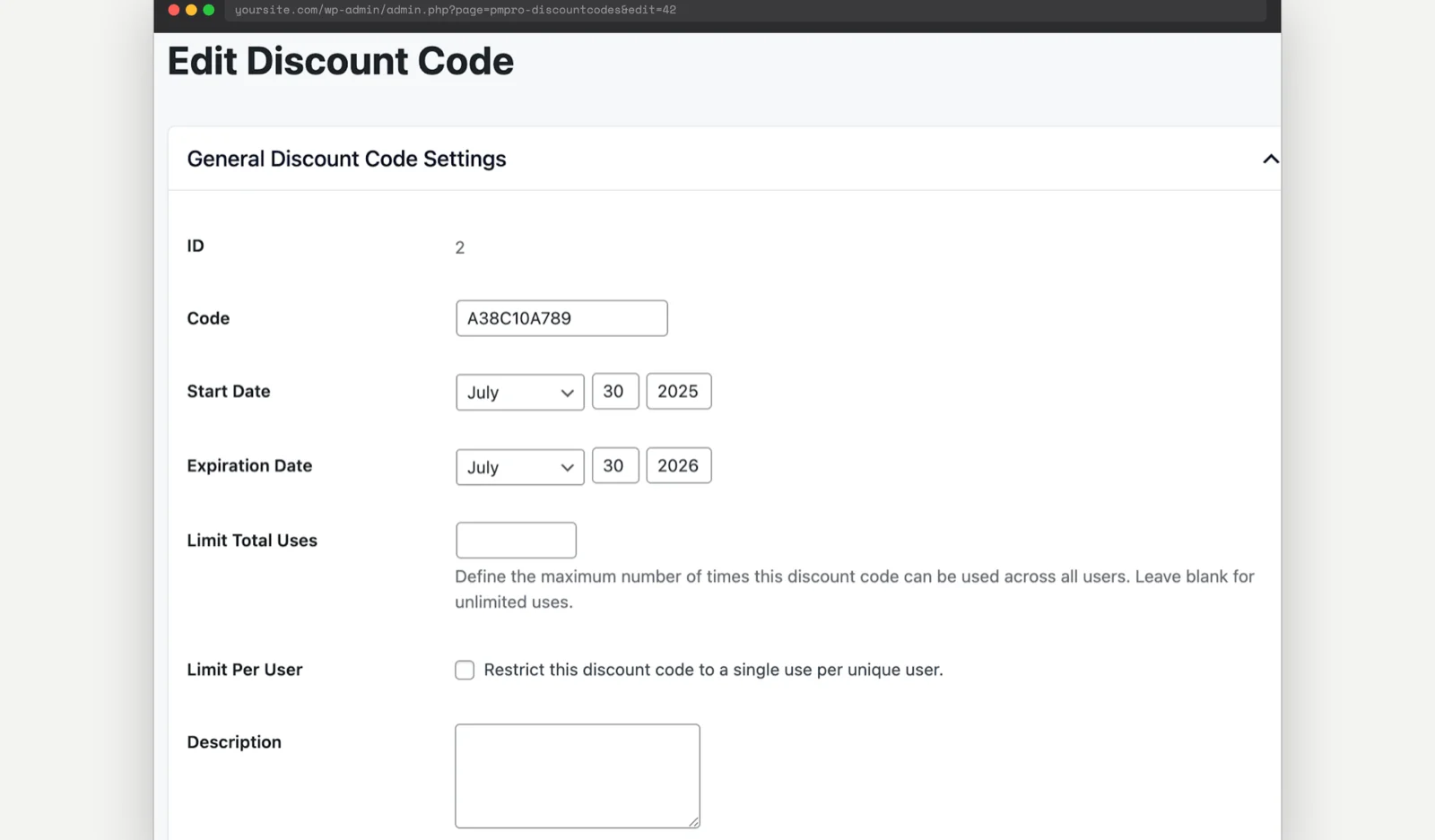
On the edit screen, it adds a Description textarea below the existing discount code settings. You must save the discount code once before the field appears, since the description is stored against the code’s ID.
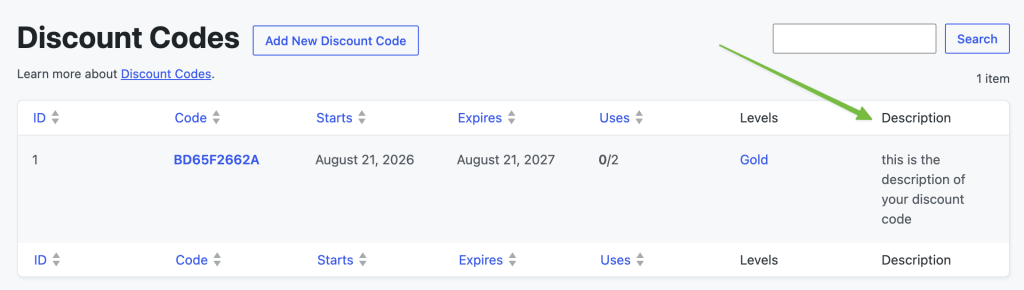
On the list screen, it adds a Description column so you can scan code descriptions without opening each one, alongside the default columns the Discount Codes list already shows.
The description is admin-only. It never shows at checkout, or anywhere a member can see it.
This recipe works on any site running Paid Memberships Pro. No additional Add Ons are required.
Understanding the Hooks in This Recipe
This recipe uses four hooks together:
pmpro_discount_code_after_settingsrenders the Description field on the discount code edit screen, after PMPro’s own settings fields.admin_initsaves the field’s value whenever the discount code screen is submitted.pmpro_manage_discountcodes_columnsadds “Description” to the column headers on the Discount Codes list.pmpro_manage_discount_code_list_custom_columnfills in that column for each row.
The description itself is stored with update_option(), keyed to the discount code’s ID (discount_code_description_{id}), rather than in the discount code’s own database row. This keeps the recipe self-contained: it doesn’t touch PMPro’s discount code table.
The Code Recipe
How to Customize This Code Recipe
Rename the field (lines 37 & 69), optional: Change 'Description' in both the label and the column header to something like “Internal Notes” if that fits your team’s workflow better.
Give it more room (line 40), optional: The textarea is set to 30% width and 4 rows. Widen it or add more rows if your team tends to write longer notes.
Adding the Recipe to Your Website
You can add this recipe to your site by creating a custom plugin or using the Code Snippets plugin available for free in the WordPress repository. Read this companion article for step-by-step directions on either method.
Video: Coding with Sam Walkthrough

Get Support From Our Team of Experts
Have a question about how to use this feature? Our Support Page outlines three ways to get support.
Our Max plans include hands-on help customizing your membership site and implementing new features. Upgrade to PMPro Max now »


