
Paid Memberships Pro adds a “Require Membership” section to the WordPress post editor, letting you restrict access to content by membership level.
Sometimes you have authors on your site who should be able to publish content, but should not manage membership restrictions.
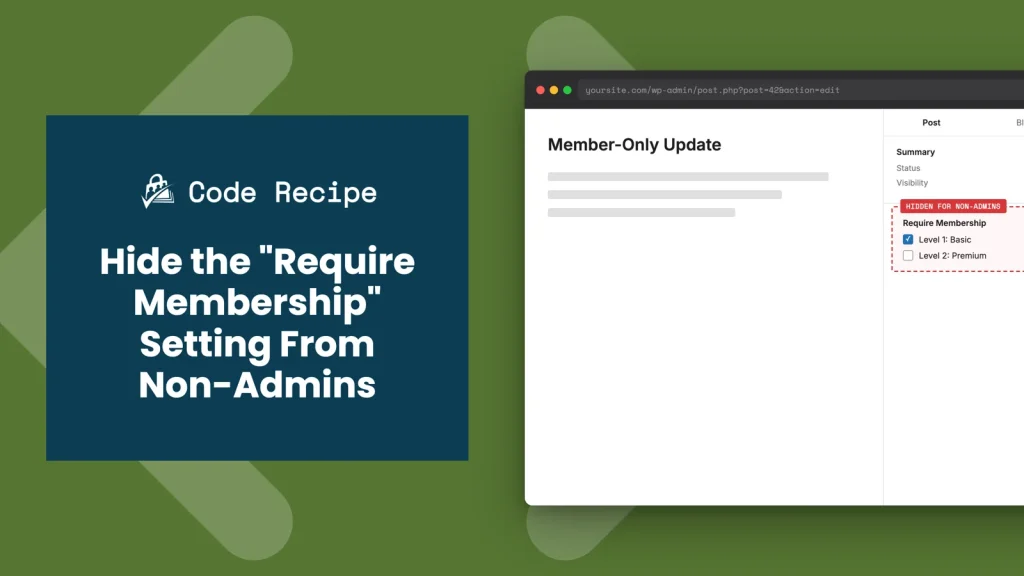
This recipe covers two ways to hide the “Require Membership” box from non-admins: one for sites using the WordPress Block Editor, and one for sites using the Classic Editor.
Do You Need This Recipe?
This recipe is useful if your site has non-admin users, authors, editors, or contributors, who publish or edit posts and pages, and you do not want them to see or change the “Require Membership” setting for that content.
Common reasons to hide it:
- You have a team of writers who should focus on content, not membership restriction settings.
- You do not want a non-admin accidentally locking a page behind a membership level (or removing that restriction) while editing it.
- You are building a more locked-down editorial workflow where content access decisions stay with site administrators.
If every person who edits content on your site is already an administrator, you do not need this recipe.
Best Practices and Considerations
Check which editor your site actually uses before you decide which snippet(s) to add. If your site, or specific post types, still use the Classic Editor, whether through the Classic Editor plugin or a theme/plugin that forces it, add Recipe 2. If posts use the Block Editor, add Recipe 1. If you are not sure, or different users see different editors, add both. They do not conflict with each other.
Both snippets check for the manage_options capability, which only administrators have by default. If you want to let another role, Editors, for example, keep access, see How to Customize This Code Recipe.
About the Code Recipe
Recipe 1: Block Editor
Understanding the enqueue_block_assets hook
The enqueue_block_assets action hook lets you load JavaScript and CSS for blocks in both the Block Editor and the frontend. Paid Memberships Pro uses this hook, not enqueue_block_editor_assets, to register and load the script that displays the “Require Membership” panel in the Block Editor sidebar.
How this recipe works
This code recipe hooks into enqueue_block_assets at a later priority than PMPro’s own callback, so it runs after the “Require Membership” panel script has been registered. It first confirms it is running in the admin (this hook also fires on the frontend, where there is nothing to dequeue), then whether the current screen is the post editor, then whether the user has administrator privileges. If the user is not an administrator, it dequeues and deregisters the script responsible for rendering the panel, hiding it from the Block Editor sidebar.
Recipe 2: Classic Editor
Understanding the add_meta_boxes hook
The Classic Editor is the original WordPress content editing interface, used before the Block Editor. It is no longer the default, but some users still prefer it for its familiarity, simplicity, and compatibility with older plugins and themes. The Classic Editor interface includes panels called meta boxes that show or let you edit additional information about a post, such as categories and featured images. Paid Memberships Pro uses the add_meta_boxes hook to add a “Require Membership” meta box to the Classic Editor.
How this recipe works
This code recipe checks whether the current user has administrator privileges. If they do not, it unhooks the function responsible for registering the “Require Membership” meta box, preventing it from being added to the Classic Editor interface.
The Code Recipe
Recipe 1: Block Editor
Recipe 2: Classic Editor
Adding the Recipe to Your Website
You can add this recipe to your site by creating a custom plugin or using the Code Snippets plugin available for free in the WordPress repository. Read this companion article for step-by-step directions on either method.
How to Customize This Code Recipe
- Let another role keep the control: Both snippets gate on
current_user_can( 'manage_options' ), which is true only for Administrators. To also let Editors see the control, change the capability check to something Editors have by default, such ascurrent_user_can( 'edit_others_posts' ), in bothifstatements. - Restrict to specific post types: Recipe 1’s screen check (
'post' !== $screen->base) already limits it to the standard post/page edit screen. If you want to hide the panel only on a specific post type, add a check against$screen->post_type(for example, only apply it when$screen->post_type === 'post') instead of hiding it everywhere. - Hide it site-wide on the frontend too: Neither snippet affects the frontend membership check PMPro already performs. They only control whether the setting is visible to non-admins in the editor. If you also need to change what happens when someone views restricted content, that is a separate PMPro setting, not something these snippets touch.

Get Support From Our Team of Experts
Have a question about how to use this feature? Our Support Page outlines three ways to get support.
Our Max plans include hands-on help customizing your membership site and implementing new features. Upgrade to PMPro Max now »


