Free Live Events
We host several free live events every month. Subscribe to our mailing list using the form below or join the free PMPro Slack community to get event updates.
NEXT OPEN OFFICE HOURS EVENT
October 27th: PMPro v3.9 Launch Party
Join us for Open Office Hours on Tuesday, October 27th, at 1pm ET.
PMPro v3.9 is here, and Kim Coleman is going live to walk through everything that’s new. This release brings smarter discount codes, flexible billing dates built right into core, stronger captcha protection for login and checkout, and a gateway migration tool for moving subscriptions off deprecated gateways. Developers get new WP-CLI commands and Abilities API support for MCP clients, and larger sites will notice a much faster Members List.
Bring your questions and see how to put these updates to work on your membership site.
Join the Event
Upcoming Events
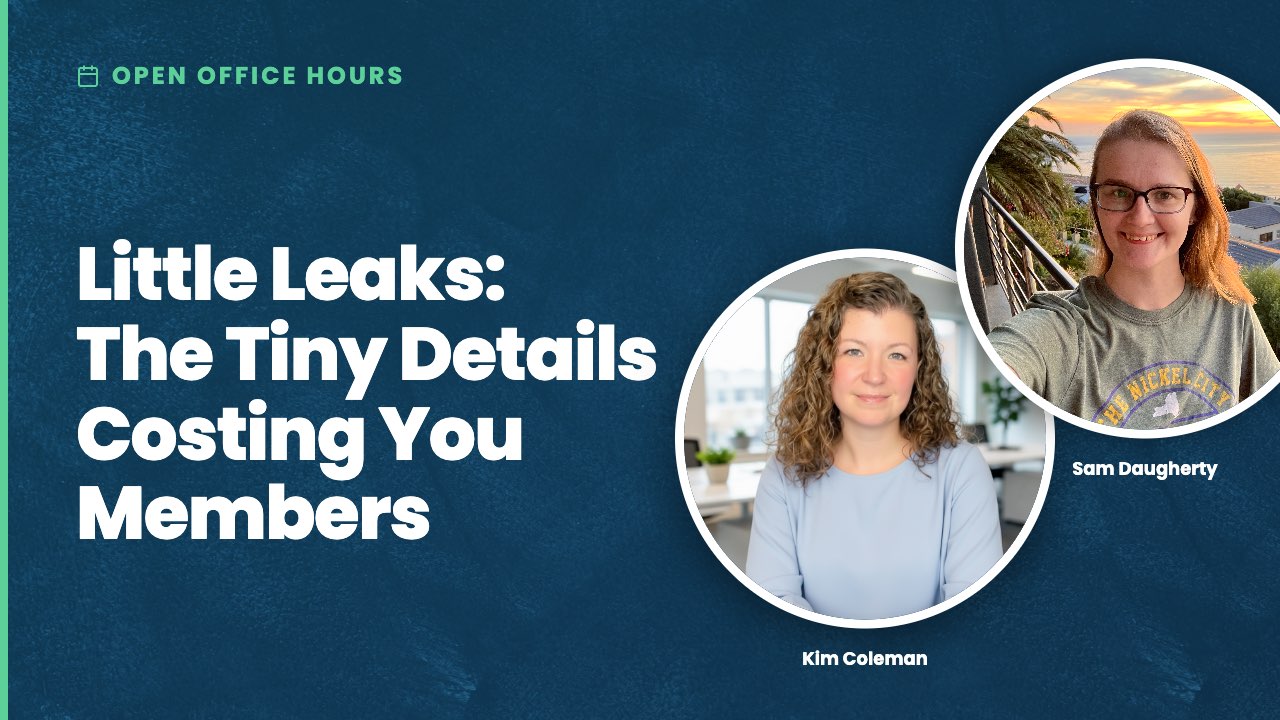
Oct 29th: Little Leaks: The Tiny Details Costing You Members
Nov 12th: Design Your PMPro Pages
Dec 10th: Build Challenge: Kim vs. Sam
Watch the Replay
October 15th: Behind the Scenes: AI + Docs Cleanup
September 17th: Member Onboarding
August 25th: AI + PMPro: Part 2:
August 13th: AI + PMPro
July 30th: Do You Need a Page Builder?
NEXT CODING WITH SAM EVENT
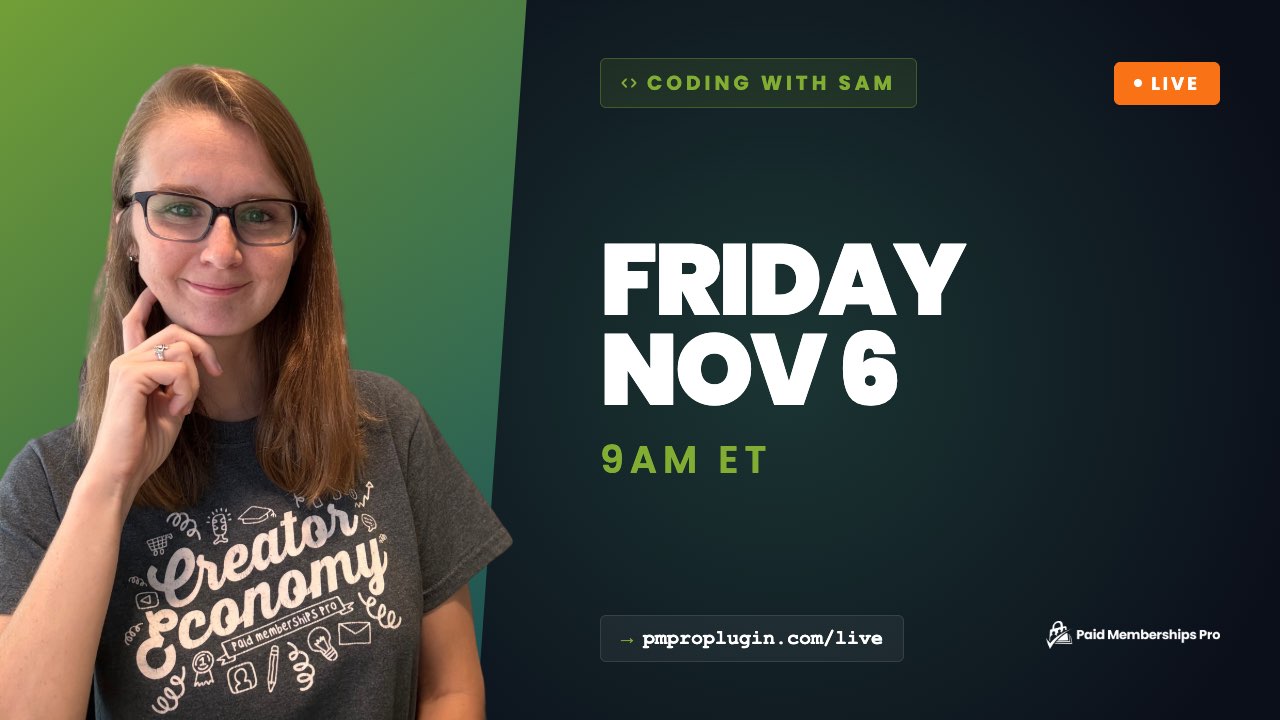
November 6th, 2026
The next Coding with Sam is Friday, November 6th, at 9:00 AM ET.
Join Sam, the Marketing Manager at Paid Memberships Pro, for a live stream series designed to help you customize your membership site.
- Each 20-30 minute session will feature a new code recipe, perfect for beginners.
- Learn how to enhance your site with simple and effective customizations using Paid Memberships Pro.
Next session’s recipe: Change User Field Type Based on User Role or Capability
Every Paid Memberships Pro User Field renders the same way for everyone: whatever type you set in the User Fields settings, editable by anyone who can see it. That works until you have fields that only your team should manage, like a member number or other internal data that members should see but never change.
In this live session of Coding with Sam, we’ll walk through how to register a User Field in code and use a capability check to swap its type on the fly, so administrators get an editable input while every other user sees the same field as read-only text.
Whether you’re new to coding or looking to refine your skills, these livestreams will provide the guidance you need.
We’ll be using snippets from our library of code recipes. Subscribe now and join us every other week for a new one!
Catch up on all Coding with Sam episodes on our YouTube playlist.
How to Join Coding with Sam
More Coding with Sam Events
November 20, 2026
December 4, 2026
December 18, 2026

