Members checking out will sometimes take the path of least resistance and use their email address as their username. That can cause confusion later, for example, if your site shows usernames anywhere members can see each other, like a member directory. This code recipe requires members to choose a username separate from their email address at checkout.
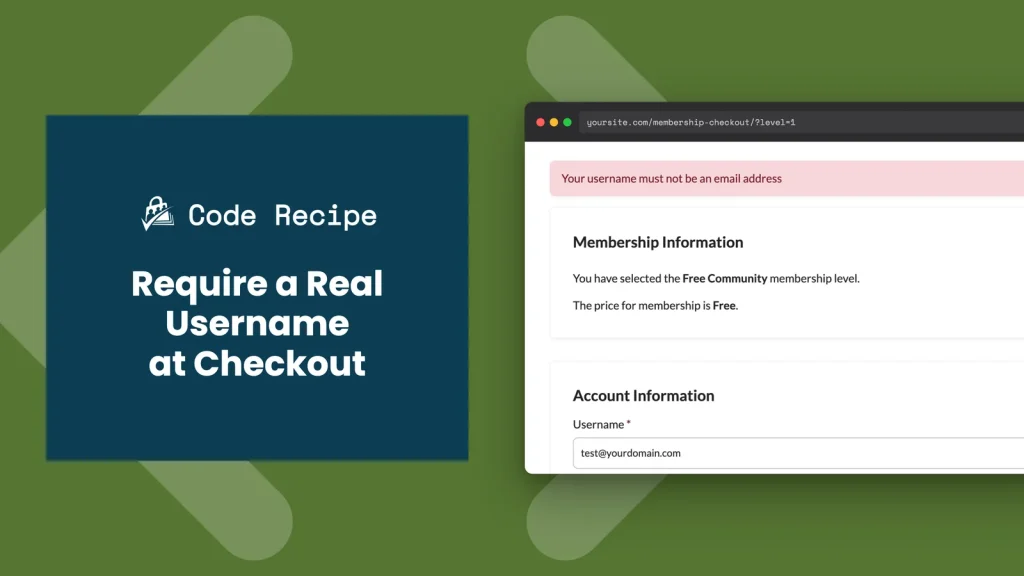
Table of contents
Do You Need This Recipe?
Use this recipe if you want to be sure members pick a real username instead of defaulting to their email address.
About the Code Recipe
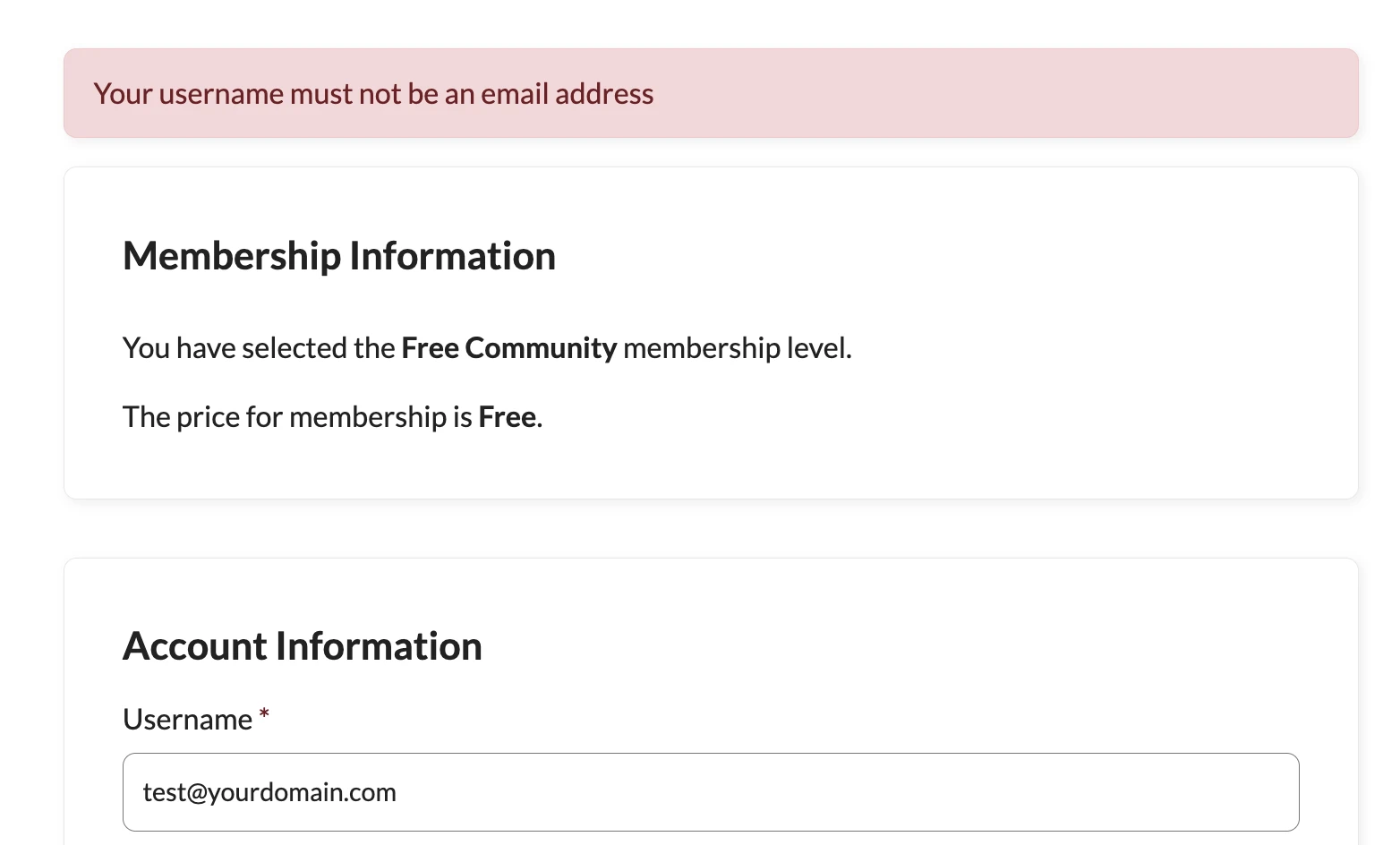
This recipe hooks into the pmpro_registration_checks filter, the same checkout validation filter PMPro uses for other custom checks. It looks at the username a member submits and, if it contains an @ symbol, blocks checkout and shows an error asking them to choose a different username.
The Code Recipe
Adding the Recipe to Your Website
You can add this recipe to your site by creating a custom plugin or using the Code Snippets plugin available for free in the WordPress repository. Read this companion article for step-by-step directions on either method.

Get Support From Our Team of Experts
Have a question about how to use this feature? Our Support Page outlines three ways to get support.
Our Max plans include hands-on help customizing your membership site and implementing new features. Upgrade to PMPro Max now »


