
As your membership site grows, you’ll want help answering member questions, fixing a billing problem, or adding a new discount code. Making that person an administrator also gives them your plugins, themes, content, and site settings, which is a lot more access than the job needs.
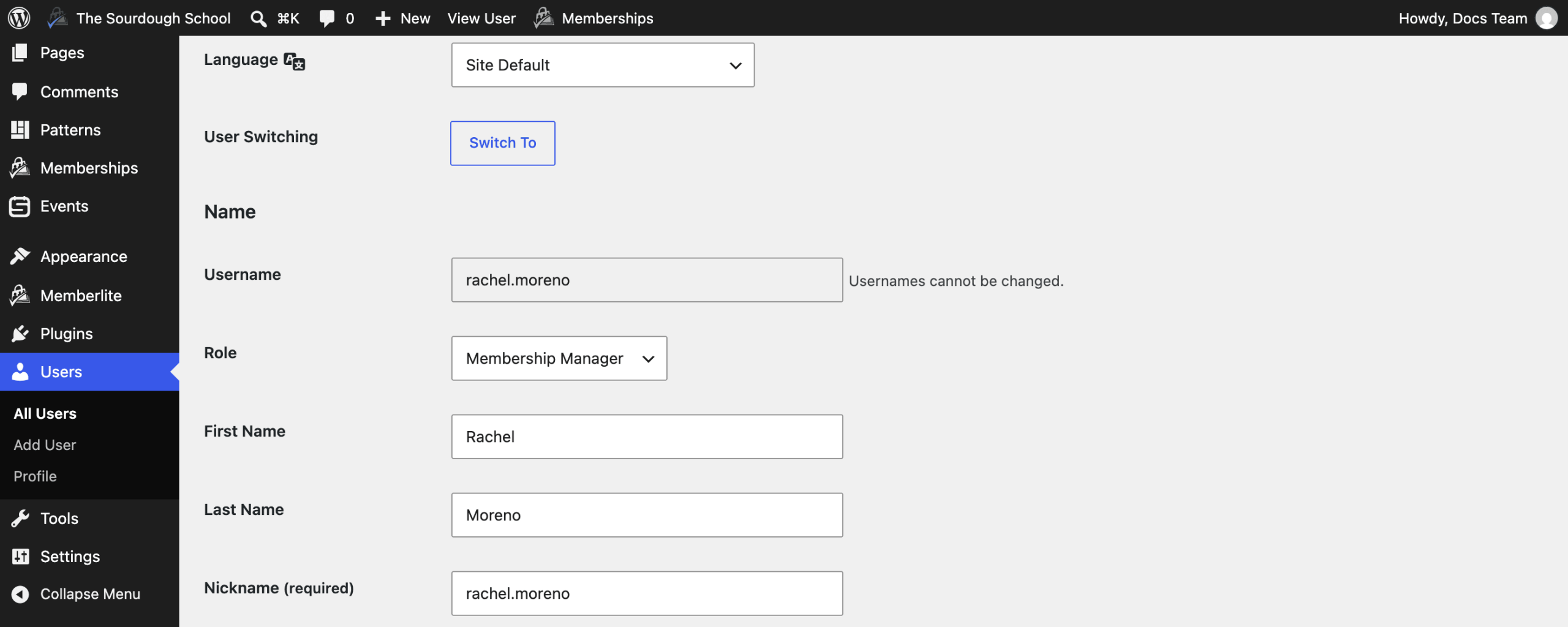
The Membership Manager Role Add On adds a WordPress role built for this. Membership Managers work from the Memberships menu and the Users screen, without access to your plugins, themes, content, or WordPress settings. They can’t edit or delete administrator and editor accounts, and they can’t give anyone those roles. This Add On is included with the Standard and Max plans.
Key Features
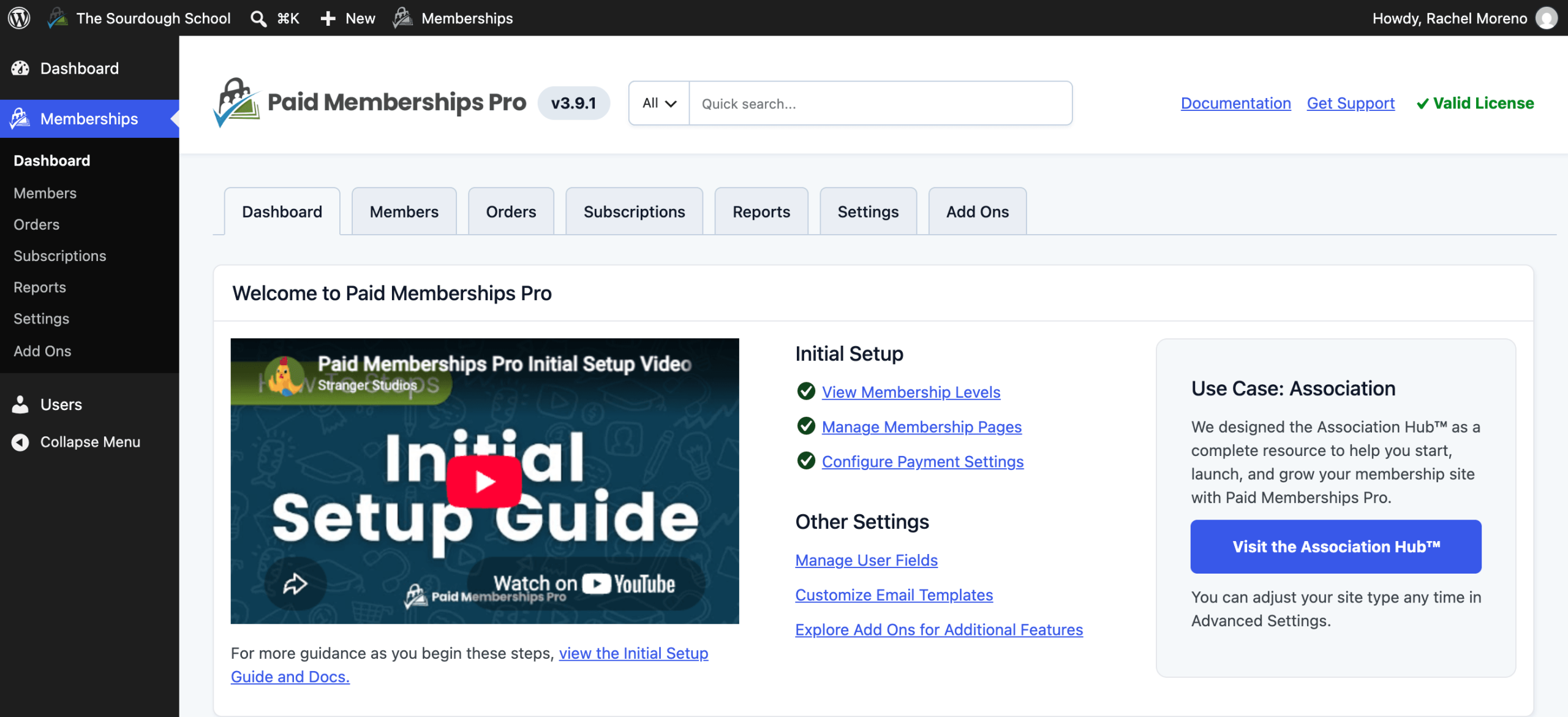
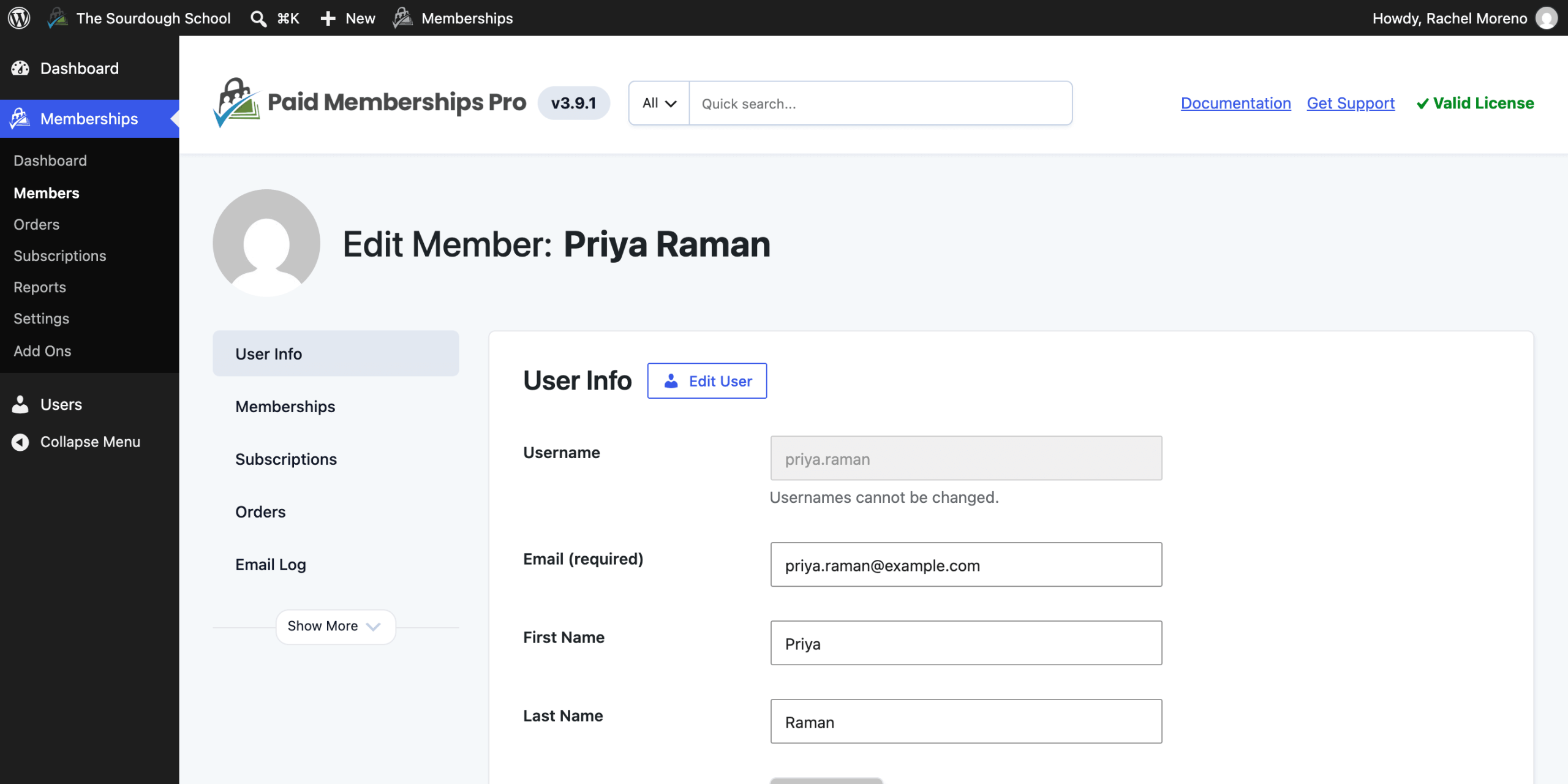
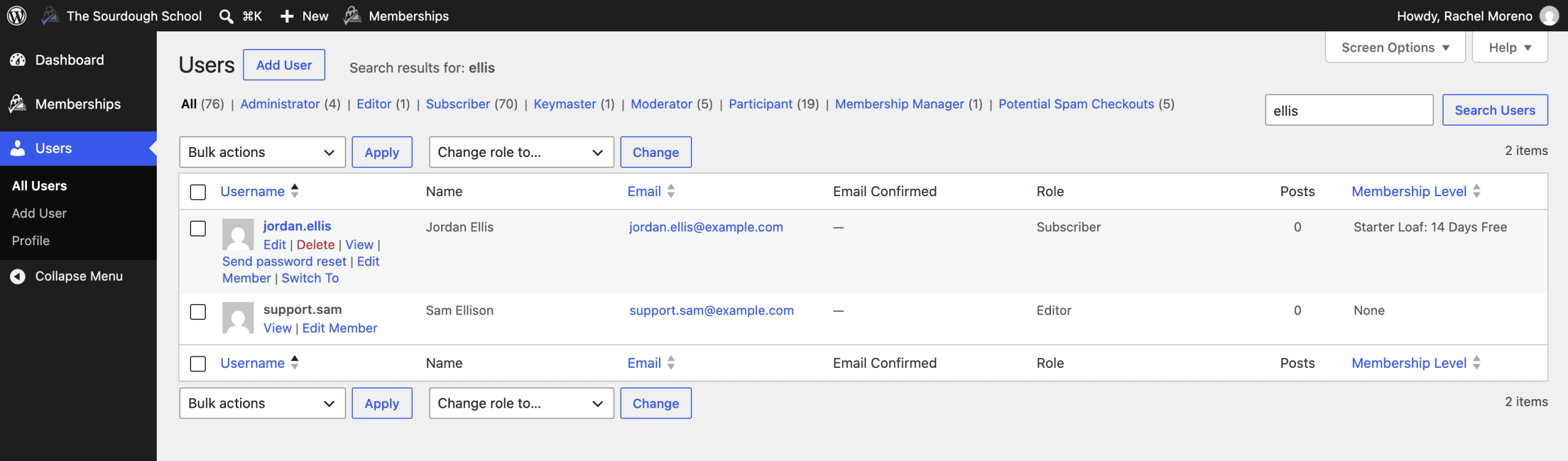
- Manage Members: Browse, search, and export the Members list, add new members, and change a member’s membership and subscription from the Edit Member screen.
- Handle Orders and Reports: Search and refund orders, view reports, and export orders plus the Memberships and Logins reports to CSV.
- Update Membership Settings: Edit levels, discount codes, membership pages, payment settings, email settings and templates, user fields, and advanced settings.
- No Access to the Rest of WordPress: Managers can’t edit posts or pages, install plugins, switch themes, change WordPress settings, or see your license key.
- Administrator and Editor Accounts Are Protected: Managers can’t edit, change the role of, delete, or switch to users with the Administrator or Editor role, and can’t assign those roles.
- Works With Approvals: Managers can review applications when you use the Approval Process for Membership Add On.
- Developer Filters: Add or remove capabilities from the role and change which roles are protected with two filter hooks.
Membership Manager Role Add On Documentation
Video Demo: Membership Manager Role
Screenshots
Every premium Add On comes with your Standard or Max plan. Standard includes expert support for a site you host yourself. Max adds managed hosting, transactional email, security, backups, free migration, and monthly credits for development and design.

