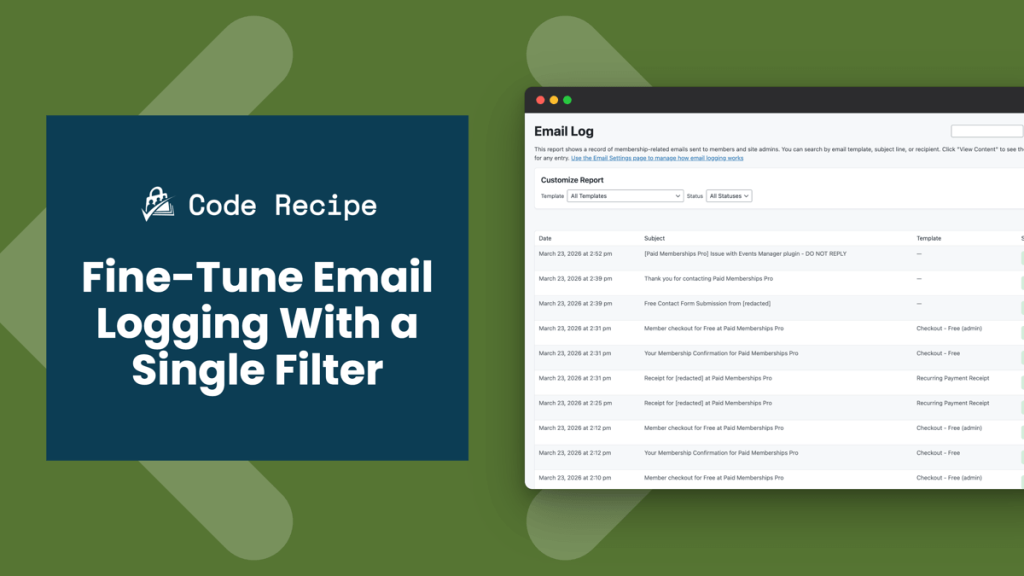
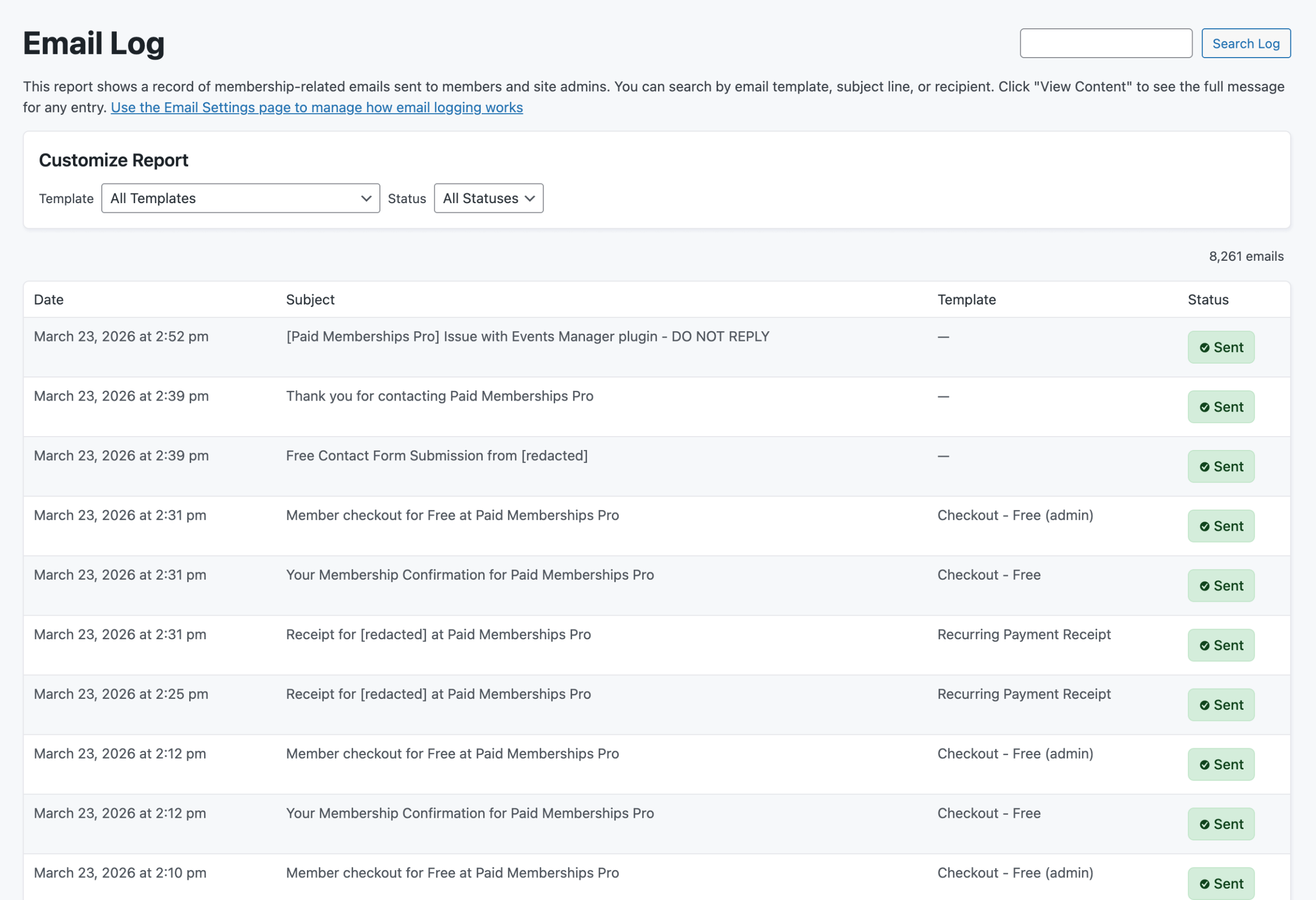
Paid Memberships Pro logs membership-related emails by default, giving site administrators a record of transactional messages sent to members.
That works well for most sites, but some need more control, like:
- Capturing every outbound WordPress email for compliance
- Suppressing high-volume notifications, like free checkouts, that clutter the log, or
- Targeting a specific member’s communications for debugging.
By default, PMPro only logs the emails it sends itself. Non-PMPro WordPress emails, like password resets, contact form notifications, and email address changes, are skipped entirely.
This code recipe shows you how to use the pmpro_should_log_email filter to control exactly which emails are captured in the log. Three example snippets cover the most common scenarios: logging all WordPress emails, excluding specific templates, and restricting logging to a single recipient address.
Do You Need This Recipe?
This recipe is most useful if any of the following apply to your site:
- Your site operates in a regulated industry or handles sensitive member data, and you need a complete record of all outbound email, not just PMPro emails.
- Your email log is cluttered with a high-volume of free checkout emails you do not need to keep.
- You are debugging a specific member’s experience and want to isolate and review only the emails sent to that address.
- You need fine-grained rules about which message types are retained, based on template name, subject line, or recipient.
If none of these apply, PMPro’s default logging behavior is likely sufficient and this recipe may not be necessary.
Understanding the pmpro_should_log_email Filter
The pmpro_should_log_email filter intercepts PMPro’s decision about whether to write an email to the log before that decision is made final. Your callback receives metadata about the email and returns true to log it or false to skip it.
By default, this filter returns true for PMPro emails and false for all other WordPress emails. Note that this filter controls logging only: returning false prevents an email from being recorded in the log but does not stop it from being sent.
The filter receives two arguments:
Filter Arguments
$should_log(bool): The default value.truefor PMPro emails,falsefor all other WordPress emails.$email_data(array): Basic metadata about the email being evaluated:email_to: the recipient’s email addresssubject: the email subject linetemplate: the PMPro email template name, or an empty string for non-PMPro emails
About the Code Recipes
This recipe demonstrates three ways to use the pmpro_should_log_email filter: logging all WordPress emails unconditionally, excluding specific PMPro email templates, and restricting logging to a single recipient address. Each snippet uses the same filter with different callback logic.
The Code Recipes
Recipe 1: Log All WordPress Emails
The simplest use of this filter. One line of code tells PMPro to log every outbound WordPress email, regardless of whether PMPro sent it.
How to Customize This Recipe
- To log only specific non-PMPro emails instead of all of them, replace
__return_truewith a custom callback and inspect$email_data['template']or$email_data['subject']to target the emails you want. - Monitor your
wp_pmpro_email_logsdatabase table over time. Logging all WordPress emails increases storage, especially on high-traffic sites. You can adjust the auto-purge threshold to free up storage on the Memberships > Settings > Email Settings screen in the WordPress admin.
Recipe 2: Exclude Specific PMPro Emails From the Log
Use the template value in $email_data to skip logging for particular PMPro email templates. Common template names include:
checkout_paid: checkout confirmation for a paid membershipcheckout_free: checkout confirmation for a free membershipbilling: billing statement or payment receiptcancel: cancellation confirmationadmin_change: admin notification when a membership changes
How to Customize This Recipe
- Update the
$excluded_templatesarray with the template names relevant to your site. - To exclude non-PMPro emails that have no template name, match against
$email_data['subject']instead. Usestrpos()for partial subject line matches.
Related: List of PMPro Email Templates
Recipe 3: Log Emails for a Specific Recipient Only
Use the email_to value to restrict logging to emails sent to a particular address. This is useful for auditing or debugging a specific member’s communications without adding noise for everyone else.
How to Customize This Recipe
- Replace, add, or remove email addresses in the
$recipientsarray.
Adding the Recipe to Your Website
You can add this recipe to your site by creating a custom plugin or using the Code Snippets plugin available for free in the WordPress repository. Read this companion article for step-by-step directions on either method.

Free Course: Membership Site Development—The Basics
Develop a deeper understanding of membership site development in this beginner-level course. Learn how to make your site work better, save yourself time and money, and improve your site's performance.


