Directories built with the Membership Directory and Profiles Add On are a great way to showcase your members, but sometimes you don’t want to reveal too much information to the public. A common concern is displaying phone numbers; you may want them visible to members but hidden from non-members or visitors.
This code recipe will hide the phone number in your Paid Memberships Pro directory for anyone who is not an active logged-in member on your website. Instead, it will display a partially masked version, keeping your directory useful while protecting member privacy.
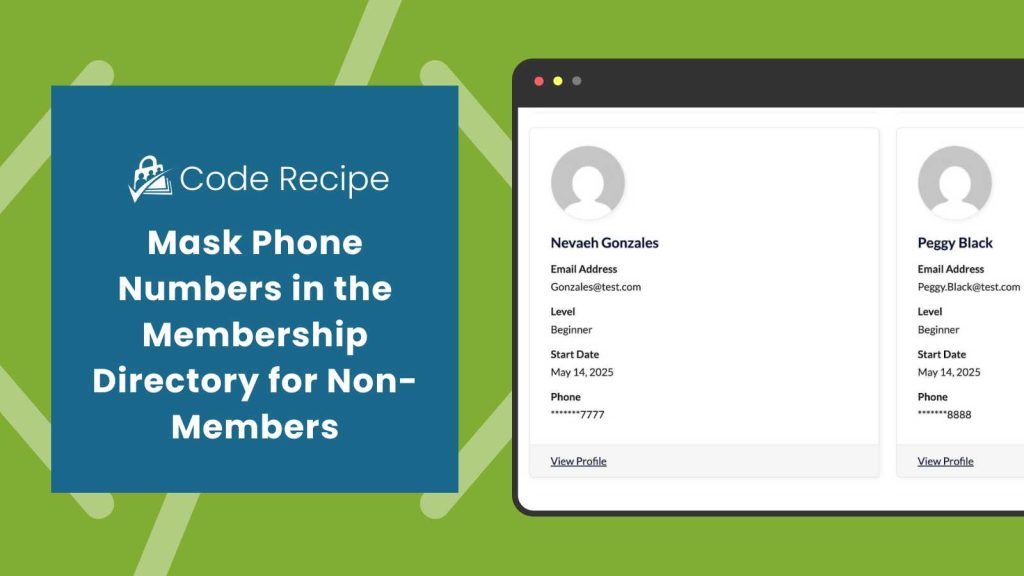
Understanding the pmpromd_get_display_value Filter
The “pmpromd_get_display_value” filter from the Member Directory and Profile Pages Add On lets you control how member profile information appears in your directory. It gives you a way to adjust or format what’s shown, like masking part of a phone number, shortening an address, or even replacing a value with custom text, without touching the Add On plugin code.
About the Code Recipe
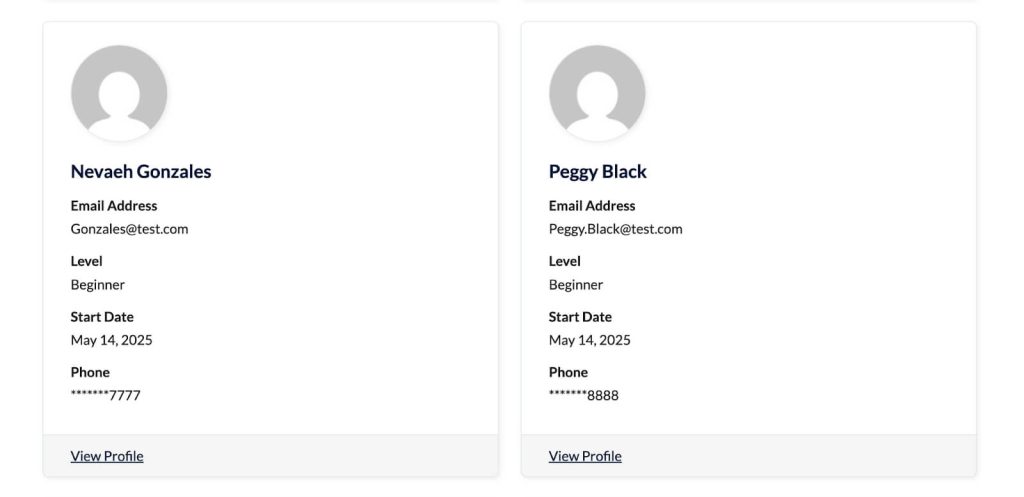
This code recipe specifically targets the phone field in your member directory. For visitors or non-members, it masks all digits of short numbers and hides all but the last four digits of longer numbers, while active logged-in members continue to see the full phone number. This is ideal for site owners who want to display a useful directory without exposing sensitive member contact information.
The Code Recipe
Adding the Recipe to Your Website
You can add this recipe to your site by creating a custom plugin or using the Code Snippets plugin available for free in the WordPress repository. Read this companion article for step-by-step directions on either method.
How to Customize This Code Recipe
You can adjust this code recipe to fit your site’s needs by changing a few key parts of the code:
- This recipe works as-is if your phone user field is named
phone. - If your user field is not named
phone, replacephoneon line 23 with the name of your custom user field that you want to mask. - Ensure your phone or custom user field attribute is included to be displayed in your Membership Directory shortcode or block.
You can customize this code recipe further by masking different fields in your Membership Directory. For example, you could apply the same logic to email addresses, member IDs, or other sensitive fields, or adjust how many characters are hidden or revealed for each field.

Free Course: Membership Site Development—The Basics
Develop a deeper understanding of membership site development in this beginner-level course. Learn how to make your site work better, save yourself time and money, and improve your site's performance.


