In some membership sites, giving users access to the WordPress dashboard is unnecessary, and in many cases, not a great idea. Paid Memberships Pro already includes a setting to block dashboard access for the Subscriber role from version 2.3+ of the plugin, but this may not cover custom roles added through third-party plugins or the Roles For Membership Levels Add On.
This guide shows you how to block dashboard access for any additional roles using a custom code recipe. It is especially useful if you are assigning unique roles to members through the Roles for Membership Levels Add On or other custom role management.
Table of contents
Understanding the Code Recipe
The key hook powering this recipe is the “pmpro_block_dashboard” filter. This filter allows developers to programmatically control whether a user should be blocked from accessing the WordPress dashboard. The code checks if the current user has one of the specified custom roles and blocks access to the administrative dashboard if it does.
About the Code Recipe
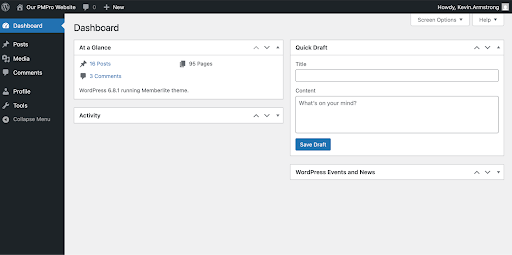
This code blocks access to the WordPress dashboard for additional user roles beyond just Subscribers. Before implementing this code recipe:
- Confirm that the other custom roles you want to restrict are correctly assigned to members.
- You can include core WordPress roles like editor, author, or contributor, or any custom roles added by your theme or plugins.
- This recipe pairs well with the Roles for Membership Levels Add On. Replace
pmpro_role_1andpmpro_role_2in the$roles_to_blockarray on line 21 with the roles slug you want to restrict.
The Code Recipe
Adding the Recipe to Your Website
You can add this recipe to your site by creating a custom plugin or using the Code Snippets plugin available for free in the WordPress repository. Read this companion article for step-by-step directions on either method.
How to Customize This Code Recipe
You can customize this recipe further to allow dashboard access to specific users, despite their role, by adding conditional checks for their user ID, username, or email address within the function. This would allow you to enforce role-based restrictions while making exceptions for trusted users or internal staff.

Free Course: Membership Site Development—The Basics
Develop a deeper understanding of membership site development in this beginner-level course. Learn how to make your site work better, save yourself time and money, and improve your site's performance.


