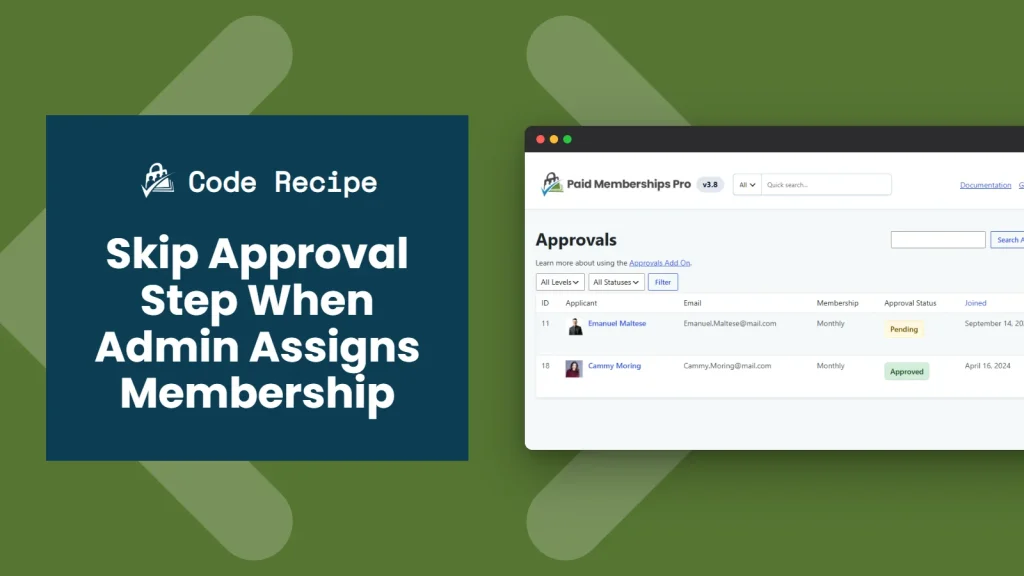
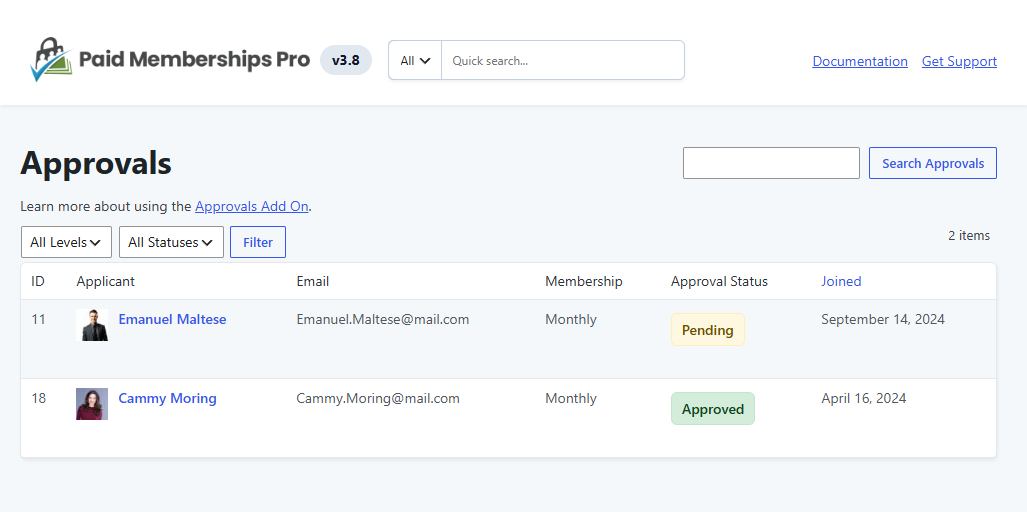
When the Approval Process for Membership Add On is active, new members normally land in a pending status until a site administrator approves them. That extra step makes sense for public self-registrations, but it is unnecessary when the administrator is the one creating the account directly from the Add Member Dashboard.
This code recipe skips the approval step for any member an administrator adds directly. It is useful for onboarding trusted members, handling internal registrations, or granting access right away.
Do You Need This Recipe?
This recipe is worth adding if:
- You use the Approval Process for Membership Add On, and one or more of your membership levels require approval.
- You or your team regularly add members directly through the Add Member Dashboard.
- You want members added internally, such as staff, VIPs, or trusted contacts, to get instant access instead of sitting in a pending state.
About the Code Recipe
Paid Memberships Pro fires the pmpro_after_change_membership_level hook any time a member’s level changes or is canceled. This recipe uses this hook and passes three parameters: the new level ID, the user ID, and (when relevant) the level ID being canceled.
The code recipe checks whether the level change was made by an administrator and whether the assigned level actually requires approval. When both are true, it approves the member immediately instead of leaving them in a pending status.
The Code Recipe
Adding the Recipe to Your Website
You can add this recipe to your site by creating a custom plugin or using the Code Snippets plugin available for free in the WordPress repository. Read this companion article for step-by-step directions on either method.
How To Customize This Code Recipe
- Limit automatic approval to a specific membership level: By default, this recipe approves admin-added members for any level that requires approval. To limit it to one level, add a new line right after the function opens on line 16:
if ( (int) $level_id !== 5 ) { return; }, replacing5with the ID of the membership level you want to limit this to.

Get Support From Our Team of Experts
Have a question about how to use this feature? Our Support Page outlines three ways to get support.
Our Max plans include hands-on help customizing your membership site and implementing new features. Upgrade to PMPro Max now »


