
Memberlite: The Official Theme for PMPro
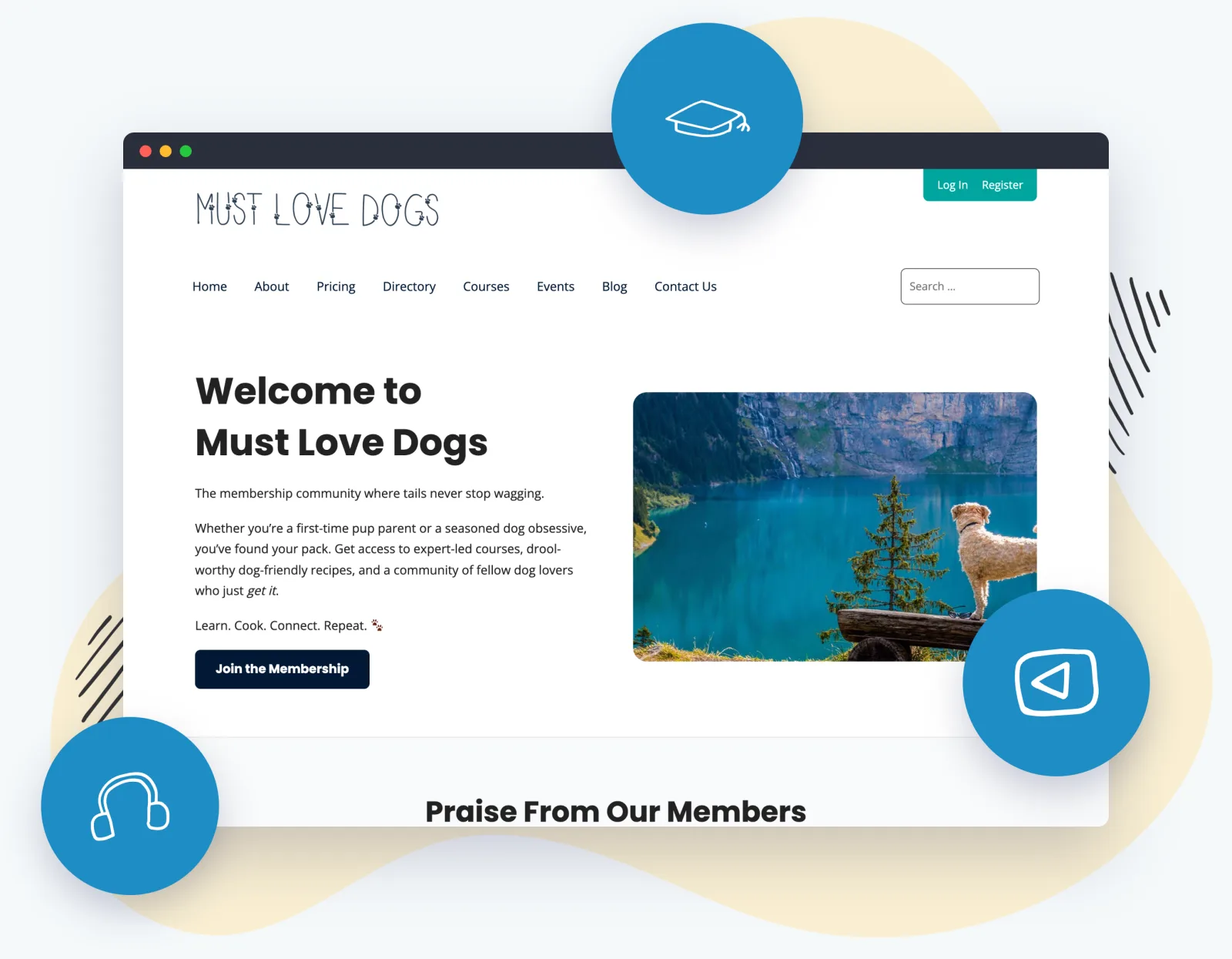
Completely Rebuilt for the Block Editor
Memberlite isn’t the same theme it was a few years ago. We rebuilt it from the ground up for the way WordPress works today: modern Sass and vanilla JavaScript under the hood, full block editor support on top, and the design power you used to need extra plugins for now built right in.
- Memberlite Elements and Shortcodes are built in. The two companion plugins are now part of the theme: accordions, buttons, columns, icons, and messages with nothing extra to install.
- Block patterns for membership layouts. Drop in pre-designed sections built for membership sites and make them your own.
- Faster, cleaner, more accessible. Modern code, a redesigned mobile menu, automatic RTL support, and accessibility improvements throughout.
And it’s still 100% free and open source. The same GPL theme, now far more capable.
Everything Your Membership Site Needs, Built In
No page builder. No pile of required plugins. Just one theme designed for membership sites.
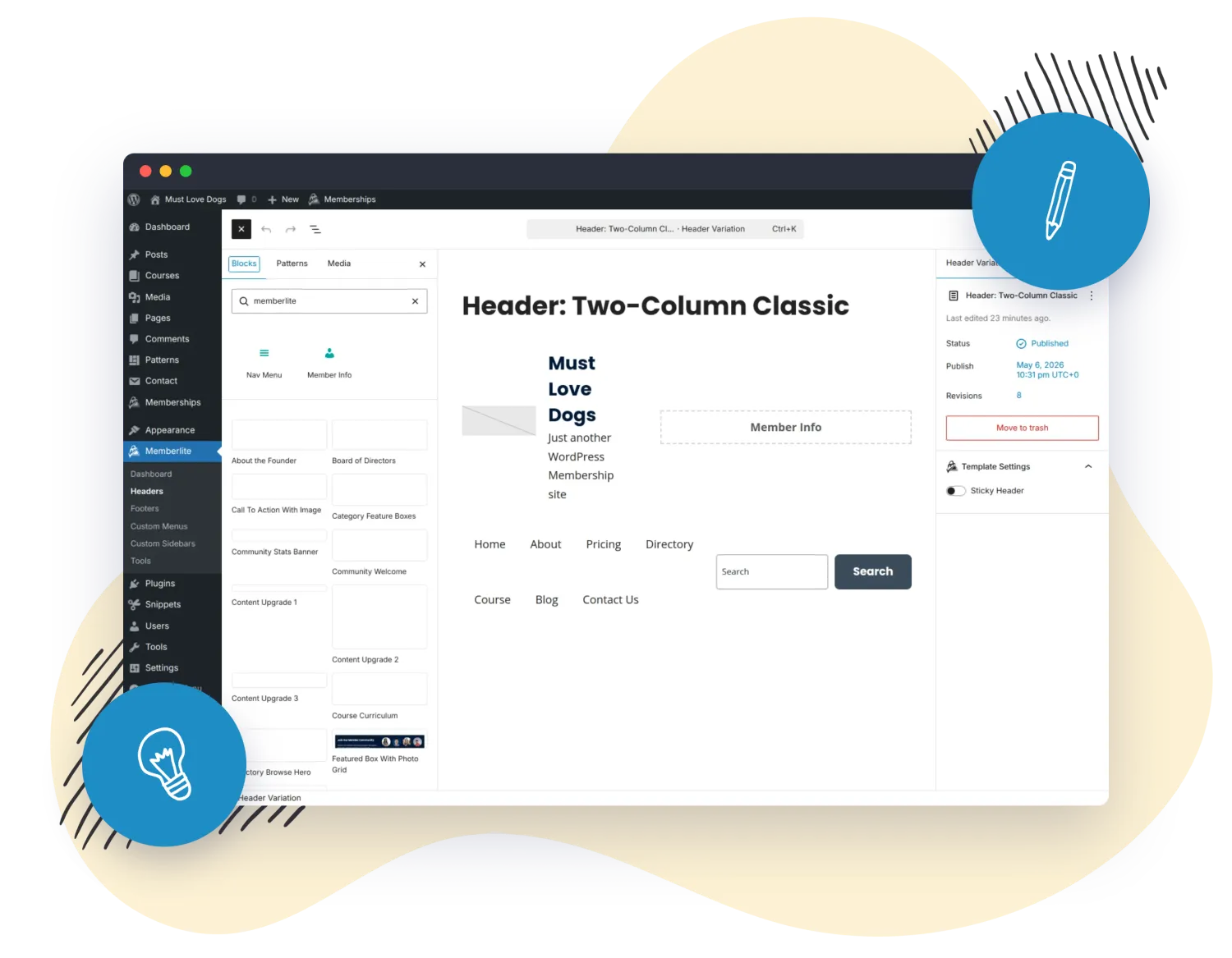
Block Headers & Footers
Design multiple headers and footers as blocks, manage them in one place, and assign them site-wide or per page. Turn on a sticky header with a single setting.
Nav Menu & Member Info Blocks
Custom blocks that pull your WordPress menus and show member details right in your header or footer. Works with the PMPro Nav Menus Add On to show the right menu to the right member.
Membership Block Patterns
Pre-built layout sections designed for membership sites. Insert a pattern, swap in your content, and you have a polished page in minutes.
Elements & Shortcodes Included
Accordions, buttons, columns, icons, and styled message boxes. The Memberlite Elements and Shortcodes tools are now part of the theme. Nothing extra to install.
Full Customizer Control
Set your logo, color scheme, separate header and body fonts, and global layout all from the WordPress Customizer, with a live preview. No code required.
Per-CPT Layout Control
Set the layout for each post type independently (sidebar, full width, column ratio) or have it inherit your Posts & Archives defaults. Perfect for courses, podcasts, and custom content.
Built-In Plugin Styling
Memberlite ships with formatting for Paid Memberships Pro, LifterLMS, bbPress, BuddyPress, and Events Manager, so your forms, courses, forums, and store look right from day one.
Import, Export & Reset
Save your theme settings (now including your site logo) and move them between sites, or reset to defaults in one click. Great for agencies and staging-to-live workflows.
Responsive & Accessible
A clean, minimal design that looks great on every screen, with a redesigned mobile menu, automatic right-to-left language support, and accessibility built in.
Design Your Header Once, Use It Everywhere
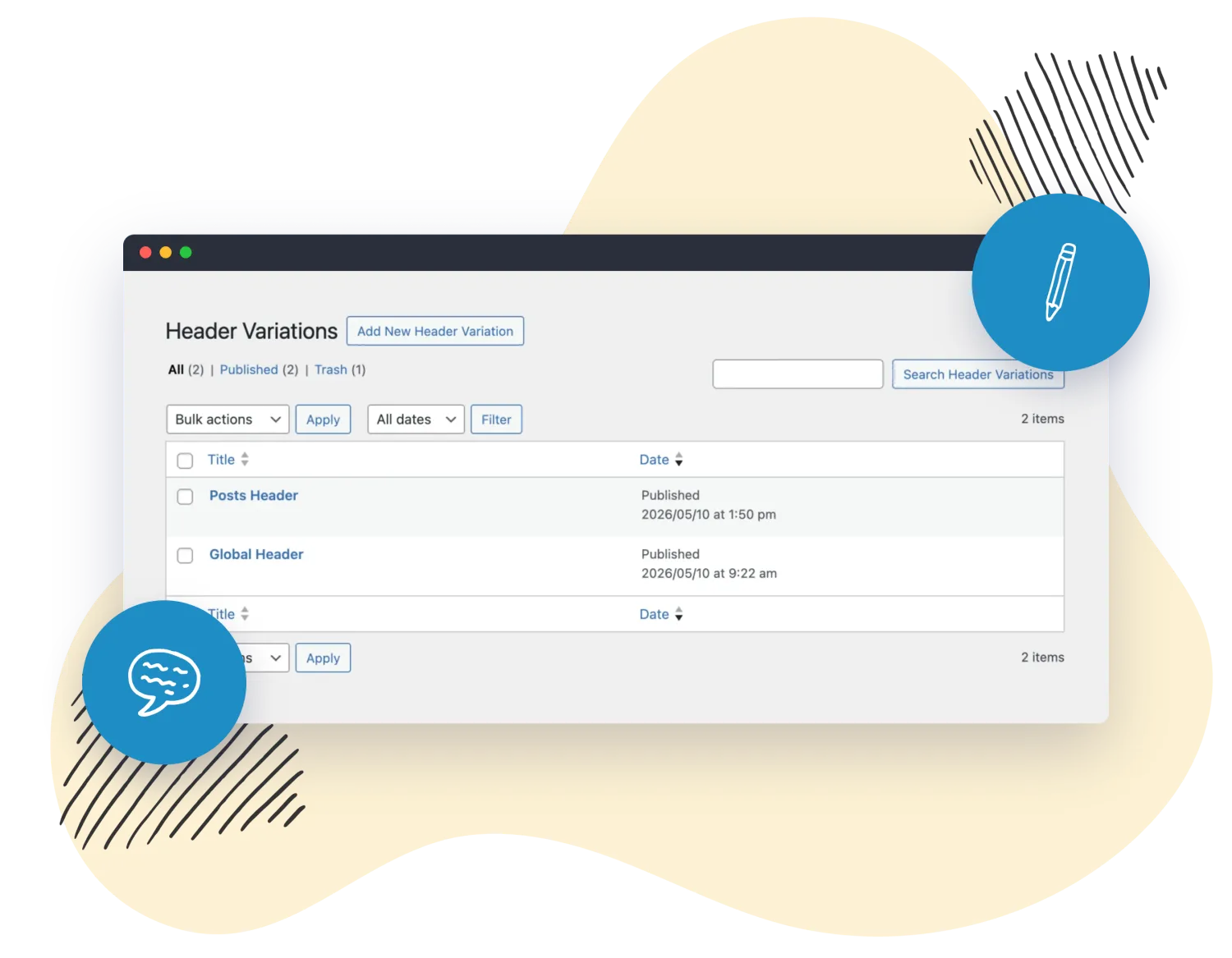
Memberlite’s block-based header and footer system lets you build as many variations as you need and manage them all in one place. Set a default for the whole site, then override it on any page that needs something different: clean landing page header, a logged-in member header, a stripped-down checkout header.
- Build with blocks: design headers and footers visually, like any other content
- Assign globally or per page: one default, with per-page overrides whenever you want them
- Optional sticky header: keep navigation in view as members scroll, with one setting
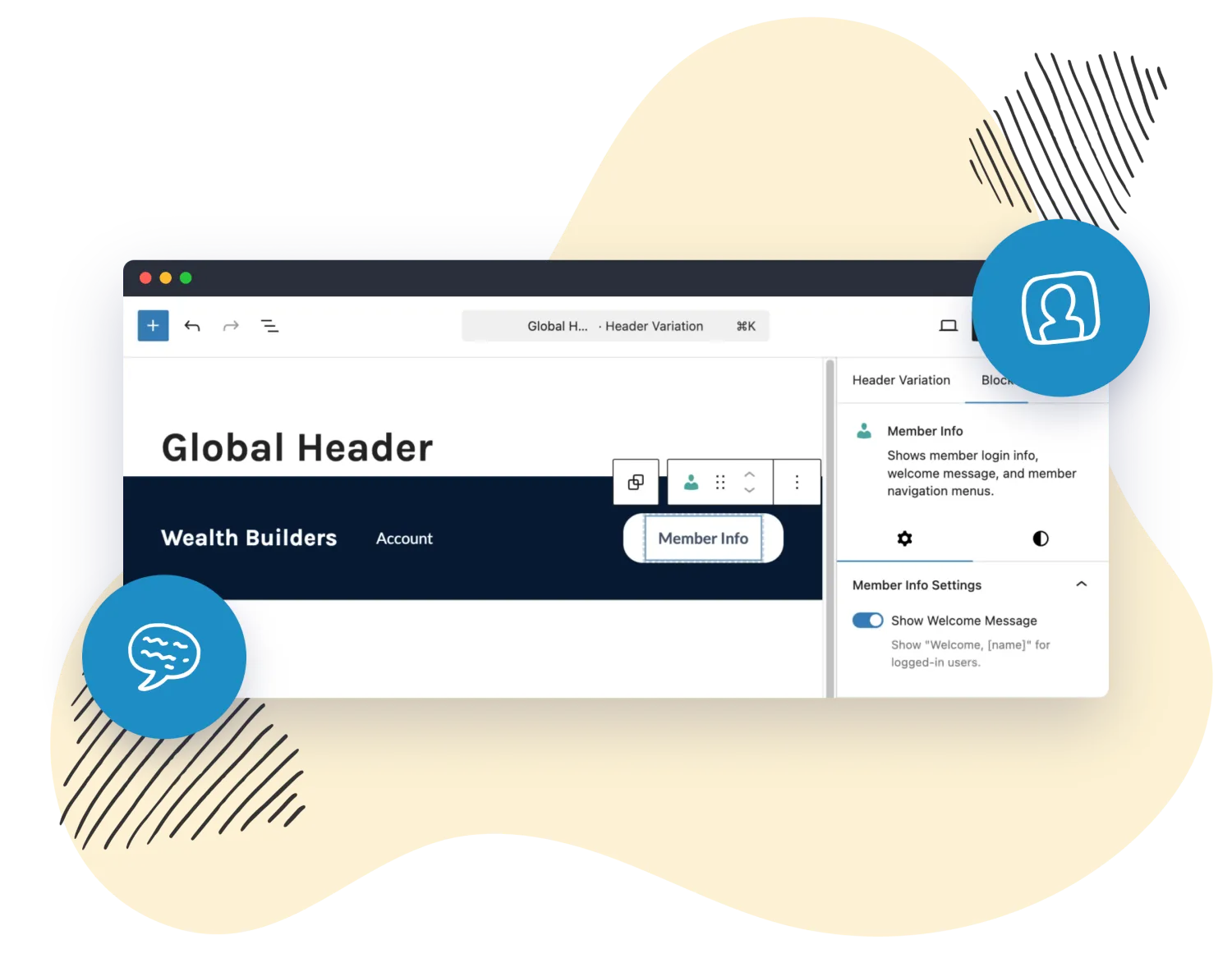
- Member-aware menus: drop in the Nav Menu and Member Info blocks to show the right thing to logged-in members
Show the Right Navigation to Every Member
Your header and footer can adapt to who’s logged in. Memberlite’s custom blocks pull your menus and member details right into the layout. No shortcodes, no custom code.
- Nav Menu block: drop any registered WordPress menu into a header or footer
- Member Info block: show the logged-in member’s name, level, and account links
- Level-aware menus: pair with PMPro’s Nav Menus Add On to show a different menu per membership level
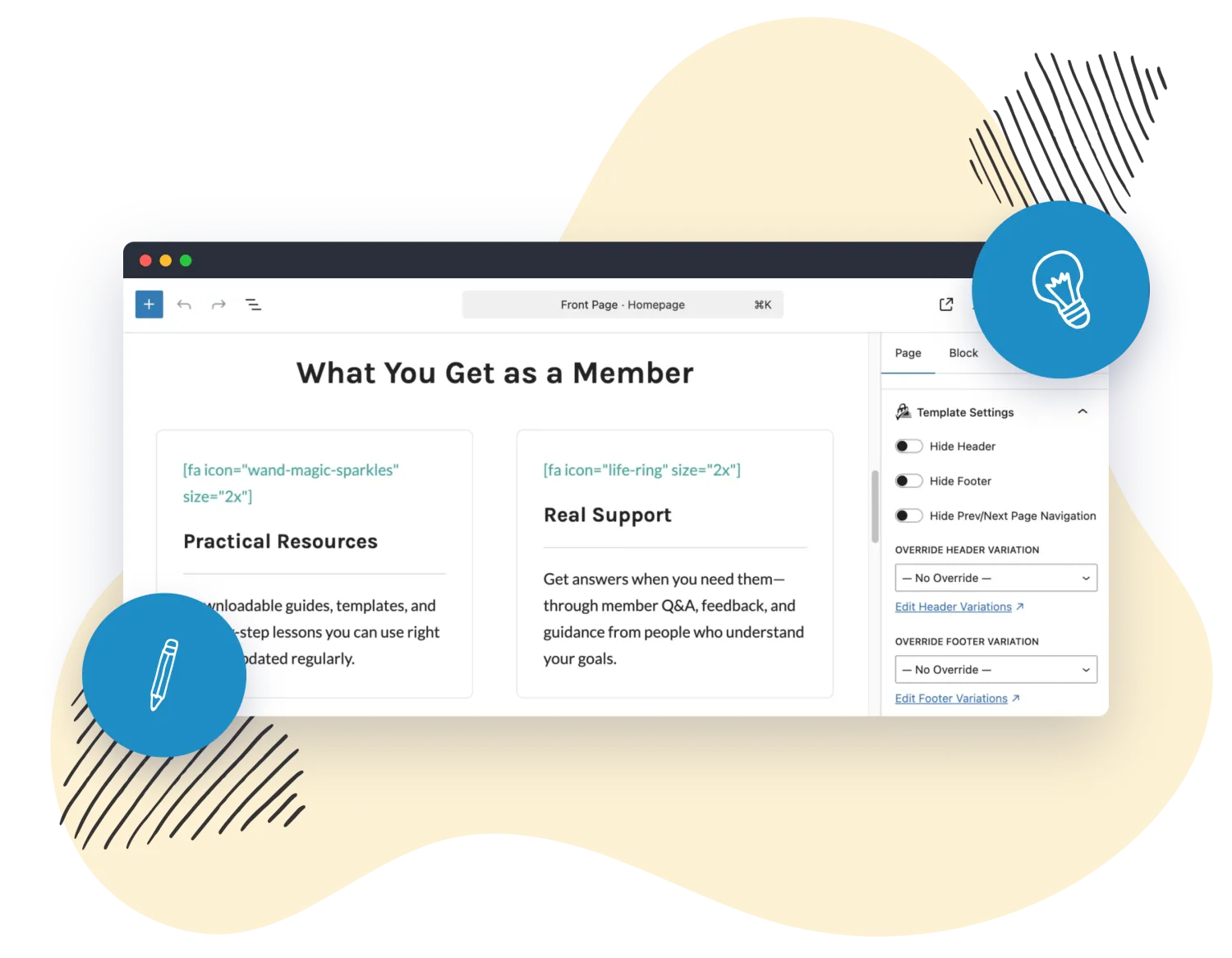
Control Layout Down to the Page and the Post Type
Every kind of content gets the layout it deserves. Set your defaults globally, override them on any individual page, and give each post type its own layout so courses, podcasts, and custom content look right automatically.
- Per-page overrides: hide the header, footer, or page title on any page
- Per-post-type layouts: independent sidebar, width, and column settings for each post type
- Inherit when you want to: fall back to your Posts & Archives defaults with one setting
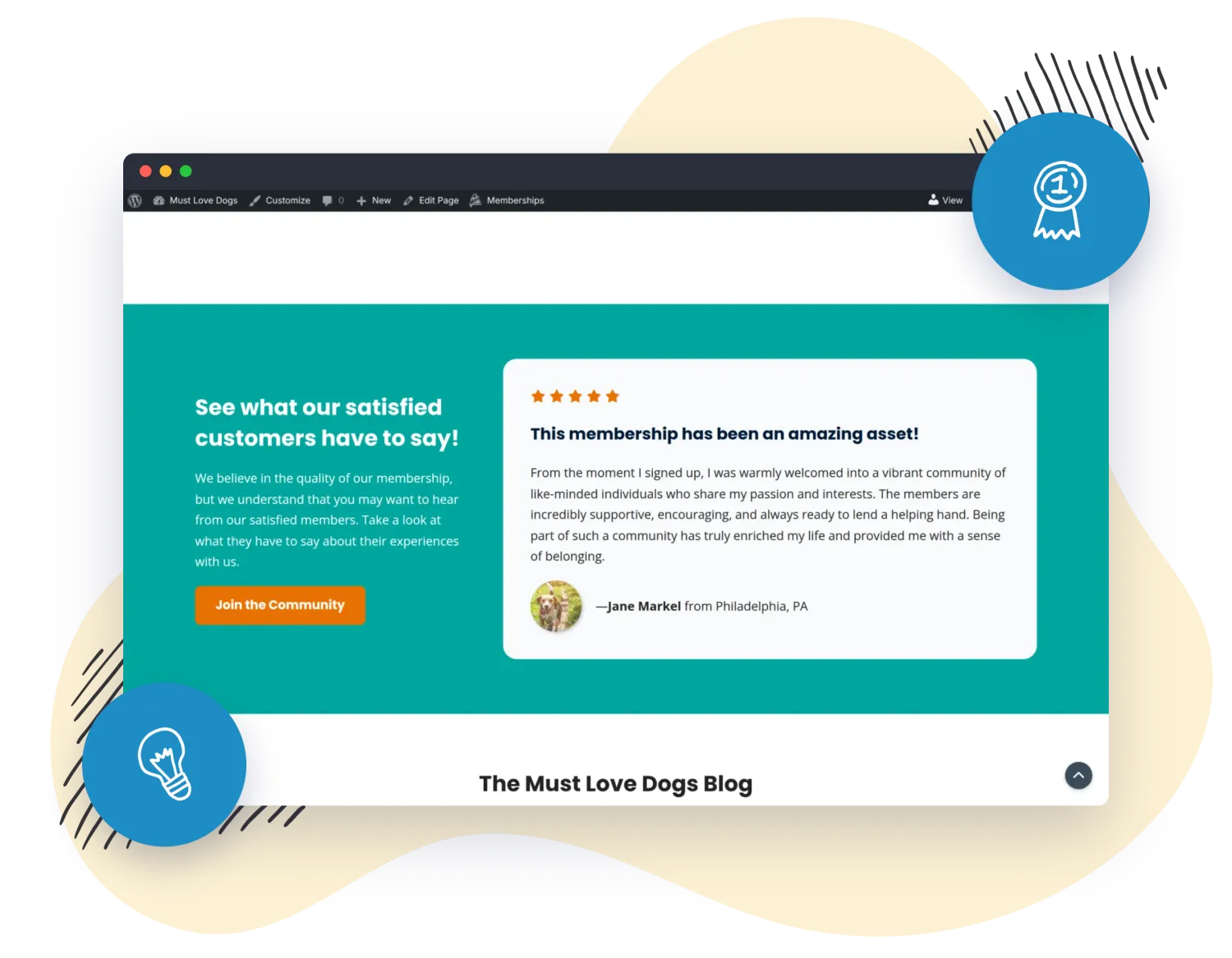
The Details That Make a Site Feel Finished
Memberlite handles the small touches that make a membership site feel polished. The kind of thing you’d normally reach for another plugin to do.
- Sticky header: keep your navigation in view as members scroll, set per header variation
- Floating Back to Top: an optional button on the long pages that need it
- Admin edit shortcuts: jump straight to editing a header or footer from the front end
Make It Yours: No Code Required
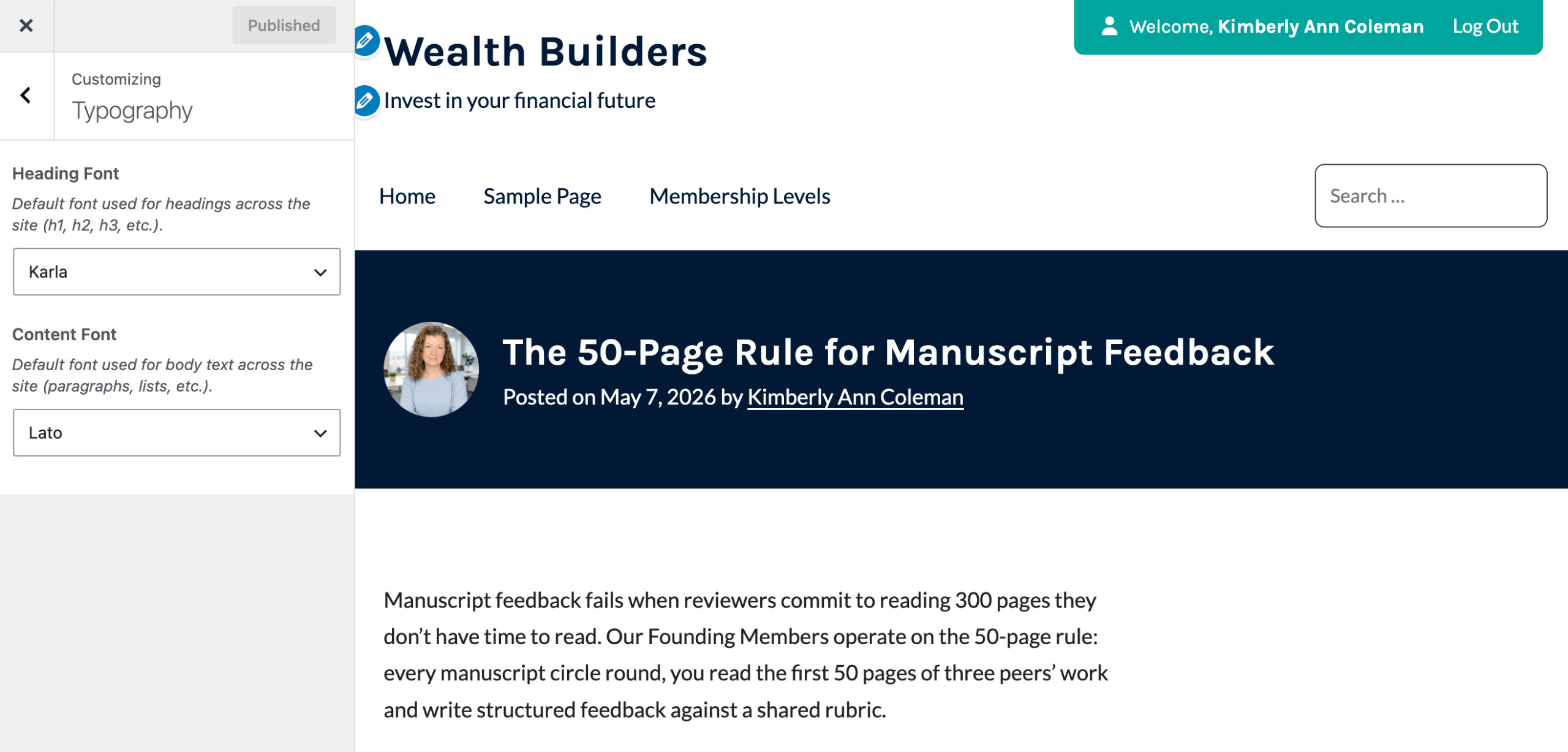
The Memberlite Customizer gives you full control over how your site looks, with a live preview as you go.
- Upload your logo and set your color scheme
- Choose separate fonts for headings and body text
- Control global layout, sidebars, and widths
- Need to go further? Use a Memberlite child theme to customize anything.
Your brand, your colors, your fonts.
Built by the Team Behind Paid Memberships Pro


Frequently Asked Questions
Is Memberlite really free?
Yes. Memberlite is 100% free and open source under the GPL. You can download it and use it on any site. Max members also get our support team’s help migrating to Memberlite from another theme or building their key member page layouts alongside Paid Memberships Pro.
Do I still need the Memberlite Elements and Shortcodes plugins?
No. As of Memberlite 6.0, the Memberlite Elements and Memberlite Shortcodes plugins were merged directly into the theme. Accordions, buttons, columns, icons, and message boxes are all built in now. There’s nothing extra to install. If you’re upgrading from an older version, you can deactivate those standalone plugins.
Is Memberlite a block theme or a classic theme?
Memberlite is a hybrid theme. You get the familiar WordPress Customizer for global settings like your logo, colors, fonts, and layout, plus full block editor support including block-based headers and footers and membership block patterns. It’s the best of both: the control of a classic theme with the flexibility of blocks.
Will Memberlite work with my other plugins?
Memberlite works with any well-coded WordPress plugin, and it ships with built-in styling for Paid Memberships Pro, LifterLMS, bbPress, BuddyPress, and Events Manager. Because everything we make is open source, compatibility issues are rare and easy to fix.
Can I customize it beyond the theme settings?
Absolutely. For most sites the Customizer is all you’ll need. If you want to go further, use a Memberlite child theme so your customizations are safe when the theme updates. We provide child theme downloads and documentation to get you started.
Which plan should I choose?
We offer three plans: Free, Standard, and Max. We put together a full guide to help you select the right plan for your business. You can use Memberlite and the core Paid Memberships Pro plugin for free. Premium plans add Add Ons, automatic updates, and priority support that covers the theme too.
Choose a Plan
Memberlite is free, but a premium plan unlocks every Add On, automatic updates, and support that covers your whole membership site, theme included.
Max
Not sure which plan to pick? Choose Max Membership for everything, or download Memberlite free to start building today.

