
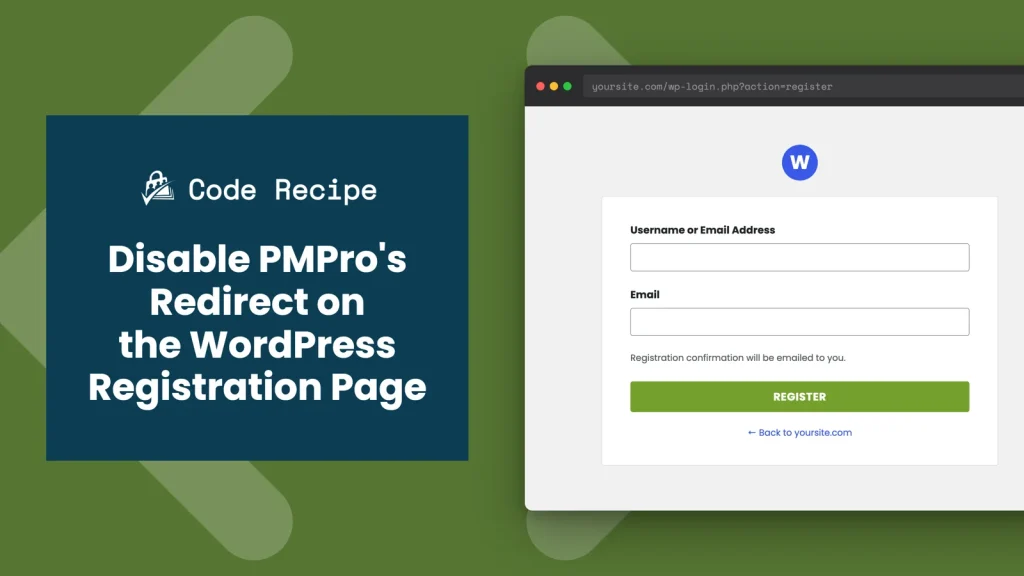
By default, Paid Memberships Pro redirects anyone who lands on WordPress’s built-in registration page (wp-login.php?action=register) straight to your membership levels page. That’s exactly what most membership sites want. It gets in the way, though, if you create accounts through another method, such as a BuddyPress or BuddyBoss signup form, a WooCommerce account page, or a custom form built with Register Helper or a plugin like Gravity Forms. This recipe removes that redirect with a single filter, so WordPress’s native registration page works the way WordPress intended.
Do You Need This Recipe?
You need this recipe if your site creates new WordPress user accounts somewhere other than the PMPro checkout page. Common examples: BuddyPress or BuddyBoss registration, a WooCommerce “My Account” signup form, or a custom form built with a plugin like Gravity Forms or User Registration. Without this filter, anyone who reaches wp-login.php?action=register gets bounced to your levels page before they can create an account there.
If every new user on your site signs up through PMPro checkout, skip this recipe. The redirect is doing its job: sending visitors to the page where they can actually buy a membership.
Best Practices and Considerations
Disabling the redirect does not give newly registered users a membership level. It only stops PMPro from sending them to the levels page. If you want accounts created through the native registration page to receive a free or default membership level automatically, pair this recipe with Apply Default Membership Level During User Registration.
Also confirm WordPress’s own registration setting is turned on. Go to Settings > General and check Anyone can register. If that box is unchecked, wp-login.php?action=register shows a “Registration is currently not allowed” message instead of the ordinary form, no matter what this snippet does.
Step-by-Step Implementation Guide
- Go to Settings > General and check Anyone can register, then save.
- Add the snippet below using a code snippets plugin or a site-specific plugin.
- Log out and visit
yoursite.com/wp-login.php?action=register. Confirm you land on the standard WordPress registration form instead of being redirected to your levels page.
Understanding the pmpro_register_redirect Hook
PMPro sends visitors away from WordPress’s native registration page using the pmpro_register_redirect filter. The filter receives one argument, $link, the URL PMPro wants to redirect to. It defaults to your levels page.
Returning false (or an empty string) tells PMPro not to redirect at all, so WordPress’s own registration page loads normally.
The Code Recipe
Adding the Recipe to Your Website
You can add this recipe to your site by creating a custom plugin or using the Code Snippets plugin available for free in the WordPress repository. Read this companion article for step-by-step directions on either method.
How to Customize This Code Recipe
This code recipe needs no customizations.

Get Support From Our Team of Experts
Have a question about how to use this feature? Our Support Page outlines three ways to get support.
Our Max plans include hands-on help customizing your membership site and implementing new features. Upgrade to PMPro Max now »


