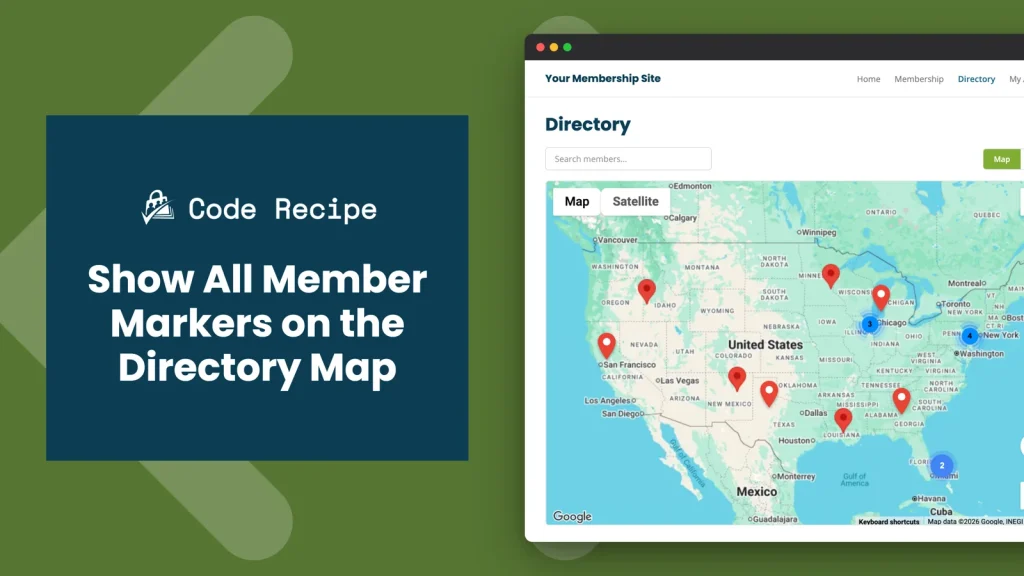
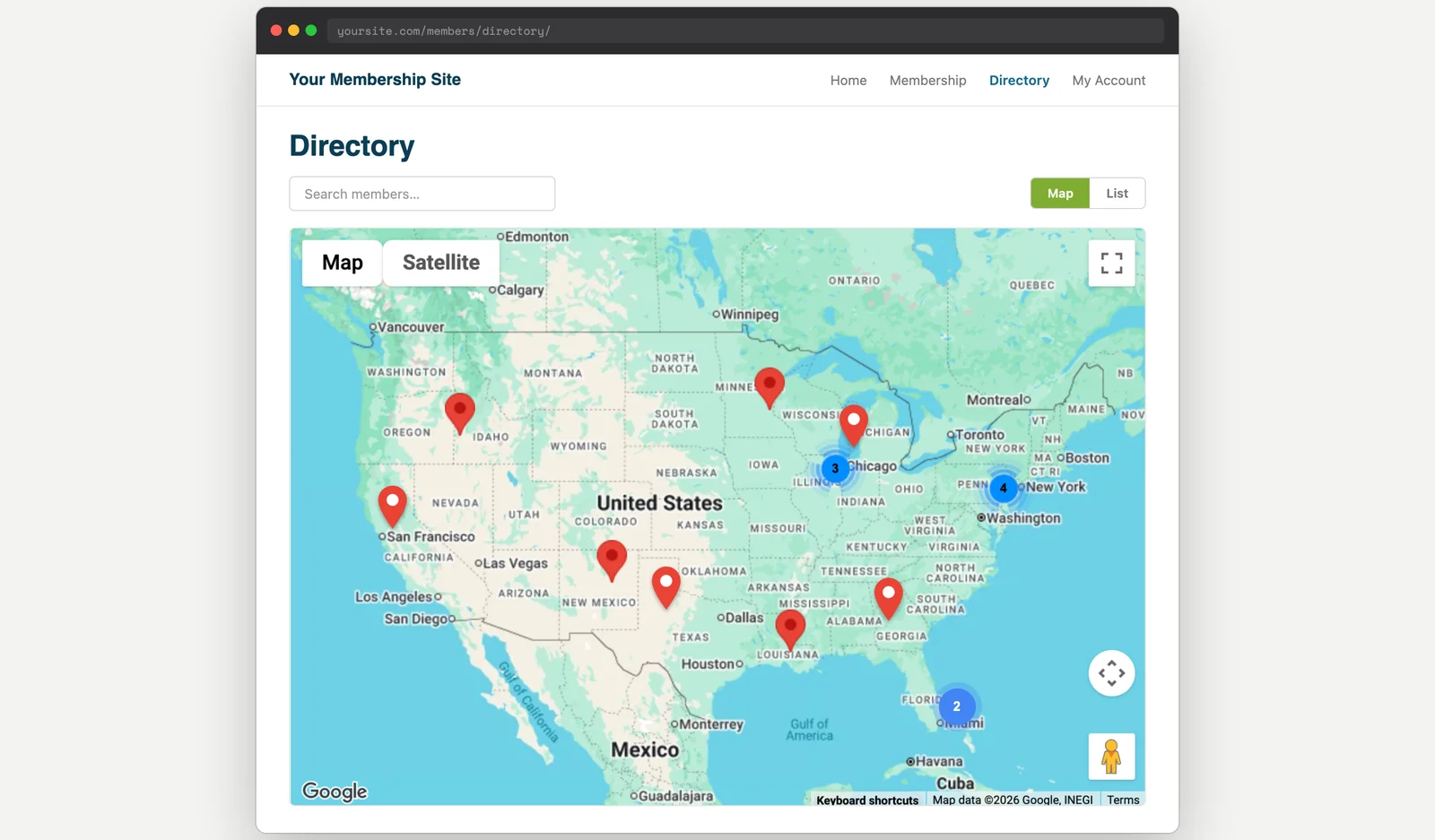
The Member Directory and Profile Pages Add On’s Google Maps view only plots markers for the current page of members, so a member several pages deep in the results never shows up on the map until a visitor pages their way to them. That’s a problem for anyone trying to browse the directory by location instead of by page number.
This recipe fixes that. When no search is active, it replaces the map’s paginated marker set with every active member who has a saved map location, so visitors see the full roster of pins at once. As soon as a visitor runs a search, the default paginated behavior takes back over, so search results stay exactly as expected.
Do You Need This Recipe?
This recipe is worth adding if:
- You run the Member Directory and Profile Pages Add On with its Google Maps view enabled.
- Members or visitors have mentioned they can’t find someone on the map unless they already know which results page that member is on.
- You want visitors to see every active member’s pin by default, and only fall back to the current page-by-page behavior once someone actually searches.
If your directory doesn’t use the map view, or your members never browse by location, this recipe doesn’t apply.
Best Practices and Considerations
The Member Directory Add On caches directory query results for 15 minutes by default (via the pmpro_member_directory_cache_enabled and pmpro_member_directory_cache_ttl filters), so repeat page loads within that window reuse the cached result instead of re-running the query. The first load after the cache expires still pays the full query cost, which is the scenario to test on a large member list.
About the Code Recipe
This recipe uses two hooks together:
- The
pmpromd_map_idfilter fires when the map renders and hands us the shortcode attributes the map was built with (things likelevelorshow_avatar). We capture those attributes so the override builds its marker data with the same options as the live map. - The
wp_footeraction, running at priority5, runs before the map’s Google Maps script prints. It checks that the map script was actually enqueued and that no search (psparameter) is active, then queries every active member with a saved map location, builds the marker data with the Add On’s ownpmpromd_generate_marker_data()function, and attaches it to the map script withwp_add_inline_script(). That overwritespmpromd_vars.marker_databefore the map initializes, so it loads with the full member list instead of the paginated one.
If a visitor searches the directory, the $_GET['ps'] check short-circuits the override and the map falls back to its normal paginated markers.
The Code Recipe
Adding the Recipe to Your Website
You can add this recipe to your site by creating a custom plugin or using the Code Snippets plugin, available for free in the WordPress repository. Read this companion article for step-by-step directions on either method.
Want to tweak this recipe? An AI coding assistant can help you adjust the code to fit your exact needs, or even add it to your site for you. Always test changes on a staging site first and keep a backup.
Rather have us handle it? With PMPro Max, you can submit a Do It For Me request, and our team will review it and, when possible, add or customize this recipe directly on your site.
How to Customize This Code Recipe
- Match your search parameter (line 45): The override checks
$_GET['ps'], the parameter the Member Directory’s default search form uses. If you’ve customized that form’s field name, update'ps'to match, or the override will keep firing even when a search is active. - Adjust the hook priority (line 116): The override runs on
wp_footerat priority5, before the map script prints. If another snippet or plugin also modifies this script onwp_footer, you may need to raise or lower this number so the two run in the right order.

Free Download: The AI-Powered Membership Site Blueprint
Download the free guide: Learn how to plan, build, and grow a membership site using AI as your strategic partner: from buyer persona to launch and beyond.