The Subscription Delays Add On for Paid Memberships Pro lets you offer a free or discounted trial period before billing begins. By default, a member who cancels and re-enrolls gets the trial again. This is rarely what you want.
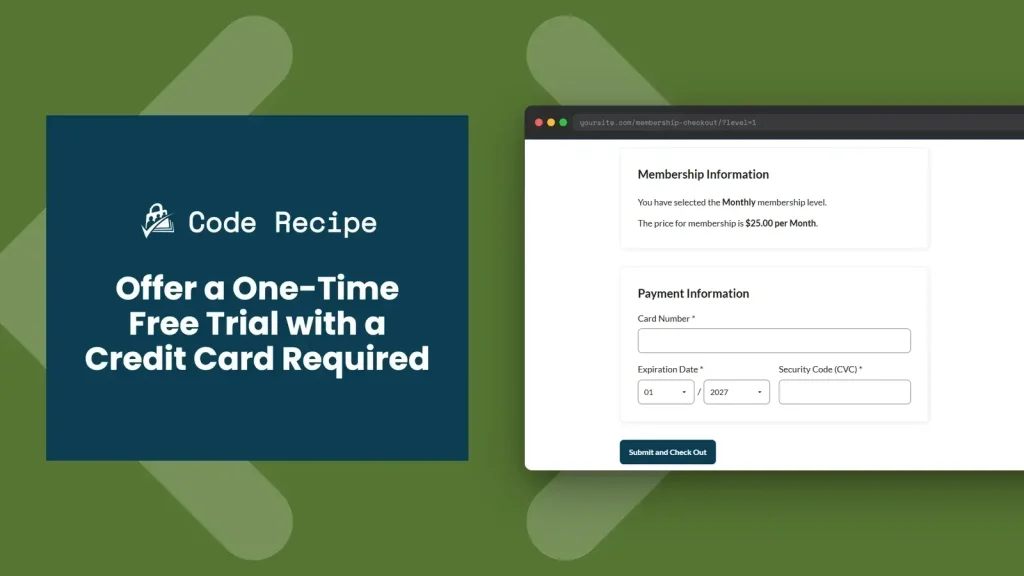
This code recipe enforces a one-time trial policy. When a member who has already claimed the trial attempts to re-enroll, the subscription delay is removed and they are charged the standard billing amount immediately. The trial is a one-time offer, not a perpetual perk.
Do You Need This Recipe?
This recipe is a good fit if:
- You offer a free or low-cost trial using the Subscription Delays Add On and want to prevent members from cycling through it repeatedly.
- You require a credit card at signup (no truly free access) and want members to know the trial is available only once.
- You want admins to see at a glance whether a specific user has already claimed their trial.
If your site does not use the Subscription Delays Add On, or if repeat trials are acceptable, this recipe is not needed.
Before You Start
This recipe requires:
- The Subscription Delays Add On for Paid Memberships Pro installed and active.
- A membership level configured with a subscription delay (your trial level).
- The membership level ID for the trial level, found under Memberships > Settings > Levels.
About the Code Recipe
This recipe uses five functions that work together:
1. Record when the trial is claimed (pmpro_after_change_membership_level): When a user is assigned the trial level, a user meta value pmpro_trial_level_used is saved. This is the record that marks the trial as claimed.
2. Show trial status on admin profiles (show_user_profile / edit_user_profile): Admins can see whether the trial has been claimed on the user’s Edit Profile page. This is useful for manually verifying or troubleshooting trial use.
3. Remove the subscription delay for returning members at checkout (init): Before checkout completes, this function checks whether the current user has already claimed the trial. If so, it removes all Subscription Delays Add On hooks so the delay is skipped and the member is charged the full billing amount on day one.
4. Update the cost display on the levels page (pmpro_level_cost_text): For logged-in users who have already used the trial, the displayed price shows the standard billing amount instead of the trial pricing. Returning members see the real price before they click through to checkout.
5. Adjust the checkout level object (pmpro_checkout_level): At checkout, this sets the initial payment equal to the billing amount for users who have already claimed the trial. This ensures the payment gateway charges the correct amount regardless of how the level is configured.
The Code Recipe
Adding the Recipe to Your Website
You can add this recipe to your site by creating a custom plugin or using the Code Snippets plugin available for free in the WordPress repository. Read this companion article for step-by-step directions on either method.
How To Customize This Code Recipe
Set your trial level ID: Update the $trial_level_id variable on lines 22 and 63 to match your trial level ID.
Update where we check and display the user’s trial status: Update the conditional on line 42 where it says if ( ! empty( $already ) && $already == '1' ). Change the 1 to match your trial level ID.
Related Reading

Get Support From Our Team of Experts
Have a question about how to use this feature? Our Support Page outlines three ways to get support.
Our Max plans include hands-on help customizing your membership site and implementing new features. Upgrade to PMPro Max now »


