Every few weeks, a PMPro customer writes in with some version of this question: “How do I let my members post content to my site?”
Member-submitted content, sometimes called user-generated content, or UGC, is any article, listing, review, photo, or video created by your members instead of by you or your team.
Most of them are picturing a content engine that runs itself. Members generate the posts, the site grows, the editorial workload shrinks. That outcome exists… but it’s very rare.
The more I see member-submitted content (UGC) attempted in the wild, the less convinced I am that it’s the shortcut people hope for. It’s not a way to avoid producing content. It’s a different kind of content operation, and usually a more demanding one. Moderation, structure, editorial direction, lifecycle management. None of it goes away. It just gets distributed across more contributors.
This guide is the strategic frame for the three plugin-specific setup tutorials: WS Form, Gravity Forms, and Ninja Forms. If you skim this and decide member submissions aren’t right for your site, this guide has done its job. If you read it and decide they are, you’ll go in with eyes open and the right structural choices in place from day one.

Table of contents
What Counts as Member-Submitted Content
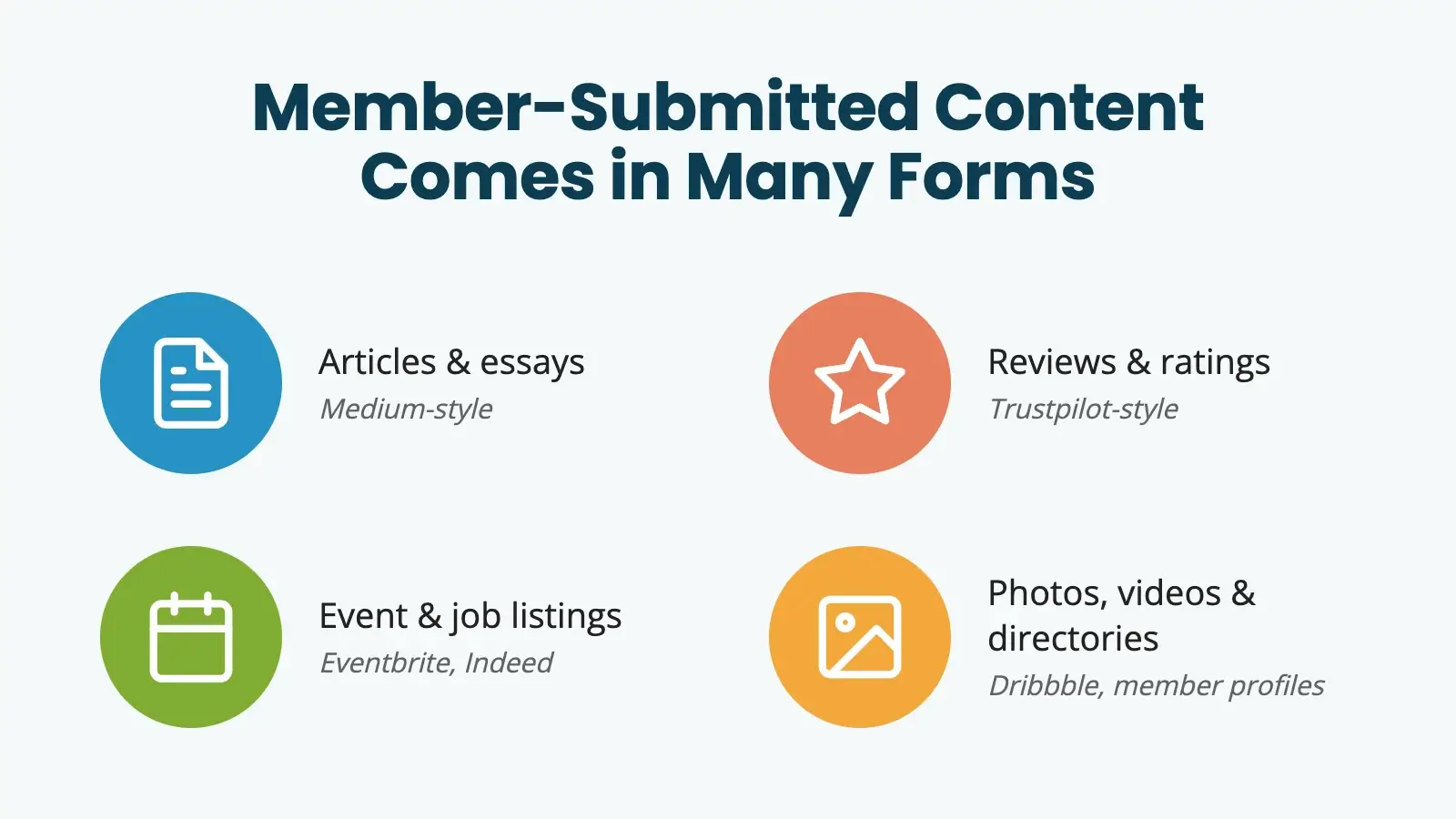
UGC isn’t only blog posts. Depending on your site, member submissions might be:
- Articles or essays: Medium is the obvious example.
- Reviews and ratings: think Trustpilot.
- Event listings: Eventbrite, Luma, Meetup.com.
- Job listings: Indeed, Monster, ZipRecruiter.
- Photos, videos, or design assets: YouTube, Dribbble, Pexels, Unsplash.
- Product or service listings: Craigslist, Angie’s List.
- Forum threads or Q&A: Reddit.
- Directory entries or member profiles: Common on professional networks and association sites.
The format you choose changes everything downstream: the form fields, the moderation bar, where the content appears on the site, and how long it stays in primary placement. A book review program and a job board look almost nothing alike under the hood. Pick one format to launch before expanding into others.
The Pitch (And Why It’s Tempting)
The case for accepting member-submitted content writes itself, especially if you’re tired of being the only one filling the editorial calendar.
- More content surface. More posts on more topics, attracting more search traffic, with no extra hours from you.
- Community by design. Members feel like the site is theirs when their work is on it. Public bylines reinforce belonging.
- Editorial diversity. Your members know things you don’t, in voices you don’t have. That’s genuinely valuable.
- Retention. A member who has published on your site is harder to cancel than one who hasn’t.
These benefits are real. I’m not dismissing them. But the version of the pitch that says “members will produce the content for you” usually leaves out the work that has to happen around the content for any of those benefits to materialize.
What Actually Happens After Launch
Here’s the gap between the pitch and the experience:
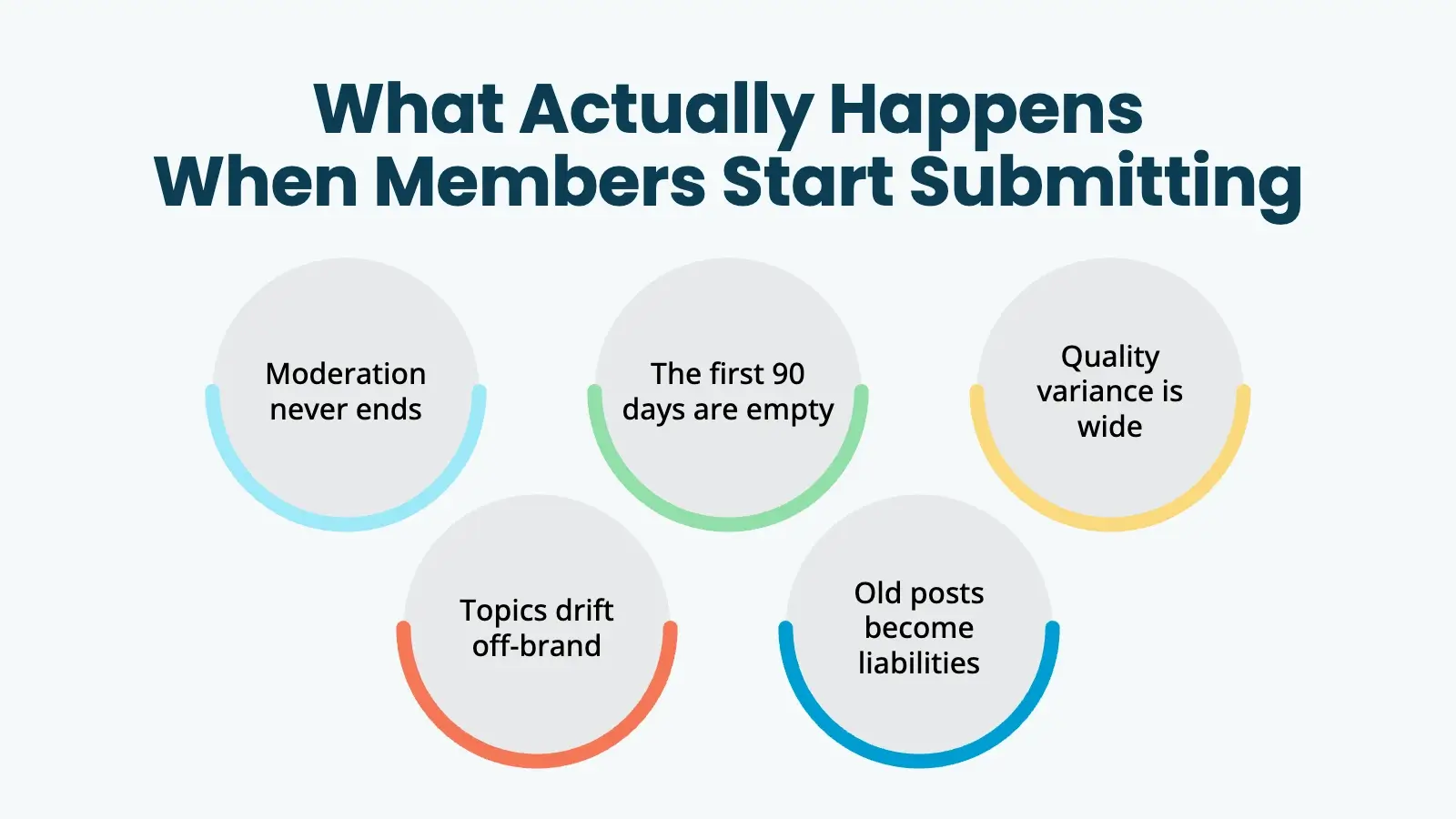
Moderation never ends. You haven’t avoided writing, you’ve traded writing for editing. Editing is faster per piece, but it’s a constant trickle. Most people prefer one focused writing day to ten interrupted moderation moments per week. That’s separate from spam and bot submissions, which are their own category of work.
The first ninety days are empty. Nobody wants to be the first member to submit to a stage with no one on it. You either prime the pump (write fake or staff-authored “member” submissions early), publicly invite a small handful of members to lead, or wait. Waiting can take a long time.
Quality variance is wide. Your most prolific submitter is probably not your best writer. Your best writer probably submits twice and then stops. The median submission is not the median your homepage represents: the gap is wider than you expect.
Topics drift. Members write what’s on their minds, which isn’t always what your site is about. Without prompts and structure, you’ll get think pieces on a tools site, recipe rants on a fitness site, and announcements that should have been forum posts.
Old submissions become liabilities. A member submission published in year one and forgotten about looks bad in year three. Stale content, broken links, claims that aged poorly, formatting that no longer matches your theme. Without a lifecycle plan, your archive becomes a basement you don’t want to walk into.
None of this is fatal. All of it is predictable. The teams that build successful UGC programs plan for it.
When Member Submissions Genuinely Work
When UGC works, it’s usually because the site owner made a few intentional decisions upfront, like:
- Submissions are a privilege, not a default. Only accept submissions for members on an upgraded tier: your most engaged, most vetted, most invested members. Let everyone else read and comment.
- The form is highly structured. Not “submit a blog post.” Submit a recipe with these ten required fields. A case study in this exact framework. A book review with rating, summary, takeaways, and recommendation.
- Editorial review is the default. Submissions land in
draftstatus. A human reads every one. Nothing goes live without an editor’s hand on it. - Publishing is timed. Expectations are set. A weekly roundup. A monthly feature. Themed windows. Submissions queue and batch-publish on a cadence, never the moment they’re submitted.
- Content has a lifecycle. Submitted posts archive after a defined period, expire from the homepage but stay searchable, or roll into a “best of” archive that the site owner curates. Self-healing, in other words. The archive doesn’t grow forever without supervision.
- A real human owns the pipeline. Not “we’ll just check it sometimes.” Someone whose job description includes reviewing, replying to, and surfacing member content.
If a UGC program has all six of these, it tends to work. If it’s missing more than two, it tends to drift, decay, and quietly die.
The Two Customer Requests We Hear Most
When someone is mid-build on this and runs into trouble, two questions show up over and over.
“How do I limit how many times a member can submit?”
The technical answer is straightforward: every form plugin has some version of submission caps, and PMPro level-aware limits are achievable with a small code recipe (we cover this in each plugin tutorial).
The better question, though, is what’s the floor for accepting any submission in the first place?
Submission limits help when your problem is volume. If your problem is quality, limits won’t fix it, you’ll just get fewer mediocre submissions. The structural lever that does more than limits do is the form itself. Required fields, dropdowns instead of free text, a minimum word count, a category that the member must pick rather than invent. The more the form does to keep submissions on-topic and complete, the less the submission cap has to do.
“How do I only have some of them active at a time?”
This is usually a homepage or blog page problem. A customer doesn’t want their site overrun by an unending wall of member posts. The shape of the answer depends on what you actually want:
- Rotating spotlights: feature a handful of submissions on the homepage, archive the rest. A custom Query Loop block filtered by a “featured” status or category does this with no code.
- Expiration: submissions stay on the front page for X days, then drop into a searchable archive. A scheduled task or a content expiration plugin handles the rotation.
- Curated collections: nothing is automatic. The site owner pulls submissions into a weekly digest or seasonal collection. Members submit; you compile.
In practice, “only some active at a time” almost always reduces to editorial selection (a person deciding what gets the spotlight). Tools can support that, but they can’t replace it. If you don’t want to make those calls, you don’t actually want UGC. You want a forum.
Patterns That Make UGC Pay Off
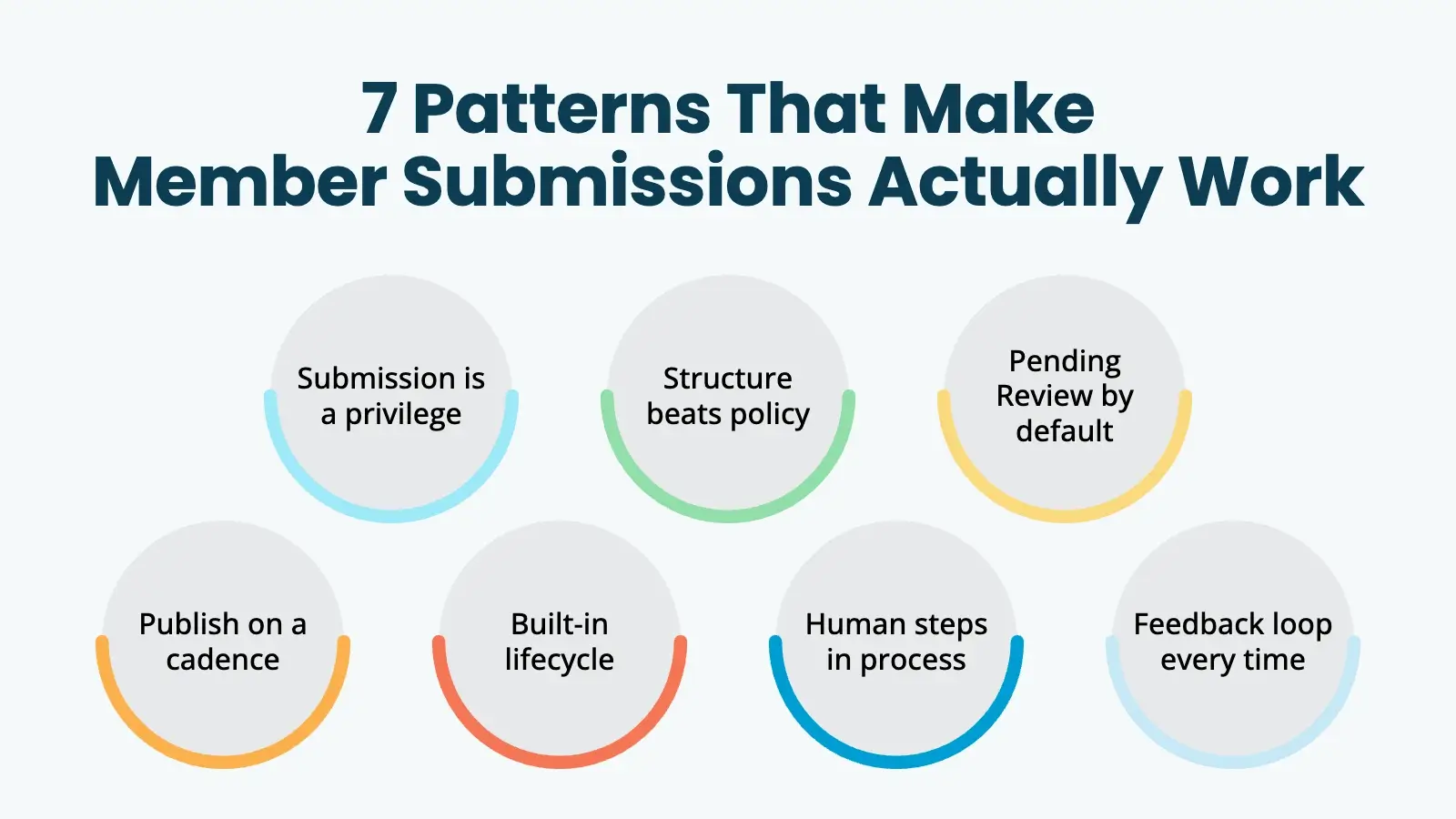
Reading the section above, you can see the patterns starting to repeat. Here they are explicitly:
- Tier-gate submission privileges. Submitting is something members earn or pay for, not something every account gets by default. PMPro’s level-based access controls are made for this.
- Make the form do the work. A form with twelve specific required fields produces better content than a free-text textarea with editorial guidelines no one reads. Structure beats policy.
- Default to Pending Review. Auto-publishing member content sounds modern. It’s a moderation debt you’re going to pay later anyway.
- Publish on a cadence, not on submission. Batching gives you editorial control, lets you sequence content, and creates anticipation for members instead of a firehose.
- Build a lifecycle into the content type. Decide up front: how long does a member-submitted post live in primary placement before it rotates out? Where does it go? Who decides if it gets revived?
- Pair every submission feature with a feedback loop. Reply to submissions. Feature the strong ones publicly. Tell quiet members you’d love to hear from them. Member content is a relationship, not a feature.
- Assign an owner. Someone whose job description includes reviewing, replying to, and surfacing member content — not ‘we’ll check it sometimes.’
The teams that follow these patterns don’t talk about UGC like a content factory. They talk about it like a community ritual.
That framing is closer to what’s actually happening.
Pick Your Form Plugin and Build It
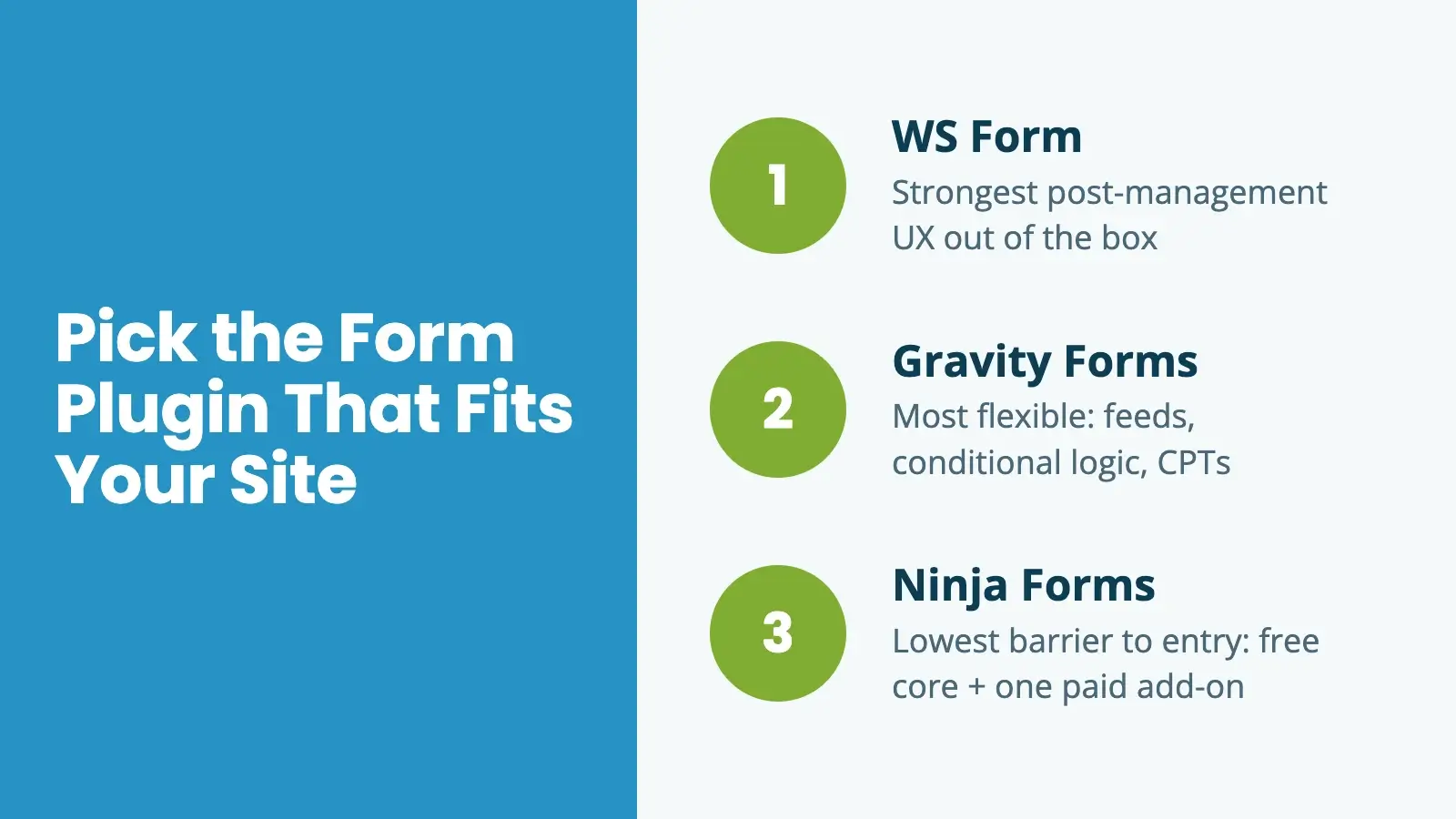
If you’ve made it this far and still want to build a member submission flow, the technical setup is the easy part. We have detailed setup guides for the three form plugins worth considering on a PMPro site:
- Member-Submitted Content With WS Form: The strongest “post management” experience out of the box. Choose this if you want a focused, post-shaped form builder with built-in front-end editing.
- Member-Submitted Content With Gravity Forms: The most flexible workflow engine of the three. Choose this when you want multiple feeds per form, conditional logic by member level, or custom post type branching. Best fit for sites that already run Gravity Forms.
- Member-Submitted Content With Ninja Forms: The lowest-barrier setup. Free core, one paid add-on, a starter template. Choose this when you want to validate the workflow quickly and cheaply before scaling up.
All three pair the same way with PMPro’s content controls: restrict the page, hide the block, or wrap the shortcode. Pick the plugin that fits your site, follow the matching guide, and you’ll have a working submission flow by the end of the day.
Build the Strategy Before You Build the Form
The form is the smallest part of this. The bigger questions are:
- Who, specifically, can submit? (Which level? With what onboarding?)
- What, exactly, are they submitting? (How structured is the form?)
- Who reviews it, on what schedule, against what bar?
- Where does it appear, for how long, before what happens to it next?
- How do you respond to the member after they submit?
If you have answers to those five questions before you install the form plugin, you’re going to build something that works. If you’re hoping the form will answer those questions for you, this is the rare case where my advice is to slow down. Run a simple call for submissions by email first. See whether you actually have an audience that wants to contribute, what they want to contribute, and whether you have the editorial capacity to do something useful with it.
If you discover you do, the build itself is straightforward: the three guides above will get you there. And if you discover you don’t, you’ve saved yourself months of plugin configuration for a feature that wasn’t going to deliver anyway.
Related Resources
- Let Members Submit Content Using WS Form and PMPro
- Let Members Submit Content Using Gravity Forms and PMPro
- Let Members Submit Content Using Ninja Forms and PMPro
- Build a Community Membership Site with PMPro
- How to Restrict Access to Anything in WordPress
- Create a WordPress Member Directory to Display Your Users

Power Your Publishing with a Platform You Can Control
Paid Memberships Pro is the best tool for online publishers: an open source WordPress plugin that transforms your blog or news site into a revenue-generating platform.
Tailor your site to engage readers, monetize content, and grow a loyal subscriber base. Give your subscribers the premium content they seek and earn a reliable income with a totally independent online business.

Free Download: The AI-Powered Membership Site Blueprint
Download the free guide: Learn how to plan, build, and grow a membership site using AI as your strategic partner: from buyer persona to launch and beyond.