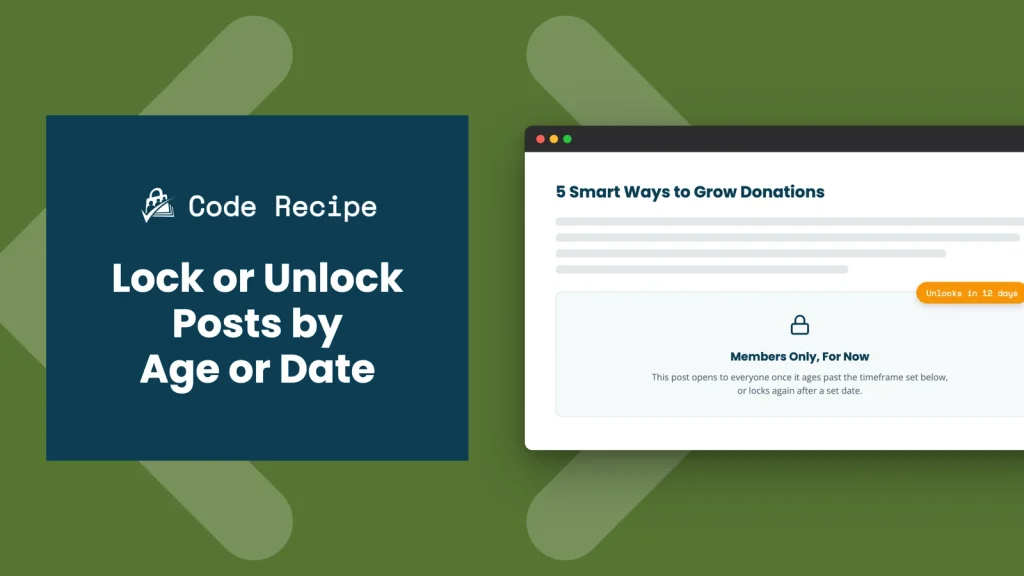
Paid Memberships Pro restricts content by membership level, but sometimes that restriction should bend with time instead of staying fixed. A podcaster might want new episodes open to everyone for a few weeks before locking them behind membership. A publisher might want posts to go public automatically once they are a year or two old, so search engines can index the full archive. A site running a launch promotion might need every restricted post open to the public until a set date, then locked again without anyone touching the dashboard.
This code recipe collects five ways to add that kind of time-based flexibility on top of PMPro’s content restriction. All five build on the same filter hook, so you can pick the one that matches your use case and adjust it for your site.
Do You Need This Recipe?
This recipe is useful if:
- You want to open your newest posts to everyone for a limited window, to give visitors a taste of your content before asking them to join.
- You want your oldest, less time-sensitive posts to go public automatically once they pass a certain age, so search engines can index your back catalog.
- You want to hand-pick specific posts and give each one its own preview window, instead of applying one rule to the entire site.
- You are running a promotion, a pre-launch preview, or a site migration and need every restricted post open to the public until a specific date, then locked again automatically.
If none of these match your situation, PMPro’s standard level-based restriction is probably all you need.
Best Practices and Considerations
Avoid stacking recipes with overlapping conditions. All five snippets filter the same hook, pmpro_has_membership_access_filter. Running more than one at a time is fine as long as their conditions do not overlap, but if two snippets could both fire on the same post, combine the logic into a single callback instead of adding both snippets separately. Otherwise you can end up with access results you did not intend.
Keep your callback lightweight. This filter runs on every page load for every restricted post, so avoid adding database queries or other expensive lookups inside it.
About the Code Recipes
All five recipes below hook pmpro_has_membership_access_filter, the same filter PMPro uses internally to decide whether the current visitor can see a restricted post. Each recipe checks a date (the post’s publish date, or in one case, today’s date against a fixed deadline) and overrides PMPro’s normal access decision with true when the post should be temporarily open.
At a glance:
- Recipe 1 opens every restricted post to non-members for a set number of days after it publishes.
- Recipe 2 does the opposite: it opens every restricted post older than a set age, while newer posts stay locked.
- Recipe 3 opens a hand-picked list of posts, with its own custom timeframe for each one.
- Recipe 4 also opens a hand-picked list of posts, but applies one shared timeframe to all of them.
- Recipe 5 opens everything restricted, sitewide, until a specific date you set.
Step-by-Step Implementation Guide
- Restrict the content you want to work with, as you normally would, using Memberships > Categories or the post’s Require Membership setting.
- Pick the recipe below that matches your use case.
- Add the snippet to your site using the Code Snippets plugin or a site-specific plugin.
- Update the post IDs, timeframe, or date in the snippet to match your site.
- Test it in a private or incognito browser window (or while logged in as a non-member) to confirm the post opens as expected, then confirm it locks again once the timeframe or date passes.
Understanding the pmpro_has_membership_access_filter Hook
Every recipe in this post hooks the same pmpro_has_membership_access_filter filter:
$hasaccess(bool): PMPro’s current answer to whether this visitor can see this post, before your callback runs. Always check this first. If it is alreadytrue, return it unchanged. Your callback should only grant access, never take it away from someone who already has it.$post(WP_Post): The post object being checked, including its ID and publish date.$user(WP_User): The current visitor, including whether they are logged in or hold a membership level.$post_membership_levels(array): The membership level IDs currently required for this post.
Your callback returns a boolean: true to grant access, false to leave the restriction in place.
The Code Recipes
Recipe 1: Open New Posts to Non-Members for a Set Number of Days
This recipe opens every restricted post to non-members for 30 days after it publishes, then locks it again automatically. Good for podcasters or publishers who want to give new content a free preview window before asking for membership.
Recipe 2: Make Old Posts Free After a Set Time
This recipe does the opposite of Recipe 1: it makes any post older than 18 months free to everyone, while newer posts stay restricted. Useful if you want search engines to index your back catalog, or want to use older content as an incentive for people considering a membership.
Recipe 3: Open Specific Posts, Each With Its Own Timeframe
Use this recipe when you want to open a hand-picked list of posts, with a different preview window for each one, instead of applying one rule to the entire site.
Recipe 4: Open a Specific List of Posts for a Shared Timeframe
This recipe also targets a hand-picked list of posts, but applies the same shared timeframe to all of them instead of a custom one per post.
Recipe 5: Open All Restricted Content Until a Specific Date
This recipe opens every restricted post and page to non-members until a specific date, then locks everything again automatically. Useful for a launch promotion, a site preview, or a temporary paywall pause. Unlike the other recipes, it checks membership status directly instead of the incoming $hasaccess value, since it needs to grant blanket access regardless of each post’s individual level requirements.
Adding the Recipe to Your Website
You can add this recipe to your site by creating a custom plugin or using the Code Snippets plugin, available for free in the WordPress repository. Read this companion article for step-by-step directions on either method.
Want to tweak this recipe? An AI coding assistant can help you adjust the code to fit your exact needs, or even add it to your site for you. Always test changes on a staging site first and keep a backup.
Rather have us handle it? With PMPro Max, you can submit a Do It For Me request, and our team will review it and, when possible, add or customize this recipe directly on your site.
How to Customize This Code Recipe
Recipe 1: Open New Posts to Non-Members for a Set Number of Days
- Change the preview window (line 25): Update
-30 Daysto the timeframe you want, such as-7 Daysor-60 Days.
Recipe 2: Make Old Posts Free After a Set Time
- Change the cutoff age (line 33): Update
-18 Monthsto the age at which posts should open, such as-6 Monthsor-3 Years. - Restrict to posts only, or widen it (line 27): The check currently limits this to the
postpost type. Change'post'to another post type, or remove the check entirely to apply it sitewide.
Recipe 3: Open Specific Posts, Each With Its Own Timeframe
- Add your post IDs and timeframes (lines 22-24): Update the
$posts_to_unlockarray with the post IDs you want to target, each paired with its own unlock window.
Recipe 4: Open a Specific List of Posts for a Shared Timeframe
- List your post IDs (line 21): Update the
$posts_to_unlockarray with the post IDs you want to target. - Change the shared timeframe (line 30): Update
-30 Daysto the timeframe that should apply to all of the listed posts.
Recipe 5: Open All Restricted Content Until a Specific Date
- Set your end date (line 27): Update
2026-12-31to the date access should end, inY-m-dformat.

Get Support From Our Team of Experts
Have a question about how to use this feature? Our Support Page outlines three ways to get support.
Our Max plans include hands-on help customizing your membership site and implementing new features. Upgrade to PMPro Max now »