The Group Accounts Add On for Paid Memberships Pro lets you sell group memberships, where one parent account manages and pays for a group of members (child accounts). This makes it easy for organizations, families, or teams to access your content individually while being managed under a single account.
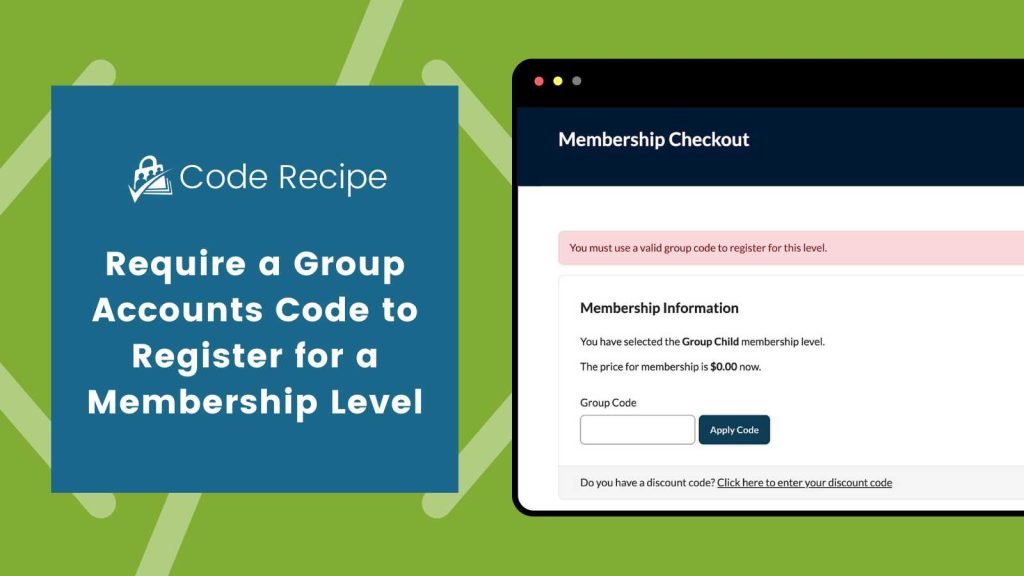
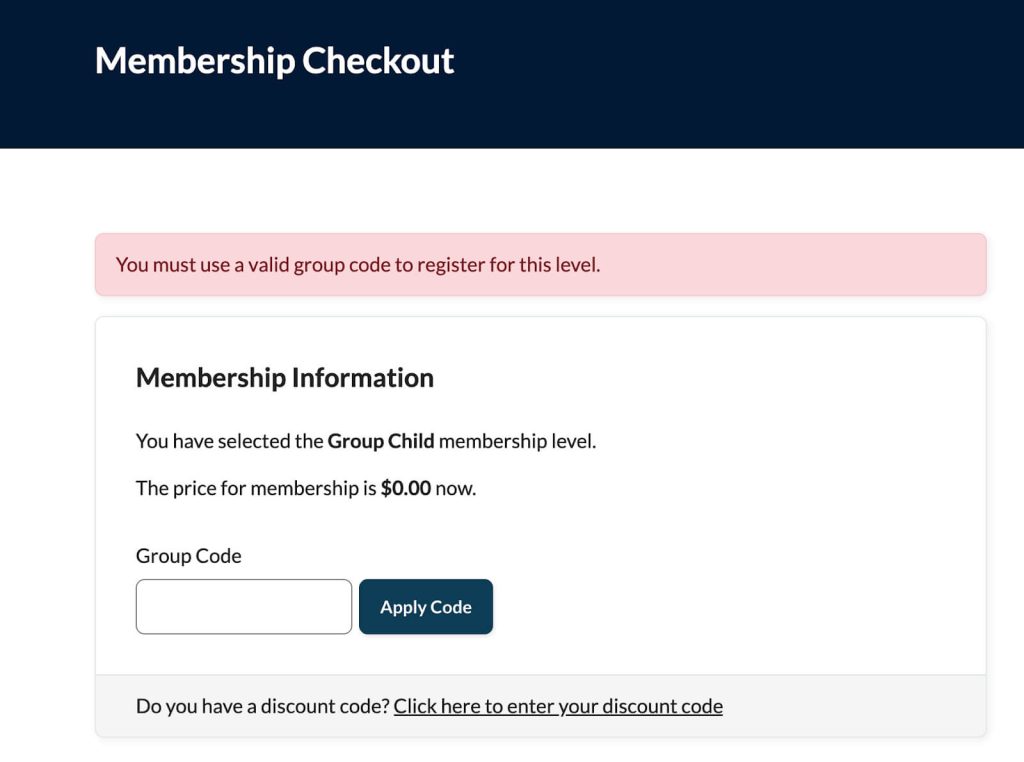
This code recipe will require a group account code for a specific membership level during checkout. Users who do not enter a valid code will see an error and will not be able to complete registration.
Understanding the pmpro_registration_checks Filter
The “pmpro_registration_checks” filter runs after an order passes validation, but before the registration continues. It lets you stop registration when certain rules aren’t met, giving you full control over what registration data are allowed, such as requiring special promo codes, or validating other custom checkout fields.
About the Code Recipe
This code recipe checks if a user entered a group accounts code when registering for a specific membership level. If no code is entered, or the field is left blank, the registration is blocked and an error message is shown.
The Code Recipe
Adding the Recipe to Your Website
You can add this recipe to your site by creating a custom plugin or using the Code Snippets plugin available for free in the WordPress repository. Read this companion article for step-by-step directions on either method.
How to Customize This Code Recipe
This recipe works as-is to require a group accounts code when registering for a specific membership level. To customize:
- Optionally update the error message text to better match your site’s wording on line 25
- Change the membership level ID on line 22 to match your site’s level ID
Video: Coding with Sam Walkthrough

Free Course: Membership Site Development—The Basics
Develop a deeper understanding of membership site development in this beginner-level course. Learn how to make your site work better, save yourself time and money, and improve your site's performance.


