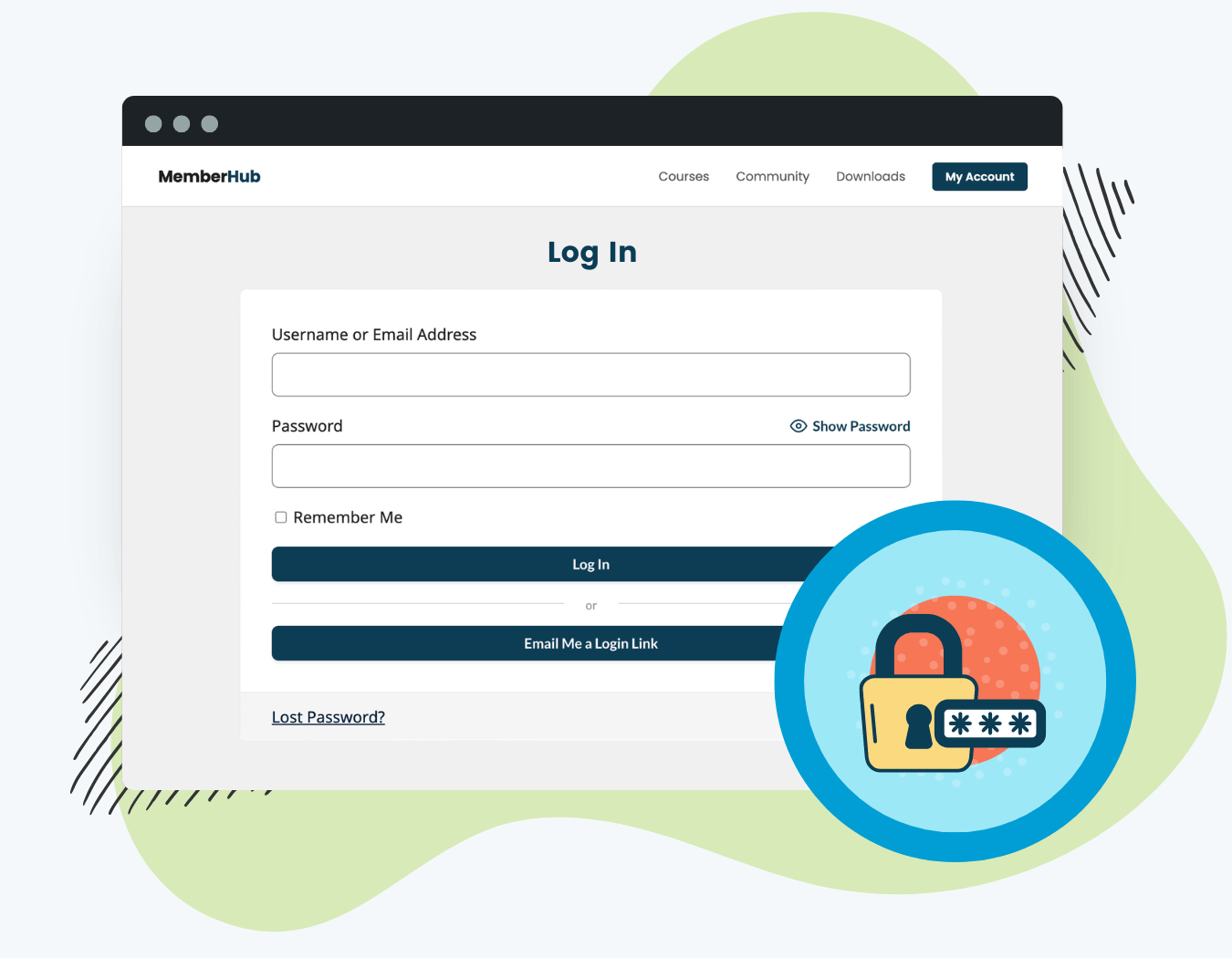
The Magic Login Add On adds an “Email Me a Login Link” button to any PMPro login form. Members enter their email or username, receive a secure one-time link in their inbox, and land directly on their account, no password required.
Why Use This Add On
- Give members passwordless logins: a faster, frictionless login option alongside their existing password
- Reduce password reset requests from your support queue
- Customize the login link email using PMPro’s built-in email template editor
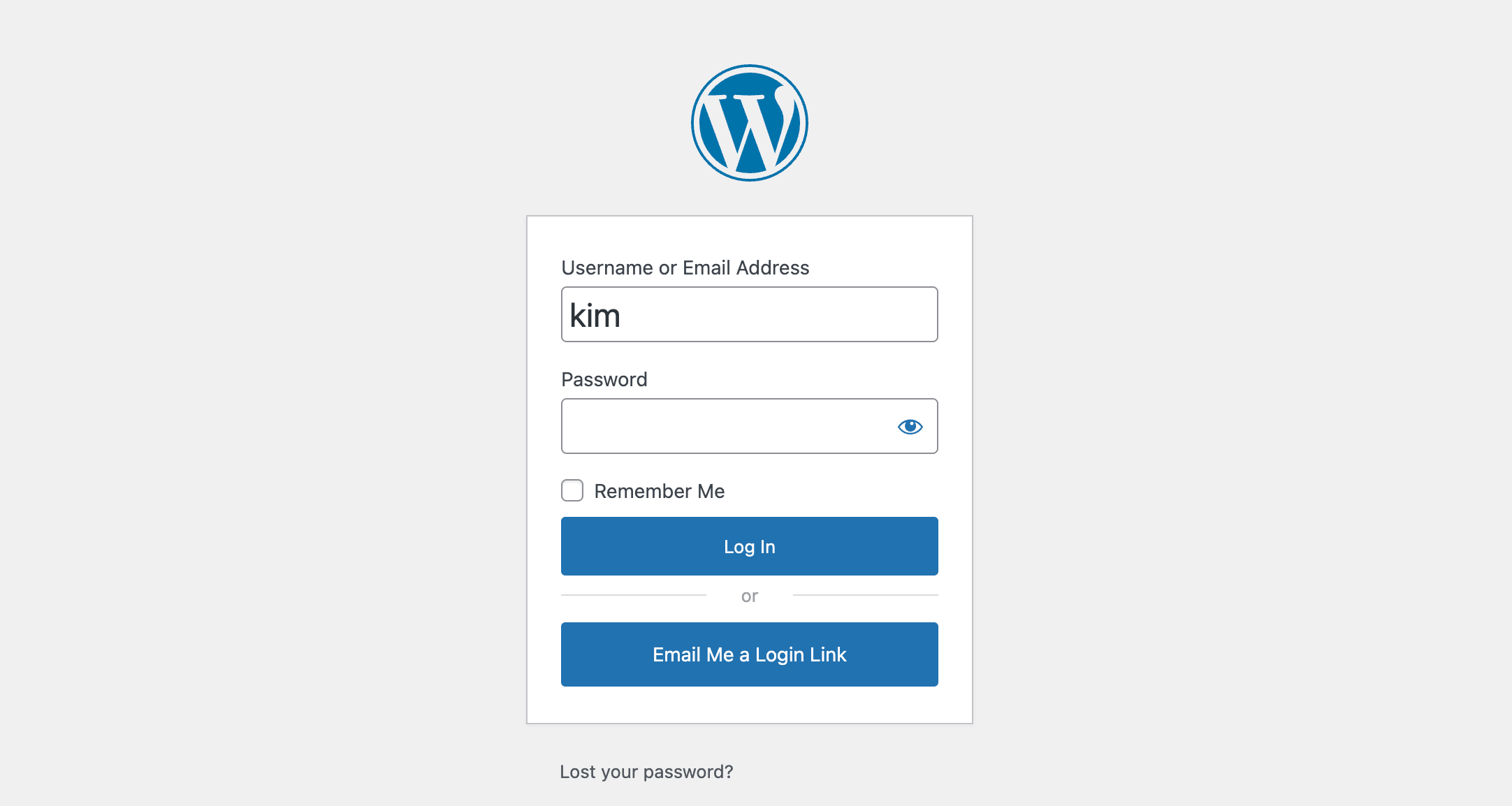
- Works on both the WordPress default login page and the PMPro frontend login form
- Secure by design: tokens expire after 15 minutes, work only once, and are rate-limited to one request per user every 5 minutes
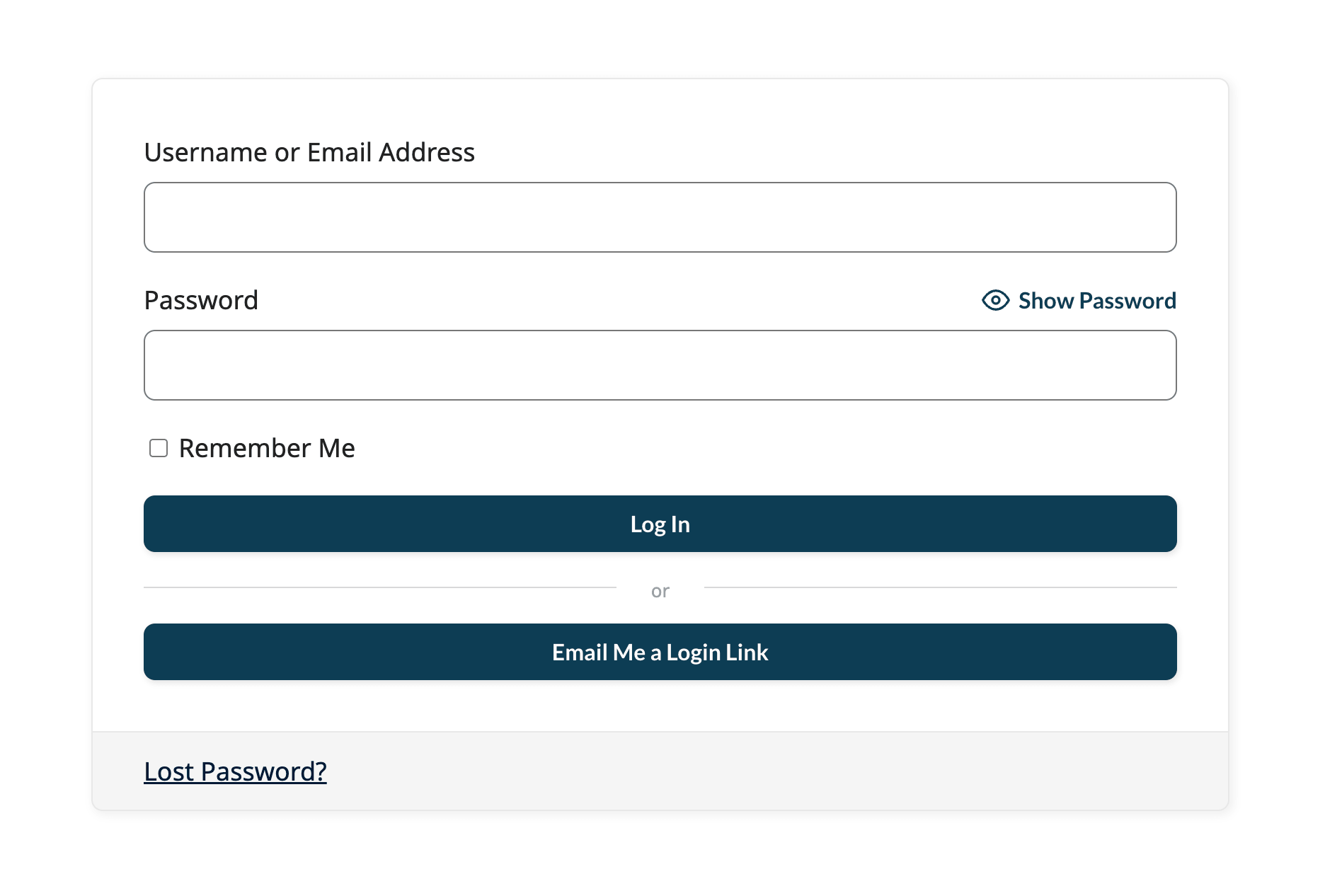
How It Works
When a member clicks “Email Me a Login Link,” the Add On:
- Looks up the user by email address or username
- Generates a secure, single-use token
- Sends a transactional email with the login link embedded
- Logs the member in automatically when they click the link
- Deletes the token immediately so it cannot be reused
Tokens expire after 15 minutes. A new link can be requested once every 5 minutes per user.
Installation
You must have the Paid Memberships Pro plugin installed and activated with a valid license type to use this Add On.
- Navigate to Memberships > Add Ons in the WordPress admin.
- Locate the Add On and click Install Now.
- To install this plugin manually, download the .zip file above, then upload the compressed directory via the Plugins > Add New > Upload Plugin screen in the WordPress admin.
- Activate the plugin through the Plugins screen in the WordPress admin.
The “Email Me a Login Link” button appears automatically on your login form once the Add On is active.
Requesting a Passwordless Login Link
Once activated, the button appears on:
- The WordPress default login page (
wp-login.php) - Any PMPro frontend login form embedded on your site
Members can continue to log in with their password at any time. The passwordless login is an additional method, not a replacement.
What Members See After Requesting a Passwordless Login Link
- The member enters their email address or username and clicks “Email Me a Login Link.”
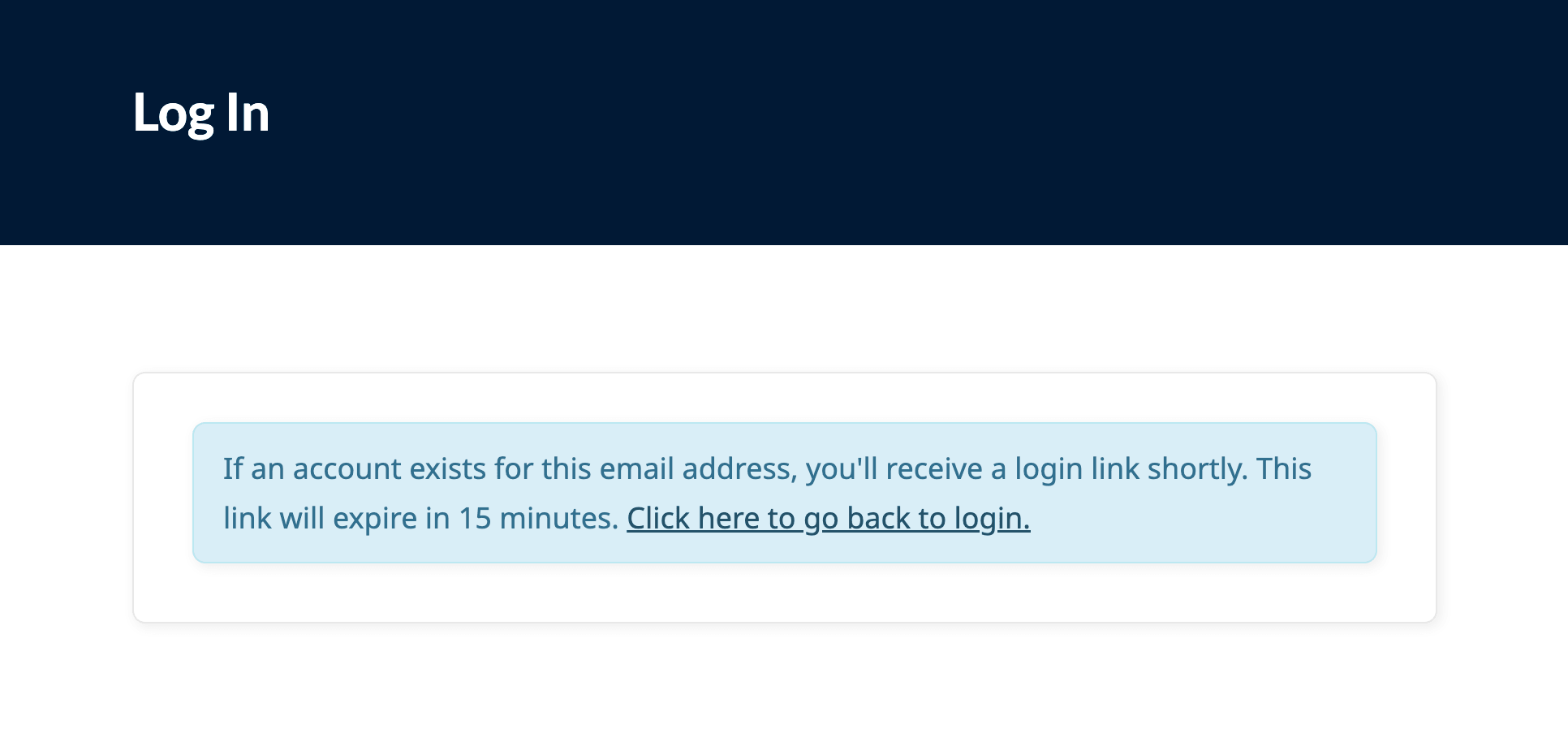
- A confirmation message replaces the form: “If an account exists for this email address, you’ll receive a login link shortly. This link will expire in 15 minutes.”
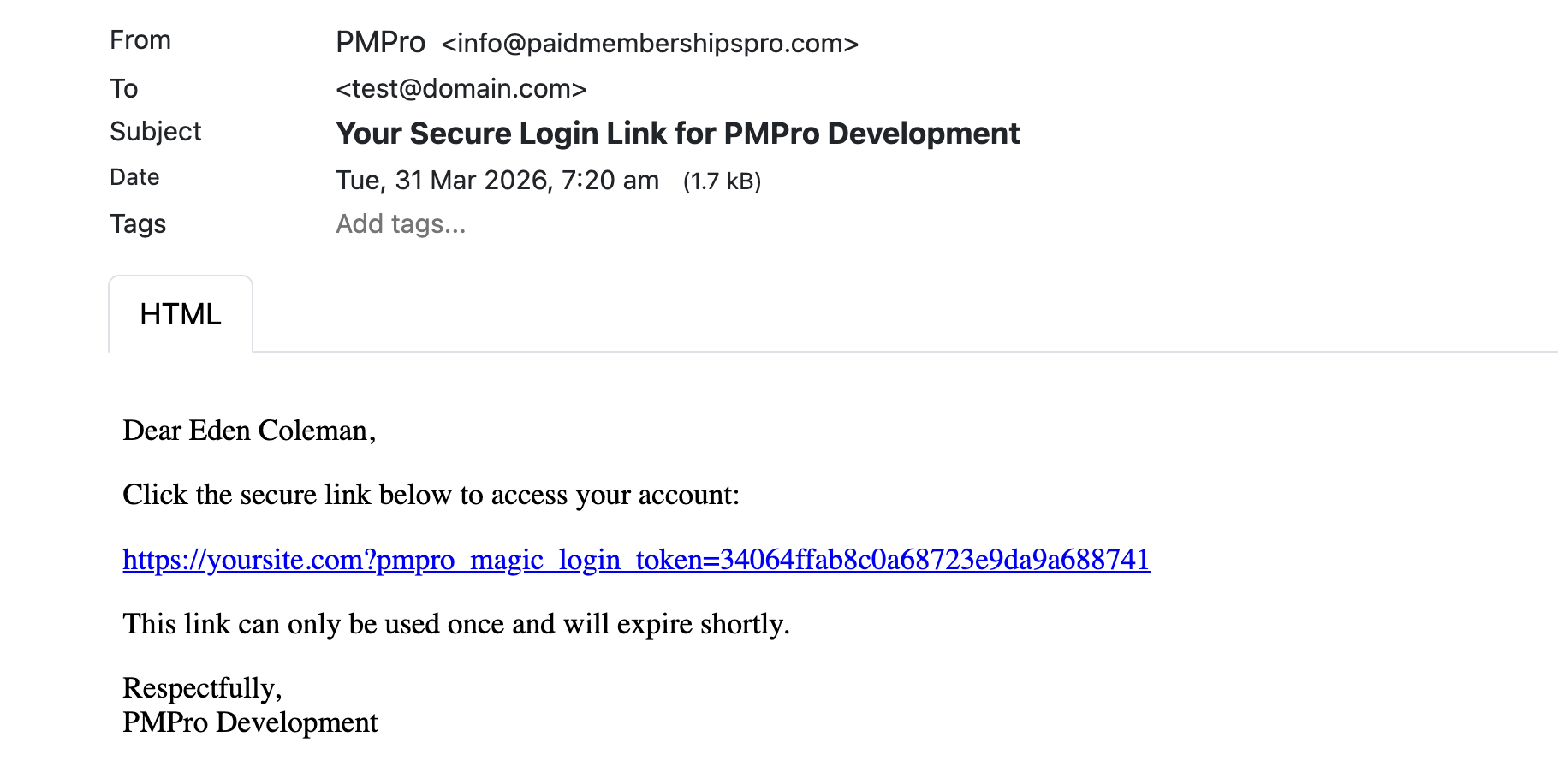
- The member receives an email with a secure link.
- Clicking the link logs them in and redirects them to the appropriate page on your site.
The Add On fires the standard WordPress wp_login action when a member authenticates via token. This ensures compatibility with third-party 2FA and reCAPTCHA plugins that hook into this action.
If the link has expired, the member sees a message and can return to the login page to request a new one.
Customizing the Login Link Email
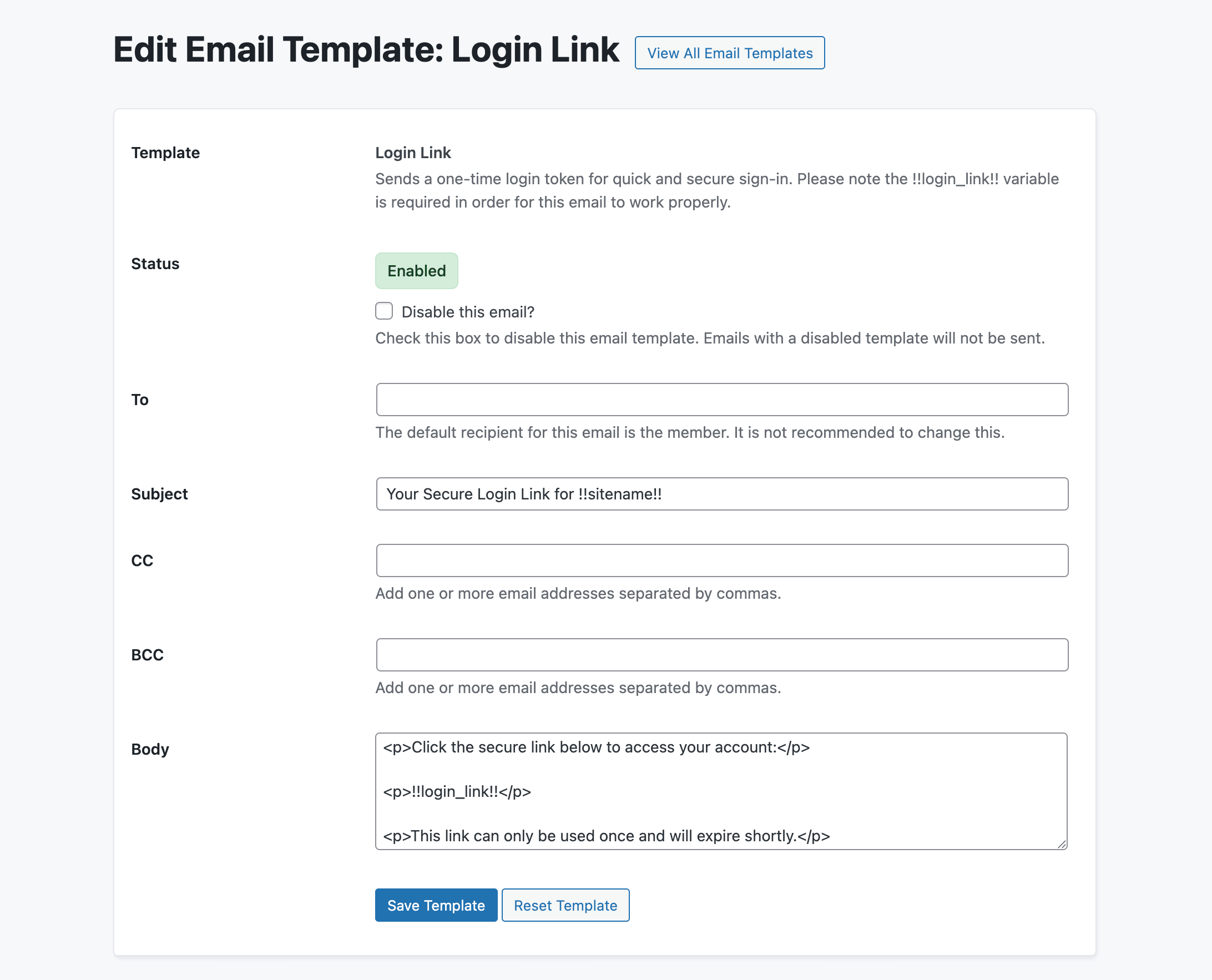
On PMPro 3.4 or higher, the login link email is managed through PMPro’s built-in Email Templates editing experience. To edit it, go to Memberships > Settings > Email Templates and select Login Link.
The following template variables are available:
| Variable | Description |
|---|---|
!!login_link!! | (Required) The unique one-time login link. This variable must remain in the email body for the Add On to function. |
!!sitename!! | The name of your site. |
On PMPro versions prior to 3.4, the email uses PMPro’s legacy email system. The subject and body cannot be edited from the admin in that case.
Frequently Asked Questions
No. The login link is an additional option. Members can continue to log in with their password at any time.
Yes. The button and confirmation message appear on both the WordPress default login page and any PMPro login form embedded on a front-end page.
15 minutes from the time it is generated. If the link expires before the member clicks it, they see a prompt and can return to the login form to request a new one.
No. Each link is single-use. The token is deleted immediately after the member logs in.
Once every 5 minutes. This rate limit is in place to prevent abuse.
The member still sees the confirmation message. This is by design: the Add On does not reveal whether an account exists for a given email address.
The Add On fires the standard wp_login action after authenticating the user via token. Plugins that hook into that action should behave as expected. Test with your specific 2FA plugin if compatibility is a concern.
Yes, on PMPro 3.4 or higher. Go to Memberships > Settings > Email Templates and select Login Link. You can change the subject and body, but the !!login_link!! variable must remain in the body.
Screenshots
This is a Standard Add On.
Standard membership includes all Standard Add Ons, unlimited premium support, automatic updates, and additional benefits.

