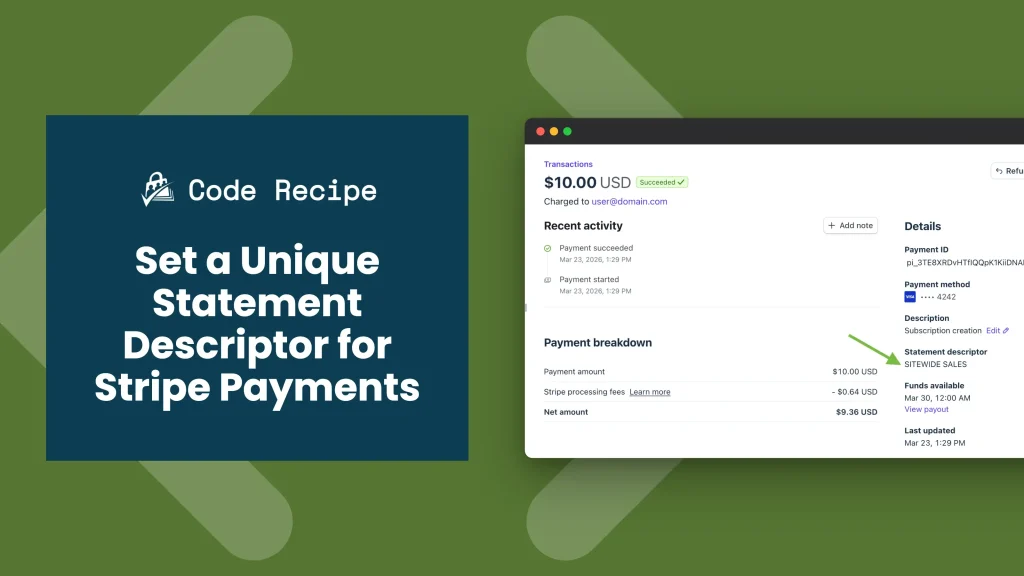
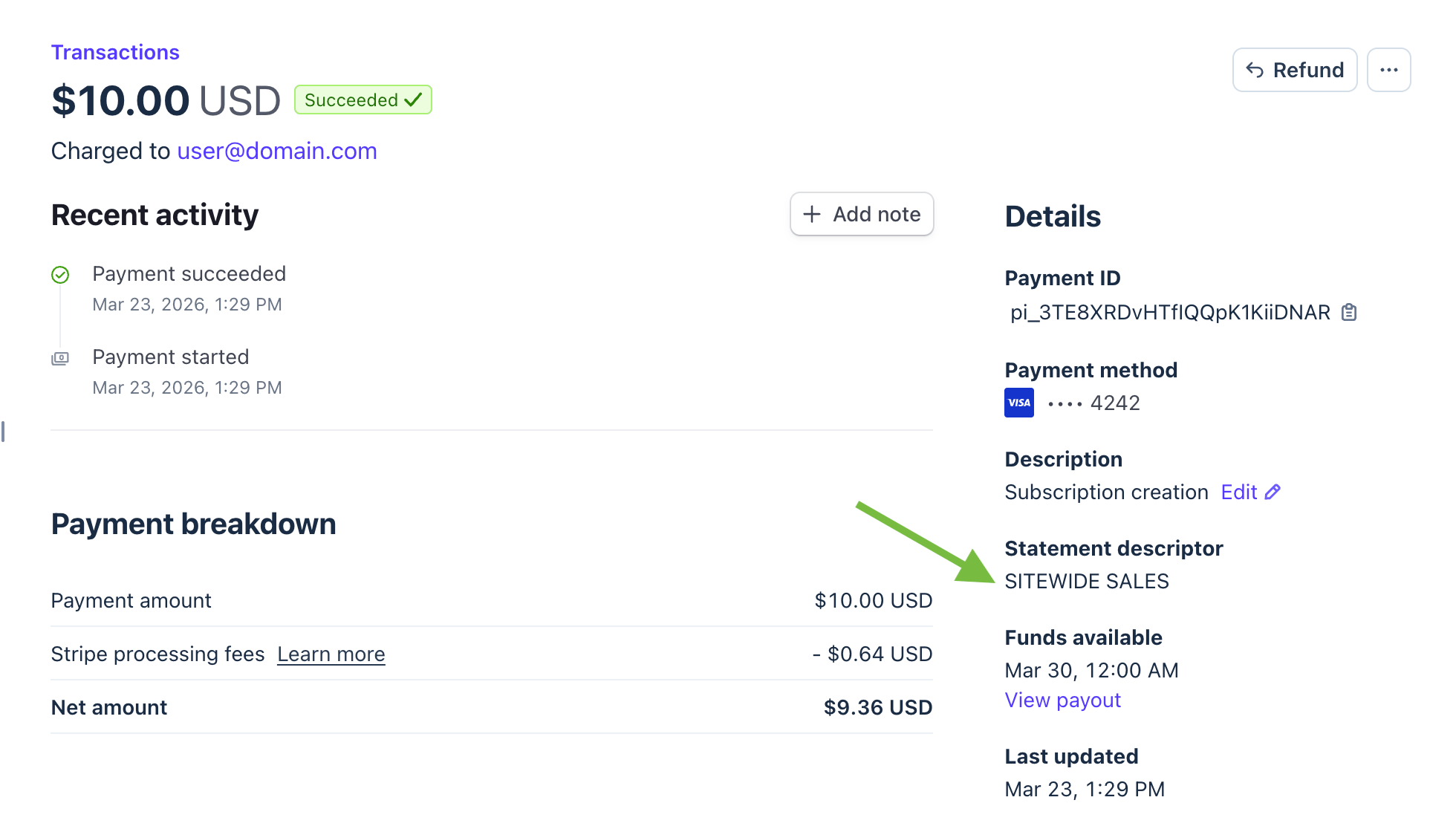
When a member completes checkout on your membership site, their bank statement shows a short line of text: the statement descriptor. This description helps customers identify where the charge came from.
By default, Stripe uses the descriptor configured at the account level in your Stripe dashboard. That works well for most sites. But if you have connected a single Stripe account to more than one website or business entity, the account-level descriptor may not make sense for every site. A member paying for a specialized membership should not see a generic parent company name on their statement: that kind of mismatch leads to confusion, “I did not recognize this charge” support requests, and disputed payments.
This code recipe shows you how to set a site-specific statement descriptor for Stripe payments in Paid Memberships Pro. A single snippet handles both the onsite payment flow and the Stripe Checkout payment flow.
Do You Need This Recipe?
This recipe is useful if any of the following apply to your site:
- Your Stripe account is connected to more than one website or business entity, and you want each site to show a different descriptor on customer statements.
- Your account-level Stripe descriptor is a parent company name that members of a specific site would not recognize.
- You are receiving disputed charges or “I did not recognize this charge” support requests and want to make the billing line item more identifiable.
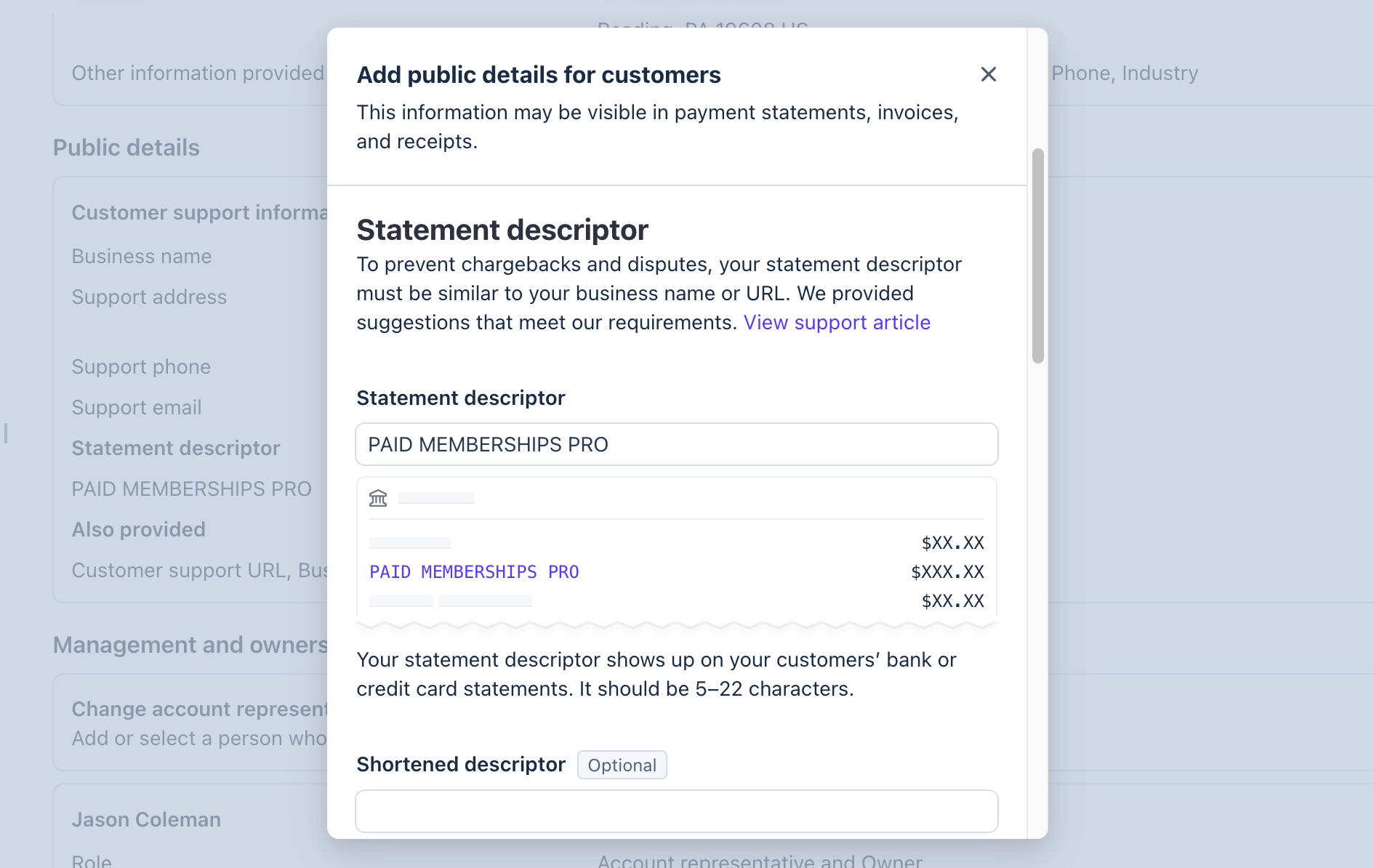
If your Stripe account is used exclusively for one membership site, the simpler approach is to update the descriptor directly in your Stripe dashboard under Settings > Business > Business Details > Public Details.
This recipe is for cases where you need to override that account-level setting per site.
About the Code Recipe
Stripe’s statement descriptor is set as a parameter on the payment object, either a Payment Intent (for onsite payments) or a Checkout Session (for Stripe Checkout). Paid Memberships Pro exposes filters for both, and this recipe hooks a single callback to each one:
pmpro_stripe_payment_intent_params: filters the parameters passed to Stripe when creating a Payment Intent during onsite checkout. This handles all onsite payments, including recurring subscriptions.pmpro_stripe_checkout_session_parameters: filters the parameters passed to Stripe when creating a Checkout Session for the Stripe Checkout payment flow.
The callback function receives all three parameters from both filters. When $customer is null, the function is being called for an onsite payment and sets $params['statement_descriptor'] directly.
When $customer is present, the function is being called for a Stripe Checkout session and sets the descriptor inside $params['payment_intent_data'].
The Code Recipe
Adding the Recipe to Your Website
You can add this recipe to your site by creating a custom plugin or using the Code Snippets plugin available for free in the WordPress repository. Read this companion article for step-by-step directions on either method.
Update the $statement_descriptor variable on line 23 with your preferred site-specific text, remembering to keep it under 22 characters.
How to Customize This Code Recipe
Set a different descriptor per membership level. The $order object passed to both filters includes the membership level ID as $order->membership_id. Use it to return a level-specific descriptor:
Pull the descriptor from your site title. If you want the descriptor to match your WordPress site name automatically, replace the hardcoded string with substr( get_bloginfo( 'name' ), 0, 22 ). The substr() call trims the result to 22 characters as a safety measure, but review the output manually — truncated names can still look confusing on a statement.
Our support team can help you with the code for either of these ideas, or anything else you need for your unique project.

Get Support From Our Team of Experts
Have a question about how to use this feature? Our Support Page outlines three ways to get support.
Our Max plans include hands-on help customizing your membership site and implementing new features. Upgrade to PMPro Max now »


