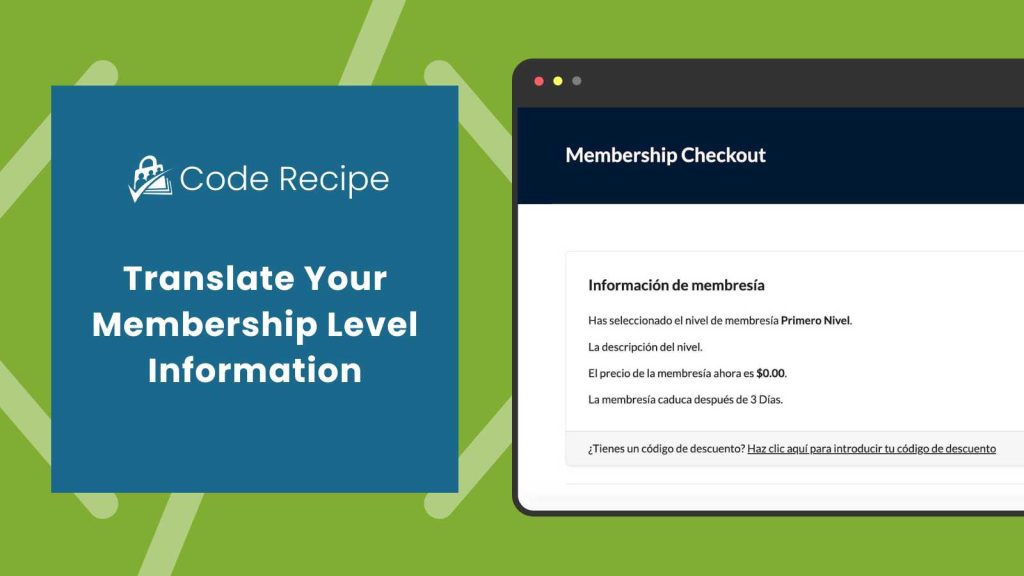
Membership sites with visitors who speak different languages need to show fully translated content, including membership level details like the name, description, and confirmation message. Paid Memberships Pro lets you translate its frontend pages and admin screens into any language, but membership level information is stored in your site’s database and requires a different approach.
This code recipe will let you manually translate membership level details for each language your site supports. This works well in conjunction with WPML for multilingual sites. If you are looking for tips on translating other default text in Paid Memberships Pro, check out our main guide on translation here.
Understanding the get_locale() Function
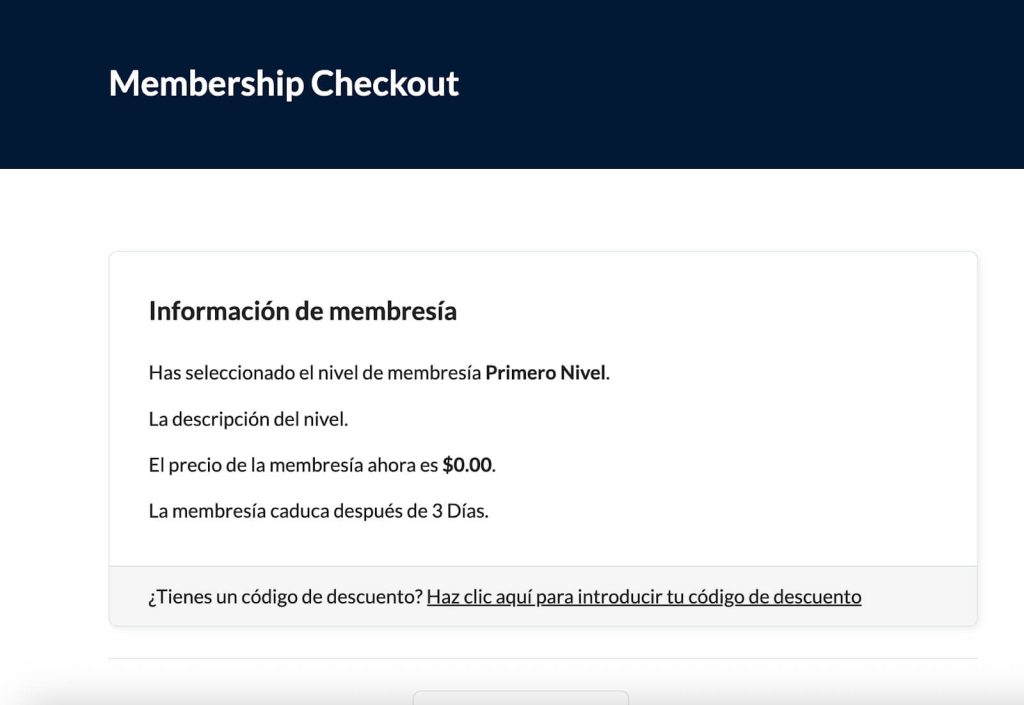
The get_locale() function checks the current language your site is showing to visitors and then replaces the default text with the correct translation for the active language. When someone views your site in another language, the recipe replaces the original level name, description, and confirmation message with the translated versions.
About the Code Recipe
This code allows you to manually translate the text associated with your membership levels, including the level name, description, and confirmation message. The translated versions are applied conditionally based on the site’s current language setting.
The Code Recipe
Adding the Recipe to Your Website
You can add this recipe to your site by creating a custom plugin or using the Code Snippets plugin available for free in the WordPress repository. Read this companion article for step-by-step directions on either method.
How to Customize This Code Recipe
Before you activate this code recipe:
- Know the locale codes for each language you want to support (e.g.,
en_USfor English,es_ESfor Spanish,fr_FRfor French) and update this on line 19 of the code. - Update the
$pmpro_translated_levelsarray in the code with the correct translations for each level on lines 20 – 24 and lines 25 – 29. - If you have more than two levels as seen in the code, duplicate lines 20 to 24 and replace
1with the membership level ID of your other level
You can customize this further with new languages by adding a sub array for each locale offered in your multilingual site.

Free Course: Membership Site Development—The Basics
Develop a deeper understanding of membership site development in this beginner-level course. Learn how to make your site work better, save yourself time and money, and improve your site's performance.


