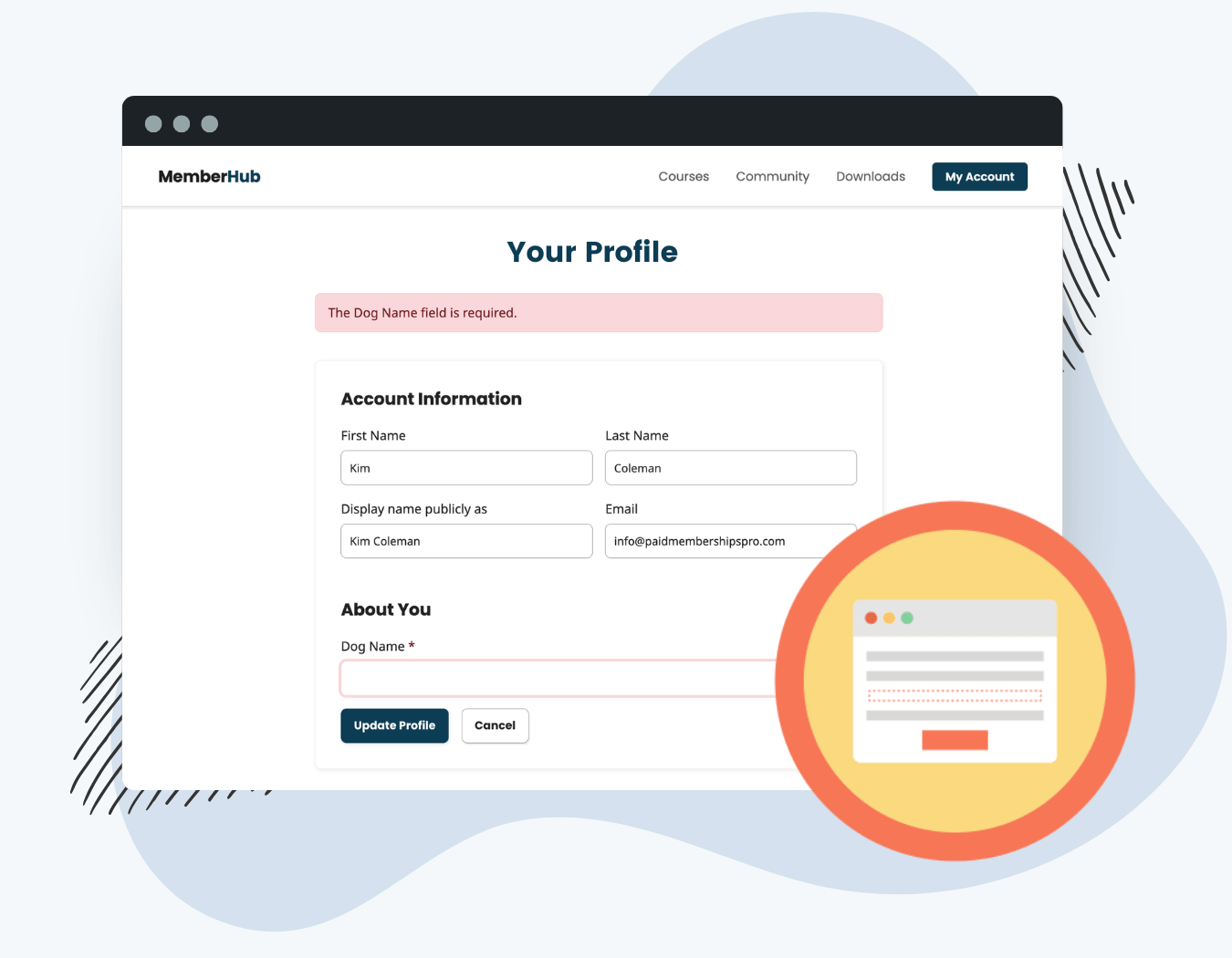
The Force Profile Completion Add On intercepts members with incomplete required User Fields and redirects them to the Edit Profile page. Once all required fields are filled in and saved, normal access is restored automatically.
What this Add On does:
- Redirects members to the Edit Profile page on login if required fields are incomplete
- Blocks access to membership-restricted pages and posts until the profile is complete
- Always allows access to PMPro frontend pages (account, billing, checkout, confirmation) so members are never fully locked out
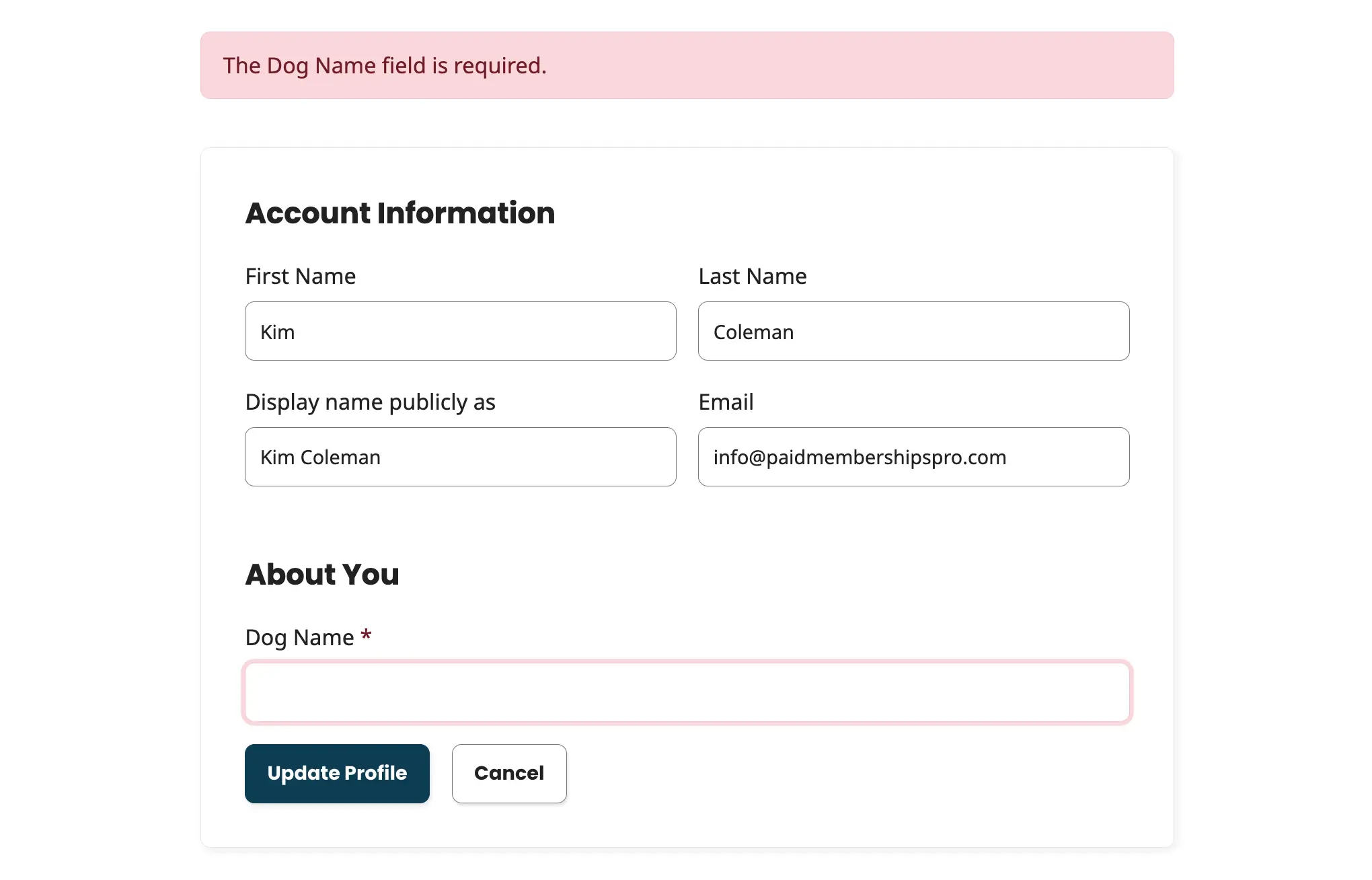
- Highlights incomplete fields on the Edit Profile page with visible error states and a warning message
- Respects PMPro’s conditional field dependencies. Fields with unmet conditions are not treated as incomplete
- No plugin-specific settings page. All configuration happens inside PMPro’s User Fields module
Installation
You must have the Paid Memberships Pro plugin installed and activated with a valid license type to use this Add On.
- Navigate to Memberships > Add Ons in the WordPress admin.
- Locate the Add On and click Install Now.
- To install this plugin manually, download the .zip file above, then upload the compressed directory via the Plugins > Add New > Upload Plugin screen in the WordPress admin.
- Activate the plugin through the Plugins screen in the WordPress admin.
There is no setup wizard or settings page. The plugin activates and begins enforcing required field completion immediately. Keep reading to learn how to set which fields are required.
How to Set It Up
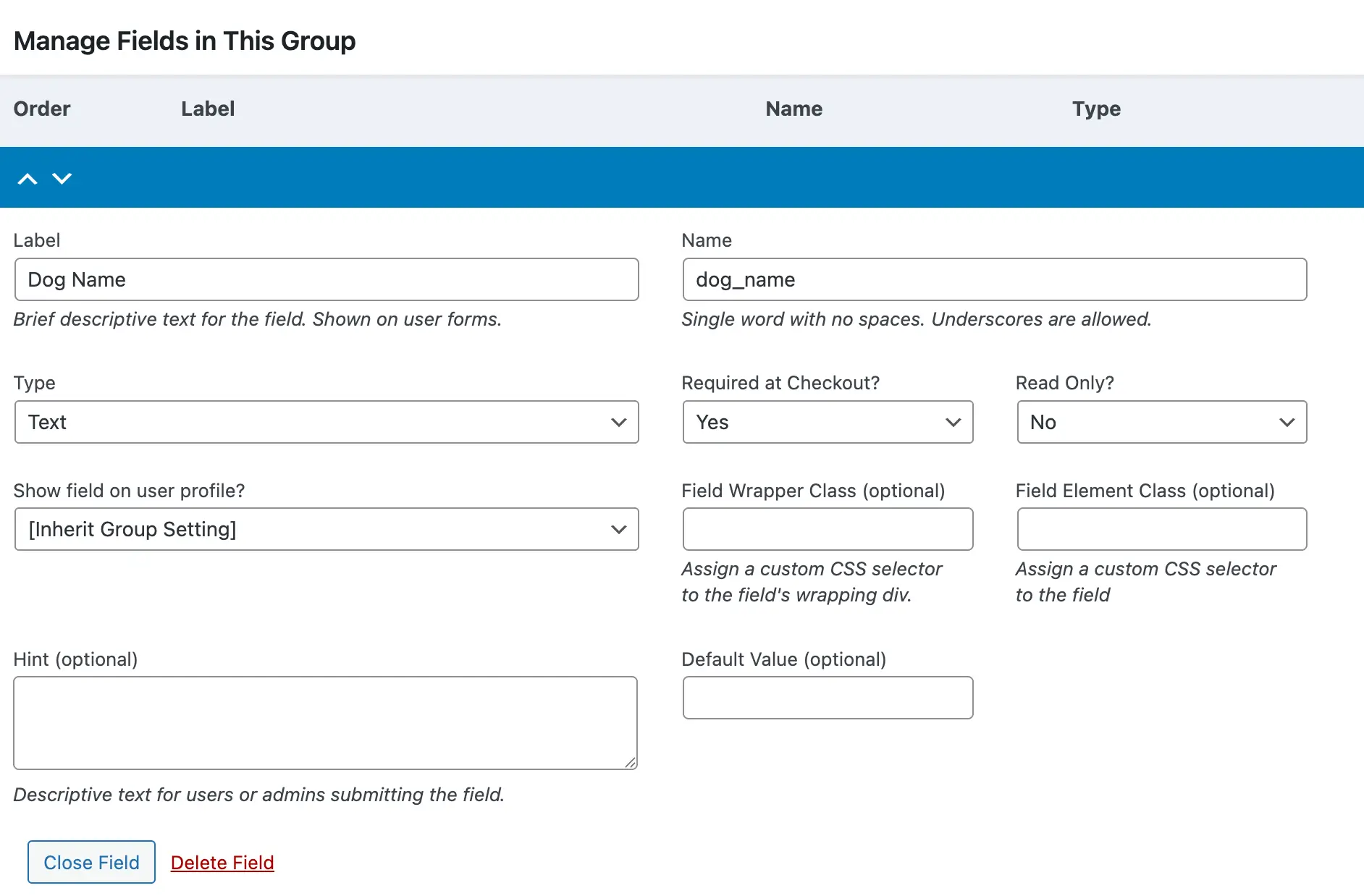
All configuration for this Add On happens inside PMPro’s built-in User Fields module. There are no settings to configure within the plugin itself.
- Navigate to Memberships > Settings > User Fields.
- Create a User Field group (or open an existing one).
- Add fields to the group as needed.
- Set the Required at Checkout? dropdown to “Yes” on any field you want to enforce.
- Assign the field group to specific membership levels, or leave it unassigned to apply it to all members.
Once at least one required field exists, this Add On begins enforcing completion on login and when accessing restricted content.
How It Works
Redirection On Login
Immediately after login, the plugin checks whether the member has any incomplete required fields. If any are found, the member is redirected to the Edit Profile page before reaching their intended destination. If all required fields are complete, login proceeds normally.
Redirection When Accessing Restricted Content
On every page load, the plugin checks whether the current page requires a membership. If it does, and the logged-in member has incomplete required fields, they are redirected to the Edit Profile page.
PMPro frontend pages, like the Membership Account page and Membership Checkout page are always accessible regardless of field completion status. Members are never blocked from managing their membership.
On the Edit Profile Page
When a member is redirected due to incomplete fields, the Edit Profile page shows:
- A warning message listing every incomplete required field by label
- An error state applied to each incomplete field, with visual highlighting
- An asterisk indicator on each required field label
aria-required="true"on required field inputs for accessibility
When the member edits a highlighted field, the error state clears immediately. On form submission, any remaining incomplete required fields are validated and errors are re-shown if needed.
After Completing Fields
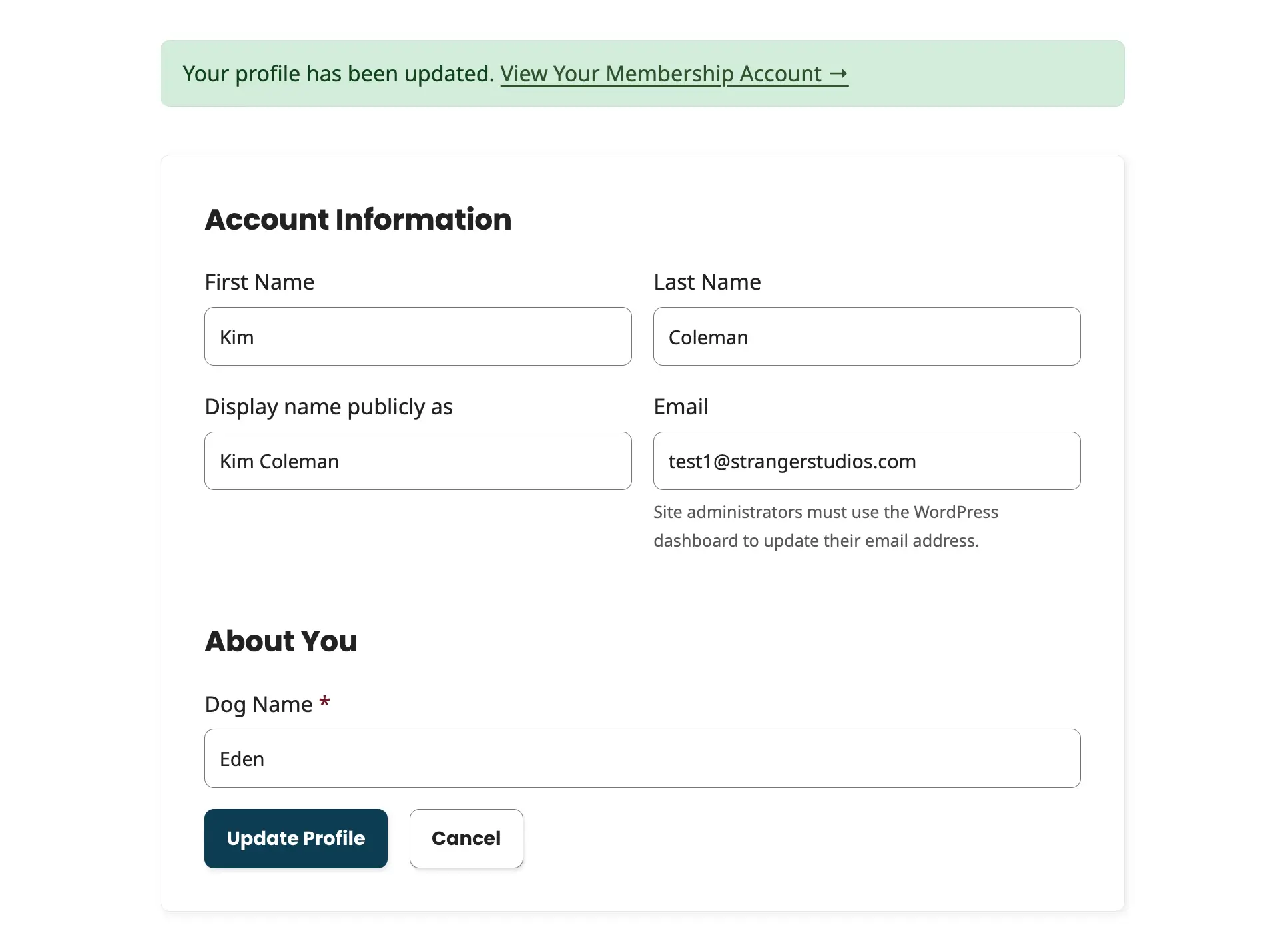
When the member saves their profile with all required fields filled in, the completion cache is cleared and they can access membership-restricted content normally.
Conditional / Dependent Fields
This Add On respects PMPro’s depends field setting. If a field is configured to appear only when another field has a specific value, for example, “Company Name” only required when “I represent a company” is checked, the dependency is evaluated before treating the field as required.
Fields whose conditions are not met are not flagged as incomplete. Only fields that are both required and applicable to the member’s current field values are enforced.
Performance and Caching
Incomplete field results are cached per user for 10 minutes using WordPress transients, so the field check does not run on every single page load.
The cache is cleared automatically when:
- A member updates their profile
- An admin changes the User Fields settings in PMPro
Action and Filter Hooks
This Add On does not currently expose custom action or filter hooks. All configuration is handled through PMPro’s User Fields module.
If you need a filter that isn’t available, for example, to exclude specific pages from the redirect check or modify which fields are treated as required, reach out in the Slack community or in a support ticket so we can discuss your requirements.
Frequently Asked Questions
The plugin caches field completion results per user for up to 10 minutes. The member will regain normal access automatically once the cache expires, or immediately after they next update their profile.
Yes. PMPro frontend pages are always accessible regardless of profile completion status. Members can manage their membership at any time.
Yes. The plugin checks current field values against the required fields defined in PMPro at the time of each login and page load. Existing members with empty required fields will be redirected to complete their profile on their next login.
No. This only forces profile completion for active members. Admins and non-members are not redirected.
Yes. Assign User Field groups to specific membership levels in PMPro’s User Fields settings. Only the required fields assigned to a member’s current level will be enforced for that member.
Screenshots
This is a Premium Add On
Premium plans include a dedicated hosting environment, all Add Ons, priority support, unlimited "Do It For Me" development requests, and access to an AI Skills library.

