Membership retention is critical to a sustainable subscription business. When a member’s access expires, that’s not the end of the relationship; it’s a chance to re-engage with the member. Providing a tailored incentive at this moment can encourage reactivation and reduce churn.
This guide shows you how to automatically generate a one-time discount code for the member’s current level when their account expires. The discount code is valid for a limited time and can be included in the standard “Membership Expired” email, streamlining your outreach process and improving your chances of bringing members back.
Understanding the Code Recipe
This recipe uses the “pmpro_membership_pre_membership_expiry” filter to detect when a user’s membership is about to expire. It then triggers a function that creates a one-time-use discount code tied to that user’s current level. The core logic is handled in the pmpro_create_custom_discount_code() function that inserts a new discount code into the database and links it to the expired member’s level with a specific payment configuration.
To deliver this new discount code to the user, the recipe uses the pmpro_email_data hook. This filter modifies the data sent to PMPro’s email system, adding a new !!expired_code!! variable. By including this variable in your “Membership Expired” email template, you can automatically send the unique discount code to the former member, encouraging them to renew.
About the Code Recipe
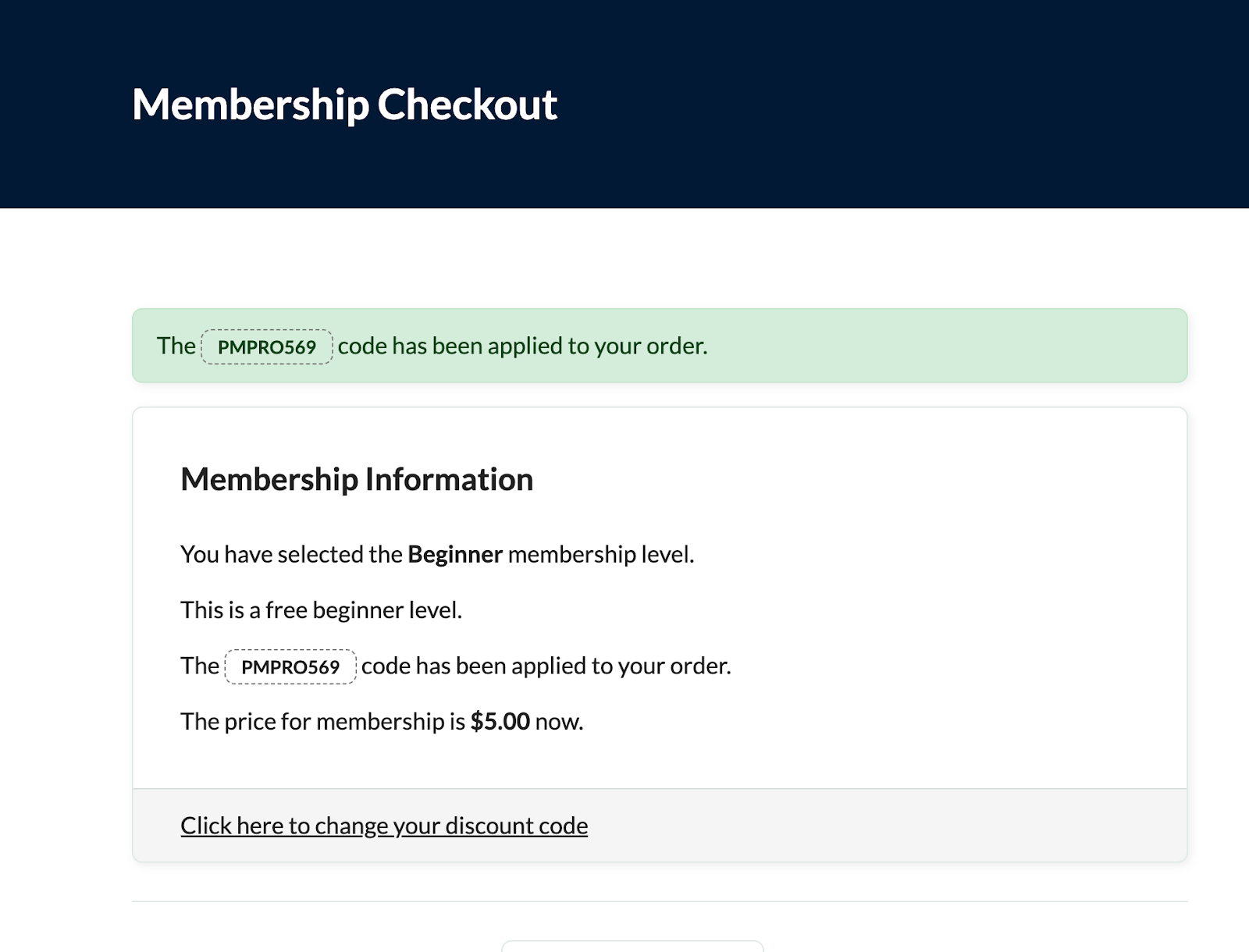
This recipe automatically creates a one-time discount code with a default 14-day validity and pre-set billing values when a member’s account expires. The discount is valid for 14 days and tied to the expired user’s level. The code is named using a static prefix plus the user’s ID to ensure uniqueness and traceability. Before implementing this code recipe:
- Review the discount billing settings in the
$wpdb->insert()block on lines 58 – 75 of the code snippet to match your desired offer. Set your initial payment, billing amount, expiration, and cycle period. You should either set this up to reflect a subscription or an expiration date; you should not set your values to recur and expire at the same time. - The
!!expired_code!!variable should be added to your Membership Expired email template under Memberships > Settings > Email Templates.
The Code Recipe
Adding the Recipe to Your Website
You can add this recipe to your site by creating a custom plugin or using the Code Snippets plugin available for free in the WordPress repository. Read this companion article for step-by-step directions on either method.
Related: Discount Code Documentation
How to Customize This Code Recipe
You can customize the validity of the discount code further by changing the +14 days duration to control how long the discount remains valid.
Video: Coding with Sam Walkthrough

Get Support From Our Team of Experts
Have a question about how to use this feature? Our Support Page outlines three ways to get support.
Our Max plans include hands-on help customizing your membership site and implementing new features. Upgrade to PMPro Max now »


