The Gift Aid Add On has no settings to configure. Once it’s active, a Gift Aid checkbox appears on the checkout page for paid membership levels, and the Add On saves each member’s choice when they check out.
Which Levels Show the Checkbox
The Add On decides whether to show the Gift Aid checkbox each time the checkout page loads, based on the level being purchased:
- Paid Levels: The checkbox shows on checkout for every level with an initial payment, recurring payment, or trial amount.
- Free Levels: The checkbox is hidden, since there is no payment to claim Gift Aid on.
- Levels With Donations Enabled: If the Donations Add On is active and Enable Donations is checked in the level’s Donations Settings, the checkbox shows for that level even when the level itself is free.
There’s no per-level setting to turn the checkbox off. If you need to hide it for certain paid levels, or show it on a free level, a developer can use the pmproga_show_gift_aid_at_checkout filter.
What Members See at Checkout
The checkbox appears in its own Gift Aid section on the checkout page, after the account information fields and before the billing address. The section shows:
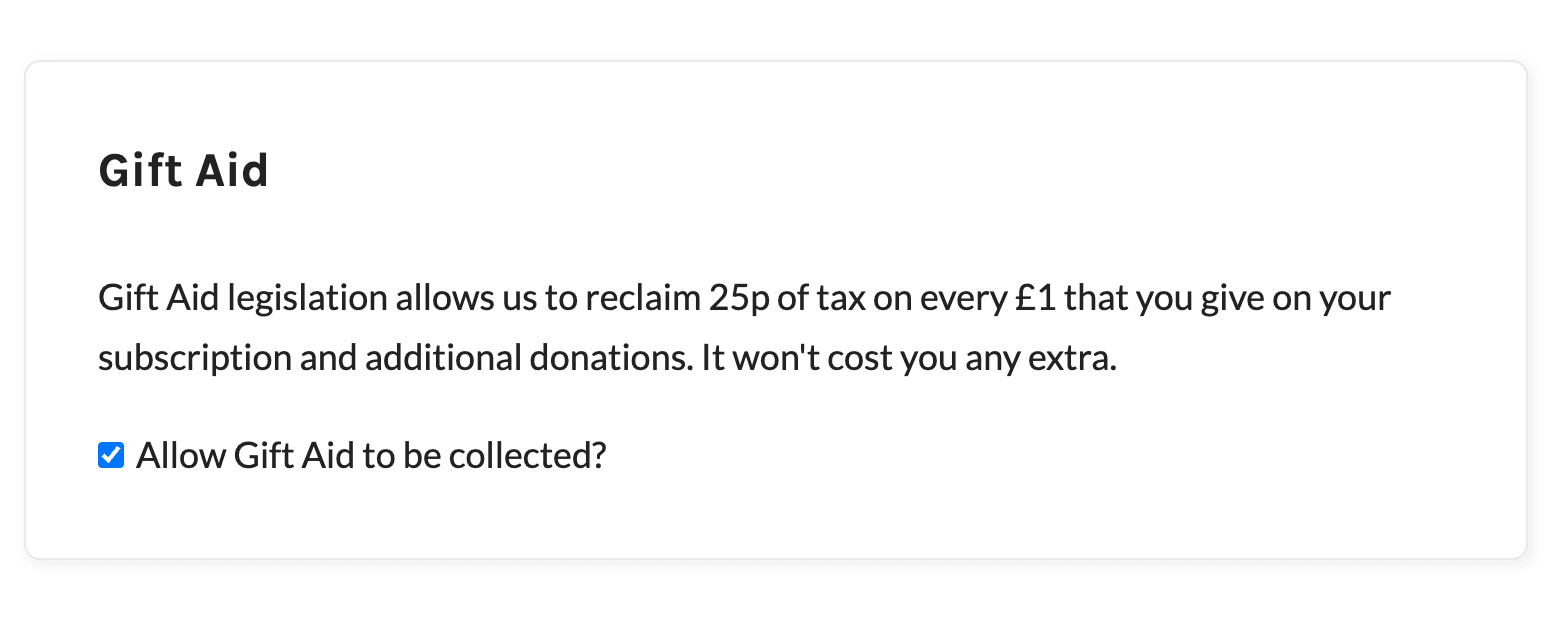
- Description: “Gift Aid legislation allows us to reclaim 25p of tax on every £1 that you give on your subscription and additional donations. It won’t cost you any extra.”
- Checkbox: “Allow Gift Aid to be collected?”
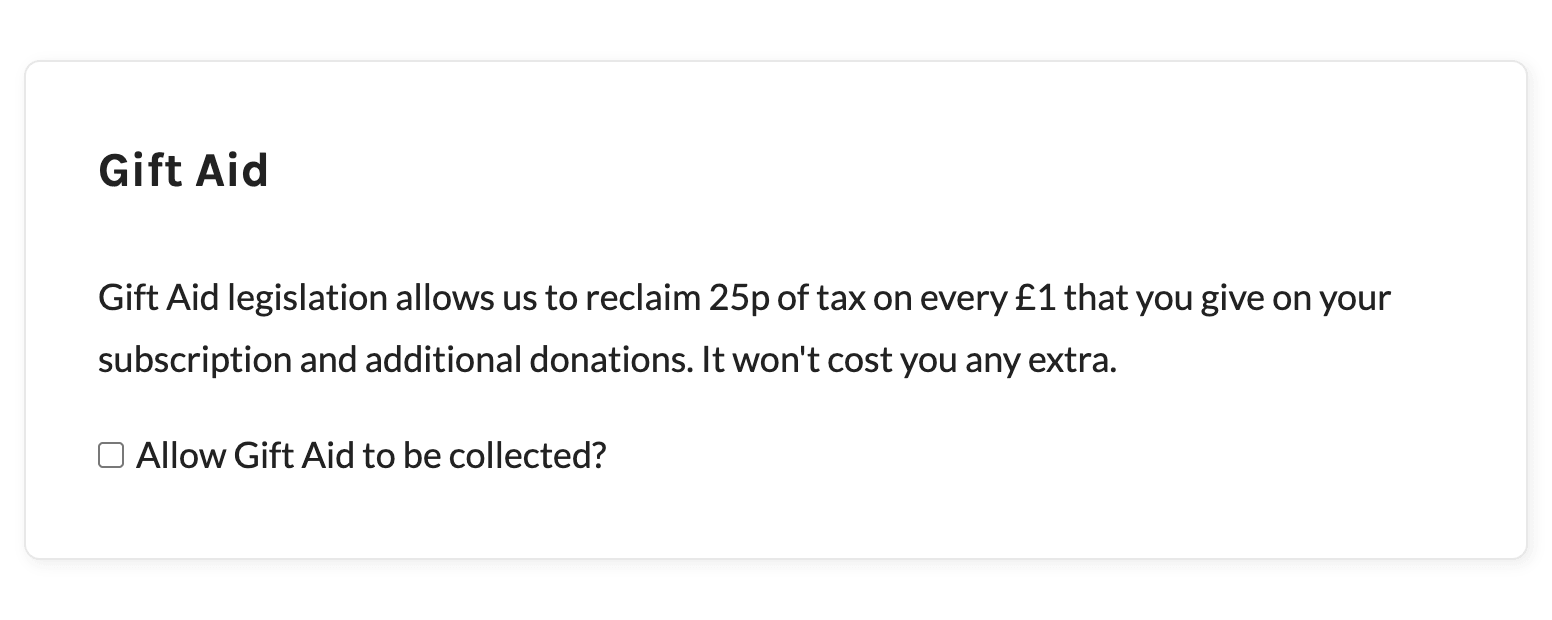
The checkbox is unchecked by default for new members. When a logged-in member checks out again, the checkbox starts out matching the choice they made at their last checkout.
How the Choice Is Saved
When a member checks out with the Gift Aid checkbox on the page, the Add On saves their choice in two places:
- The Checkout Order: The order notes get “Gift Aid: Yes” if the box was checked, or “Gift Aid: No” if it was left unchecked. This is the record the Add On uses everywhere else: on the member’s order page, in the admin checkout email, for renewal payments, and in the Orders CSV export.
- The Member’s Profile: The Add On saves the choice to the
gift_aiduser meta field (1for yes,0for no). It uses this to pre-check the box at the member’s next checkout. You won’t see this field on the Edit Member or user profile screens.
This also works when payment is completed at an offsite gateway, such as PayPal. The order note is added when the order is created at checkout, and the member’s profile is updated when the gateway confirms the payment.
If the checkbox isn’t on the page (a free level, or a level where the filter hides it), the Add On adds no Gift Aid note to the order and leaves the member’s saved choice as it was.
Members can only change their Gift Aid choice by checking out again. There is no Gift Aid field on the Membership Account page. To correct the record on an existing order, see change the Gift Aid value on an order.
Get Support From Our Team of Experts
Have a question about how to use this feature? Our Support Page outlines three ways to get support.
Our Max plans include hands-on help customizing your membership site and implementing new features. Upgrade to PMPro Max now »
Last updated on November 19, 2026