After configuring the group account details for your levels, you must also create a new frontend page for your member to manage their group.
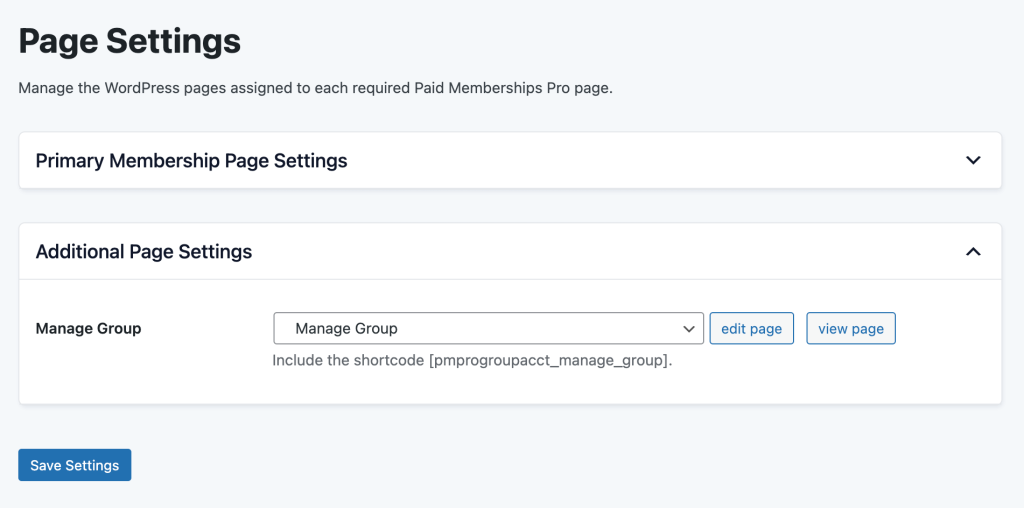
- Navigate to Memberships > Settings > Pages in the WordPress admin.
- Locate the Additional Page Settings section.
- Click Generate Page to automatically create the Manage Group page. This page will be created as a child of your Membership Account page.
- If you prefer to manually create this page, you must use the shortcode
[pmprogroupacct_manage_group]and then return to this screen to assign the page using the dropdown. - Save Settings to update your membership site.
Get Support From Our Team of Experts
Have a question about how to use this feature? Our Support Page outlines three ways to get support.
Our Max plans include hands-on help customizing your membership site and implementing new features. Upgrade to PMPro Max now »
Last updated on September 8, 2025
Was this article helpful?
YesNo

