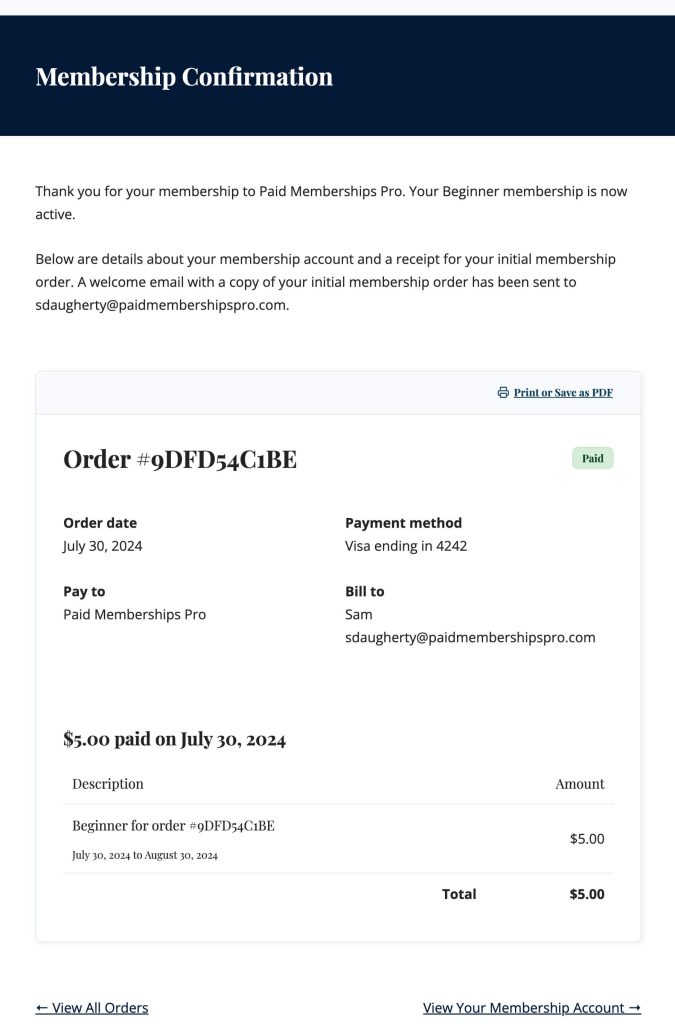
The Membership Confirmation page shows the confirmation message and details that are displayed after membership checkout. You can show a custom message on this page by adding content to the level under Memberships > Settings > Membership Levels in the WordPress dashboard. Additionally, Add Ons may insert custom content on the confirmation page depending on their features.
Table of contents
As of Paid Memberships Pro v3.8, the custom message is only shown when the order status is “success”. For pending orders, members will see the standard message indicating their membership will be activated once payment has been completed. Additionally, PMPro Add Ons may insert custom content on the confirmation page depending on their features.
Membership Confirmation Settings
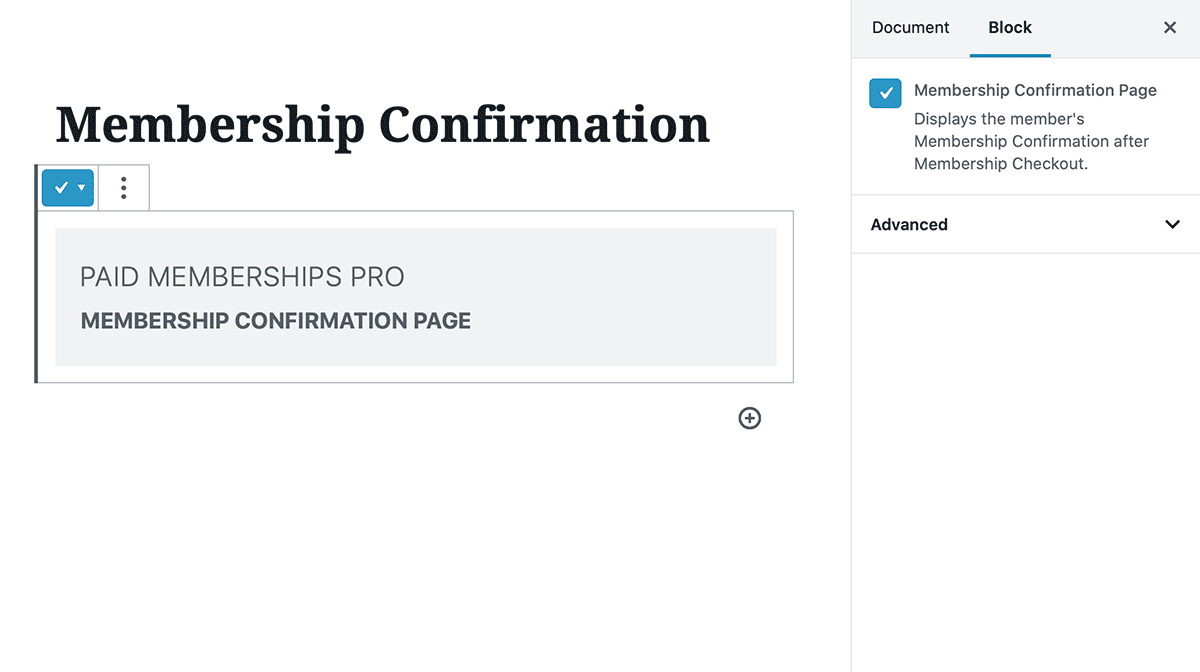
The page must contain either the membership confirmation block or pmpro_confirmation shortcode. Either method will display the membership confirmation message, details about the payment made, if applicable, and a link to the Membership Account page.
Redirect Logic
When a site visitor tries to access the Membership Confirmation page, they are redirected to the Log In page. After log in, all users will be redirected back to the Membership Confirmation page. If the user does not have an active or pending membership level, they will be redirected to the Membership Account page.
Get Support From Our Team of Experts
Have a question about how to use this feature? Our Support Page outlines three ways to get support.
Our Max plans include hands-on help customizing your membership site and implementing new features. Upgrade to PMPro Max now »
Last updated on June 16, 2026

