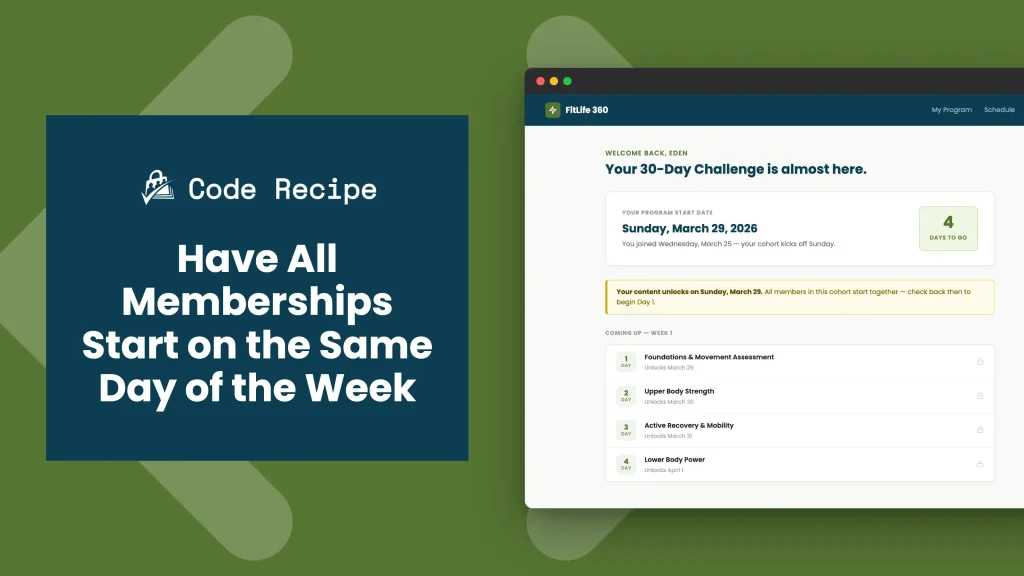
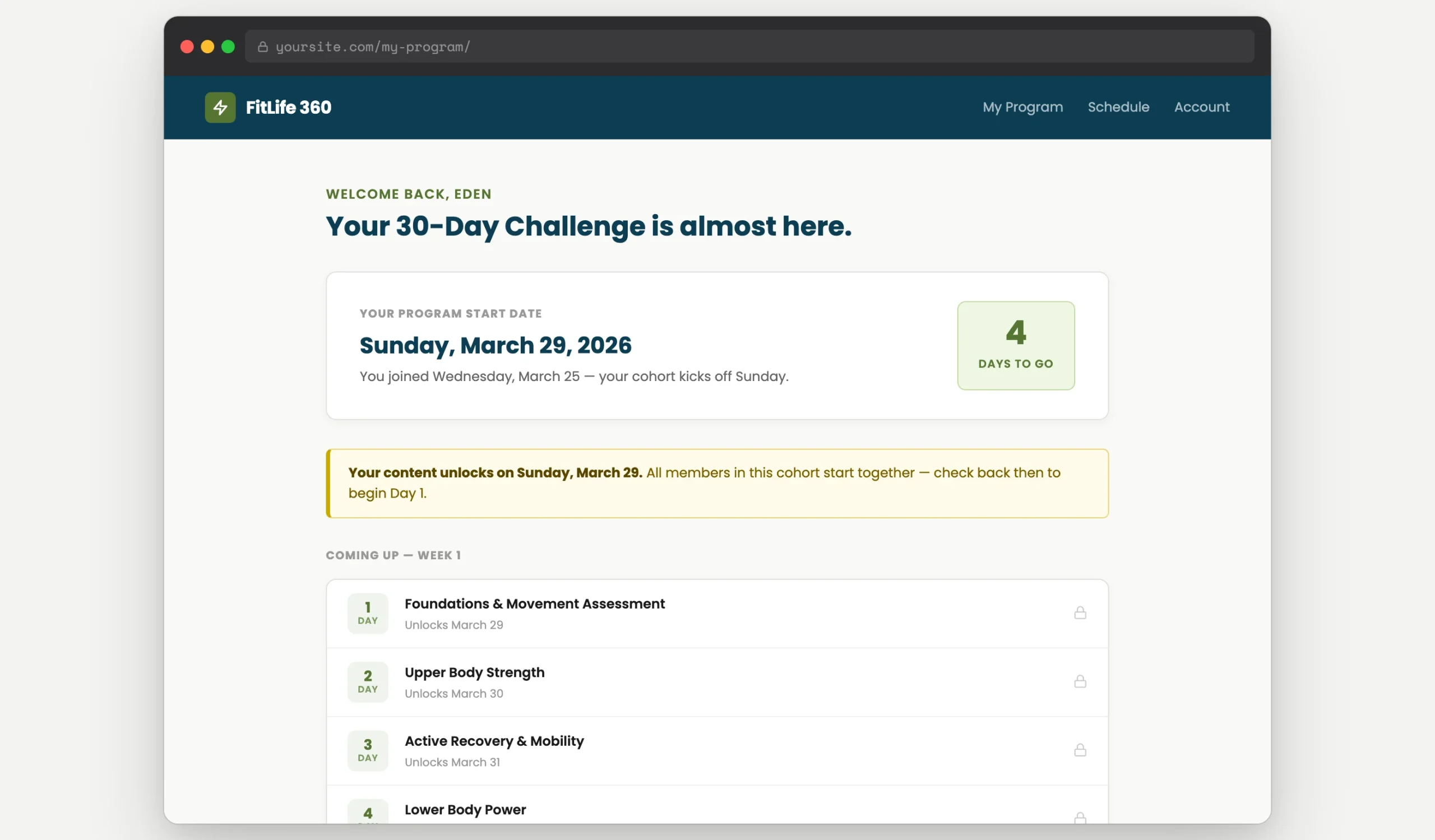
When a member joins your site, Paid Memberships Pro sets their membership start date to the day of checkout. For most sites, that works well. But if you deliver content on a day-by-day schedule, like a fitness program, a self-guided course, a 30-day challenge, new members joining mid-week will be out of sync with everyone else in the program.
This code recipe adjusts the membership start date forward to the next Sunday at checkout, so every new member begins the program on the same day of the week regardless of when they signed up.
This recipe pairs well with the Series Add On for Paid Memberships Pro, which uses the membership start date to determine when each piece of content unlocks.
Do You Need This Recipe?
This recipe is most useful when all of the following apply to your site:
- You deliver structured, time-based content: day 1, day 2, day 3 of a program.
- You use the Series Add On or another drip schedule tied to the membership start date.
- You want every new member to begin on the same day of the week for a consistent cohort experience.
If your members get immediate, full access to all content at checkout, this recipe is not necessary. If you want to delay the start of the entire membership, not just align it to a weekday, see the Subscription Delays Add On as an alternative approach.
Understanding the pmpro_checkout_start_date Filter
By default, Paid Memberships Pro sets the membership start date to the date of checkout. Extensions like the Series Add On use this start date to calculate how many days a member has been active and unlock content based on that count.
The pmpro_checkout_start_date filter lets you intercept and modify that start date before it is saved. By returning a future date, you shift the entire content unlock schedule forward to align with that date, without changing the checkout date or the billing date.
For this recipe, only the first parameter is used:
$startdate(string): The default membership start date, formatted for MySQL. Return a modified date string inY-m-dformat to override it.
About the Code Recipe
The function uses date("N") to determine the current day of the week. This PHP function returns an integer from 1 (Monday) to 7 (Sunday).
It then calculates the number of days remaining until the next Sunday by subtracting the current day number from 7. For example: if a member checks out on a Tuesday (day 2), the result is 7 - 2 = 5, meaning Sunday is five days away. The function adds those five days to the current date and returns the result as the new start date.
If a member checks out on a Sunday (day 7), the calculation returns 7 - 7 = 0 — no days are added, and the start date stays as today. See the Customization section below if you would prefer to always push to the following Sunday instead.
The Code Recipe (PHP)
Adding the Recipe to Your Website
You can add this recipe to your site by creating a custom plugin or using the Code Snippets plugin available for free in the WordPress repository. Read this companion article for step-by-step directions on either method.
How to Customize This Code Recipe
Change the Target Day
The snippet defaults to Sunday because Sunday has an ISO day number of 7, and 7 - 7 = 0 days added when checking out on Sunday. To target a different weekday, update the number in $days_to_sunday = 7 - $checkout_day using the ISO day number for your preferred day:
| Day | ISO Number |
|---|---|
| Monday | 1 |
| Tuesday | 2 |
| Wednesday | 3 |
| Thursday | 4 |
| Friday | 5 |
| Saturday | 6 |
| Sunday | 7 |
For example, to target Monday (ISO day 1), replace the calculation with:
$days_to_monday = ( 1 - date( 'N' ) + 7 ) % 7;
A result of 0 means today is already the target day: the start date stays as today.
Always Push to the Next Occurrence
By default, a member who checks out on a Sunday gets a start date of today. If you would rather always push to the following Sunday, even when checkout happens on a Sunday, use the PHP null coalescing shorthand to convert a zero result to 7:
$days_to_sunday = ( 7 - date( 'N' ) ) ?: 7;
When the result of 7 - date('N') is 0 (Sunday checkout), the ?: operator returns 7 instead, pushing the start date to the following Sunday.
Start on the First of the Following Month
If your program runs on monthly cohorts rather than weekly ones, use this variation to shift the start date to the first day of the next calendar month:
$startdate = date( 'Y-m-01', strtotime( 'first day of next month' ) );
Video: Coding with Sam Walkthrough
Related Resources

Get Support From Our Team of Experts
Have a question about how to use this feature? Our Support Page outlines three ways to get support.
Our Max plans include hands-on help customizing your membership site and implementing new features. Upgrade to PMPro Max now »


