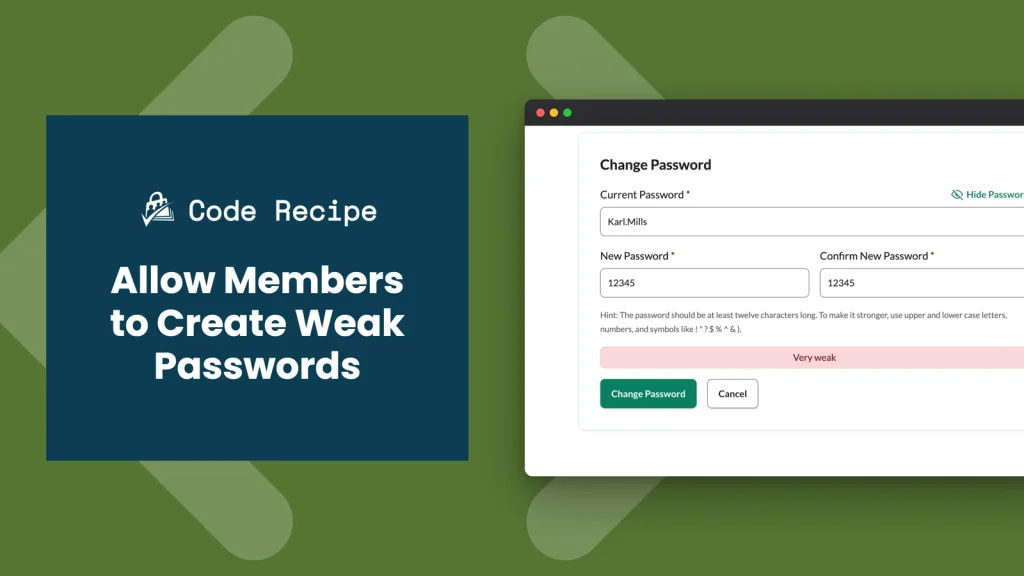
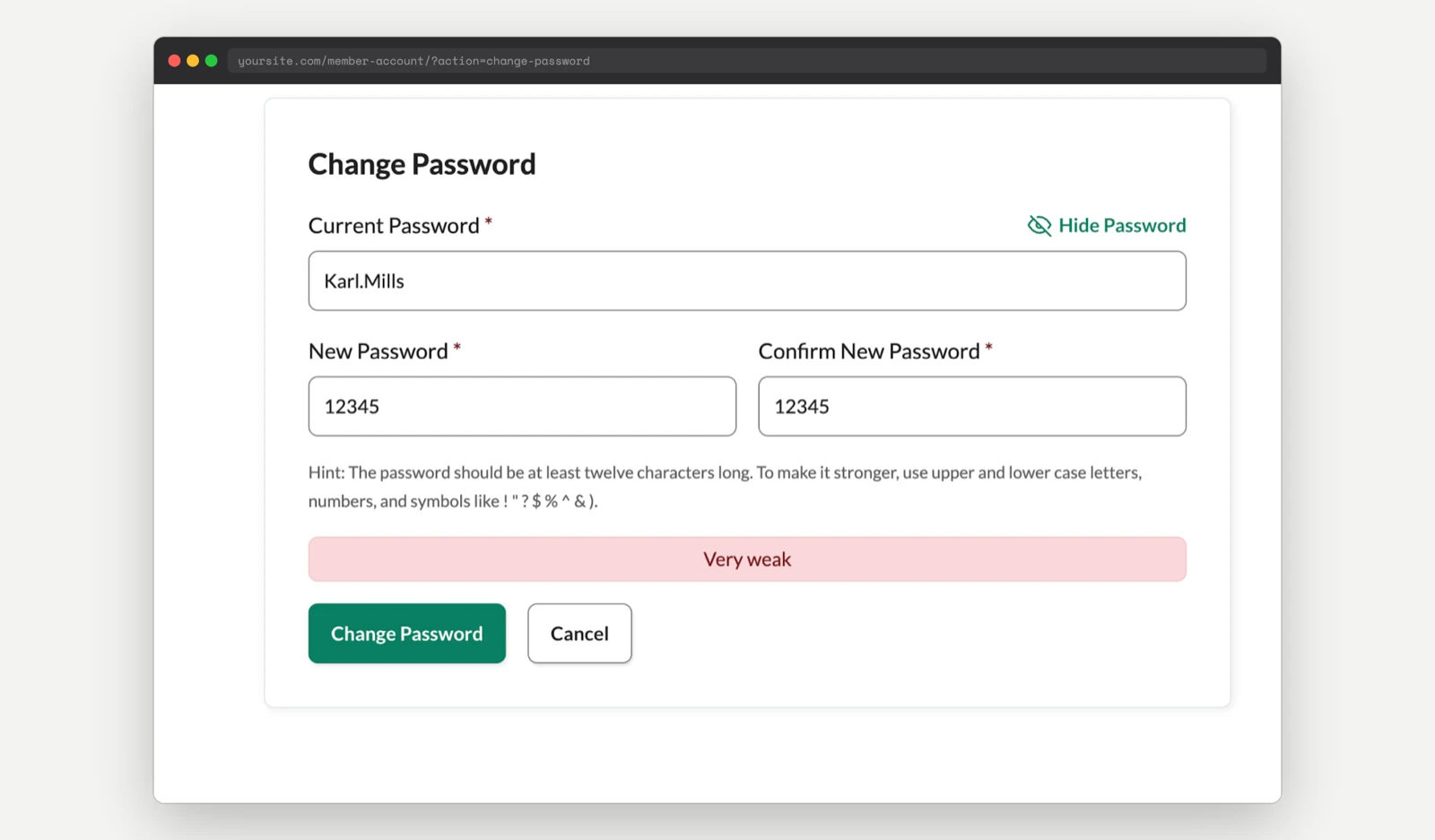
By default, Paid Memberships Pro enforces the same minimum password strength requirements as core WordPress on its Password Reset, Change Password, and profile update pages. This code recipe disables that enforcement with a single filter, so members can set a weaker password if they want.
Do You Need This Recipe?
This recipe fits sites that prioritize member convenience over strict password rules, or sites that handle authentication security another way. Turning off PMPro’s password strength check does not add a new capability. It removes an existing one, so use it only when weaker member passwords are an acceptable tradeoff for your site.
If you want the opposite, passwords enforced more strictly than WordPress’s own default, use our Require Strong Passwords Add On instead.
Best Practices and Considerations
This filter requires Paid Memberships Pro 2.3.3 or later.
The change applies sitewide. Once active, every member can set a weak password on the Password Reset and Change Password pages. There is no built-in way to scope it to specific membership levels or user roles.
About the Code Recipe
This recipe uses the pmpro_allow_weak_passwords filter. PMPro checks this filter’s return value before validating a password on the Password Reset and Change Password pages. Returning true skips the password strength check entirely, so PMPro accepts any password a member submits, regardless of length or complexity.
The Code Recipe
Adding the Recipe to Your Website
You can add this recipe to your site by creating a custom plugin or using the Code Snippets plugin available for free in the WordPress repository. Read this companion article for step-by-step directions on either method.
This code recipe requires no customizations.
Video: Coding with Sam Walkthrough

Get Support From Our Team of Experts
Have a question about how to use this feature? Our Support Page outlines three ways to get support.
Our Max plans include hands-on help customizing your membership site and implementing new features. Upgrade to PMPro Max now »


