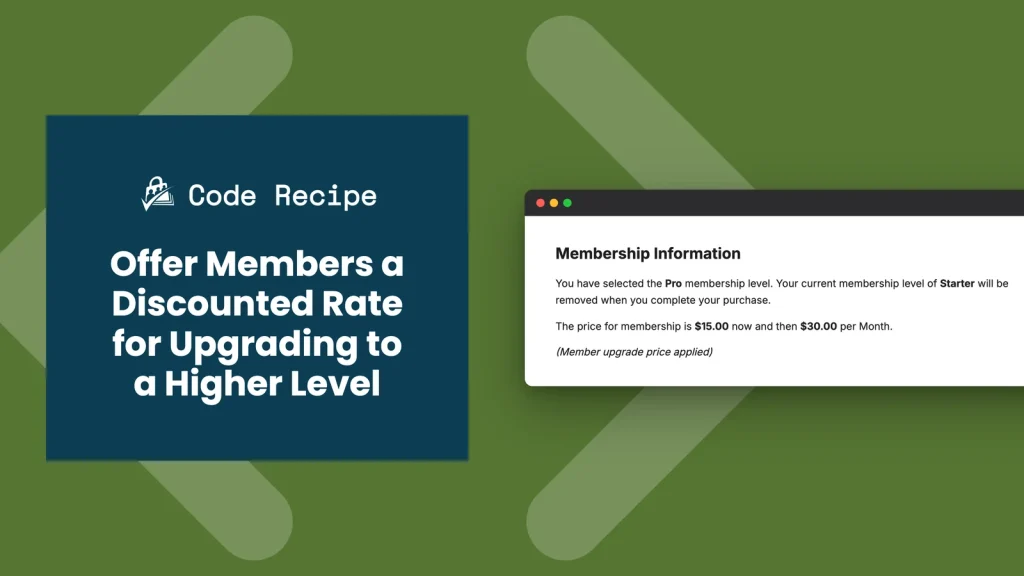
Give existing members a lower price when they upgrade to a higher membership level, automatically, with no discount code required. This code recipe checks a member’s current level at checkout and adjusts the price for one specific upgrade path, so members who are already paying you feel rewarded for moving up instead of paying the same price as a brand new signup.
Do You Need This Recipe?
This recipe fits when you want to encourage members on one level to upgrade to a specific higher level, and the discount only needs to apply to people who already hold the starting level. It is a flat, fixed discount tied to one level-to-level path, not a general “give everyone a coupon” tool.
Some sites want to charge members only the difference between what they already paid and the new level’s price, based on time left in their billing cycle. For that, use PMPro’s Proration Add On instead. That Add On calculates prorated credit for you. This recipe is for a flat discount you set yourself.
Best Practices and Considerations
This code only changes the price a member sees at checkout. It does not change the price shown on your Membership Levels page, and the discount only appears once the member selects the level and reaches the checkout page. Tell members about the discount somewhere before checkout (an email, a note on the levels page) so the price does not seem to change on them unexpectedly.
About the Code Recipe
This recipe uses two PMPro hooks.
The pmpro_checkout_level filter runs on the level object before checkout pricing is calculated. The code checks whether the currently logged-in member already holds a specific level with pmpro_hasMembershipLevel(), and whether they are checking out for a different, specific level. When both are true, it overwrites $level->initial_payment with the discounted amount. If the target level also bills on a recurring basis, you can uncomment a few extra lines to discount the recurring billing_amount, cycle_number, and cycle_period too, not just the first payment.
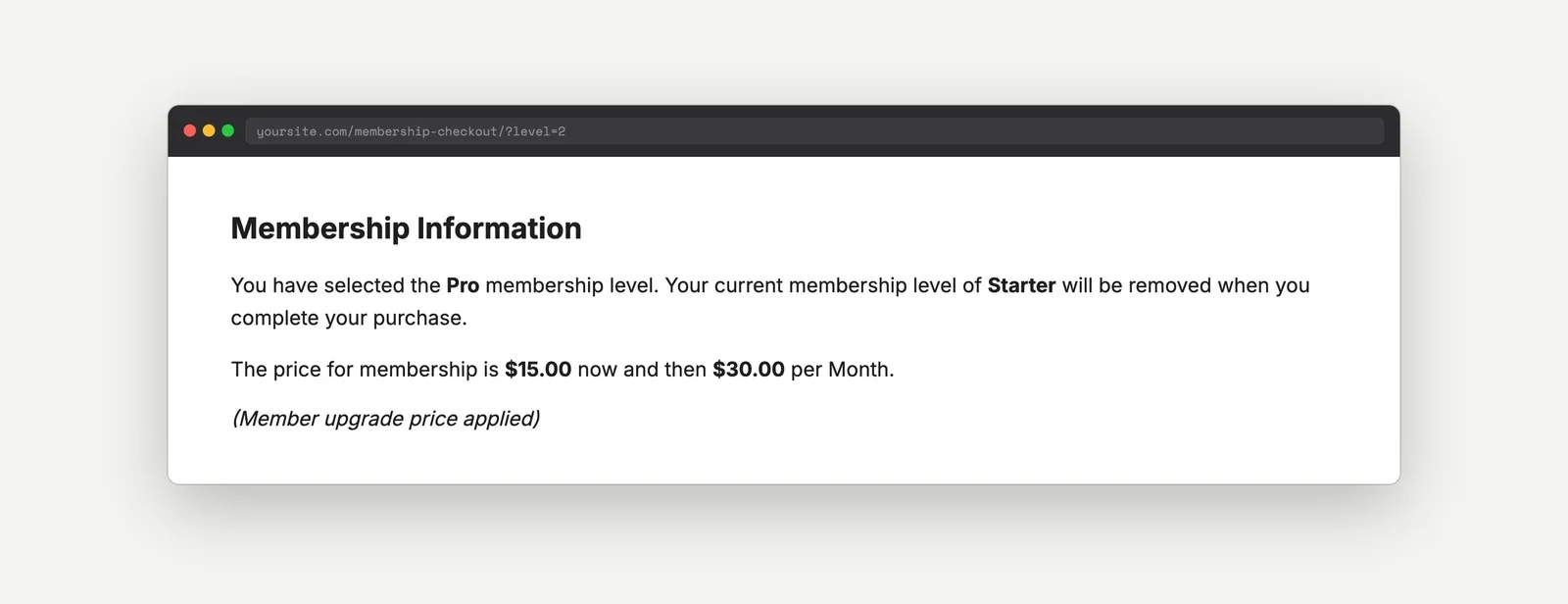
The pmpro_level_cost_text filter adds a short note to the price text everywhere PMPro displays it (checkout, confirmation, account page). The note only appears when the level was actually adjusted by the filter above, so members checking out at the regular price never see it.
The Code Recipe
Adding the Recipe to Your Website
You can add this recipe to your site by creating a custom plugin or using the Code Snippets plugin available for free in the WordPress repository. Read this companion article for step-by-step directions on either method.
How to Customize This Code Recipe
- Set the qualifying level (line 21): Update
1inpmpro_hasMembershipLevel( 1 )to the ID of the level a member must currently hold to qualify for the discount. - Set the discounted level (line 21): Update
2in(int) $level->id === 2to the ID of the level this discount applies to. - Set the discounted price (line 24): Update
25.00to the discounted initial payment you want to charge. - Discount the recurring rate (lines 30-32): If the discounted level bills on a recurring basis and you want to lower the ongoing payment too, not just the first one, uncomment
$level->billing_amount,$level->cycle_number, and$level->cycle_periodand set them to the terms you want. - Change or remove the price note (line 51): Edit the text in
pmpro_adjust_price_for_members_upgrading_cost_text(), or remove the function and itsadd_filter()call entirely if you would rather not display any note about the adjusted price.

Get Support From Our Team of Experts
Have a question about how to use this feature? Our Support Page outlines three ways to get support.
Our Max plans include hands-on help customizing your membership site and implementing new features. Upgrade to PMPro Max now »


