Members follow their progress on the series page, which shows what’s available now and the date each remaining item unlocks. Locked content explains when the member will get access, and unlocked content is linked from the Membership Account page.
The Series Page
Each series has its own page on your site at /series/[series-slug]/. Link to it from a menu, a welcome email, or your member dashboard so members can find it. An archive of all series is available at /series/.
Members with access see a Content in This Series box in place of the series description:
- Progress Message: “You are on day [number] of your membership.” Once everything in the series has unlocked, this changes to “All posts in this series are now available.”
- Available Content: The title links to the post, with an Available Now button.
- Upcoming Content: The title is shown without a link, along with the date it becomes available.
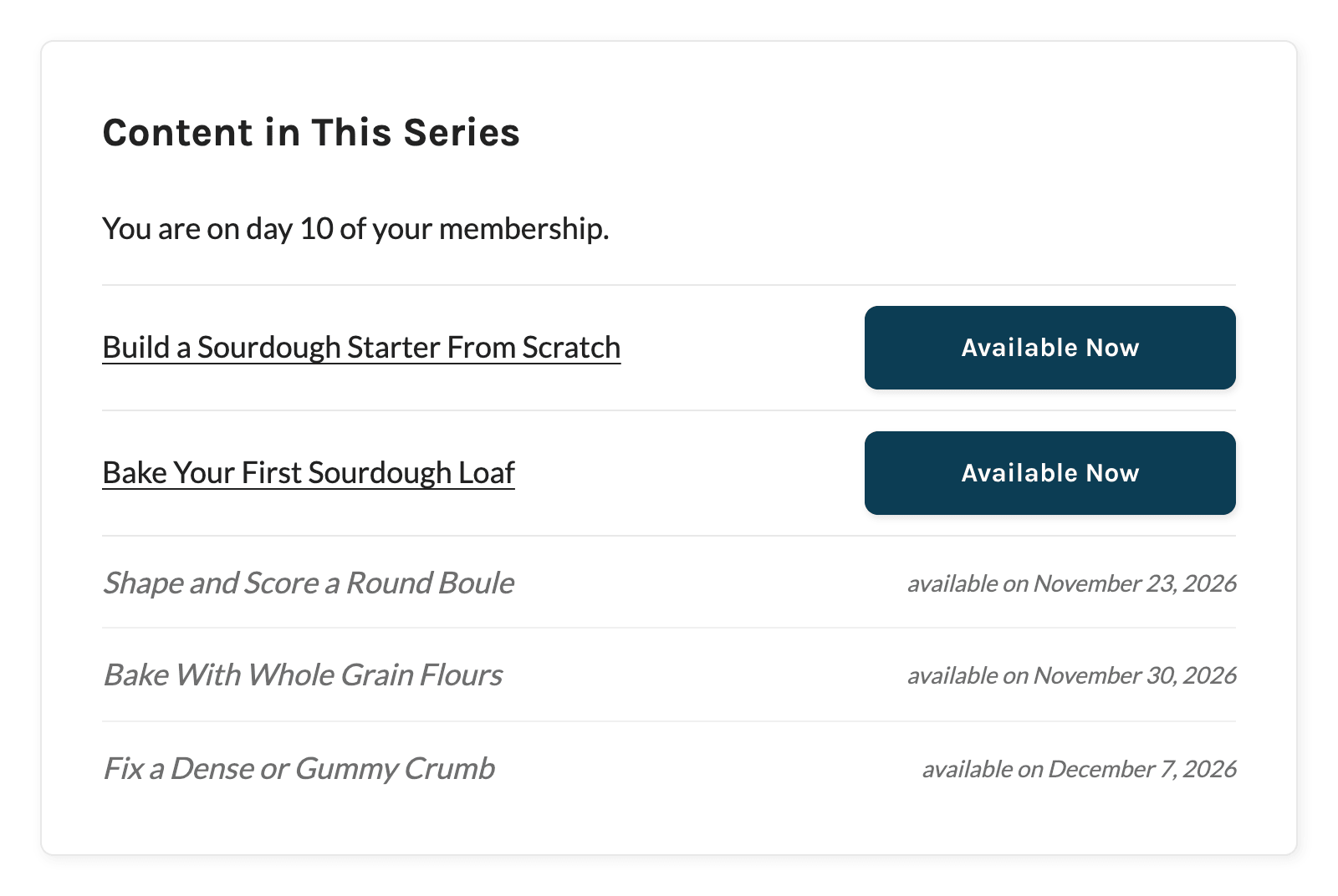
Only published content appears in the list. Drafts you’ve added to the series show up once you publish them.
Visitors and members without one of the series’ levels see your standard membership required message on the series page instead of the list.
Messages on Locked Content
When someone opens a post or page from a series they can’t view yet, the Add On changes the membership required message to explain why. There are two versions.
Members Waiting for Content to Unlock
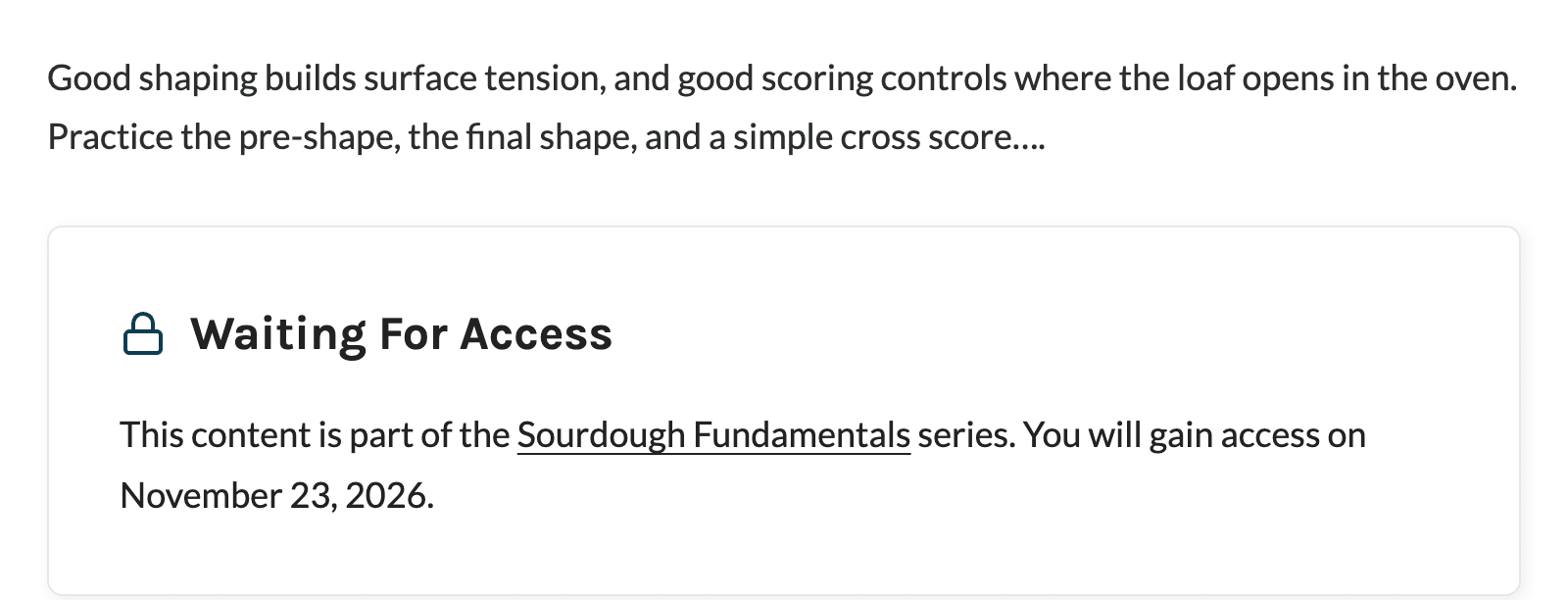
A member who has access to the series but hasn’t reached the delay yet sees the heading Waiting For Access and the message “This content is part of the [Series Name] series. You will gain access on [date].” The series name links to the series page. If the content is in more than one of their series, the message uses the series that unlocks it soonest.
Visitors and Members Without Access to the Series
Everyone else sees the heading Membership Required and the message “This content is part of the [Series Name] series.” with a link to the series page. If the content belongs to several series, the message lists each one: “This content is part of the following series: [Series A], [Series B].”
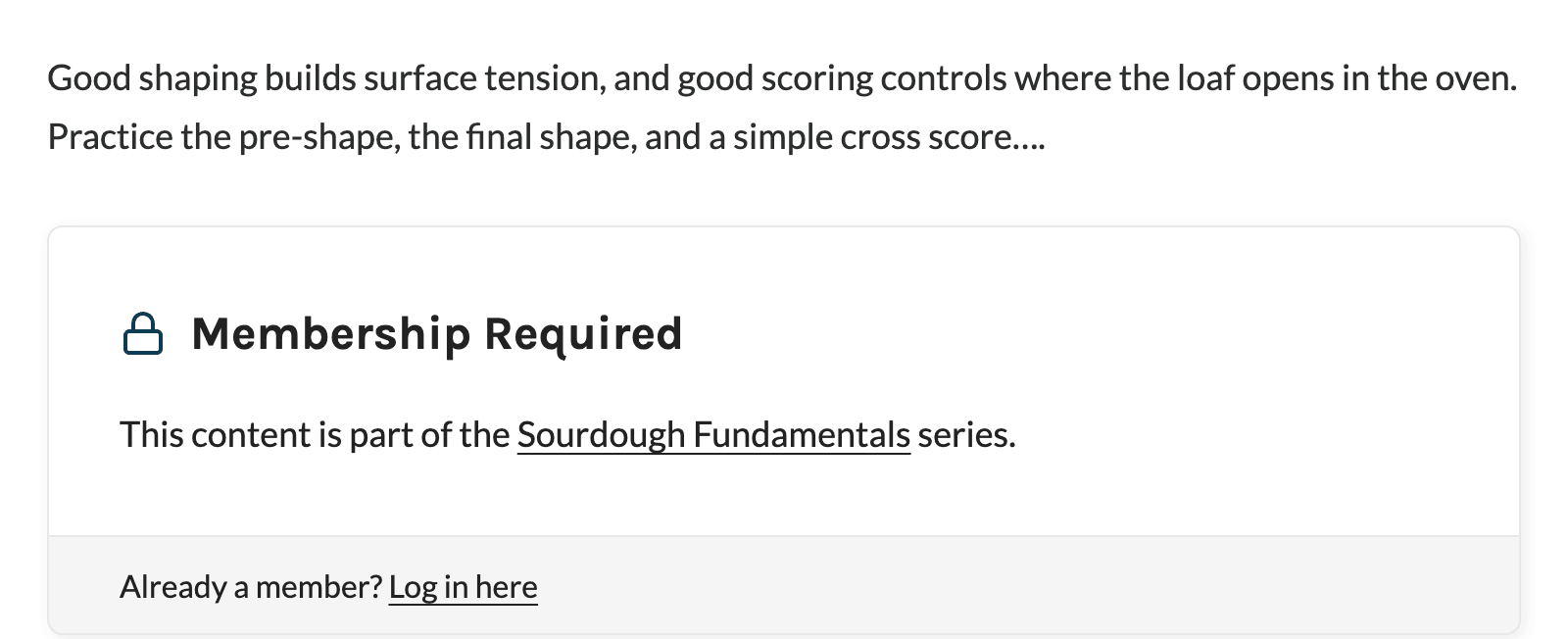
This message replaces the default body of the membership required message for series content, so it links to the series rather than listing levels to join. Visitors who follow the link see the series page’s own membership required message, which lists the levels that can access the series. The custom headings require Paid Memberships Pro 3.1 or later. Developers can change the message text with the filters on the hooks page.
Member Links on the Membership Account Page
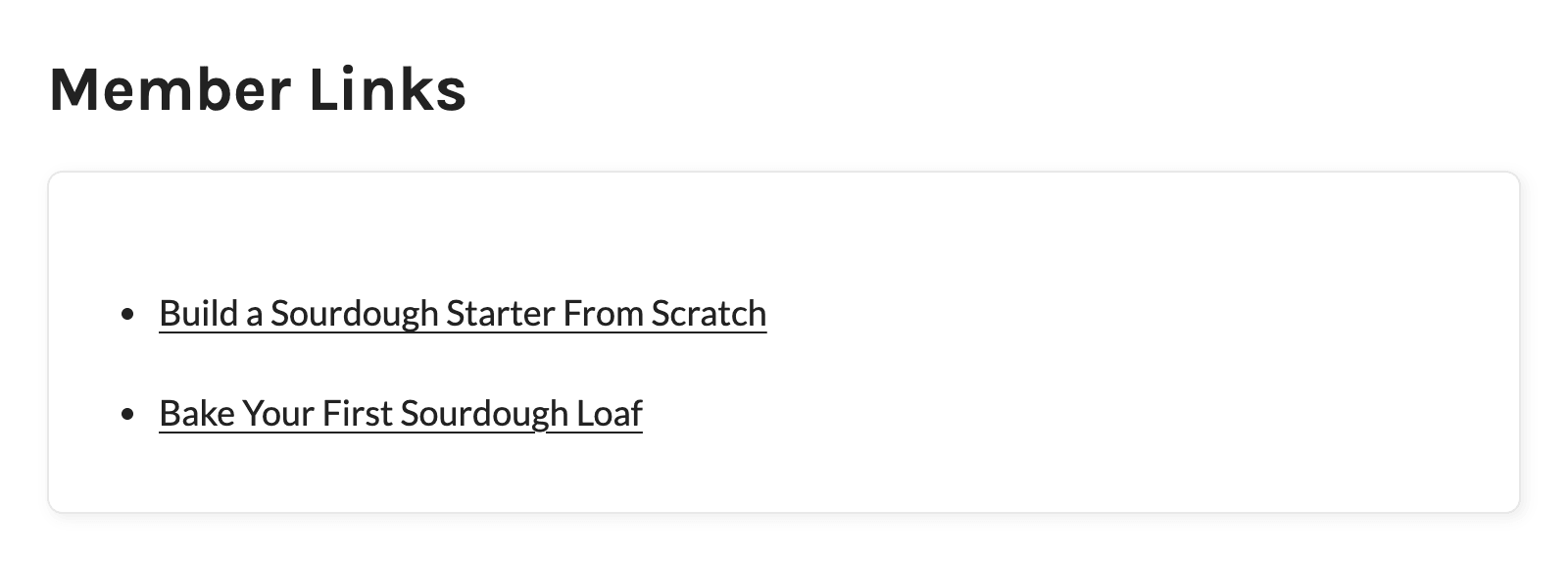
The Add On adds the content a member can view right now to the Member Links section of the Membership Account page. The list covers every series the member has access to. New items are added as they become available; content the member is still waiting for isn’t listed.
Get Support From Our Team of Experts
Have a question about how to use this feature? Our Support Page outlines three ways to get support.
Our Max plans include hands-on help customizing your membership site and implementing new features. Upgrade to PMPro Max now »
Last updated on November 19, 2026