Blocking certain email domains from membership signup is a common way to keep spammers out of your site. You may also want to keep out disposable email services.
This code recipe lets you block membership signups for specific email domains so you can prevent spam, block competitor domains, and restrict any address you do not want signing up for a membership level.
Do You Need This Recipe?
This is a good fit if:
- You are seeing signups from throwaway or disposable email providers and want to block the specific domains you keep seeing.
- You need to block one or a handful of known domains, such as a competitor’s domain or a domain tied to spam signups on your site.
- You want a lightweight first line of defense at checkout, not a full spam or fraud detection system.
If you want to require members to sign up with an approved company or organization domain instead of blocking specific ones, use the allow-list version of this recipe instead.
Best Practices and Considerations
- PHP 8.0 or higher is required. This snippet uses PHP’s
str_ends_with()function, which was added in PHP 8.0. Most WordPress hosts run PHP 8.1 or newer by default today, so this should not be a blocker for the vast majority of sites. If you are not sure what your host is running, check your hosting control panel or ask your host directly. - The domain match is a suffix match, not a strict domain match. That is usually what you want, but be precise with short or generic domains you add. A domain that happens to end in the same letters, for example
mail.aol.comor a fictionalnotreallyaol.com, would also matchaol.comas an invalid domain. - This only runs at checkout. It blocks new signups going forward. It will not affect members who have already registered with a blocked domain.
About the Code Recipe
This recipe hooks into the pmpro_registration_checks filter that runs after PMPro validates the order, but before the registration is finalized.
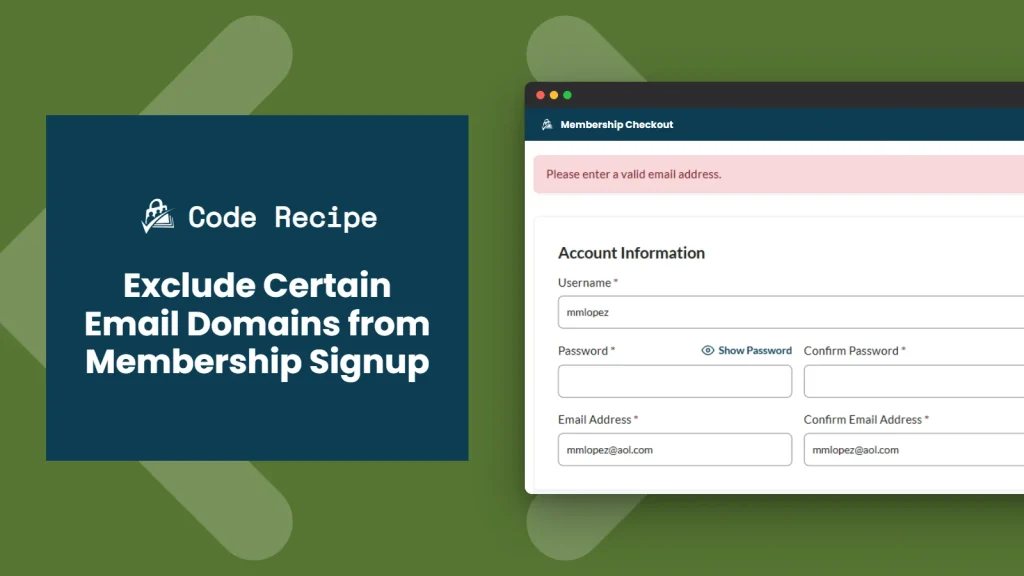
The code recipe’s invalid_email_addresses_pmpro_registration_checks() function grabs the email address submitted at checkout and sanitizes it. It then passes that email to a helper function, my_checkForInvalidDomain(), which pulls out the domain part (everything after the @) and lowercases it. It compares that domain against your $invalid_domains list using str_ends_with(), so subdomains of a blocked domain are caught too. If there is a match, it sets an error message (Please enter a valid email address.) and returns false, which stops the signup.
The Code Recipe
Adding the Recipe to Your Website
You can add this recipe to your site by creating a custom plugin or using the Code Snippets plugin available for free in the WordPress repository. Read this companion article for step-by-step directions on either method.
How To Customize This Code Recipe
- Add or remove blocked domains: Edit the
$invalid_domainsarray on line 58 with the domains you want to block, one per entry:array( 'aol.com', 'yopmail.com', 'example.com' ). - Block only the exact domain, not subdomains: If you do not want the subdomain-matching behavior described above, change the comparison from
str_ends_with( $domain_part, $invalid_domain )to$domain_part === $invalid_domain. - Change the error message: Update the
$pmpro_msgtext on line 34 to something more specific to your site, such as naming the reason the address was rejected.

Get Support From Our Team of Experts
Have a question about how to use this feature? Our Support Page outlines three ways to get support.
Our Max plans include hands-on help customizing your membership site and implementing new features. Upgrade to PMPro Max now »


