Curious what percentage of total orders are refunded in your membership site? This code recipe shows you how to create a custom report on the Memberships > Reports dashboard that displays your membership site’s refund rate.
As coded, the report shows refund rate for the current month, current year, and as an all-time value. You can customize the code for the report further to reflect important timeframes for your membership business.
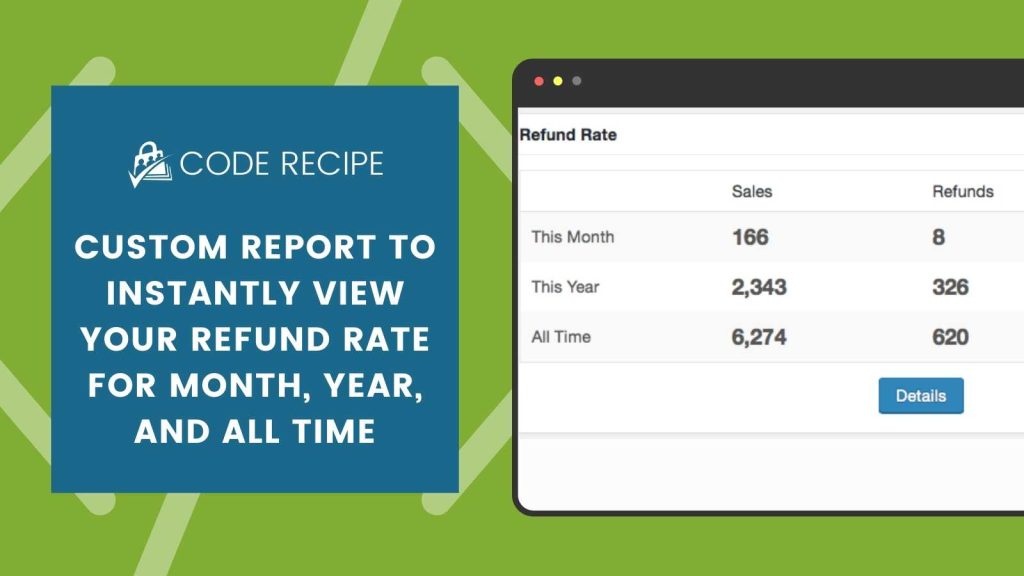
Screenshot: Example Refund Rate Report Widget
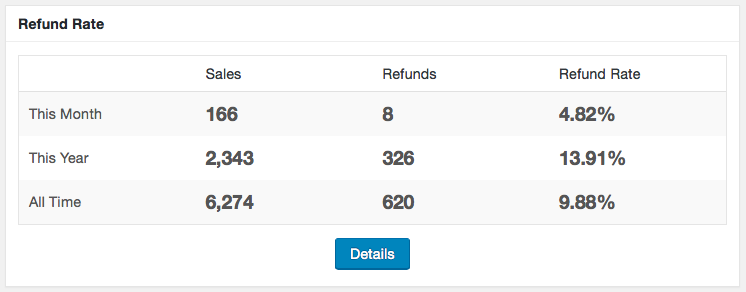
The Code Recipe
Adding the Recipe to Your Website
You can add this recipe to your site by creating a custom plugin or using the Code Snippets plugin available for free in the WordPress repository. Read this companion article for step-by-step directions on either method.
Follow the directions outlined in this blog post on custom reports for help getting the report added to your site.

Get Support From Our Team of Experts
Have a question about how to use this feature? Our Support Page outlines three ways to get support.
Our Max plans include hands-on help customizing your membership site and implementing new features. Upgrade to PMPro Max now »


