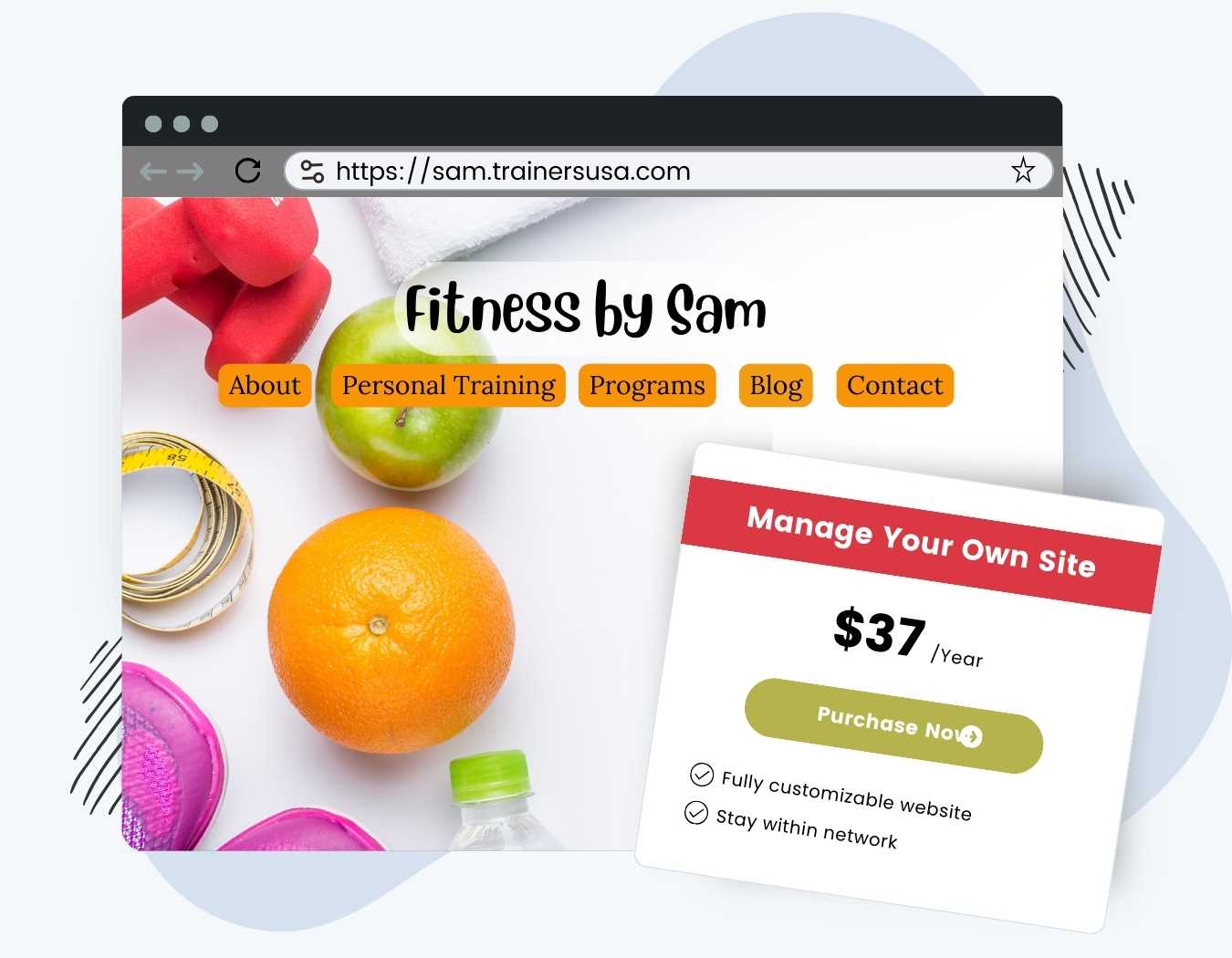
If you run a WordPress multisite network, you can offer each member a website of their own. Agencies, small hosting companies, and SaaS-style services use this to bundle a managed site with a monthly or yearly plan. The member picks a site name at checkout, the site is ready when checkout completes, and it stays active for as long as they keep paying.
The Member Network Sites Add On connects your membership levels to sites on your network. Each level includes a number of site credits, so a basic plan can include one site and higher tiers can include more. If a member cancels or their membership expires, their sites are deactivated, and they come back when the member rejoins. This Add On is included with the Standard and Max plans.
Key Features
- Site Creation at Checkout: Members choose their site name and title during checkout, and the site is created on your network as soon as checkout completes, including with offsite payment gateways.
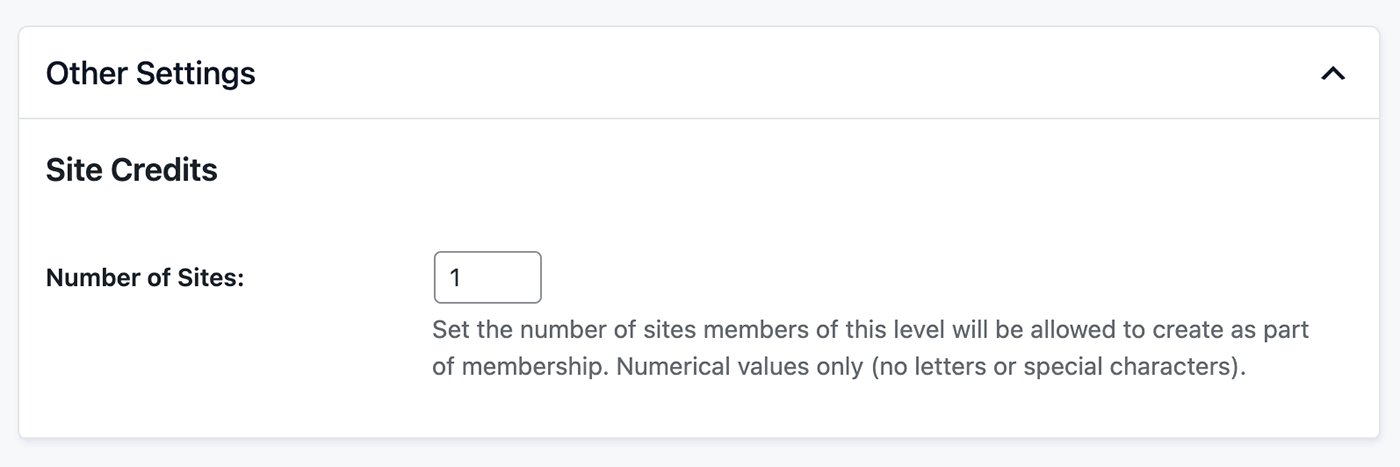
- Site Credits by Level: Set the number of sites each membership level includes, from one site on a starter plan to several on a higher tier.
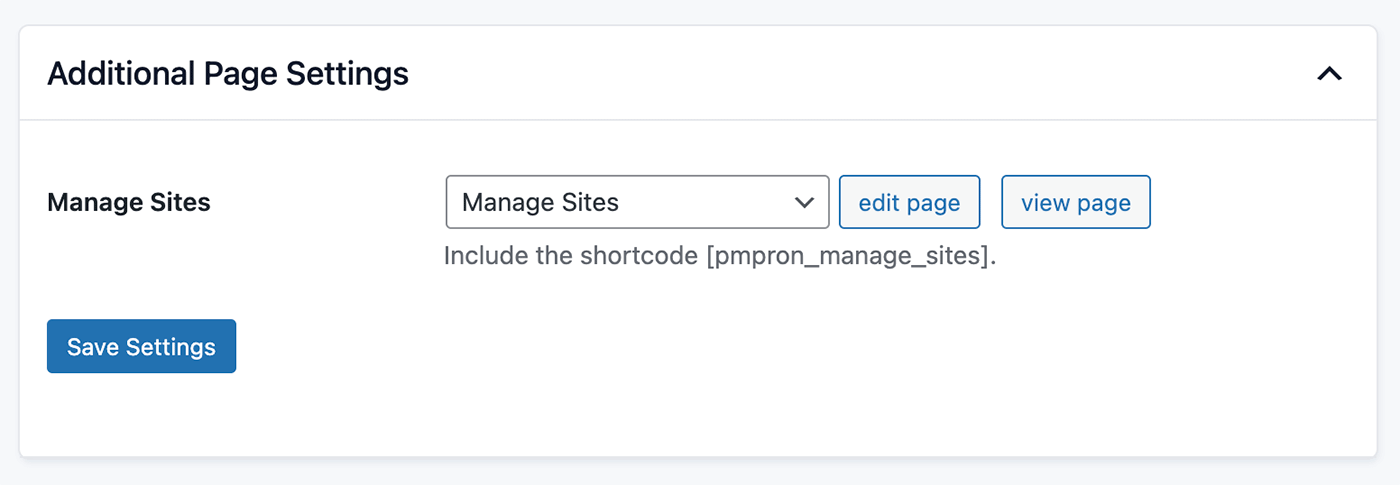
- Manage Sites Page: Members see all of their sites, open each site’s dashboard, and add new sites up to their credit limit from one page on your main site.
- Site Status Follows Membership: Sites are deactivated when a membership is cancelled or expires, and reactivated when the member checks out again. Downgrades keep the member’s earliest sites active up to their new limit.
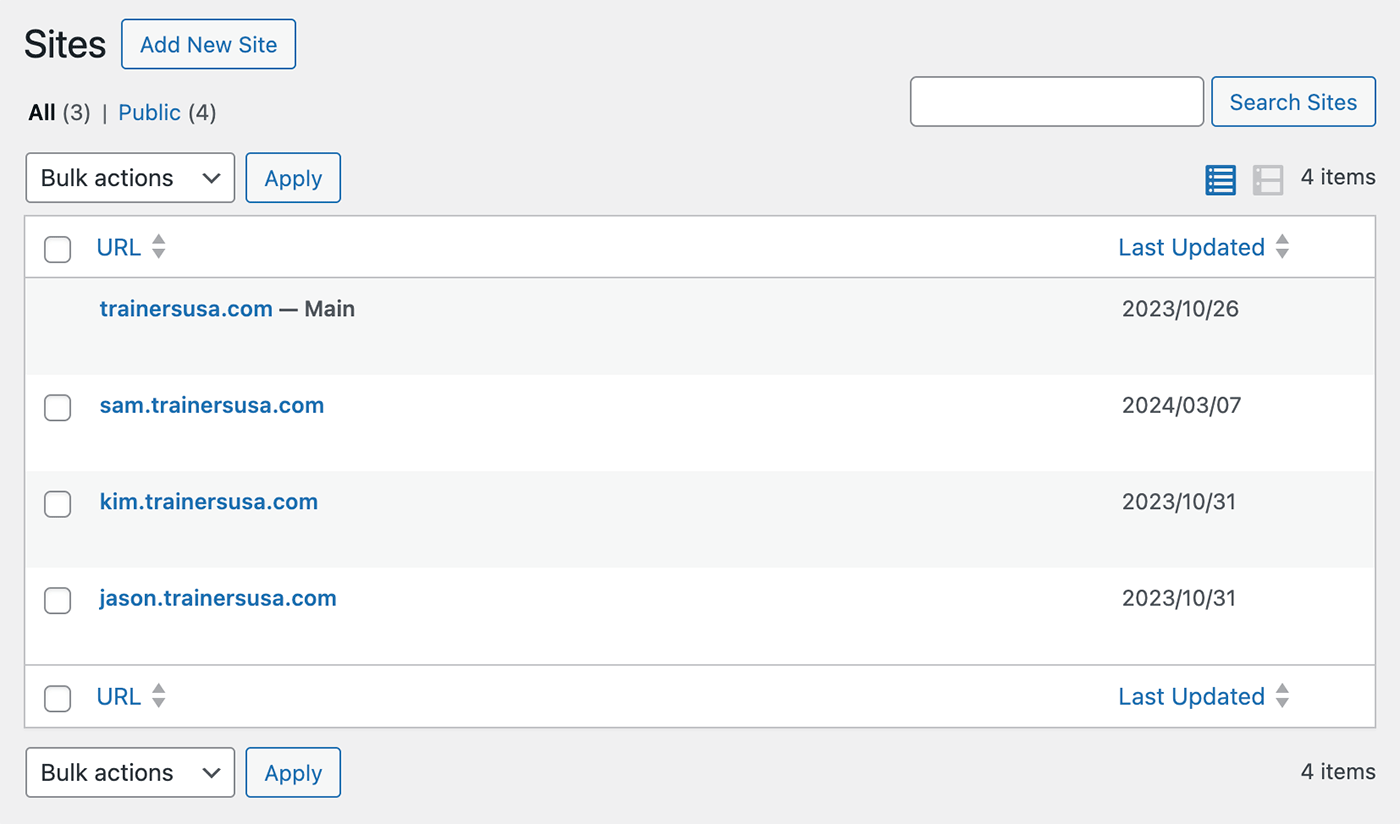
- Per-Member Credit Adjustments: Super Admins can change one member’s site credits and see a list of their sites from the Site Credits panel on the Edit Member screen.
- Pre-Configured Member Sites: With a little custom code, you can limit and pre-configure the themes and plugins available to member sites, or add starter content to every new site.
Member Network Sites Add On Documentation
Video Demo: Member Network Sites
Screenshots

Frequently Asked Questions
No. Member Network Sites requires a WordPress multisite network. On a single-site install, the Add On doesn’t load any of its settings or features.
Member Network Sites gives each member a site of their own on your network, where they are the administrator. The Multisite Membership Add On handles membership checkout, login, and admin on your main site and restricts content on subsites that you run. Choose Member Network Sites when the website itself is what members pay for.
The site is deactivated, not deleted. Its content and settings are kept, and visitors see a message that the site is no longer available. If the member logs in and checks out again for a level with site credits, their site is reactivated.
The Add On creates each site at a subdomain or subfolder of your network, depending on how your multisite is set up. Mapping a custom domain to a member’s site, and setting up SSL for it, is handled by your WordPress multisite and hosting setup, not by this Add On.
Yes. Set the Number of Sites on a level to 2 or more. Members create their first site at checkout and add the rest from the Manage Sites page.
Every premium Add On comes with your Standard or Max plan. Standard includes expert support for a site you host yourself. Max adds managed hosting, transactional email, security, backups, free migration, and monthly credits for development and design.