
If your organization claims Gift Aid on membership fees or donations, you need to know which members opted in and which payments that covers. Tracking it by hand in a spreadsheet gets harder with every renewal.
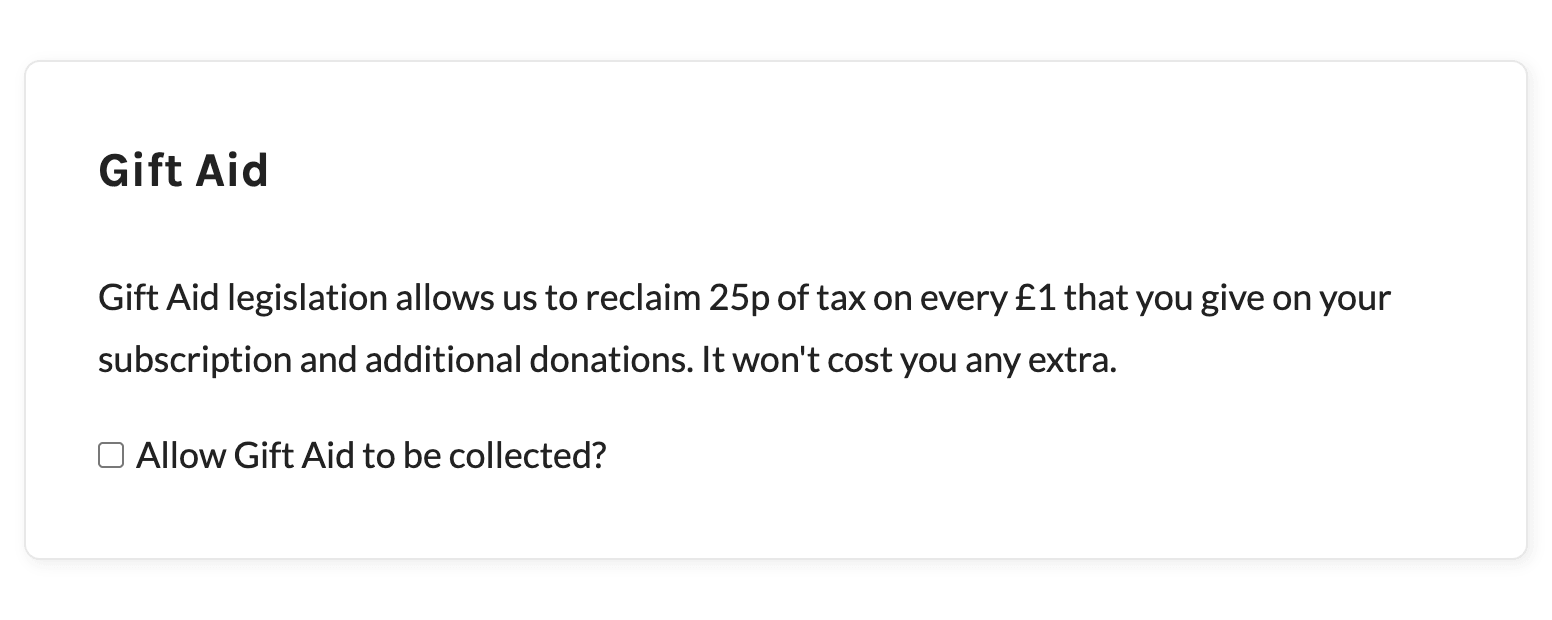
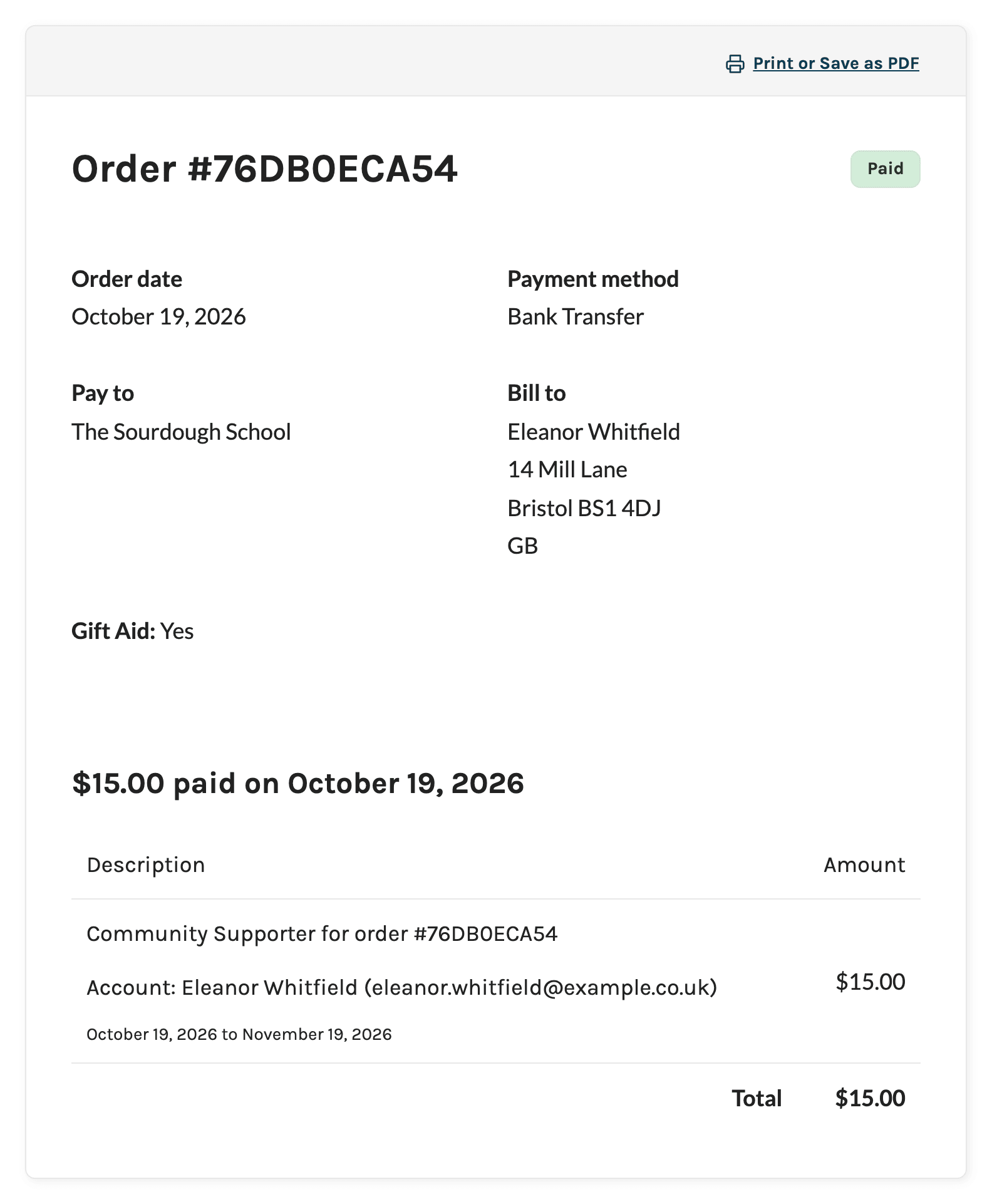
Paid Memberships Pro can ask for the opt-in right at checkout. The Gift Aid Add On adds a short Gift Aid section with a checkbox to the checkout page for paid levels, then records “Yes” or “No” on the member’s order. Renewal payments carry the same choice forward, and the Orders CSV export gives you a gift_aid column for your records. This Add On is included with the Standard and Max plans.
The Add On records your members’ choices. It doesn’t file claims or check eligibility. For the rules on Gift Aid declarations and claims, see HMRC’s guidance on gov.uk.
Key Features
- Opt-In Checkbox at Checkout: A Gift Aid section with a short explanation and an “Allow Gift Aid to be collected?” checkbox, shown for paid membership levels.
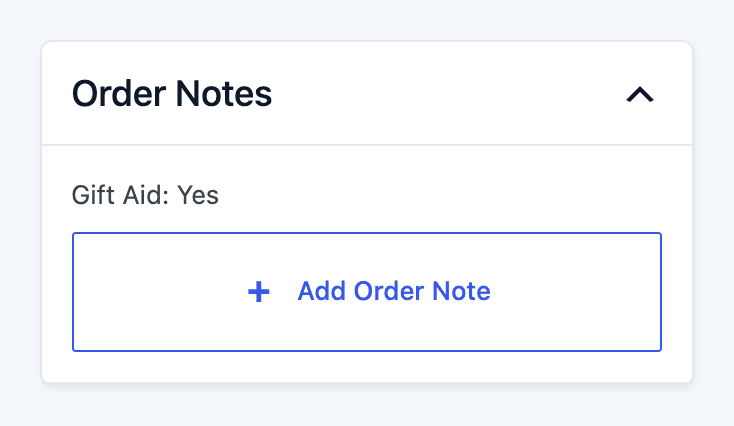
- Yes or No on Every Checkout Order: The member’s choice is saved in the order notes whether they check the box or leave it unchecked.
- Renewals Keep the Choice: Recurring payment orders get the Gift Aid value from the subscription’s original checkout order.
- Shown to Members: Members see their Gift Aid status on the Membership Confirmation page and on each order in their Order History.
- Included in the Admin Email: The admin notification for paid checkouts shows whether the new member opted in.
- Orders CSV Export Column: Export your orders with a
gift_aidcolumn to build a report of every order where the member opted in. - Remembers Returning Members: The checkbox starts out matching a member’s choice from their last checkout.
- Works With Donations: With the Donations Add On, the checkbox also shows on levels that accept donations, including free levels.
Gift Aid Add On Documentation
Screenshots
Frequently Asked Questions
No. The Add On adds the opt-in checkbox at checkout and records each member’s choice on their orders. It doesn’t check eligibility, file claims, or connect to HMRC. Use the gift_aid column in the Orders CSV export to gather the orders you need for your own claim process.
No. The checkbox is hidden for free levels. If you use the Donations Add On, it shows for any level with donations enabled, even a free one. Developers can change which levels show it with a filter hook.
Yes. Starting with version 0.2.2, each renewal order gets the Gift Aid value from the subscription’s original checkout order, so renewals show the right value on the member’s order page and in the Orders CSV export. Read more about renewal payments.
Members can change it the next time they check out. There’s no Gift Aid field on the Membership Account page. An administrator can change the Gift Aid value on an order by editing the order notes.
Go to Memberships > Orders, filter the list if you need a date range, and click Export to CSV. The export includes a gift_aid column that reads Yes for orders where the member opted in.
Every premium Add On comes with your Standard or Max plan. Standard includes expert support for a site you host yourself. Max adds managed hosting, transactional email, security, backups, free migration, and monthly credits for development and design.