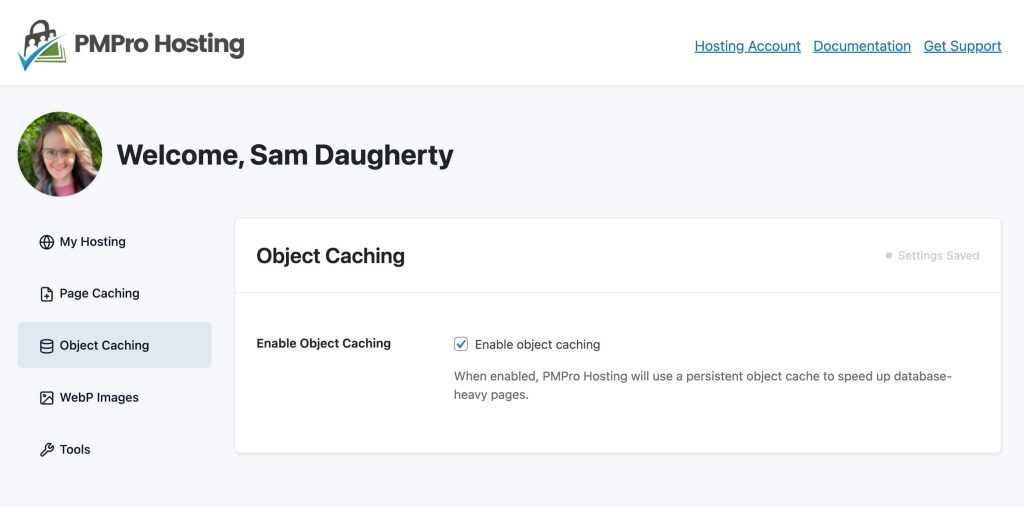
Object Caching stores the results of database queries in memory (Redis), so repeated queries return instantly rather than hitting the database. This especially helps logged-in users and dynamic pages that can’t benefit from page caching.
Toggling this on:
- Installs the bundled Redis Object Cache dropin (
wp-content/object-cache.php). - All database queries are cached in Redis automatically. No code changes required.
If Redis is unreachable for any reason, the site falls back gracefully — visitors see no errors, queries just run against the database normally.
Toggling this off removes the dropin. Only removes it if it was installed by PMPro Hosting — will not touch a third-party dropin.
Object cache is flushed as part of Clear All Caches in the Tools tab.
Get Support From Our Team of Experts
For more help with this PMPro feature, check out our Support Page with three ways to get support as a free or premium member.
Last updated on March 26, 2026

