
Object Caching stores the results of database queries in memory (using Redis) so repeated queries return instantly instead of hitting the database every time. This is one of the biggest performance wins for logged-in experiences and dynamic pages that can’t be cached as static HTML.
When Object Caching Helps
Object caching is most valuable for:
- Logged-in users: Member dashboards, account pages, and anywhere someone is signed in. Page caching can’t help these pages because the content is personalized.
- Dynamic pages: Checkout, search results, and other pages that change based on user input.
- Admin activity: The WordPress admin itself runs noticeably faster with object caching enabled.
Pages that are the same for every visitor benefit more from Page Caching than from Object Caching. The two work together: most sites should have both enabled.
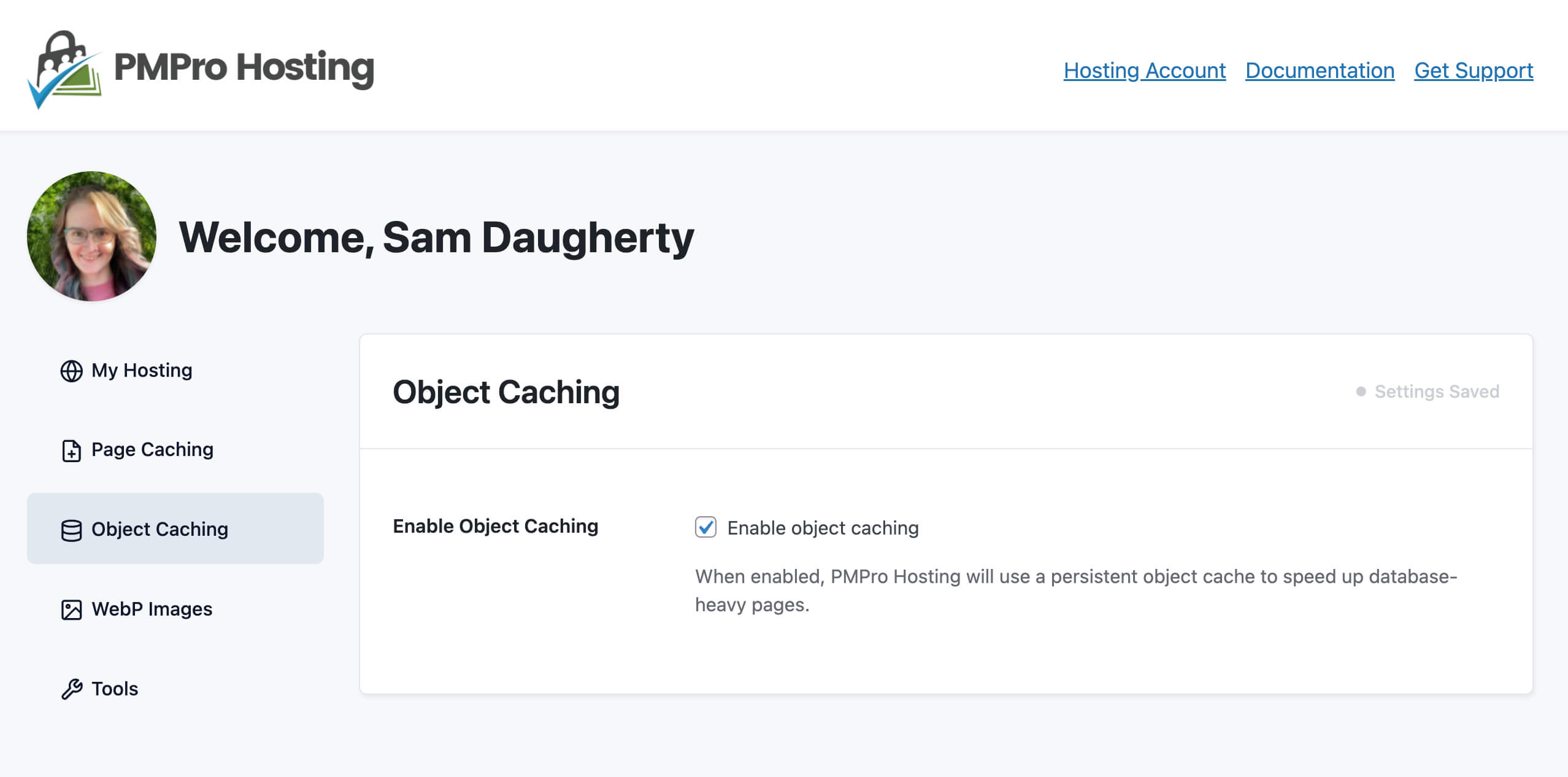
Should I turn this on?
Yes, for almost every site. Object caching is safe to enable and the performance improvement is substantial. The only reason to leave it off is if you’re already running a different object cache plugin (see below).
How It Works
When you toggle Object Caching on, PMPro Hosting installs a small file called a drop-in at wp-content/object-cache.php. Once that file is in place, WordPress automatically routes all database query caching through Redis. No code changes, plugin installs, or site edits required.
If Redis is ever unreachable (during a restart, for example), the site falls back gracefully. Visitors see no errors; queries just run against the database as normal until Redis is available again.
When Object Caching Will Be Disabled
The toggle will be unavailable, or Object Caching will remain off, if any of the following are true:
- The
phpredisPHP extension is not installed on the server. This is pre-installed on all PMPro Hosting servers, so it’s rare to hit this. If you do, contact support. - A third-party
object-cache.phpdrop-in is already present. We won’t overwrite it, since it may be from another caching solution you’ve intentionally installed. - A conflicting plugin is active. Running two object caches at once causes errors and inconsistent behavior. These plugins will block PMPro Hosting’s object caching:
- Redis Object Cache
- Object Cache Pro
- Docket Cache
- Memcached Object Cache
- Memcached Redux
- W3 Total Cache
- LiteSpeed Cache
If you want to use PMPro Hosting’s Object Caching, deactivate the conflicting plugin first. If you’d rather keep your existing caching solution, just leave this toggle off, your setup will continue to work as it does today.
Turning It Off
Toggling Object Caching off removes the drop-in file PMPro Hosting installed. If a third-party drop-in is present instead, we leave it alone. We only remove what we installed.
Flushing the Object Cache
The object cache is automatically flushed as part of Clear All Caches in the Tools tab. Use this if you’ve made a change that isn’t showing up , a stale cached query is occasionally the cause.
Get Support From Our Team of Experts
Have a question about how to use this feature? Our Support Page outlines three ways to get support.
Our Max plans include hands-on help customizing your membership site and implementing new features. Upgrade to PMPro Max now »
Last updated on April 17, 2026

