The Capture Name & Address for Free Levels Add On adds billing and address fields at checkout across all membership levels. For most sites, that is exactly what you want. But if you run both paid and free tiers, collecting a billing address from a free member is unnecessary and adds friction to a checkout that should be as simple as possible.
This code recipe lets you specify which level IDs can exclude billing fields entirely, leaving your other levels untouched.
Do You Need This Recipe?
This recipe is the right fit if:
- You have the “Capture Name & Address for Free Levels Add On” active on your site.
- It is currently collecting billing fields at every level checkout.
- You want to stop collecting billing information for specific levels, typically a free tier, while keeping it in place for others.
If you want to remove billing fields from every level, the simpler path is to deactivate the Add On entirely. This recipe is for mixed-level sites where some checkouts need address collection and others do not.
About the Code Recipe
The “Capture Name & Address for Free Levels Add On” registers several WordPress actions during the init hook. Those actions are what add billing fields to the checkout form, mark them as required, and pass address data to offsite payment gateways.
The code recipe also hooks into init, but at the default priority, which runs before the Add On’s registration fires. It calls pmpro_getLevelAtCheckout() to check which level the current visitor is purchasing. If that level ID appears in the $levels_to_hide array, the recipe removes the Add On’s billing-field actions before they have a chance to run.
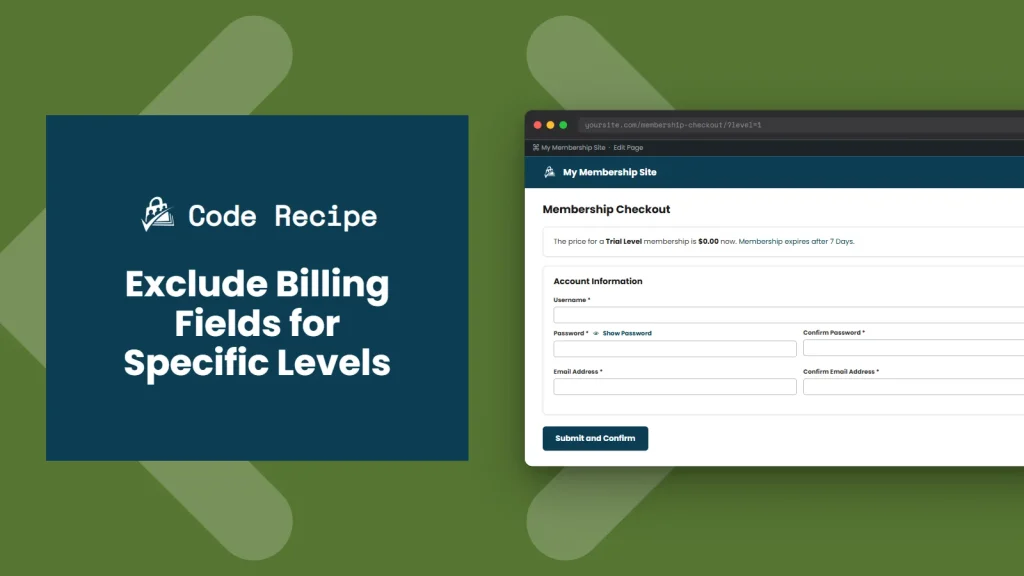
Members checking out at excluded levels see a standard checkout form with no billing or address fields. Members at all other levels continue through checkout as normal.
The Code Recipe
Adding the Recipe to Your Website
You can add this recipe to your site by creating a custom plugin or using the Code Snippets plugin available for free in the WordPress repository. Read this companion article for step-by-step directions on either method.
How To Customize This Recipe
- Update the level ID list: Edit the
$levels_to_hidearray on line 18 with the IDs of every level that should skip billing fields. You can find your level IDs on the WordPress Admin under Memberships > Settings > Membership Levels.

Get Support From Our Team of Experts
Have a question about how to use this feature? Our Support Page outlines three ways to get support.
Our Max plans include hands-on help customizing your membership site and implementing new features. Upgrade to PMPro Max now »


