The largest site Paid Memberships Pro Max has ever migrated weighed in at 140 GB. It is a community history archive: thousands of scanned photographs, decades of school yearbooks, and a growing library of video and documents that 1,626 members open every day to find their grandparents, their classmates, and the town they grew up in.
That archive is Carpentersville Area Memories, run by Chuck Engels. By the time Chuck reached out about hosting, the site had outgrown its old shared plan. Pages were slow, backups were unreliable, and 114 curated pages backed by nearly 27,000 media attachments were straining what the outdated hosting could actually deliver.
This is the story of how we moved it to PMPro Max, with zero data loss and sub-200 ms cached page loads, using our own migration plugin. It’s also the story of a few things we discovered along the way that now benefit every site on the platform.
Table of contents
- The Site Behind the Archive
- Why This Migration Was Different
- How the Migration Plugin Works
- Expanded Storage: A New Pattern for Media-Heavy Sites
- Slimming 35 GB Without Touching a Single Original
- The DNS Cutover That Saved the Email
- Performance After the Move
- What This Means for Your Site
- Ready to get started?
- Frequently Asked Questions
The Site Behind the Archive
Carpentersville Area Memories runs on WordPress with the Divi theme and Paid Memberships Pro for access control. The membership model is generous and layered. Free members can browse a teaser layer of the archive. Paid members at higher levels get full access to the yearbook collection, the high-resolution photo originals, and the long-form historical features.
What makes the site unusual is the shape of its content. Most membership sites are heavy on the database side, with thousands of posts, member records, and order rows. Carpentersville Area Memories is the opposite. The database is modest. The media library is enormous.
Inside their WordPress uploads folder we found:
- Roughly 50 GB of original photographs scanned at archival resolution.
- About 13 GB of school yearbook PDFs, many running hundreds of pages.
- Around 10 GB of community-contributed video.
- Tens of gigabytes of WordPress and Divi thumbnail derivatives generated automatically over years of content uploads.
All of that, plus the database and plugin code, came to 140 GB across 418,697 individual files. By comparison, a typical site on our hosting is well under 5 GB.
Why This Migration Was Different
Chuck’s site was hosted on IONOS, on a shared plan that hadn’t kept up with the archive’s growth. Pages were slow. Backups were nervous and incomplete. Worse, carpentersville.info was Chuck’s live domain. The website and his email both ran on the same name, so any DNS change carried real stakes for both.
We had three constraints to work around:
- The full backup didn’t fit on a normal server: Our default DigitalOcean droplet has an 80 GB root disk. The site was 140 GB before we even unpacked it.
- We weren’t going to touch the old host: PMPro Hosting’s migration model doesn’t require source-server access. Everything has to flow through our own tooling and the customer’s own backup.
- The customer couldn’t afford a long maintenance window: Members were active. Email was live. We needed a same-domain cutover with everything tested and warm before we flipped DNS.
How the Migration Plugin Works
The piece of software that made this possible is the PMPro Hosting migration plugin, an internal WordPress plugin we install on the customer’s existing site. The plugin does the heavy lifting from inside the site itself, which means we never need SSH access, FTP credentials, or a control panel login at the source.
Here is what it does, in plain terms:
- Builds a complete archive of the WordPress install. That includes the database, the entire content directory, all active plugins and theme code.
- Splits very large archives into chunks small enough to transfer reliably over the network.
- Uploads each chunk into our secure, encrypted S3 storage, dedicated per customer.
On the new server, our tooling pulls the archive back down and reconstructs the site, with the database imported, the uploads laid out exactly as they were, and the install ready to start.
For most sites this is invisible. The customer clicks one button, and the next time they look the site is on the new platform. Carpentersville Area Memories was big enough to stress every link in that chain. We watched the upload run for hours and the download run for hours more. Once both sides finished, the result was a byte-for-byte copy of the original site, ready to test on a staging URL before any DNS changes.
Expanded Storage: A New Pattern for Media-Heavy Sites
A 140 GB site doesn’t fit on a default droplet’s 80 GB root disk. The fix was straightforward once we committed to it. We attached a separate DigitalOcean block storage volume to the droplet, put the media library on that volume, and left the WordPress core, plugins, and database on the root disk where they belong. Think of it as adding a second hard drive specifically for the archive’s photos and yearbooks.
This volume-backed storage pattern gave Chuck several wins at once:
- Room to grow: The volume is sized for the current archive plus several years of additions. It can be expanded without rebuilding the server.
- Cleaner backups: Application code and database back up on one schedule. The media volume backs up on a slower, more economical schedule that matches how rarely the archive changes.
- Better recovery: A code rollback doesn’t touch the uploads. A media restore doesn’t touch the database. The two layers are independent.
This is the pattern we now use whenever a site brings in significantly more media than fits on a normal droplet. Carpentersville Area Memories was the first site to prove it end to end, but it won’t be the last.
Slimming 35 GB Without Touching a Single Original
The migration plugin moved the full 140 GB faithfully, but a lot of that weight wasn’t original content. Years of WordPress and Divi had generated thumbnail derivatives at every size the theme might ever request: medium, large, scaled, Divi gallery sizes, theme header sizes, and dozens more. These are resized copies that WordPress creates automatically whenever you upload a photo.
We wrote a careful pass that walked the uploads directory and identified derivative files that:
- Were generated automatically from a known original.
- Were no longer used by any image size the active theme actually needed.
- Could be regenerated on demand if WordPress ever asked for them again.
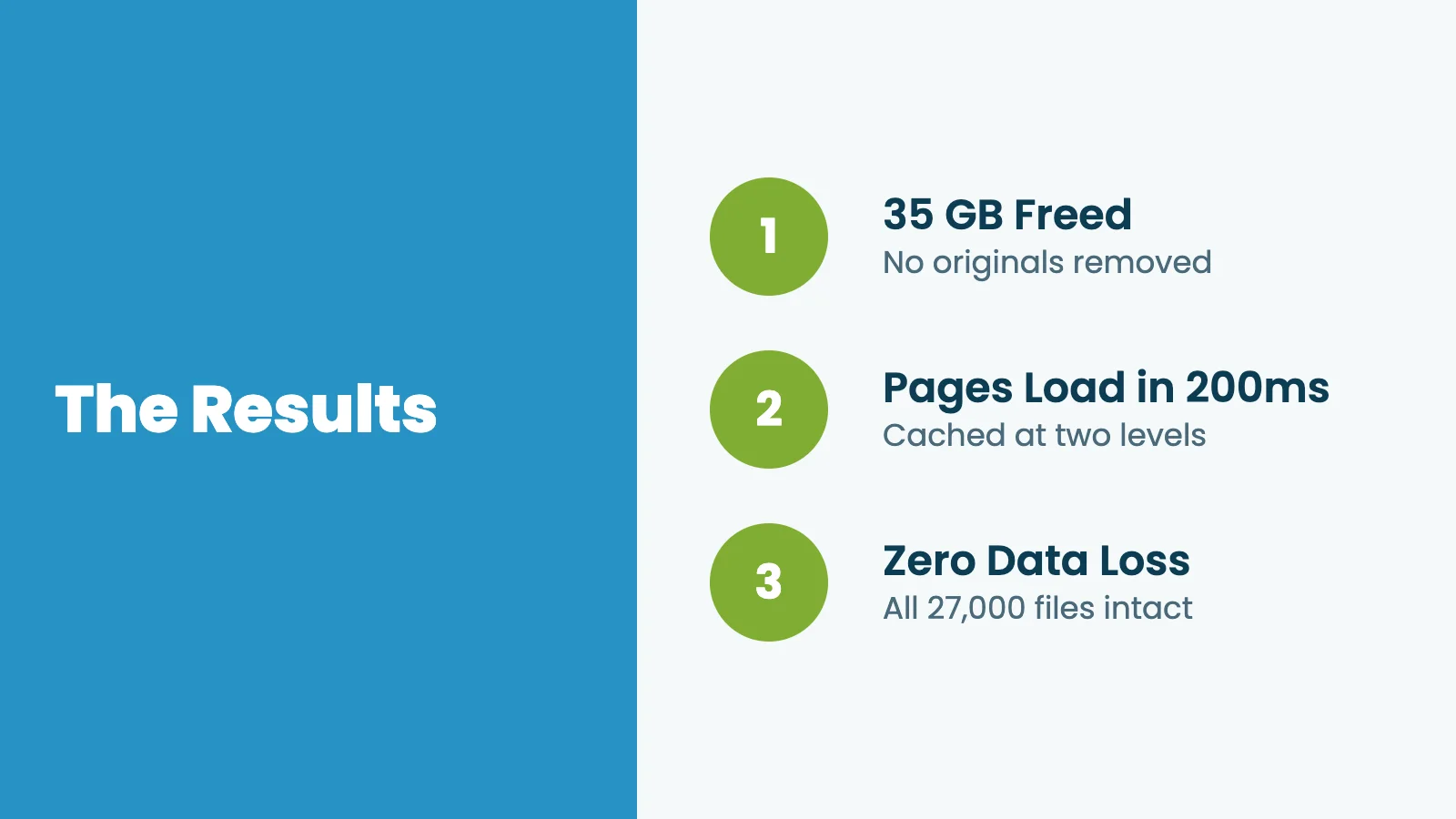
Then we removed them. The result was a media library that shrank from about 132 GB to about 97 GB, a reclaim of roughly 35 GB, without regenerating a single thumbnail and without touching a single original photograph or yearbook scan. Every member-facing image still loads. Every gallery still renders. The archive is genuinely lighter on disk.
This matters for a couple of reasons. Smaller backups complete faster and cost less to store. Smaller volumes are quicker to restore. And future migrations or moves between platforms become much less painful when the working set is no longer carrying years of unused copies.
We ran a similar cleanup on the database. WordPress sites accumulate hidden weight over time: old failed background tasks, plugin logs, post revision history, and stale data left behind when plugins are removed or reconfigured. This site had years of it, including nearly a million orphaned records from an email marketing plugin that had never been cleared out. Removing them brought the database from over 240 MB down to 209 MB. That sounds like a detail, but a leaner database means faster admin screens, faster member reports, and quicker backups.
The DNS Cutover That Saved the Email
The single highest-risk moment in any same-domain migration is the DNS flip. Carpentersville Area Memories made it tense because Chuck’s email also ran on carpentersville.info. A sloppy DNS rebuild could have silently dropped real mail.
Rather than copy zone records over in bulk, we rebuilt the authoritative zone by hand, record by record, against the live IONOS zone as the reference. That meant:
- The address records moved cleanly to the new server’s IPs.
- The email routing records for Chuck’s email provider were preserved exactly.
- Every other record on the domain was reviewed and either kept, updated, or removed deliberately.
We staged the new zone with a low TTL ahead of the cutover, then flipped it during a quiet window. When the propagation finished, the website was serving from PMPro Hosting and the email was still flowing through the same provider it always had. Nothing dropped.
This is more work than the usual “copy the zone, change the IP” approach. For a same-domain cutover with live email at stake, it’s the only approach we’re willing to take.
Performance After the Move
The staging build went live on June 10, 2026. We spent the next week running real traffic patterns, watching error logs, and walking Chuck through the new admin experience. That week turned up one issue worth flagging for any PMPro site owner.
A code snippet commonly used on PMPro sites to redirect members back to the right page after login was quietly telling the browser to set a small marker on every page. Page caching systems treat any page with one of those markers as uncacheable, so the cache was skipping every page on the site. The server was doing full work on every single visit, cached or not. We replaced the snippet with a version that handles the same redirect without the marker, and the cache immediately started working. If you have page caching installed but your site still feels slow under load, this is one of the first things to check.
On June 18, 2026 we flipped DNS and the site went live on PMPro Hosting. Once cached behind Cloudflare and the origin cache, the numbers look like this:
- Cached response time: around 130 ms to first byte, 200 ms total page load.
- Cache hits: consistent at both the Cloudflare edge and the origin.
For a community archive that used to time out on members opening yearbook PDFs, that’s a meaningful change. Pages now feel instant. Photo galleries load without spinning. The archive feels, finally, like the kind of place members enjoy spending time in.

The site is super fast and I am saving a bunch of $$ making this change, couldn’t be happier.
—Chuck Engels, Carpentersville Area Memories
Behind the scenes, backups run nightly to encrypted off-site storage. The first snapshot at cutover captured the full 97 GB working set, and incrementally since then have been small and quick. If something ever goes wrong, the recovery story is short.
What This Means for Your Site
You probably don’t have 27,000 media attachments. Most membership sites don’t. But the lessons from Carpentersville Area Memories apply broadly to anyone running a content-heavy site on hosting that was sized for a smaller idea of the project:
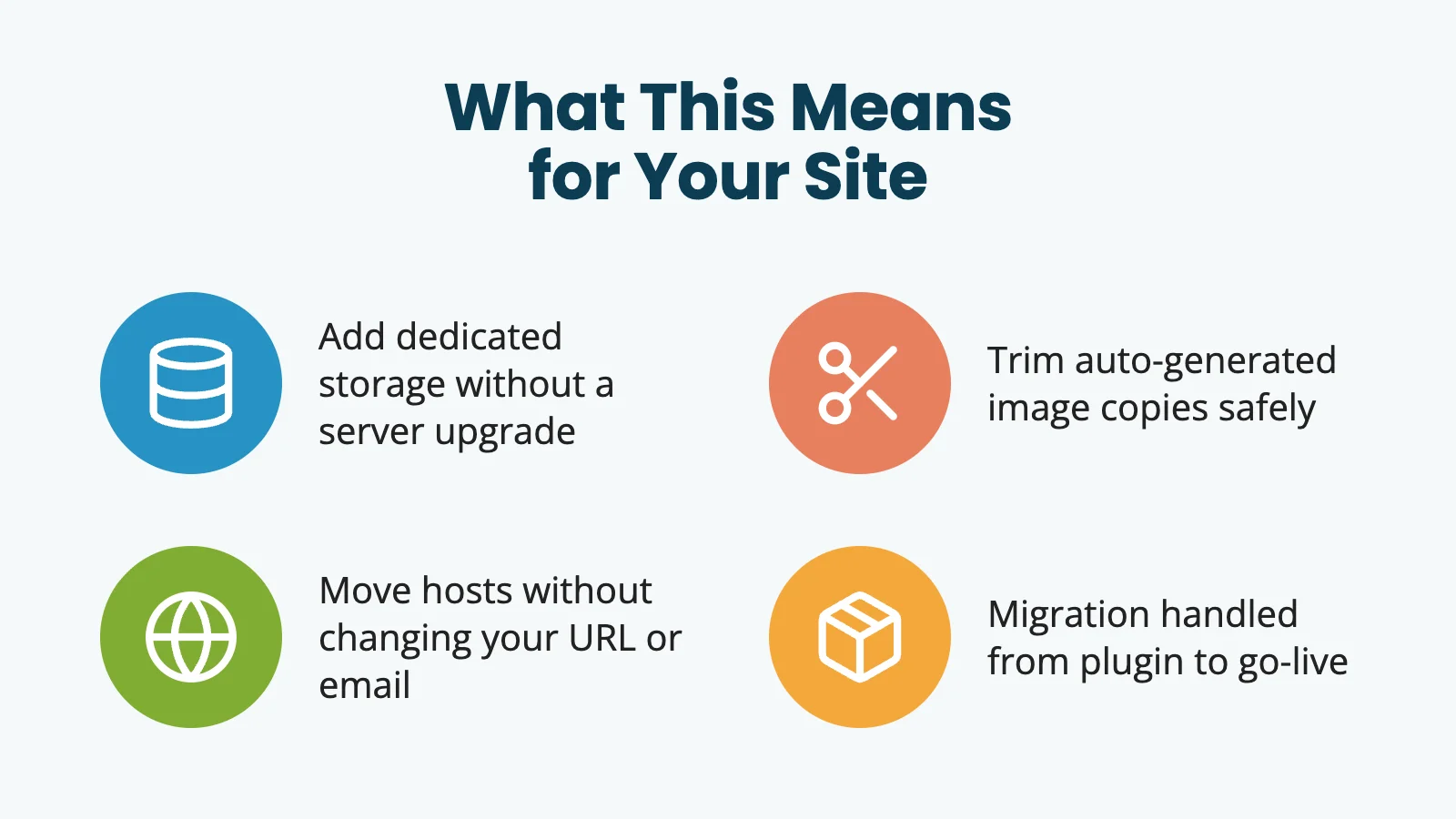
- If your media is outgrowing your hosting, expanded storage is a real option: Adding a dedicated volume for uploads removes the disk-size ceiling without forcing a bigger server.
- Old auto-generated image copies are quiet weight: Auditing and trimming them can reclaim significant space with zero visible impact for members.
- Same-domain moves are doable: With careful DNS work, you can move hosts without changing your URL and without disrupting email.
- A migration doesn’t have to be scary: PMPro Hosting’s migration plugin handles the packing, the secure transfer, and the unpacking on the new server. You don’t need to be the one running commands at 2 a.m.
Chuck’s archive is now on infrastructure that fits the work. The community keeps adding photos and yearbooks. The site keeps responding in under a quarter second. And the patterns we built to make this migration work are now part of the playbook for every site we onboard.
If you’re running Paid Memberships Pro on hosting that no longer fits your site, learn more about Paid Memberships Pro Hosting. It’s built specifically for membership sites, by the same team that builds the plugin. The largest one we’ve moved so far weighed in at 140 GB. We would be glad to move yours, too.
Frequently Asked Questions
Paid Memberships Pro Hosting is managed WordPress hosting tuned specifically for membership sites running Paid Memberships Pro. Each site runs on a dedicated server with caching, security, daily off-site backups, and a team that understands the PMPro stack end to end.
No. Our migration plugin runs on your existing site and packages everything into our secure, encrypted storage. We pull it down to your new server from there. No SSH, FTP, or control panel access at the source is required.
Most sites move in a single business day, including testing on staging before the DNS cutover. Very large sites like Carpentersville Area Memories take longer because of the volume of data, but the customer-facing window during the actual cutover is still minimal.
Yes. We do same-domain cutovers as a normal part of the process, and we rebuild your DNS zone by hand when email is also on the domain so that your mail keeps flowing without interruption.
See our PMPro Hosting documentation for setup details, or visit the PMPro Hosting page to talk to us about moving your site.

Free Download: The AI-Powered Membership Site Blueprint
Download the free guide: Learn how to plan, build, and grow a membership site using AI as your strategic partner: from buyer persona to launch and beyond.