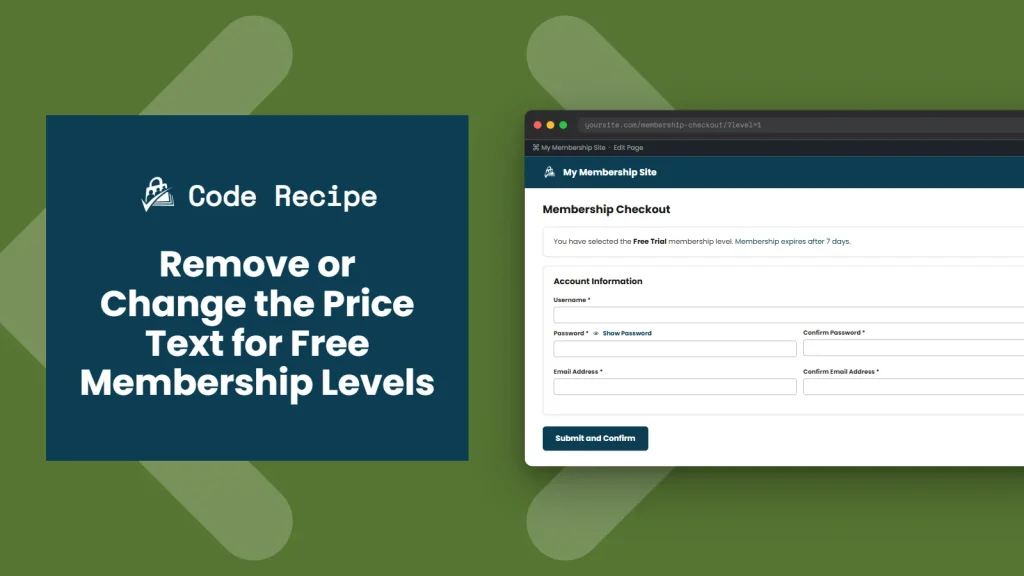
By default, Paid Memberships Pro outputs what a membership level costs, and for free levels, that text says, “The price for membership is $0.00 now.” On a site with a mix of free and paid levels, this wording can help visitors understand when a level truly costs nothing. On a site where every level is free, or where a $0.00 mention feels unnecessary next to your messaging, you may want to remove it entirely.
This code recipe uses the pmpro_level_cost_text filter to hide the cost sentence for any level Paid Memberships Pro considers free, while leaving paid levels untouched.
Do You Need This Recipe?
This recipe is a good fit if:
- Your site offers only free membership levels, and the “$0.00” price statement feels unnecessary next to your messaging.
- Your site mixes free and paid levels, and you want free levels to drop any price mention while paid levels keep their normal pricing text.
- You want the fix to apply automatically to any level you mark as free, now or in the future, without maintaining a per-level setting.
Related: How to Create a Free Membership Site
If you are on a Premium plan, the Custom Level and Discount Code Cost Text Add On for PMPro offers a no-code way to customize or remove cost text from a settings screen. This recipe is the better fit if you would rather add a few lines of code than manage that Add On, or if you are not on a plan that includes it.
About the Code Recipe
This recipe hooks into pmpro_level_cost_text. PMPro fires this filter on the checkout page right after it builds the cost sentence with pmpro_getLevelCost(), and just before displaying that sentence to the visitor. Your callback receives the generated text along with the level object and returns whatever text PMPro should display instead.
The filter passes four arguments in total: the generated text and the level object, plus two this recipe does not use, $tags (whether to strip HTML tags from the text) and $short (whether to return a shortened version of the cost phrase). The level object itself is already adjusted for any discount code in effect, so a paid level that a discount code drops to $0.00 is treated as free here too, and its price text disappears for that checkout.
This recipe’s callback checks the level with pmpro_isLevelFree(), a PMPro helper that returns true when a level’s initial payment, recurring billing amount, and trial amount are all zero. If the level qualifies as free, the callback returns an empty string, and the cost text disappears from the page. If the level is paid, the original text passes through unchanged, and paid levels keep their normal pricing display.
The Code Recipe
Adding the Recipe to Your Website
You can add this recipe to your site by creating a custom plugin or using the Code Snippets plugin available for free in the WordPress repository. Read this companion article for step-by-step directions on either method.
How To Customize This Code Recipe
- Show different text instead of hiding it: Replace
return '';on line 23 with your own message, such asreturn 'Free!';, if you would rather show something in place of the price than remove it entirely. - Limit this to specific levels: If you only want the price text removed from certain free levels, not every free level on your site, add a check for the level ID alongside the existing free check, like
if ( pmpro_isLevelFree( $level ) && in_array( $level->id, array( 2, 5 ) ) ). This still confirms the level is free and now also requires its ID to be in your list before removing the price text.

Get Support From Our Team of Experts
Have a question about how to use this feature? Our Support Page outlines three ways to get support.
Our Max plans include hands-on help customizing your membership site and implementing new features. Upgrade to PMPro Max now »


