Members buy an Addon Package through your regular Membership Checkout page. Here’s what visitors see on a package, how the Add On builds the checkout, and what members get after they pay.
What Visitors See on a Package
When someone without access views a package, the restricted content message uses the heading Purchase Required. The message below it depends on whether the Add On can find a level for them to check out with:
- A Checkout Level Is Available: “This content requires that you purchase additional access. The price is [price].” with a Click Here to Check Out button.
- All Access Levels Are Set: If a developer has set all access levels, the message adds “or free for our [level names] members.” It shows a Purchase this Content ([price]) button and a Choose a Membership Level button.
- No Checkout Level Is Available: “You must first purchase a membership level before purchasing this content.” with a Choose a Membership Level button that links to your Membership Levels page.
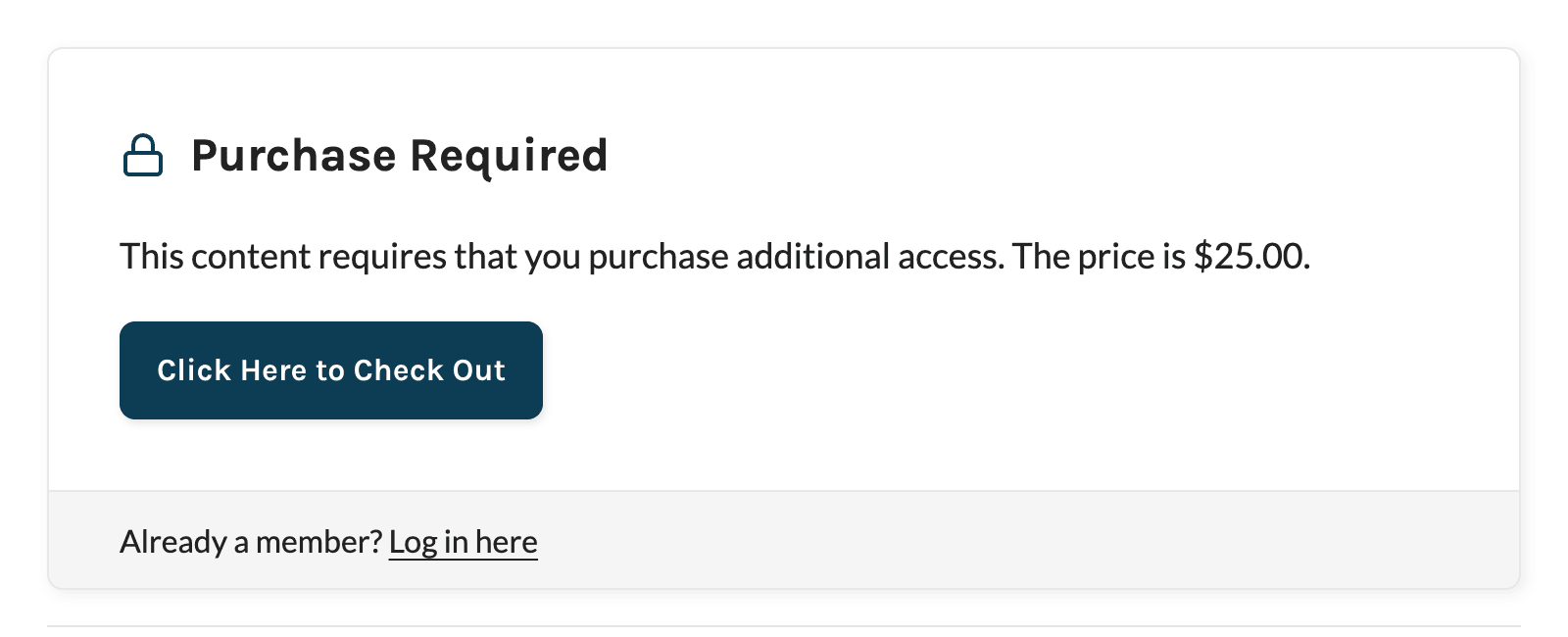
Whether visitors also see the post excerpt above this message follows your Show Excerpts to Non-Members? setting under Memberships > Settings > Advanced. To change the wording of the message, use a translation plugin or filter pmpro_no_access_message_body at a priority later than 10.
Which Level the Checkout Link Uses
Every package checkout is a checkout for a membership level with the package price added. The Add On picks the level in this order:
- The first of the member’s current levels that is required for the package and still allows new signups.
- Otherwise, the first required level that is free and allows new signups.
- Otherwise, no level. The visitor sees the Choose a Membership Level button instead of a checkout link.
The Add On doesn’t send non-members to checkout for a paid level on its own. To sell a paid level and a package together, link to checkout with that level in the URL. Developers can change the level with the pmproap_text_level_id filter.
Checkout for New Members
When the buyer doesn’t have the checkout level yet, the level name at checkout becomes “[Level Name] + access to [Package Title]” and the package price is added to the level’s initial payment. The level’s recurring billing and expiration stay as you set them on the level. After checkout, the member has the new level and the package.
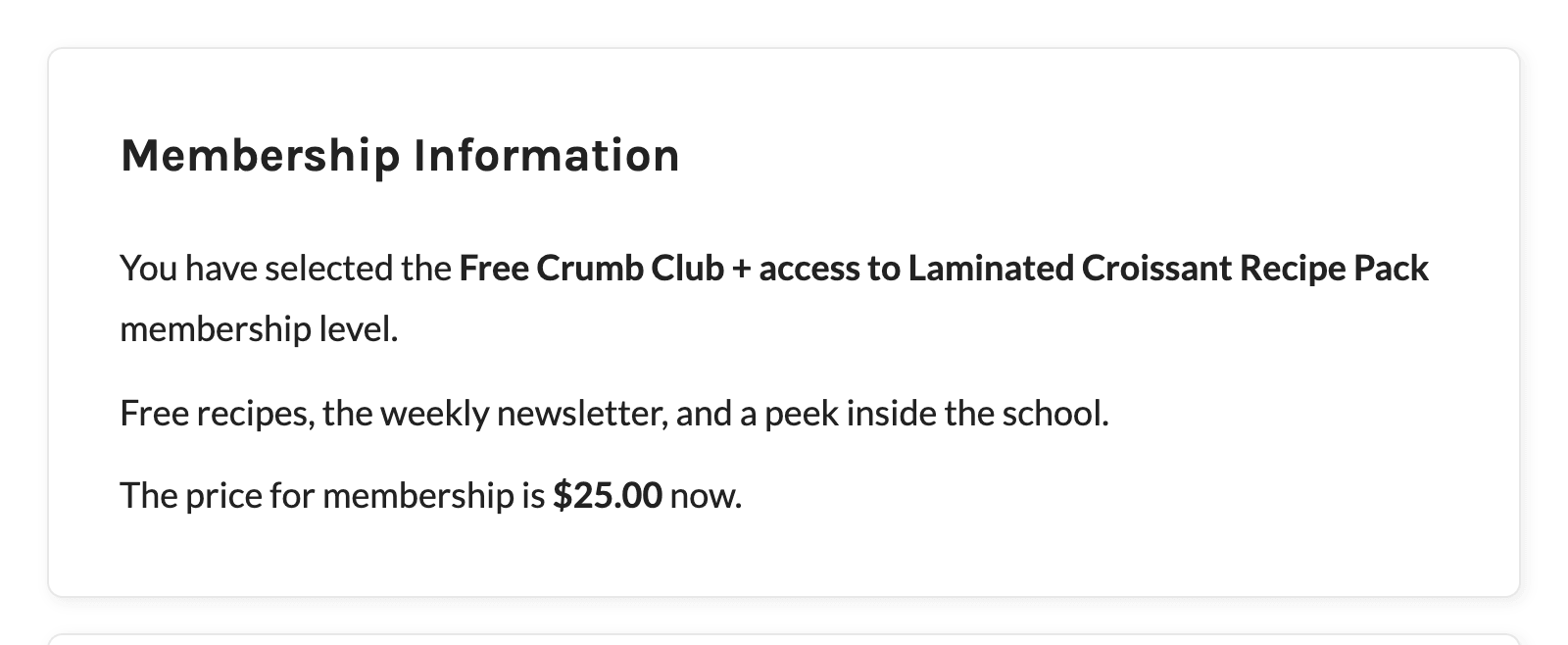
If the checkout gives the member a new level, Paid Memberships Pro handles their previous level and any subscription the same way it handles any other level change.
Checkout for Existing Members
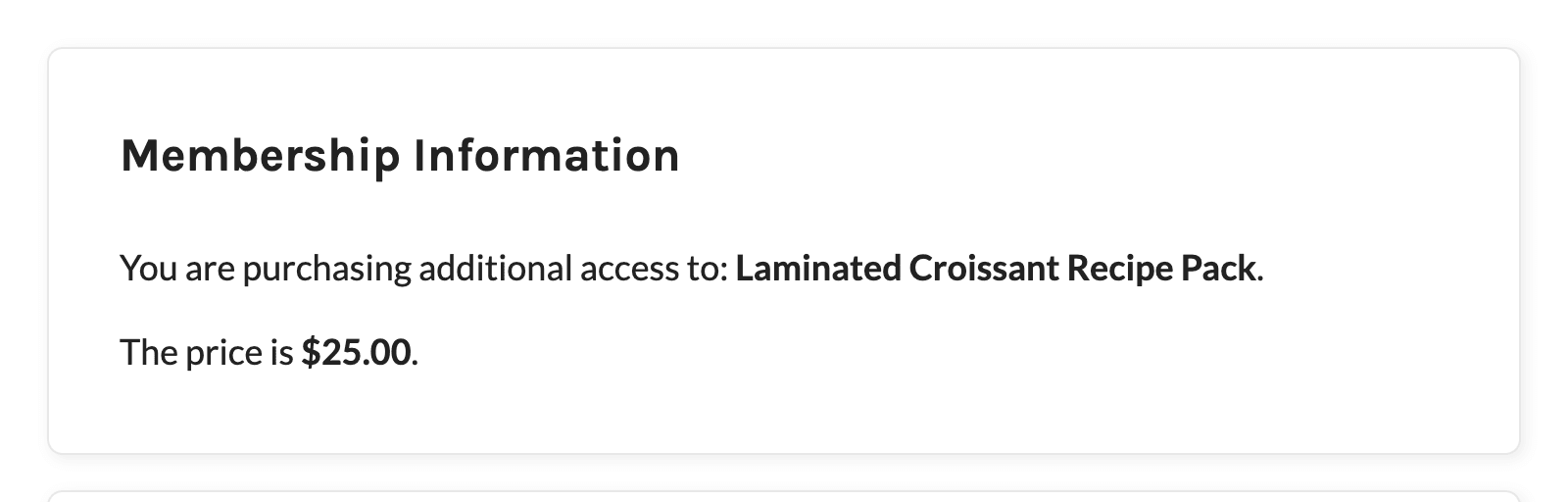
When a member already holds the checkout level, they are only buying the package:
- The checkout reads “You are purchasing additional access to: [Package Title].” and the level description is hidden.
- The price is the package price only, charged once. There is no recurring amount.
- The member keeps their current membership. Their existing subscription keeps billing as before, and their membership expiration date doesn’t change.
Link Directly to Checkout for a Package
To link to a package checkout from a button, email, or sales page, add the level ID and the package’s post ID to your Membership Checkout page URL:
https://yoursite.com/membership-checkout/?level={level_id}&ap={post_id}
Replace the parts in curly braces and use your own checkout page URL. Use a level that is checked in the package’s Require Membership settings. A member who checks out for a level that isn’t required for the package pays for it but still can’t view it.
You can also leave out the level and pass only the package: ?ap={post_id}. The Add On then picks the level using the same rules as the checkout link on the package. If it can’t find one, checkout uses your site’s default checkout level.
The ap value must be a published post or page with a price and at least one required level. If it isn’t, checkout shows “The content you are trying to purchase is not available.” and won’t complete. If the buyer clicks to log in from the checkout page, the package is kept in the URL they return to.

After Checkout
- Confirmation Page: The Membership Confirmation page adds a “Continue on to [Package Title].” link.
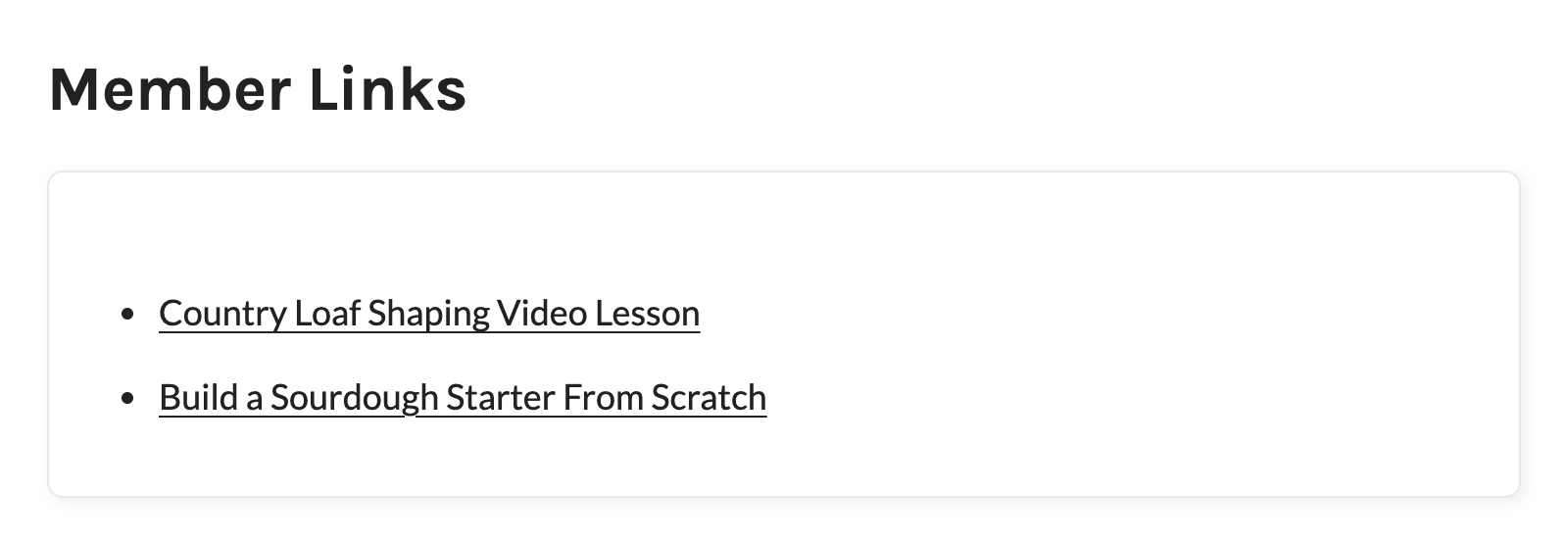
- Membership Account Page: Each purchased package is listed in the Member Links section, with “(Access expires on [date])” if you’ve set an expiration. Packages that are no longer published are skipped.
- Orders: The order notes record the package as “Addon Package: [Package Title] (#[post ID])”. When a member views that order, it shows an Additional Access row linking to the package for as long as they have access.
- Orders CSV Export: The export from Memberships > Orders includes an
addon_packagecolumn.
Payment Gateways
When the payment is completed on your checkout page, the member gets access as soon as checkout completes. With PayPal Standard and CCBill, where the member pays on the gateway’s site, the Add On reads the package from the order notes and gives access when the order is marked as successful. Developers can add other offsite gateways with the pmproap_supported_offsite_gateways filter.
Limitations
- One-Time Price Only: A package can’t have a recurring price.
- No Discount Codes: The discount code field is hidden when a package is in the checkout.
- One Package per Checkout: Each checkout includes a single package.
- Custom Level Cost Text: If you use the Custom Level Cost Text Add On and a level has custom cost text, that text replaces the price shown at checkout, so it won’t reflect the package price.
Get Support From Our Team of Experts
Have a question about how to use this feature? Our Support Page outlines three ways to get support.
Our Max plans include hands-on help customizing your membership site and implementing new features. Upgrade to PMPro Max now »
Last updated on November 19, 2026