Show a single download or a library of downloads anywhere on your site using the PMPro Download and PMPro Download Library blocks or their matching shortcodes. Blocks and shortcodes share the same options and output.
Display a Single Download
PMPro Download Block
- Edit a page or post and add the PMPro Download block. It’s in the Paid Memberships Pro category of the block inserter.
- Choose a download from the Download dropdown.
- In the block settings sidebar under Download Settings, choose the Template and Label. For image downloads, an Embed Image toggle also appears.
The block shows a live preview of the download in the editor. The Download dropdown lists up to 100 published downloads, sorted by title. If your site has more than 100 downloads, use the shortcode for the rest.
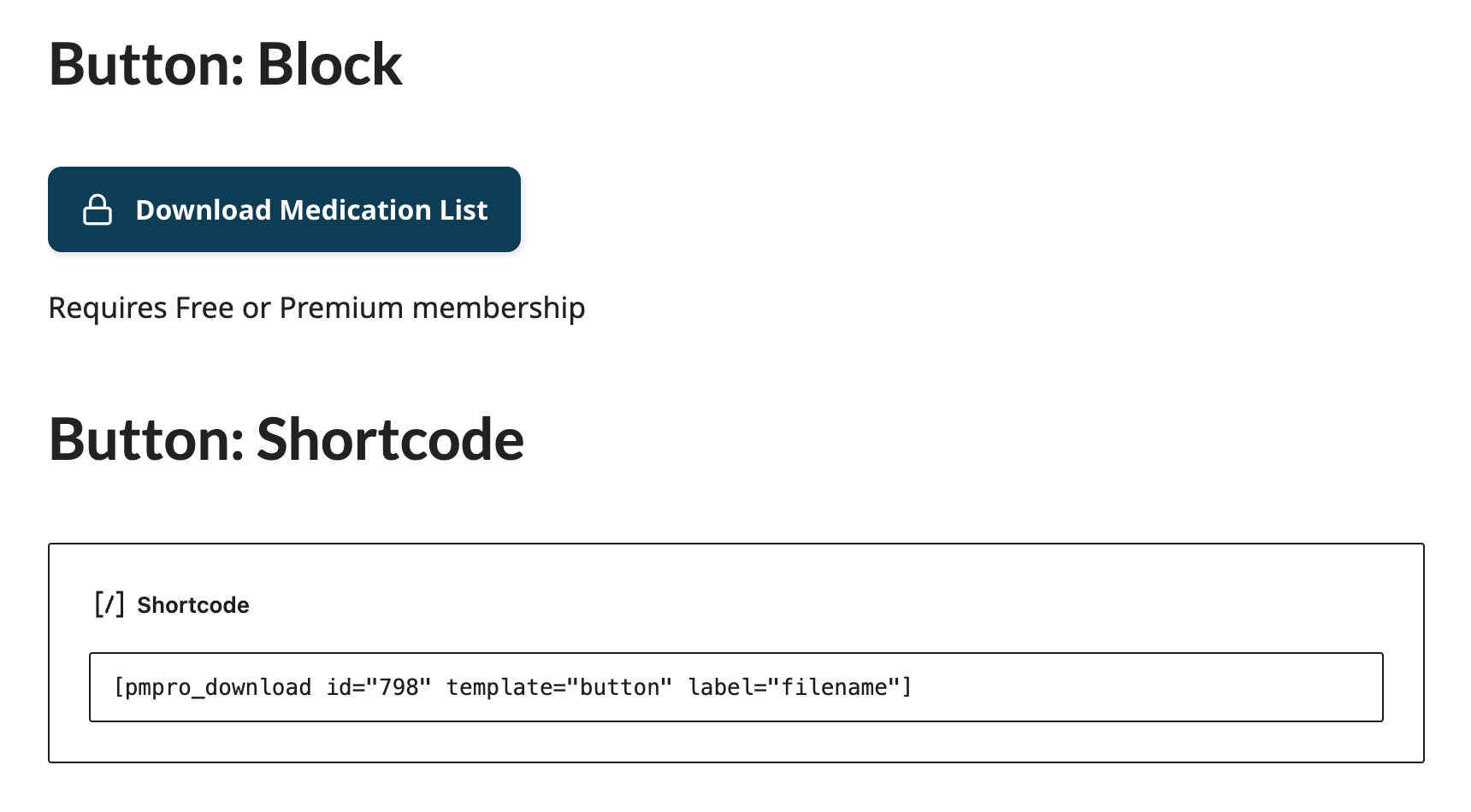
The pmpro_download Shortcode
[pmpro_download id="123" template="card" label="title"]
Copy a download’s shortcode from the Shortcode column at Downloads > All Downloads.
| Attribute | Accepted Values | Default | Description |
|---|---|---|---|
id | A download’s post ID | (required) | The download to display. Nothing displays if the ID is missing or the download isn’t published. |
template | link, card, button | link | How the download displays. See Download Display Templates. |
label | title, filename | title | Show the download name or the original name of the uploaded file. If the download has no name, the file name is used. |
embed_image | true, false | false | For image downloads, show the image on the page for members with access. The image links to the full file. Works with JPG, PNG, GIF, WebP, and other image types except SVG. |
Display a Download Library
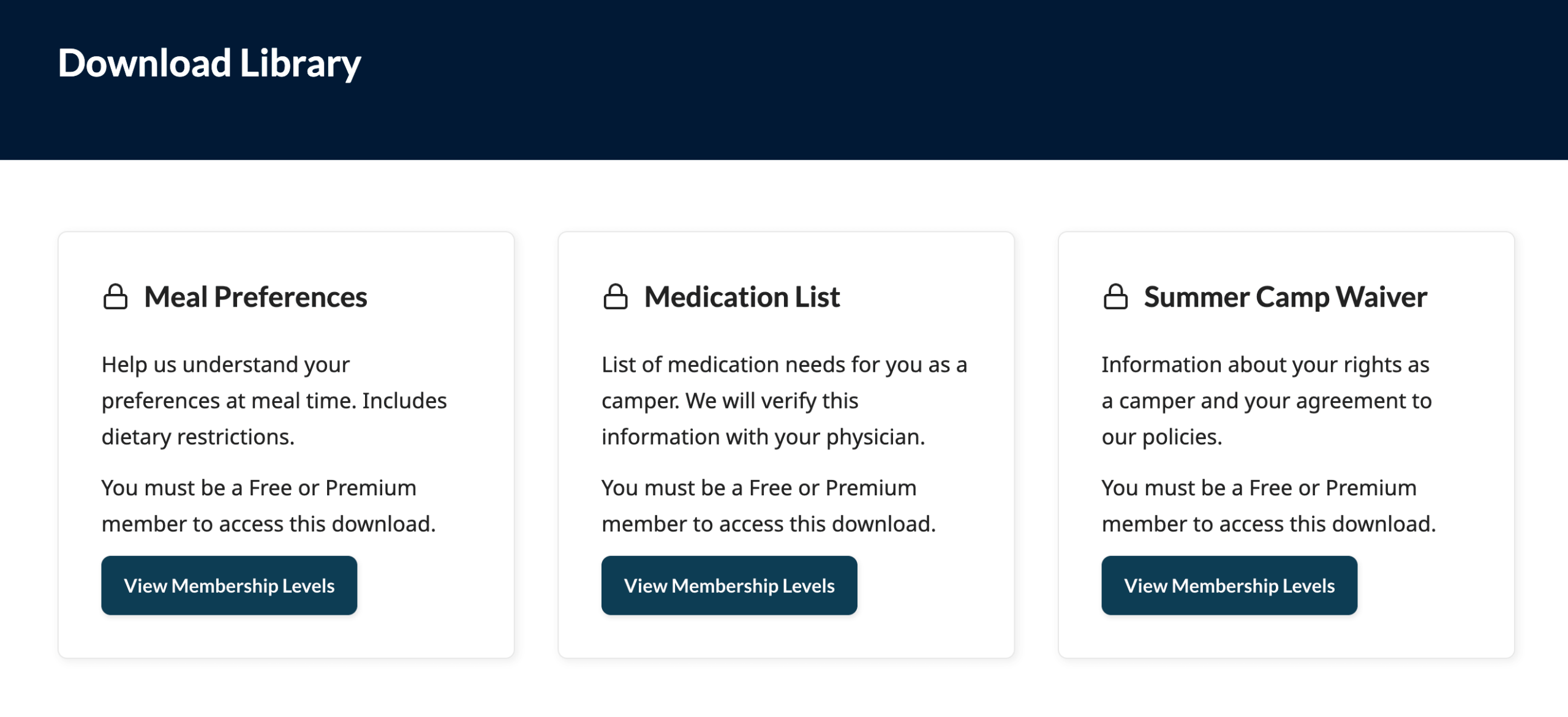
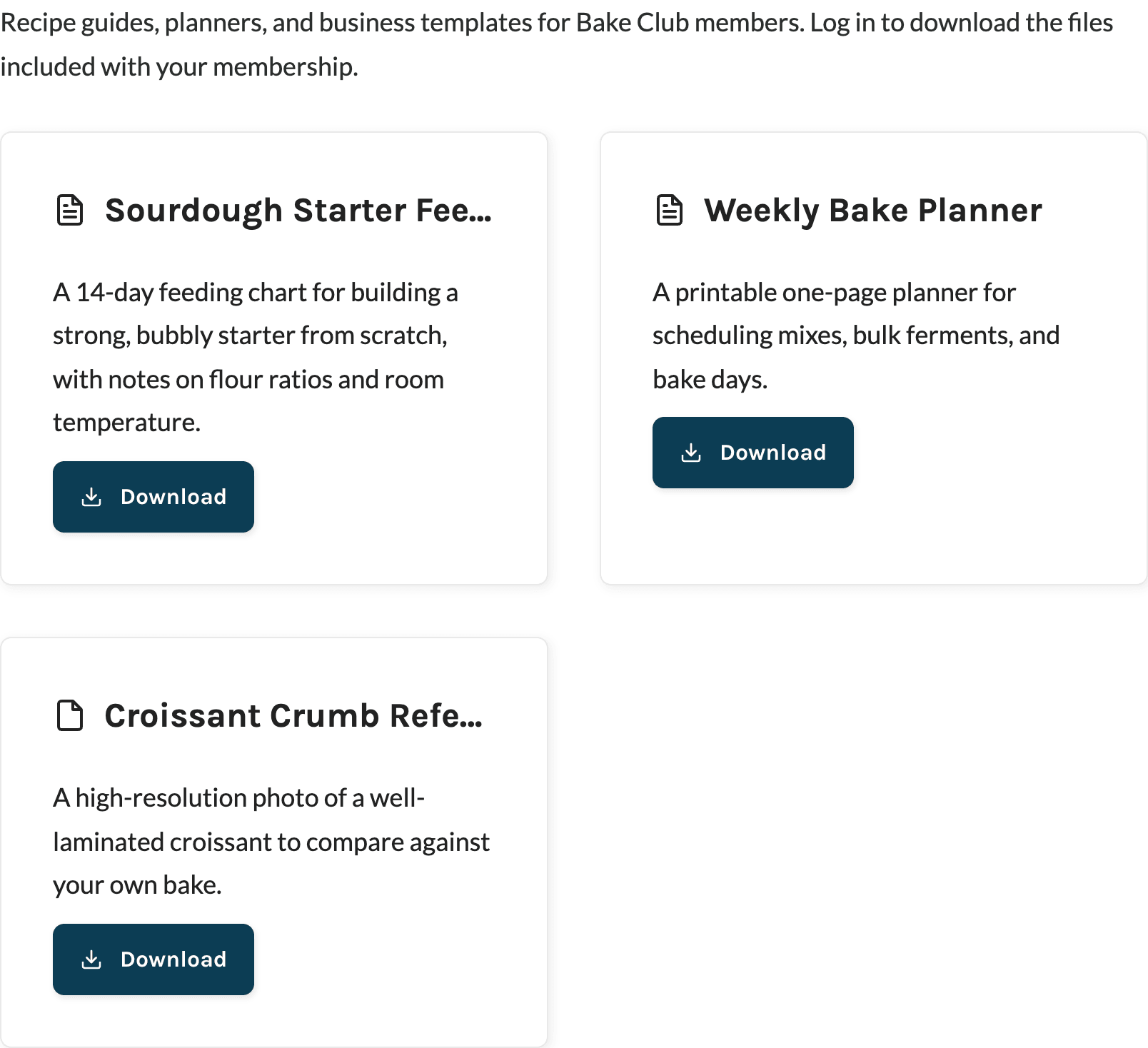
The Download Library shows a group of downloads in a list or grid. Each download uses the template you choose, so members see the files they can access and a locked version of the rest.
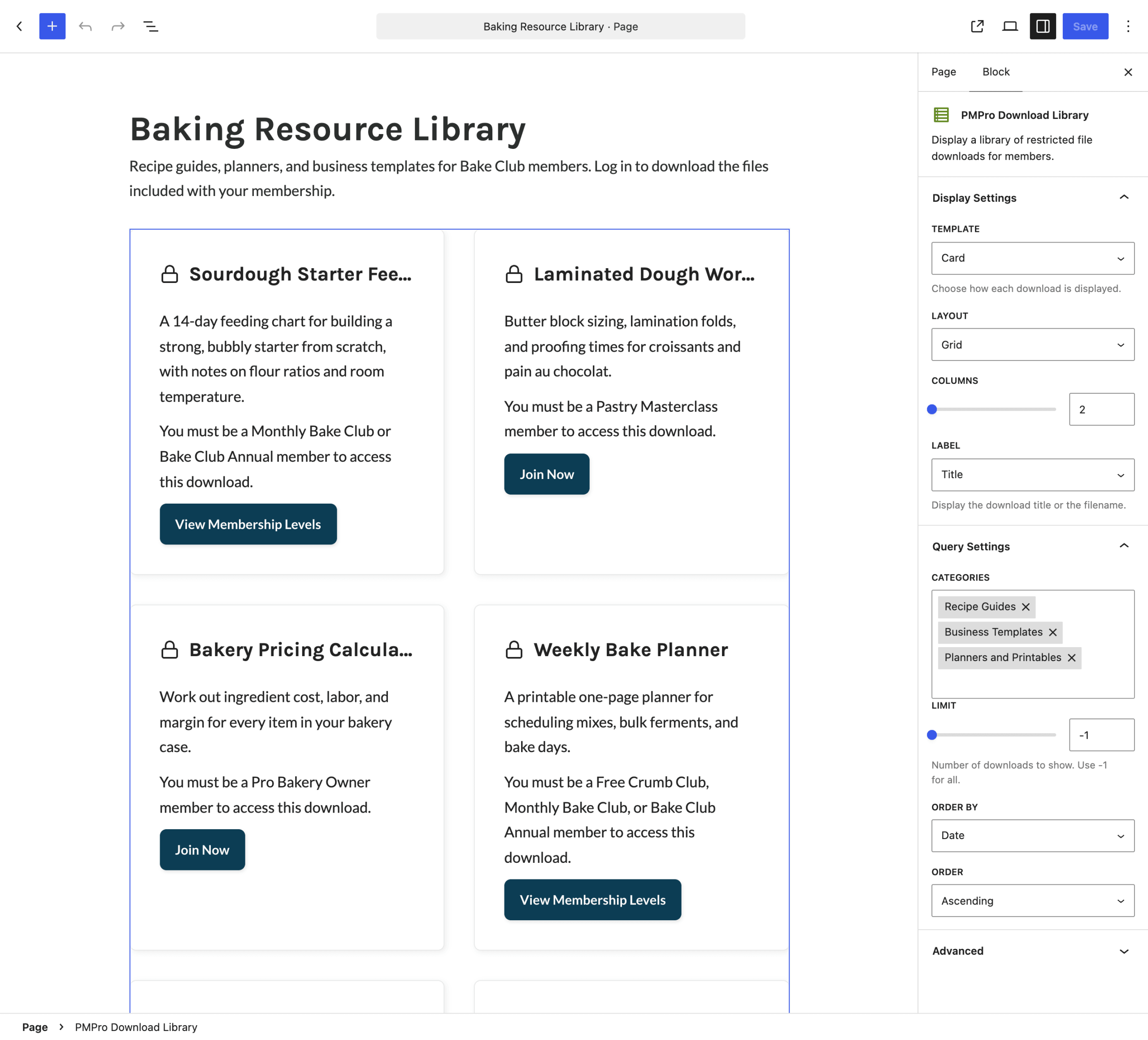
PMPro Download Library Block
Add the PMPro Download Library block to any page or post. Its settings are split into two panels in the block settings sidebar:
- Display Settings: Template, Layout (list or grid), Columns (2 or 3, shown for the grid layout), and Label.
- Query Settings: Categories to include, Limit (-1 to show all, up to 100), Order By (title or date), and Order (ascending or descending).
The pmpro_download_library Shortcode
[pmpro_download_library template="card" layout="grid" columns="3" category="recipe-guides,printables"]
| Attribute | Accepted Values | Default | Description |
|---|---|---|---|
template | link, card, button | link | How each download displays. |
layout | list, grid | list | Show downloads in a single column or a grid. |
columns | 2, 3 | 2 | Number of grid columns. Only used with layout="grid". |
label | title, filename | title | Show each download’s name or its original file name. |
limit | Any whole number | -1 | Maximum number of downloads to show. Use -1 to show all. |
orderby | title, date | title | Sort downloads by name or by publish date. |
order | asc, desc | asc | Sort direction. |
category | Comma-separated category slugs or IDs | (all downloads) | Only show downloads in at least one of these download categories. |
What the Library Shows
- Only published downloads are included.
- A download with no file attached is skipped for visitors who have access to it.
- Image downloads display as files in the library. The Embed Image option is only available for a single download.
- If no downloads match, the library displays nothing.
Show or Hide Locked Downloads
By default, visitors see a locked version of each download they can’t access, with the levels that have access. To hide restricted downloads from visitors who don’t have access instead, set Filter searches and archives? to Yes under Memberships > Settings > Advanced. This setting applies to your whole site, including searches and archives, and the library preview in the block editor always shows every download.
Get Support From Our Team of Experts
Have a question about how to use this feature? Our Support Page outlines three ways to get support.
Our Max plans include hands-on help customizing your membership site and implementing new features. Upgrade to PMPro Max now »
Last updated on November 9, 2026

