
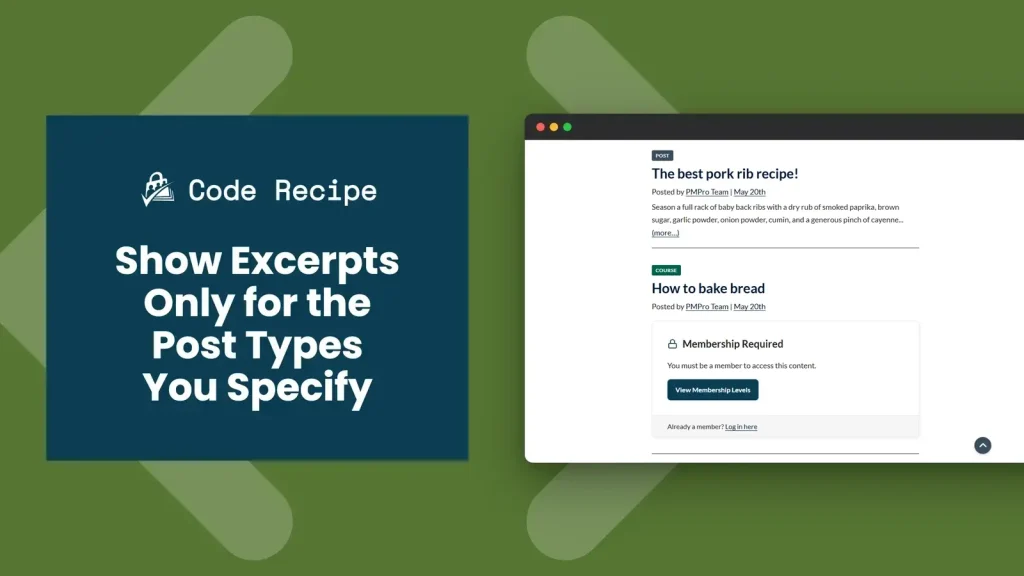
Paid Memberships Pro can show a teaser excerpt to non-members when restricted content is blocked. By default, when the Show Excerpts to Non-Members? setting is turned on, it applies globally. Every restricted post on your site shows an excerpt regardless of post type.
If your site has a mix of post types (blog posts, a custom “Movies” library, course lessons, documentation), you may want excerpts on some of them but not others. This recipe gives you that control. You choose which post types show excerpts to non-members, and all others stay fully protected.
Do You Need This Recipe?
This recipe is useful when the global excerpt setting does not give you enough control. Common situations:
- Your site has multiple post types and you want non-members to see excerpts for blog posts only, not for courses or custom content types.
- You are using a custom post type for premium content (videos, case studies, lessons) and you want to show a hard paywall, no preview at all, for those items while still offering a teaser on standard posts.
- You want to test excerpt behavior on a single post type before rolling it out across your site.
If you want all restricted content to show excerpts, or you want no restricted content to show excerpts, the built-in setting at Memberships > Settings > Advanced > Content Settings handles that without any code. This recipe is only needed when you want different behavior for different post types.
Related: Restrict Access to Custom Post Types
About the Code Recipe
Paid Memberships Pro provides the option_pmpro_showexcerpts filter, which intercepts the Show Excerpts to Non-Members? setting before it is applied. This recipe hooks into that filter and checks the current post’s post type against a list you define. If the post type is in the list, the excerpt is shown to non-members. If not, full content protection applies.
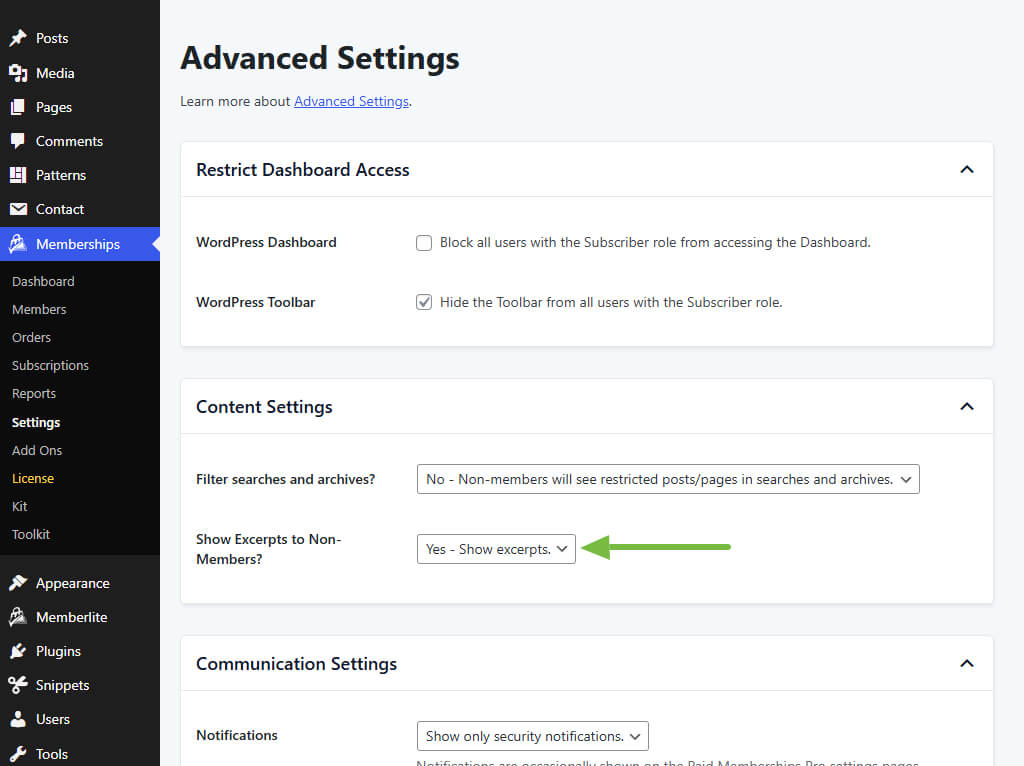
Important prerequisite: The Show Excerpts to Non-Members? setting in Memberships > Settings > Advanced > Content Settings must be set to Yes, show excerpts for this filter to run. If excerpts are disabled at the settings level, this code has no effect.
The Code Recipe
Adding the Recipe to Your Website
You can add this recipe to your site by creating a custom plugin or using the Code Snippets plugin available for free in the WordPress repository. Read this companion article for step-by-step directions on either method.
How To Customize This Code Recipe
Add or remove post types: Edit the $allowed_post_types array on line 31 to include the slugs of the post types where you want excerpts to appear. The example includes 'movies' as a placeholder. Replace it with your actual post type slugs:
'post': standard WordPress blog posts'page': standard WordPress pages'lesson','course','topic': common post types from LMS plugin- Any custom post type slug registered on your site
Find your post type slug: In the WordPress admin, open any post of that type to edit it. Look at the URL in your browser. You’ll see something like post_type=your_slug. The part after post_type= is what you’ll add to the list.
Show excerpts on all post types except one: Replace the final return line in the my_pmpro_allow_excerpts_for_specific_post_types function with the snippet
below. This snippet blocks excerpts for the post types you specify and falls back to the site’s default excerpt setting for everything else.
// Exclude excerpts for a specific post type.
if ( in_array( $post->post_type, $excluded_post_types, true ) ) {
return false;
}
return $showexcerpts;
Want to control not just which post types show excerpts, but how much content non-members see in each one? Pair this recipe with How to Show a Longer Post Excerpt for Non-Members and SEO to adjust excerpt length alongside post-type targeting.

Get Support From Our Team of Experts
Have a question about how to use this feature? Our Support Page outlines three ways to get support.
Our Max plans include hands-on help customizing your membership site and implementing new features. Upgrade to PMPro Max now »


