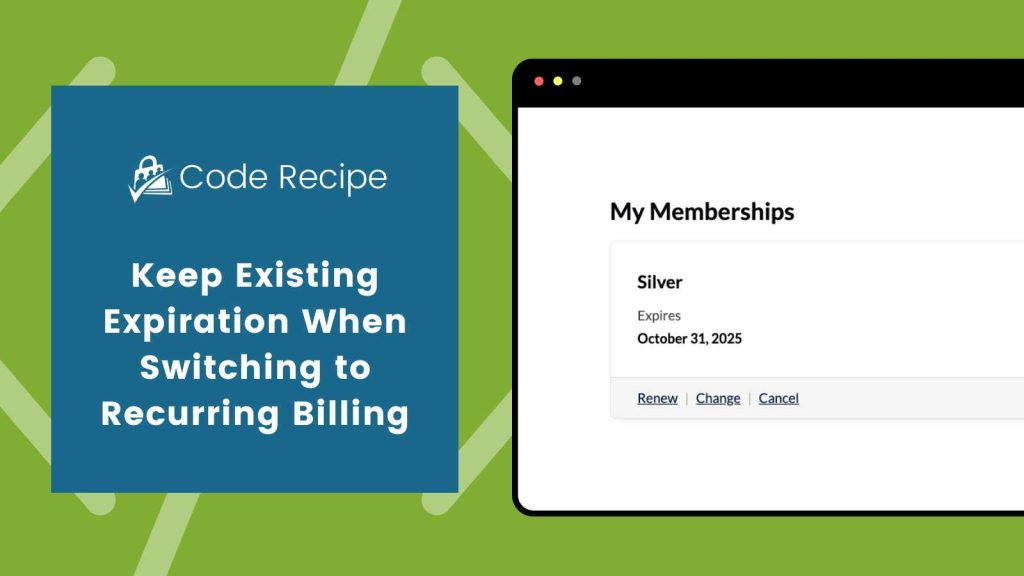
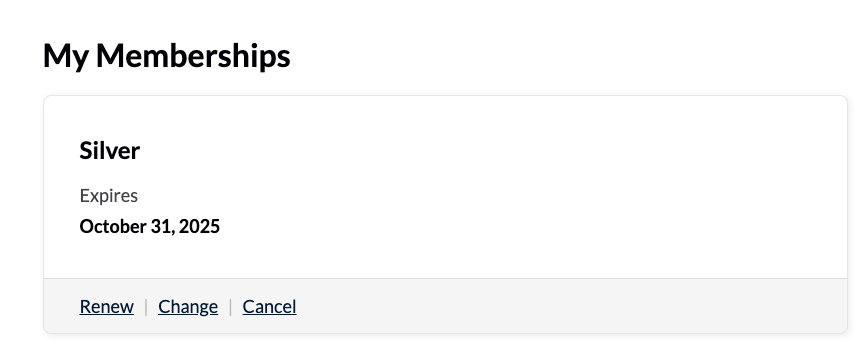
Members with fixed-term or one-time memberships can renew their membership. During renewal, they may also choose to switch to a recurring subscription for the same level.
By default, Paid Memberships Pro starts the new subscription (recurring payment) immediately after renewal, which can cause the member to lose any remaining time from their current term.
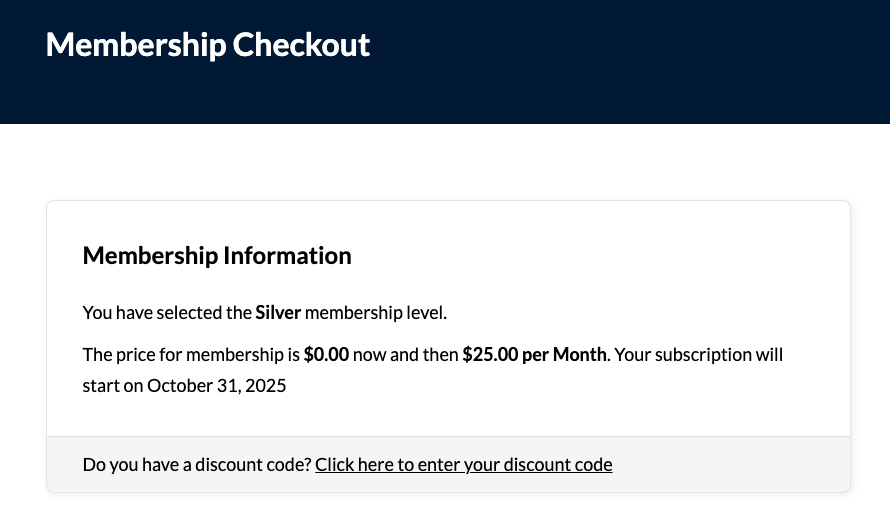
This recipe keeps the member’s existing expiration date by skipping the initial payment and starting the new recurring billing cycle when their current term ends.
Do You Need This Recipe?
This recipe helps in a couple of common situations:
- When importing members who already have expiration dates, you want them to check out for recurring billing without losing any of their prepaid time.
- When using the Auto-Renewal Checkbox at Membership Checkout Add On, and a member switches from a one-time membership to recurring billing.
These scenarios are common when transitioning existing members to ongoing billing. They also occur when giving members the option to “renew automatically” after a prepaid term. This recipe prevents overlapping billing and protects the member’s remaining paid time. It creates a smoother experience for both the member and the site owner.
Best Practices and Considerations
A few other conditions need to be true for the deferred start date to apply:
- The member’s current membership must not have already expired. If the current expiration date has passed, or the level has no expiration date at all, checkout proceeds with normal billing and no deferral happens.
- The level being checked out into must be a recurring subscription. Renewing into a one-time, non-recurring level does not trigger this logic.
- The member must be logged in at checkout. This recipe does not affect guest checkout.
- Your site should run PMPro 2.9 or later. That version standardized how
profile_start_dateis calculated across PMPro’s built-in payment gateways, so the deferred start date behaves consistently no matter which gateway you use.
About the Code Recipe
This code recipe delays the start of a new recurring subscription until the member’s current term expires. It sets the initial payment to $0 and adjusts the checkout text to show when the recurring billing will begin.
Understanding the pmpro_checkout_level and pmpro_level_cost_text Filters
This recipe uses two filters: pmpro_checkout_level and pmpro_level_cost_text.
The pmpro_checkout_level filter runs during checkout, before a user’s membership level is saved. It lets you modify the level object right before it’s saved, for example adjusting its billing amount or start date. In this case, it’s used to set a future start date for the recurring subscription, based on the member’s current expiration date.
The pmpro_level_cost_text filter updates the level’s cost display text on the checkout page. This helps clarify when the recurring billing will begin so members understand they’re paying $0 today and that the new subscription will start later.
Together, these filters make renewals smoother and prevent early billing for members who still have time left on their active membership.
The Code Recipe
This customization works as-is. No code edits are required.
Adding the Recipe to Your Website
You can add this recipe to your site by creating a custom plugin or using the Code Snippets plugin available for free in the WordPress repository. Read this companion article for step-by-step directions on either method.
Video Walkthrough: Coding with Sam

Get Support From Our Team of Experts
Have a question about how to use this feature? Our Support Page outlines three ways to get support.
Our Max plans include hands-on help customizing your membership site and implementing new features. Upgrade to PMPro Max now »


