Some membership sites need to limit signups to users with an approved email domain. For example, you might only want members with a company, university, or organization email address to register.
This recipe restricts membership checkout in Paid Memberships Pro to a list of approved email domains that you define.
Do You Need This Recipe?
This recipe is useful if:
- You want new members to register with an email address from an approved company, school, or organization domain.
- You want to allow an entire domain (
school.edu) or every subdomain under it (*.school.edu) instead of listing addresses one at a time. - You want the restriction to apply to specific membership levels only, leaving others open to any email address.
A few related approaches may fit better depending on your goal. To block specific domains rather than allow a set list, use the companion recipe on excluding email domains from signup. For a manual review step instead of an automated rule, the Approval Process for Membership Add On is a better fit. And to vet members of a Group rather than individual signups (say, a company buying seats for its team), see Restrict Group Child Checkout to Email Domain of Group Leader.
About the Code Recipe
This recipe uses the pmpro_registration_checks filter to validate a user’s email domain during checkout and blocks registrations from unapproved domains.
The callback receives one argument, $continue_registration (bool), which is true by default. It checks the submitted email address’s domain against your allowlist and returns false to stop the checkout if the domain is not approved.
The Code Recipe
Adding the Recipe to Your Website
You can add this recipe to your site by creating a custom plugin or using the Code Snippets plugin available for free in the WordPress repository. Read this companion article for step-by-step directions on either method.
How To Customize This Code Recipe
- Change the allowed domains: Update the
$valid_domainsarray on line 70 with your organization’s approved domains. Prefix an entry with*.to allow that domain and all of its subdomains. - Restrict specific levels only: Remove the two backward slashes directly before the
$restricted_levelsarray on line 32 to uncomment it, and edit level IDs in$restricted_levelsto the IDs you want to validate email domains for. Leave the array empty$restricted_levels = array();to apply to every level. - Change the error message: Edit the
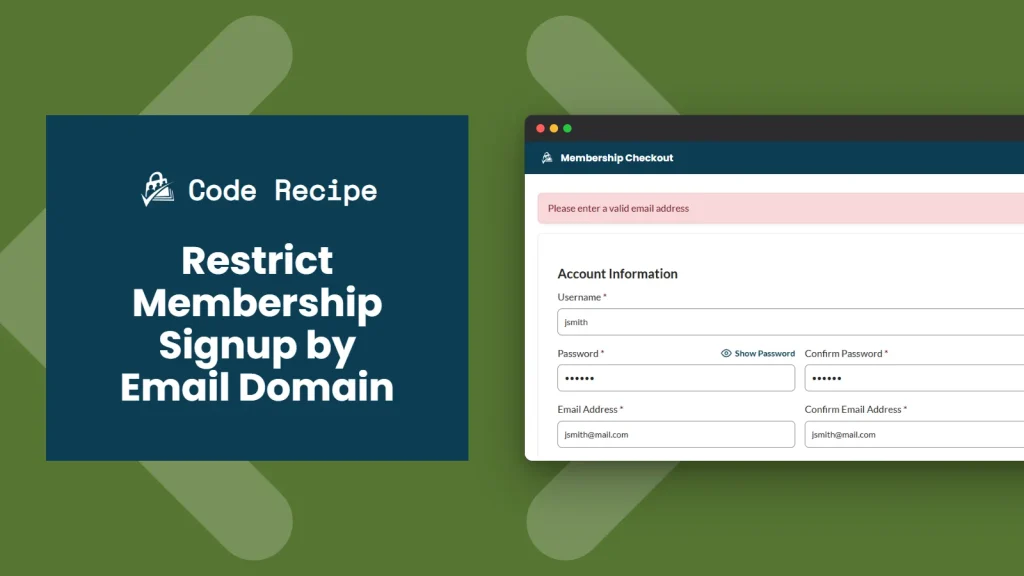
'Please enter a valid email address'text passed topmpro_setMessage()on line 51 to match your site’s voice.
Video: Coding with Sam Walkthrough

Get Support From Our Team of Experts
Have a question about how to use this feature? Our Support Page outlines three ways to get support.
Our Max plans include hands-on help customizing your membership site and implementing new features. Upgrade to PMPro Max now »


