Membership sites that also operate a WooCommerce store may want to offer exclusive product pricing to members. While the WooCommerce Integration Add On supports sitewide or per-product discounts for members, this recipe sets all products in a specific category to be free when viewed by logged-in members.
This approach avoids editing each product manually and adjusts pricing in bulk based on product category and membership status.
Understanding the Code Recipe
This recipe uses the pmprowoo_get_membership_price filter hook. This hook overrides the price shown to members for WooCommerce products by returning a custom value when conditions are met.
The code retrieves all active membership levels for the current user using pmpro_getMembershipLevelsForUser() and checks if the user has at least one level before proceeding. It then determines whether the product belongs to a designated category. If both checks pass, the member sees the product price as $0.00.
About the Code Recipe
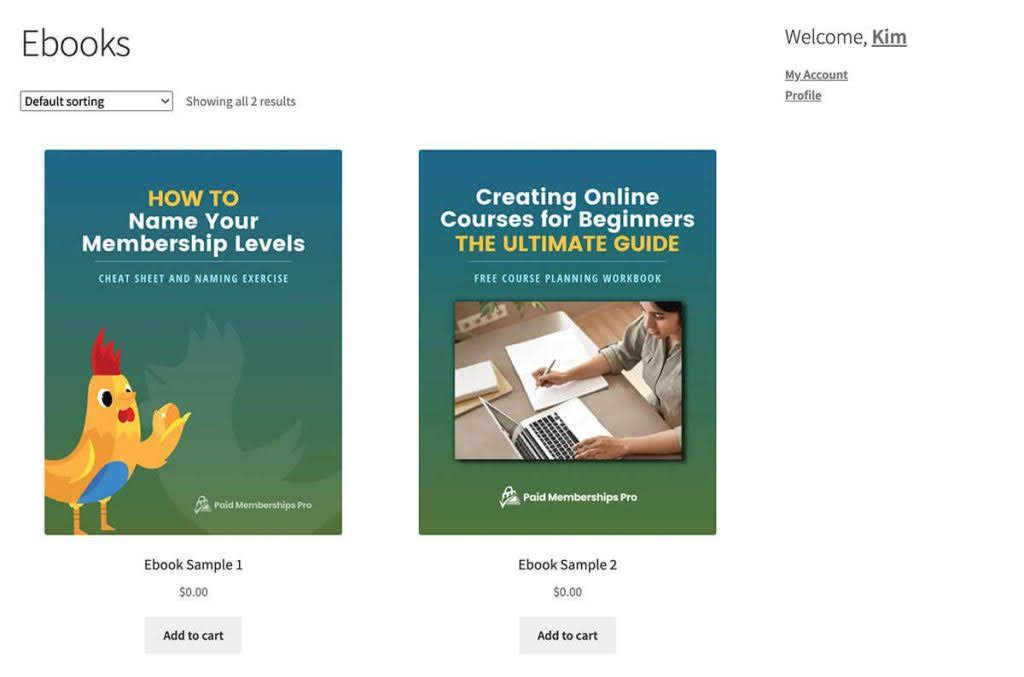
This code recipe sets the price to $0.00 for products in a specified category when a logged-in user has an active membership. It uses WooCommerce functions to check the product category and evaluates the user’s membership level.
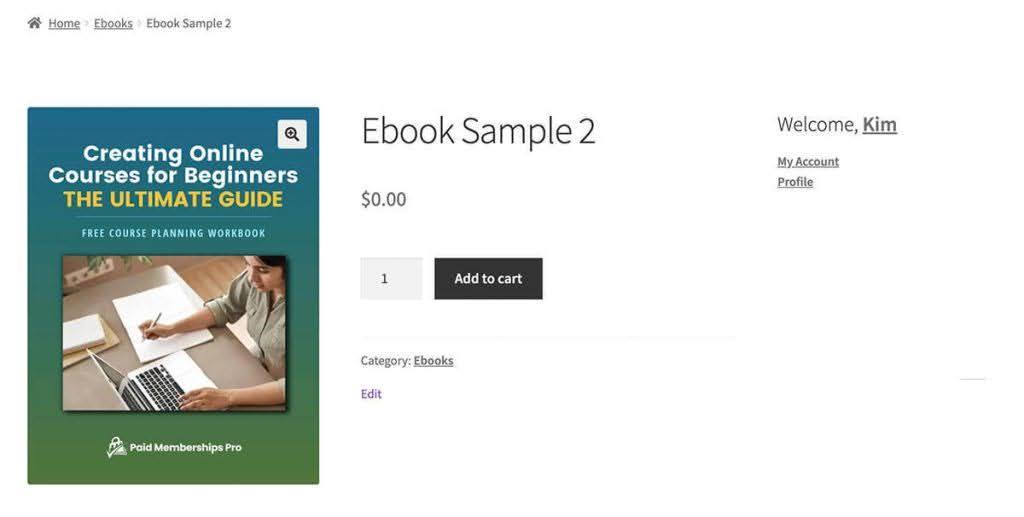
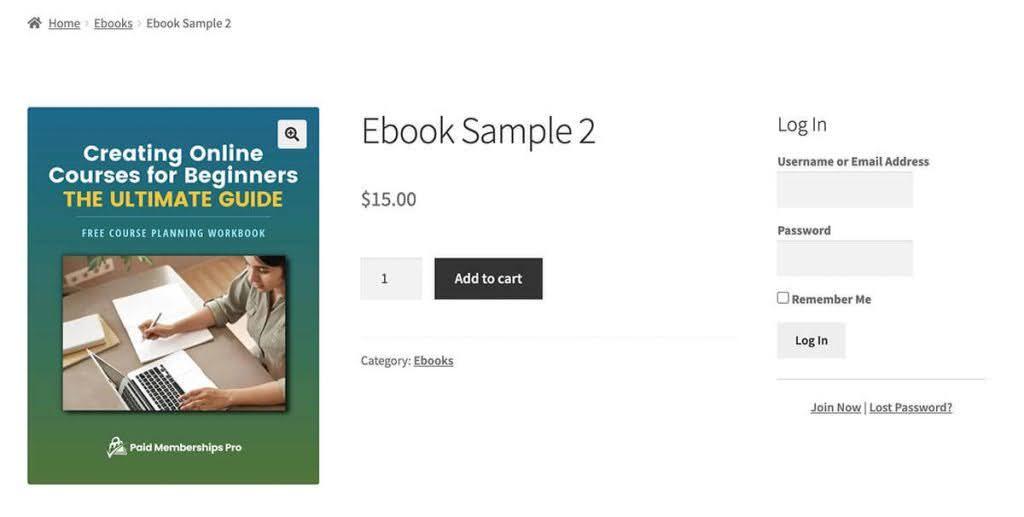
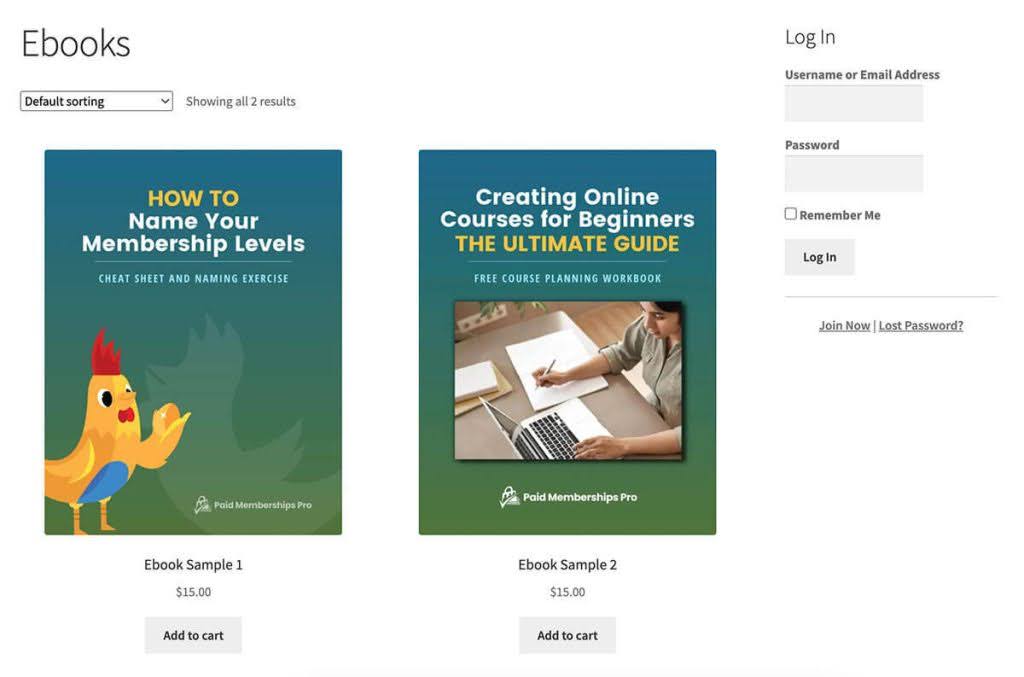
The code does not require changes to individual product settings and works across shop, archive, and product detail pages. Non-members and logged-out users continue to see the product’s regular price.
To restrict the behavior to specific levels, uncomment the conditional argument on lines 29 to 31 and replace “1” with another level ID or an array of level IDs, e.g., if ( ! in_array( array( 1, 3,14 ), $level_ids ) ) {, check and specify which level ID(s) should qualify.
Member View
Non-Member View
Archive Views
The Code Recipe
Update the $free_product_cats array to match the category slugs you want to offer for free. To limit this to specific membership levels, uncomment the conditional block that checks for a particular level ID.
Adding the Recipe to Your Website
You can add this recipe to your site by creating a custom plugin or using the Code Snippets plugin available for free in the WordPress repository. Read this companion article for step-by-step directions on either method.

Get Support From Our Team of Experts
Have a question about how to use this feature? Our Support Page outlines three ways to get support.
Our Max plans include hands-on help customizing your membership site and implementing new features. Upgrade to PMPro Max now »


