
Some memberships work best when every new member comes in through someone who’s already there, such as a private mastermind or an alumni network. Open signup makes that hard to protect. With invite-only levels, your current members vouch for each new person, and you decide how many people each member can invite.
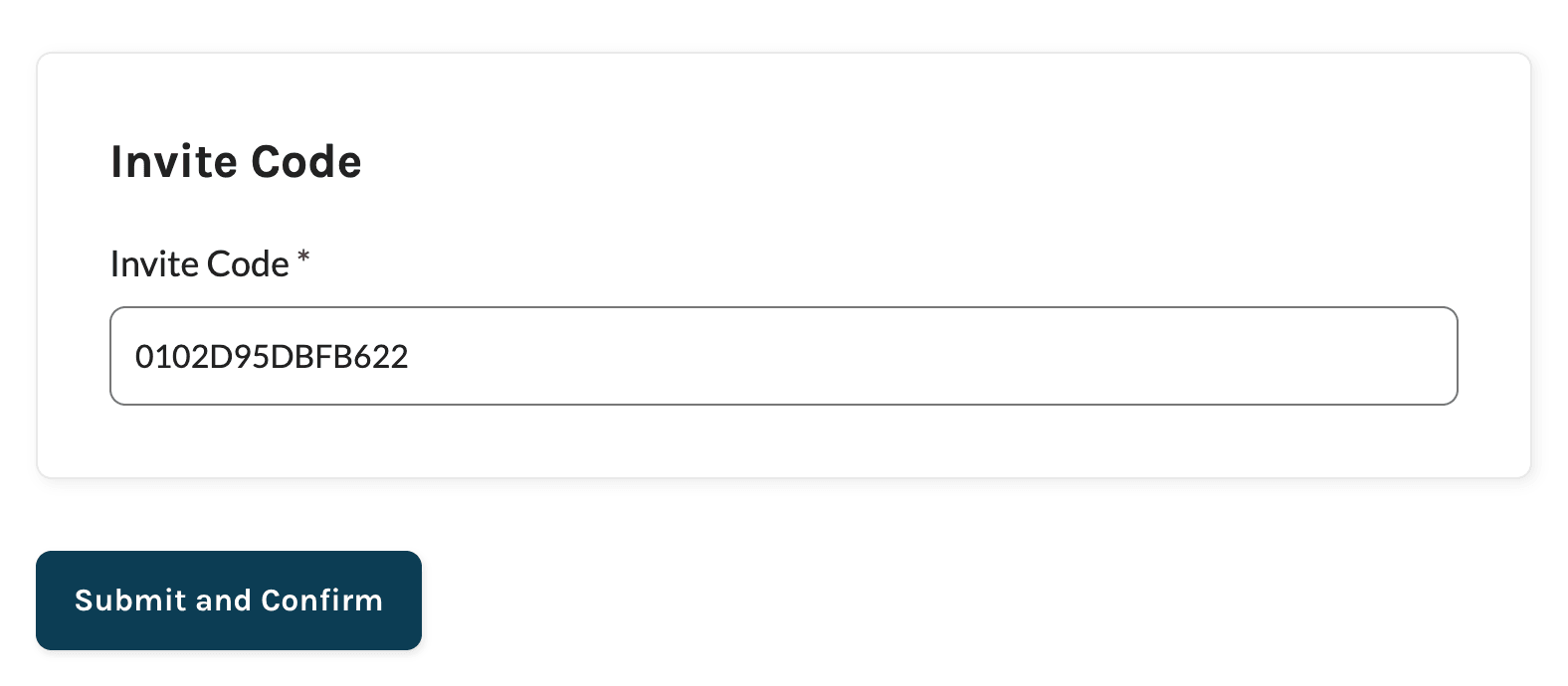
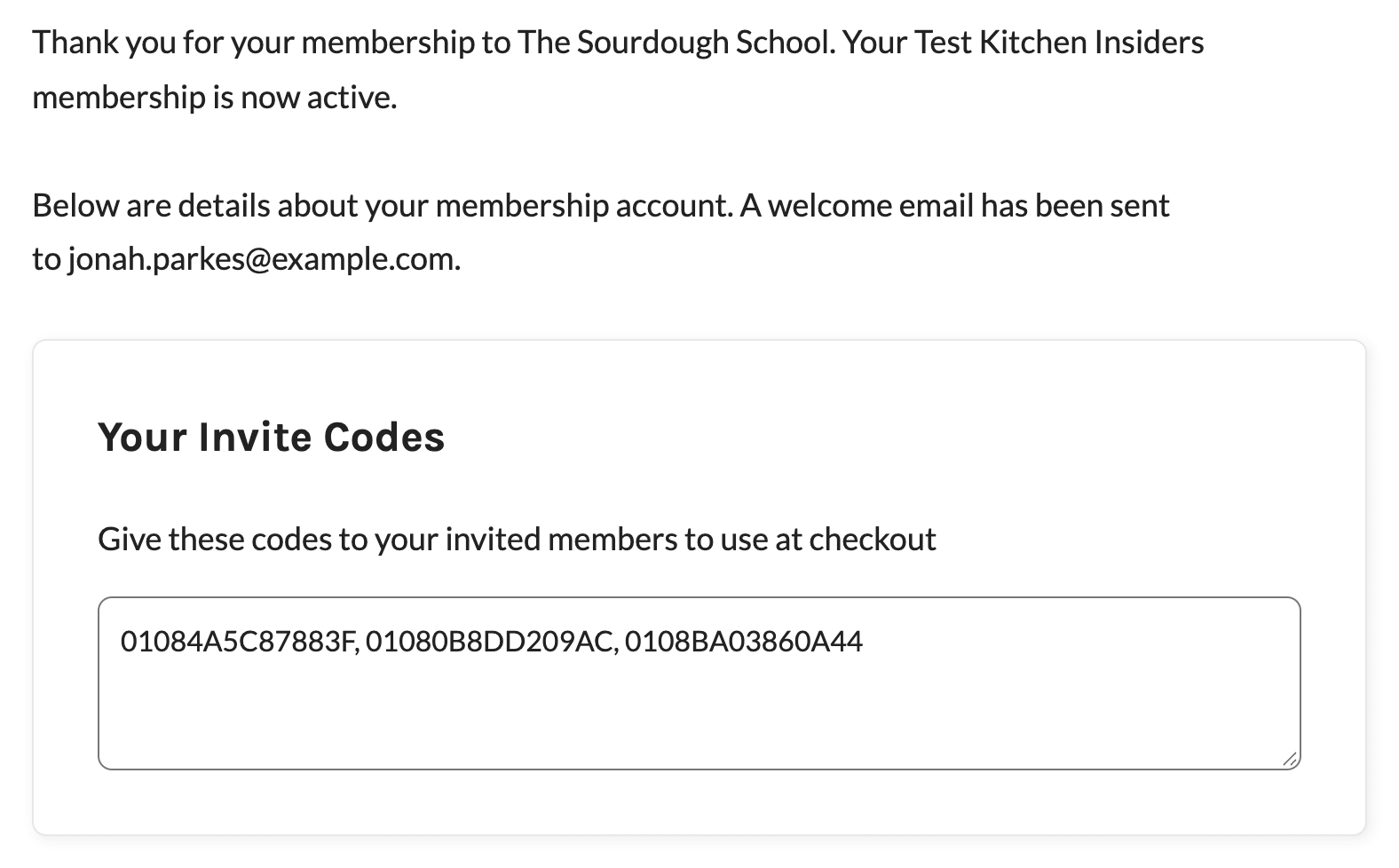
The Invite Only Membership Add On adds a required Invite Code field to checkout for the free or paid levels you choose. After checkout, members get their own codes on the confirmation page, in their checkout email, and on their Membership Account page, so each new member can invite the next. You set which levels require and give codes, how many codes each member gets, and how many times each code works with a few lines of custom code. This Add On is included with the Standard and Max plans.
Key Features
- Invite-Only Levels: Require a valid invite code at checkout for any free or paid membership level.
- Codes for Every New Member: Members of the levels you choose get their own invite codes to share after checkout.
- Flexible Invite Limits: Give each member one code with unlimited uses, a code that works a set number of times, or several single-use codes.
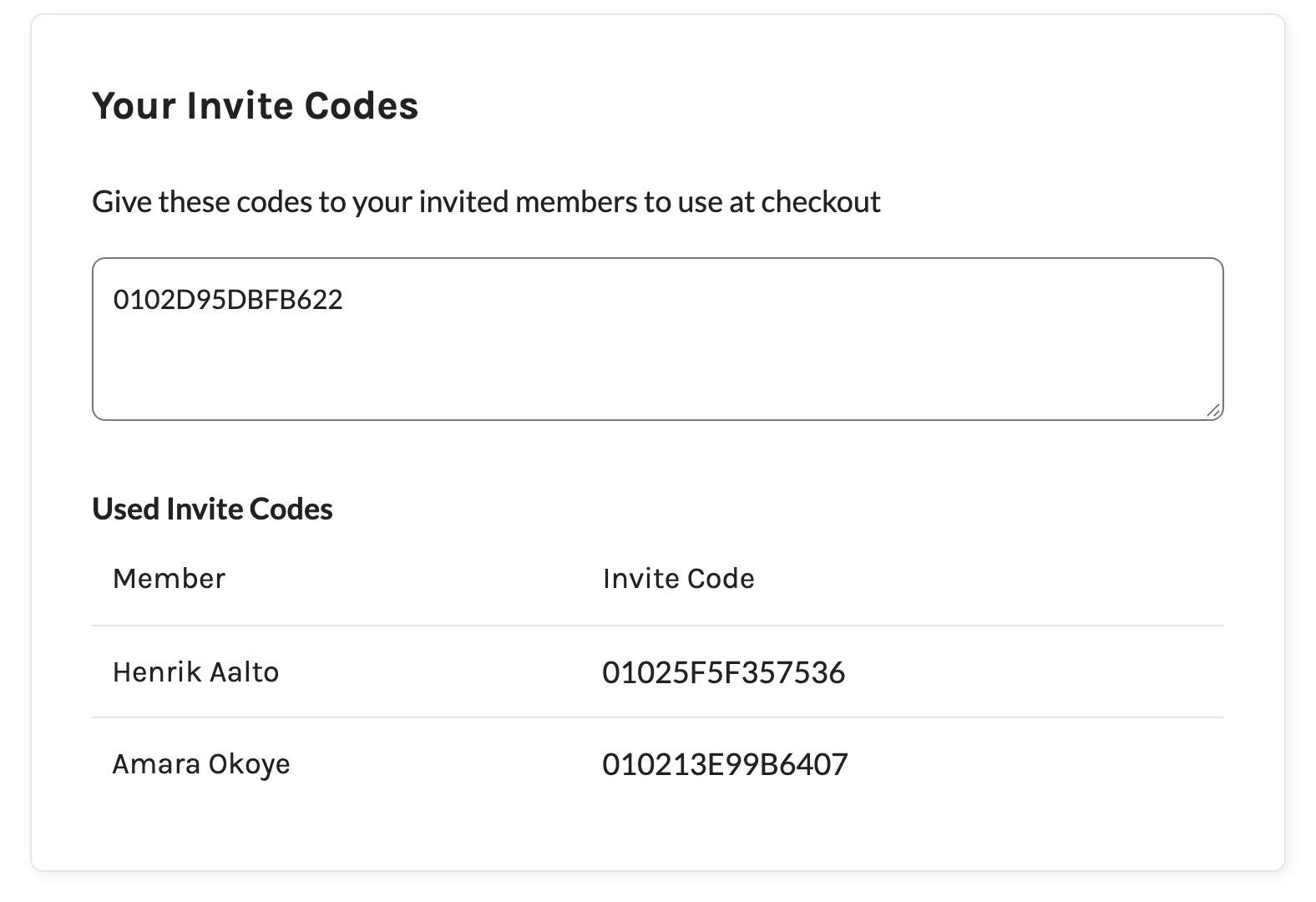
- Codes Where Members Look: Codes appear on the Membership Confirmation page, in the checkout email, and on the Membership Account page.
- Invite Links: Members can share a checkout link that fills in their code for the person they invite.
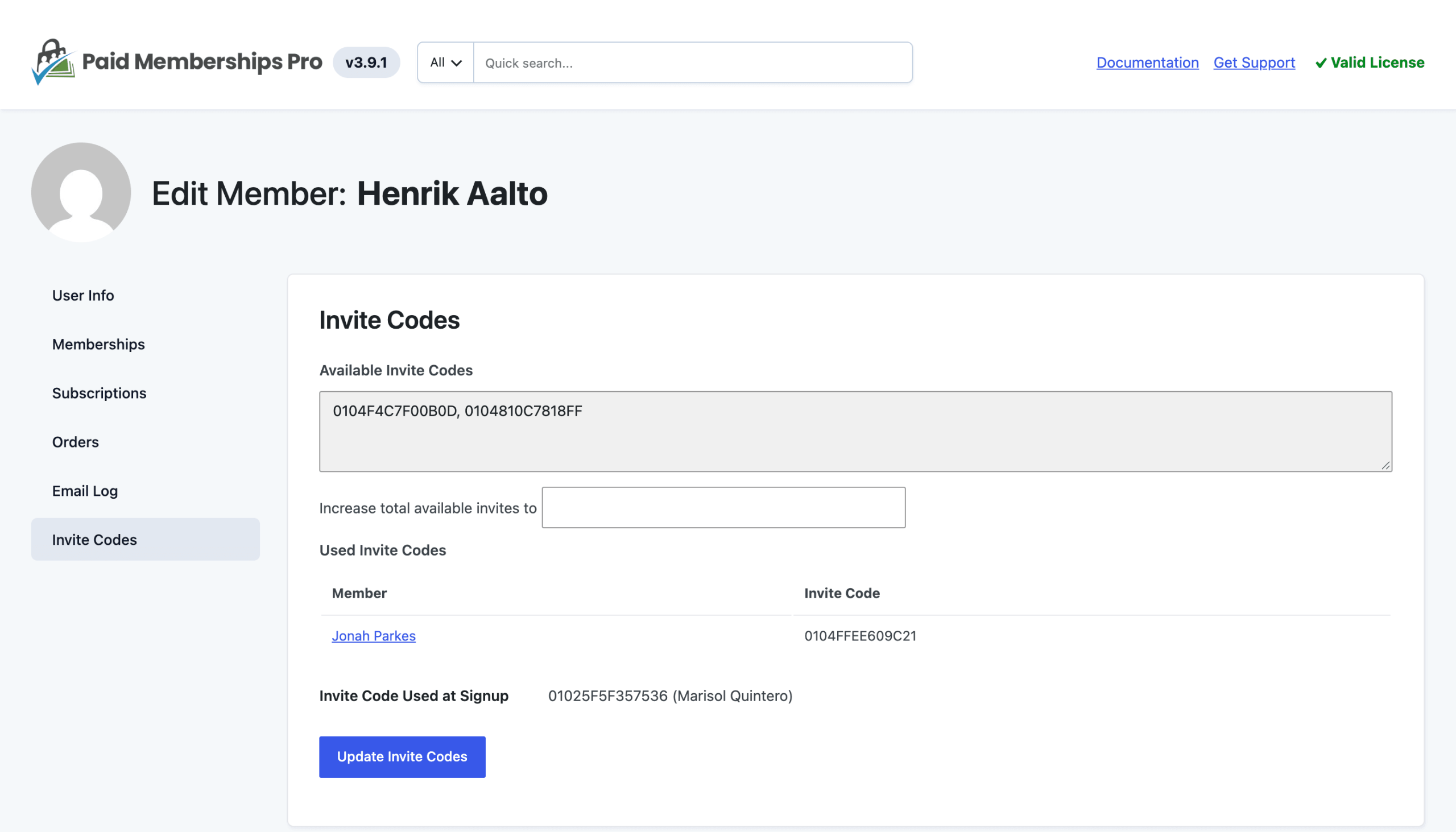
- See Who Invited Whom: Members see who joined with their codes. Administrators also see the code each member used to sign up and who shared it.
- Invite Codes Panel: Give a member more codes from the Invite Codes panel on the Edit Member screen.
- Codes Tied to Active Members: A code only works while the member who shared it has an active membership.
Invite Only Membership Add On Documentation
Video Demo
Screenshots
Frequently Asked Questions
Members get codes when they receive a level that gives codes, so members who already had that level don’t get codes automatically. Give them codes from the Invite Codes panel on the Edit Member screen.
You decide. By default, each member gets one code that any number of people can use. You can limit how many times each code works or give members several single-use codes.
The codes stop working while the member has no active membership level and work again if they rejoin. People who already joined with those codes keep their memberships.
No. The invite code is only required at checkout. Administrators can assign an invite-only level to anyone from the Edit Member screen.
No. Members must check out through Paid Memberships Pro to enter an invite code.
Every premium Add On comes with your Standard or Max plan. Standard includes expert support for a site you host yourself. Max adds managed hosting, transactional email, security, backups, free migration, and monthly credits for development and design.