Block patterns are ready-made sections you can add to any page or post and then edit like any other blocks. Memberlite includes more than 40 patterns for membership sites, including heroes, pricing tables, testimonials, community and call to action sections, benefits bars, accordions, and team and founder sections.
Adding a Pattern to a Page
- Open a page or post in the block editor.
- Click the + (Block Inserter) button in the top toolbar.
- Select the Patterns tab.
- Choose a Memberlite category, or search by name or keyword.
- Click a pattern to insert it, then edit the text, images, and links.
Some patterns also show in the Choose a pattern window when you create a new page.
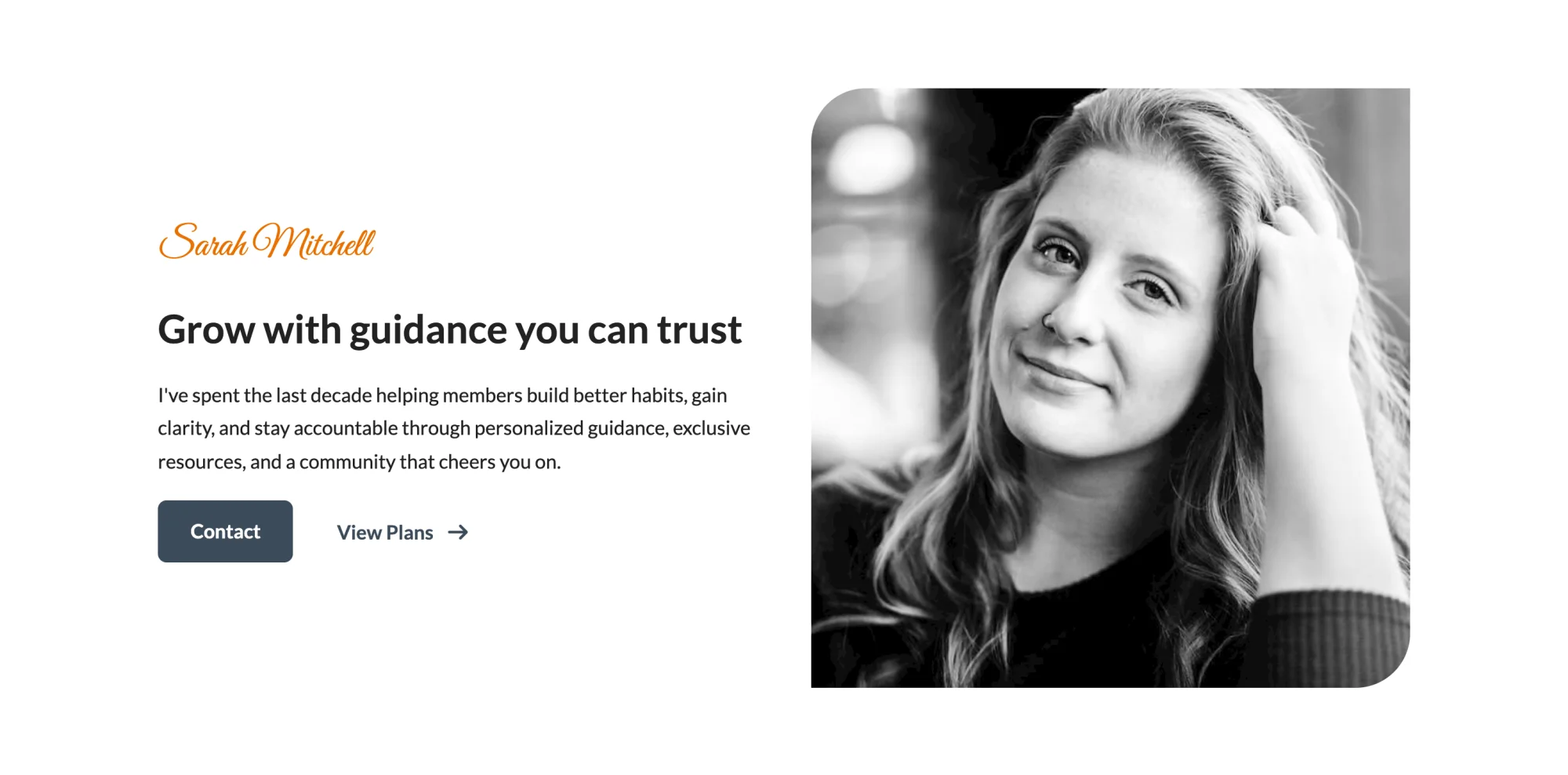
Pattern Categories
Memberlite patterns are grouped into these categories in the Patterns tab:
- Memberlite – About
- Memberlite – Accordion
- Memberlite – Call to Action
- Memberlite – Community
- Memberlite – Content
- Memberlite – Courses
- Memberlite – Features
- Memberlite – Hero
- Memberlite – Media
- Memberlite – Pricing
- Memberlite – Team
- Memberlite – Testimonials
Patterns also have keywords for the kind of site they fit, such as coach, association, or nonprofit, so you can search the inserter for your type of membership site.
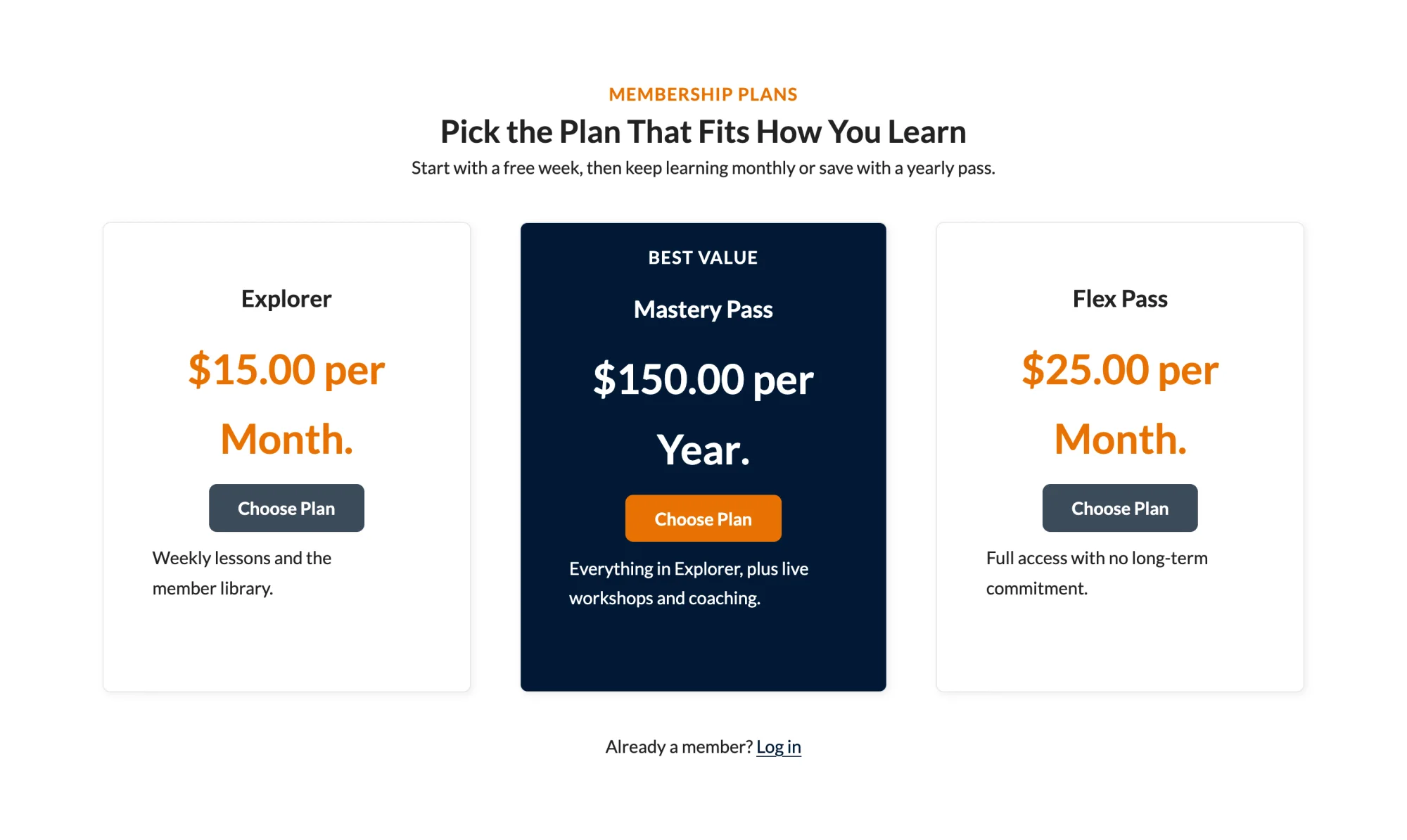

Tips for Using Patterns
- Patterns use your site’s color scheme and fonts, so they match your site as soon as you insert them. Pattern text and icon colors were tested for contrast across Memberlite’s color schemes.
- Most pricing patterns link their buttons to your membership checkout page. Update the level ID in each button link to match your own levels.
- Many patterns use Memberlite block styles, like the Card style, and Font Awesome icons.
- Pattern text is translatable.
- Patterns work best on a page with a layout that has no sidebar, like Contained or Full Width. Set it in the page’s Layout panel.

Header and Footer Patterns
Memberlite also has starter patterns for header and footer variations. These only show when you are editing a header or footer variation under Memberlite > Headers or Memberlite > Footers. They do not show in the Patterns tab on regular pages and posts. Read more about header and footer starter patterns.
Saving Your Own Patterns
To reuse a section you built, select its blocks, click the three-dots menu in the block toolbar, and choose Create pattern. If your admin menu doesn’t already have one, Memberlite adds a Patterns menu item where you can manage the patterns you save.
Get Support From Our Team of Experts
Have a question about how to use this feature? Our Support Page outlines three ways to get support.
Our Max plans include hands-on help customizing your membership site and implementing new features. Upgrade to PMPro Max now »
Last updated on October 28, 2026

