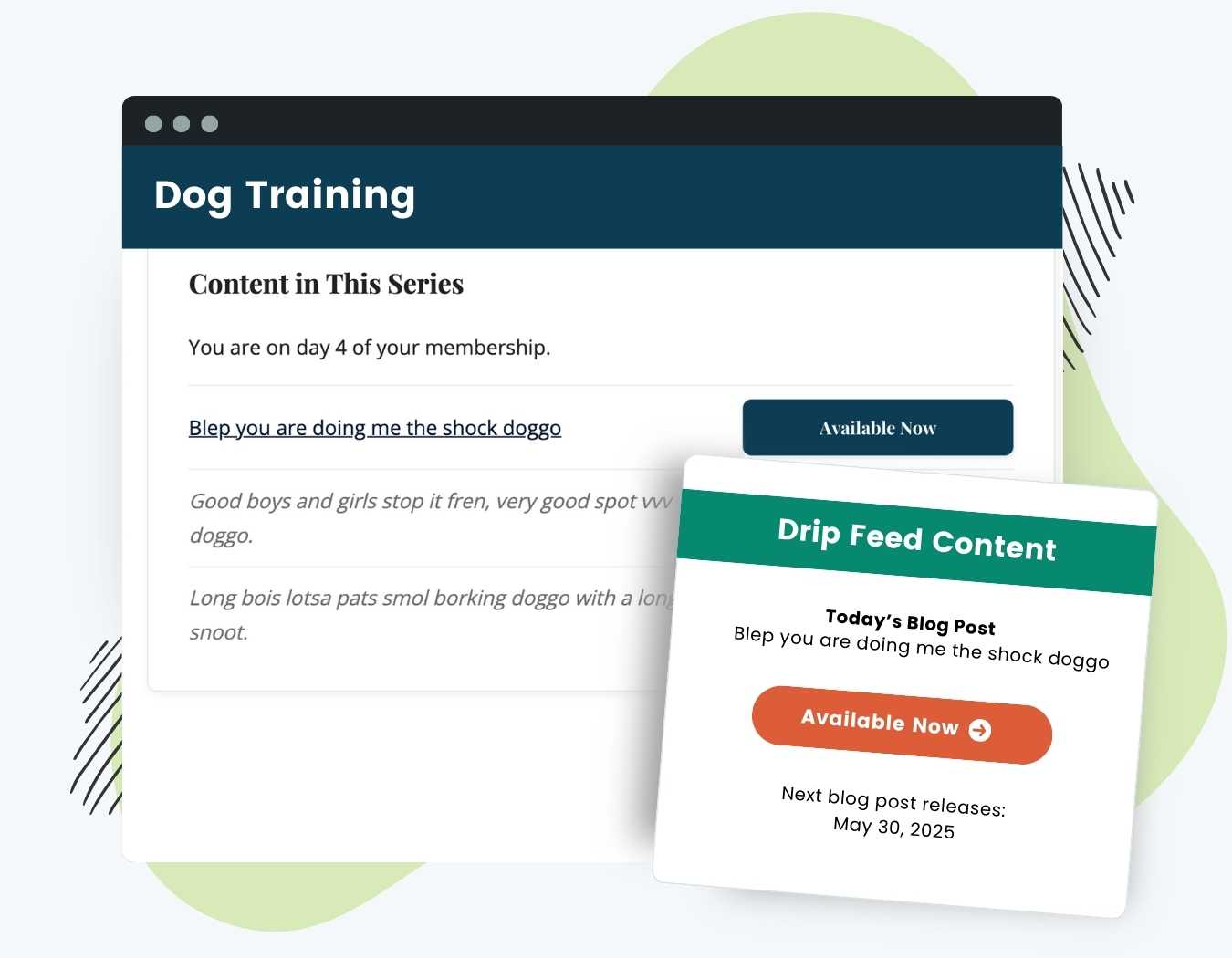
Handing a new member everything on day one can overwhelm them, and it lets someone join, take it all, and cancel. Releasing content over time gives members a clear next step each week and a reason to stay. It works well for onboarding sequences, multi-week programs, lesson-by-lesson courses, and back catalogs you want to reintroduce a piece at a time.
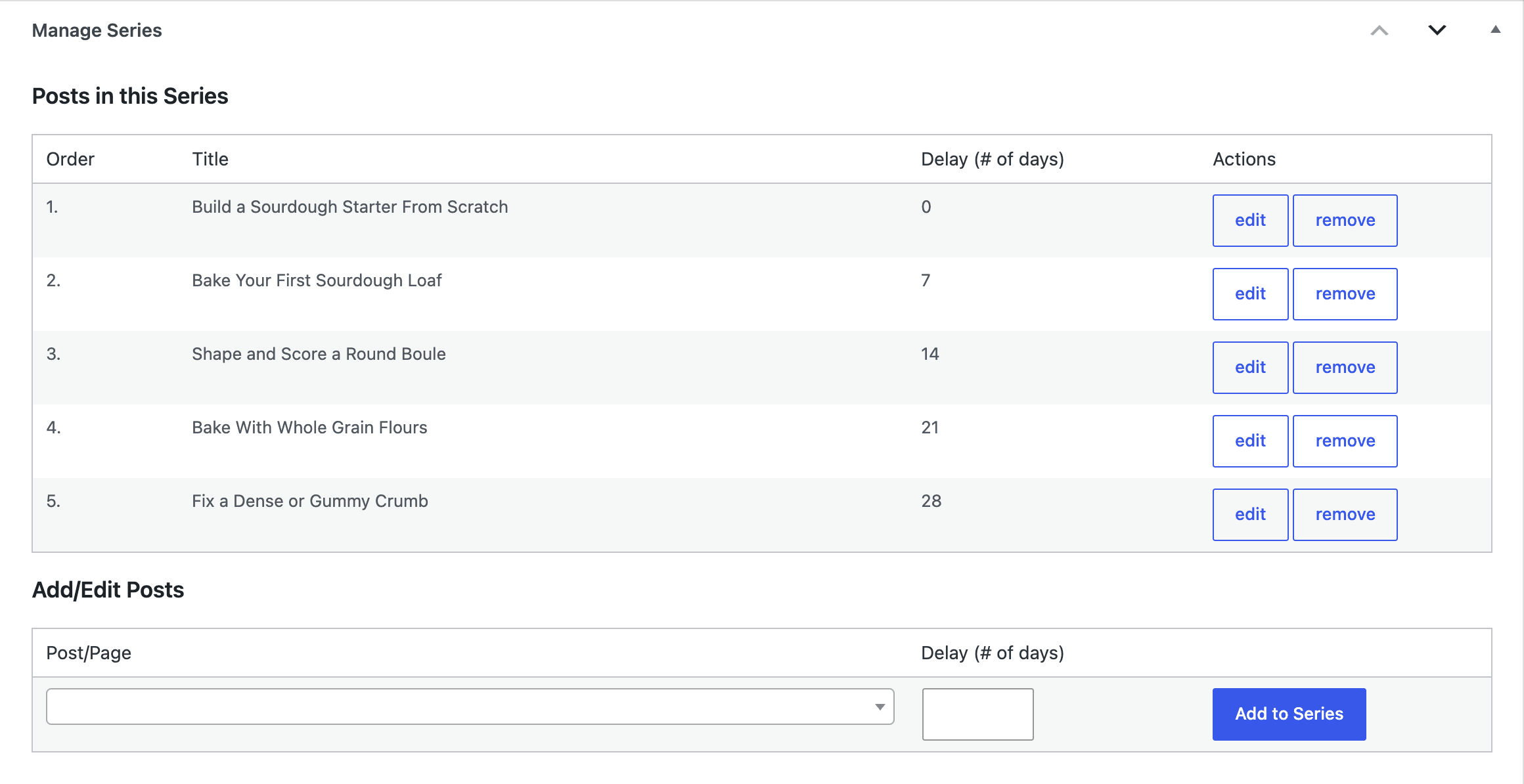
The Series: Drip-Feed Content Add On lets you group posts and pages into a series and set how many days after joining each one unlocks. Members see their progress on the series page, get an email when new content is ready, and find what they’ve unlocked on their Membership Account page. This Add On is included with the Standard and Max plans.
Key Features
- Unlock by Days Since Joining: Give each post or page a delay in days. Content with a delay of 0 is available right away.
- Restrict by Membership Level: Choose which levels can access a series. Every post in it is locked to those members until they reach its delay.
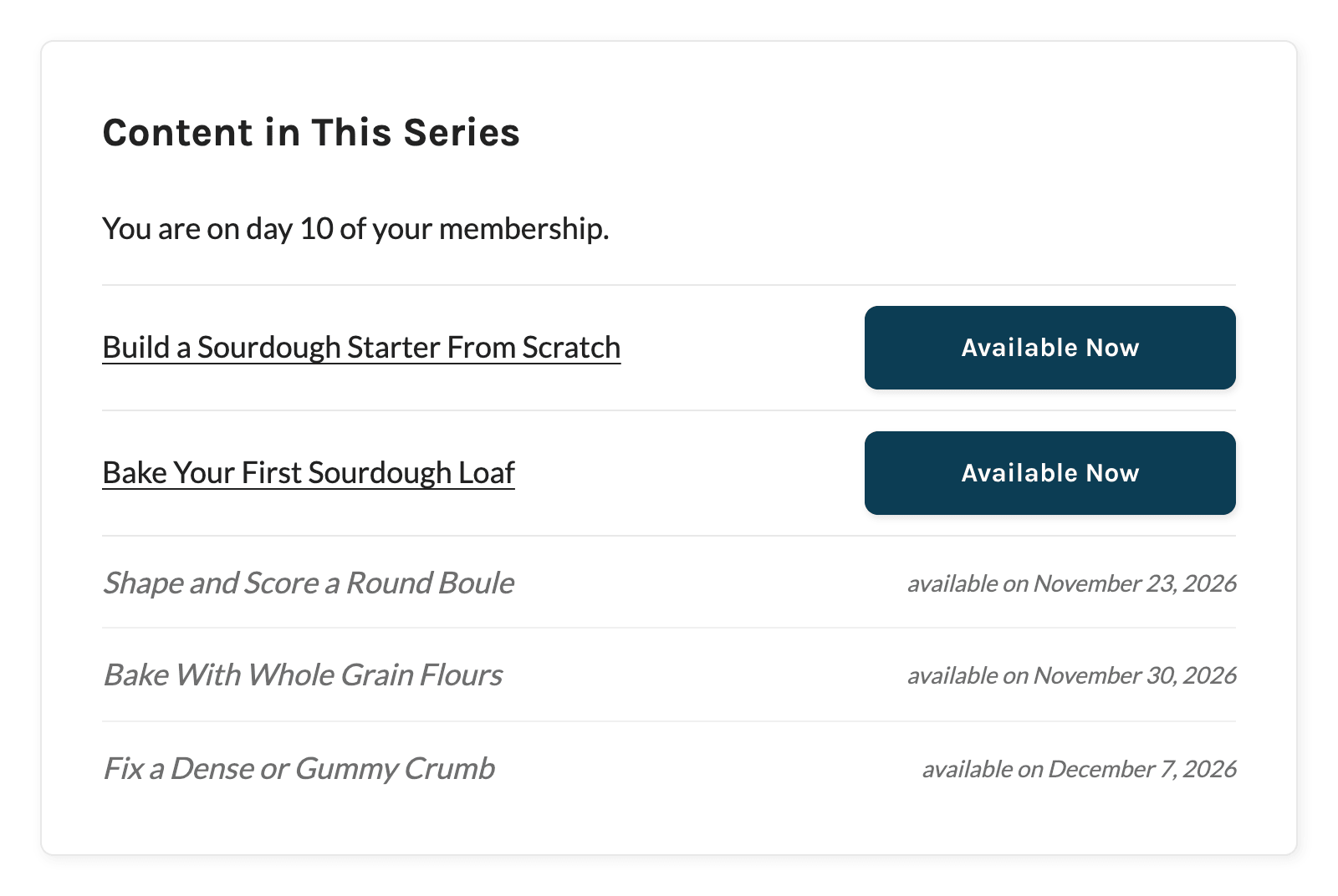
- Series Page With Unlock Dates: Members see what’s available now and the date each upcoming item unlocks.
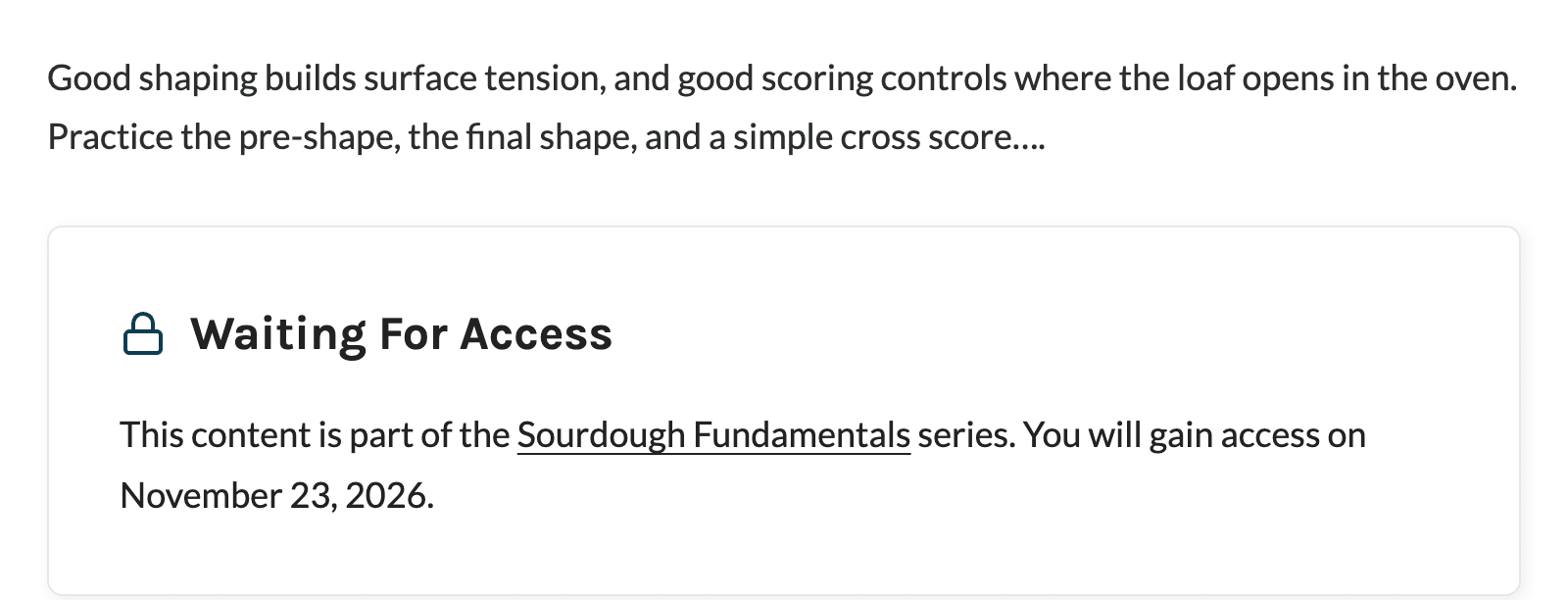
- Clear Locked Content Messages: Members who are waiting see the date they’ll get access. Everyone else sees which series the content belongs to.
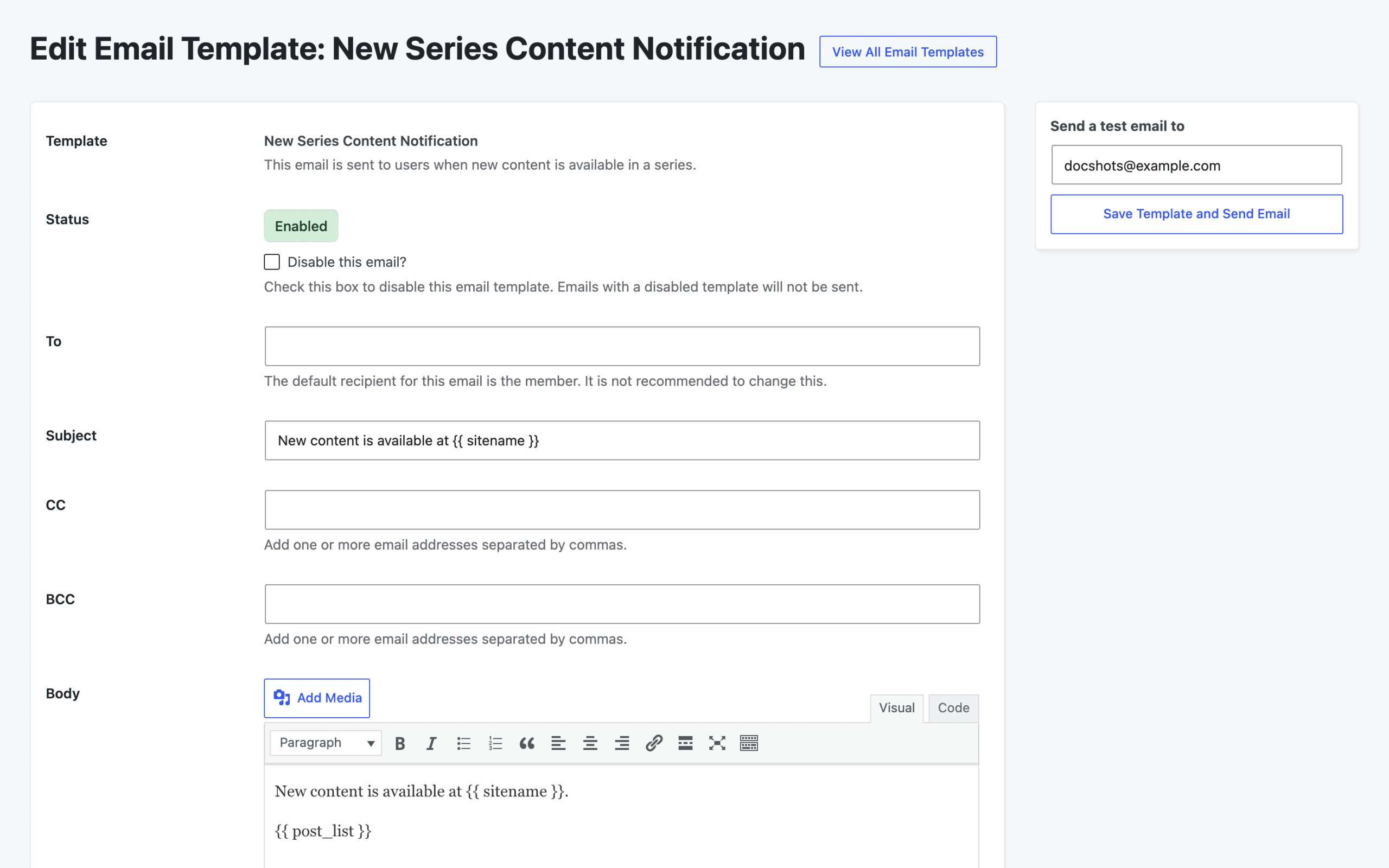
- New Content Emails: A daily check sends each member one email listing everything that unlocked for them. Edit the template or turn it off from the Email Templates screen.
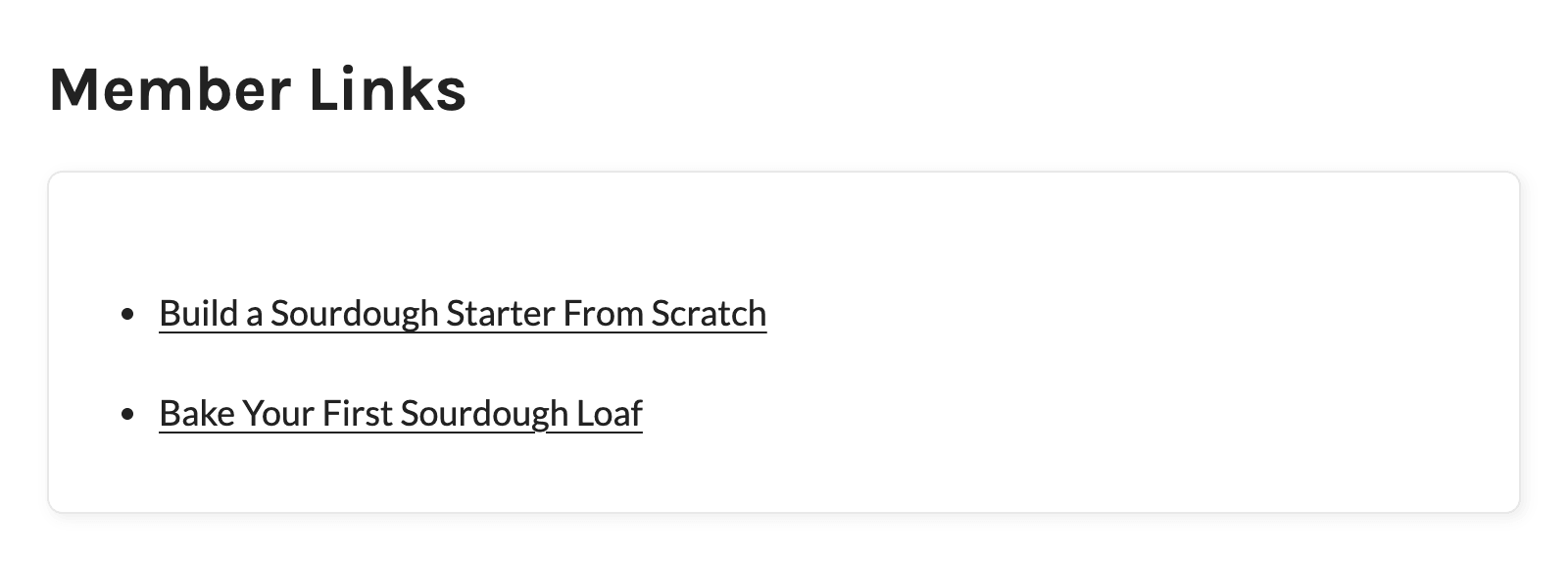
- Member Links on the Account Page: Unlocked content is listed in the Member Links section of the Membership Account page.
- Multiple Series: Run as many series as you like, for different levels, and include the same post in more than one.
- Drafts and Custom Post Types: Schedule draft posts before you publish them, and add custom post types with a short code recipe.
Video Demo
Screenshots
Frequently Asked Questions
Each member’s schedule starts on the date they joined a level that can access the series. Two members who join a week apart unlock the same content a week apart. To release content on fixed calendar dates for everyone, see Unlocking Content on Specific Dates.
No. When a series requires membership, every post or page in it is locked to members of those levels until the member reaches that item’s delay. See Choose Which Levels Can Access the Series.
Yes, with a small code recipe. By default you can add posts and pages to a series. Follow How to Add Custom Post Types (CPTs) to Your Drip Series to add others.
Yes. A member can view the post as soon as any series they have access to unlocks it.
The Add On checks for newly unlocked content once a day and sends each member one email listing everything new. New members also get an email about content with a delay of 0. See New Content Notification Emails.
Yes. The series page shows what’s available now and the date each remaining item unlocks for that member.
Every premium Add On comes with your Standard or Max plan. Standard includes expert support for a site you host yourself. Max adds managed hosting, transactional email, security, backups, free migration, and monthly credits for development and design.