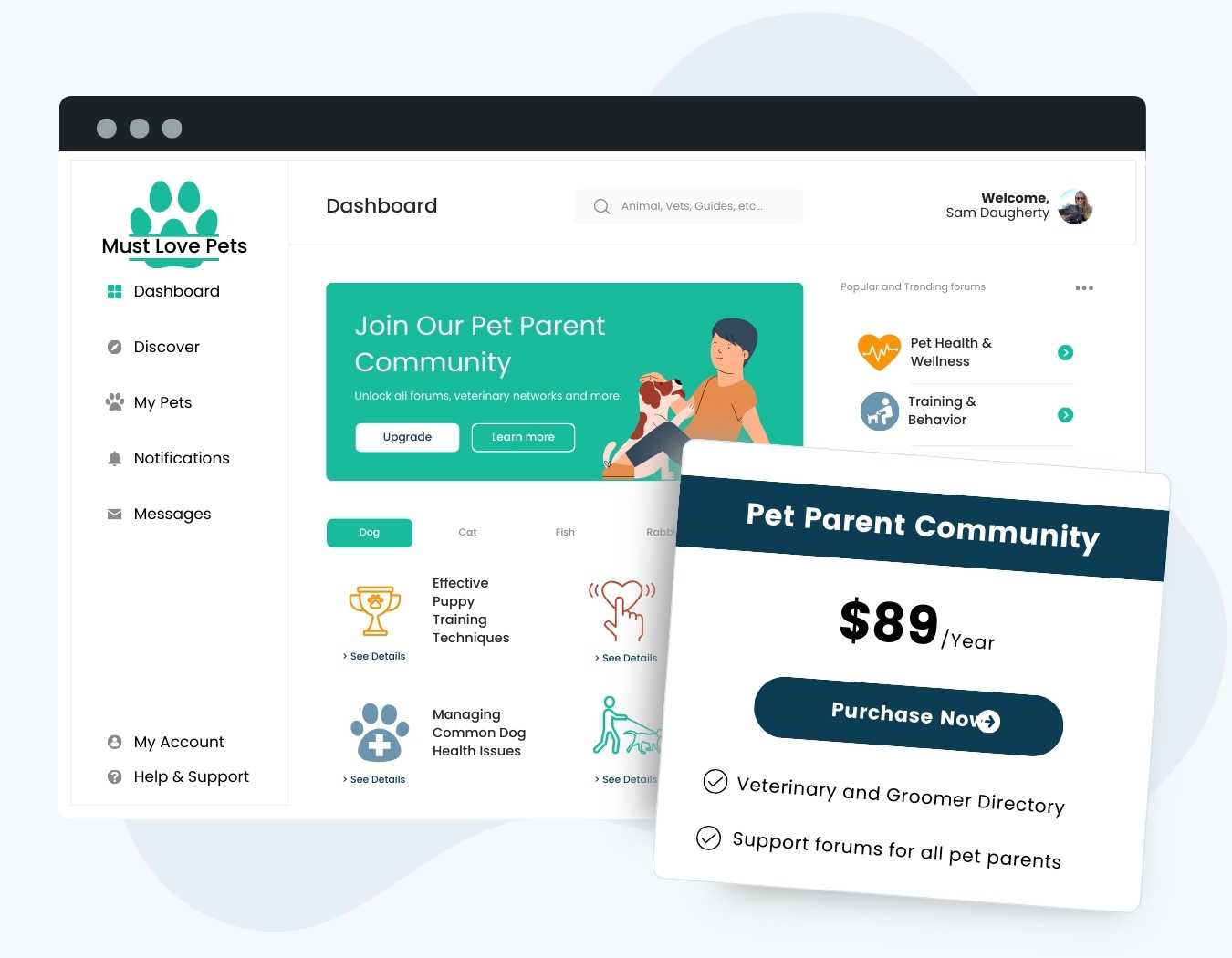
Build an online community that you control and get paid for it. With Paid Memberships Pro, you can decide who can view groups, join and create groups, send messages, add friends, and appear in your member directory, all based on membership level. Lock the whole community to paying members, or give free members a taste and save the rest for paid levels.
The BuddyPress and BuddyBoss Integration is a free Add On. It works with BuddyPress, the original open source community plugin for WordPress, and with the BuddyBoss Platform. Paid Memberships Pro handles checkout, recurring payments, and member approvals, while your community plugin handles the profiles, groups, and conversations.
Try a Demo: View the Communities demo site or launch a free private demo now.
Key Features
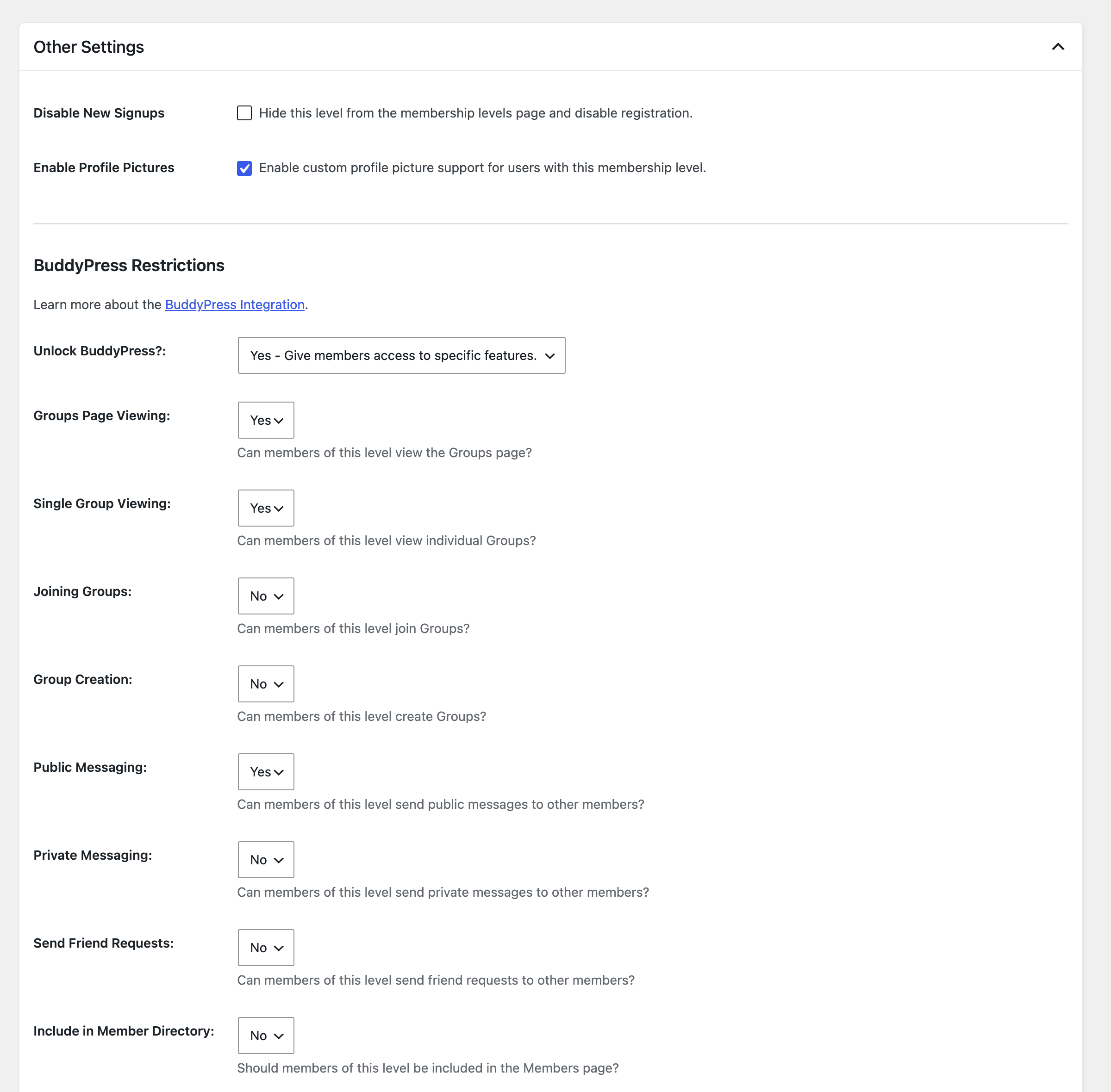
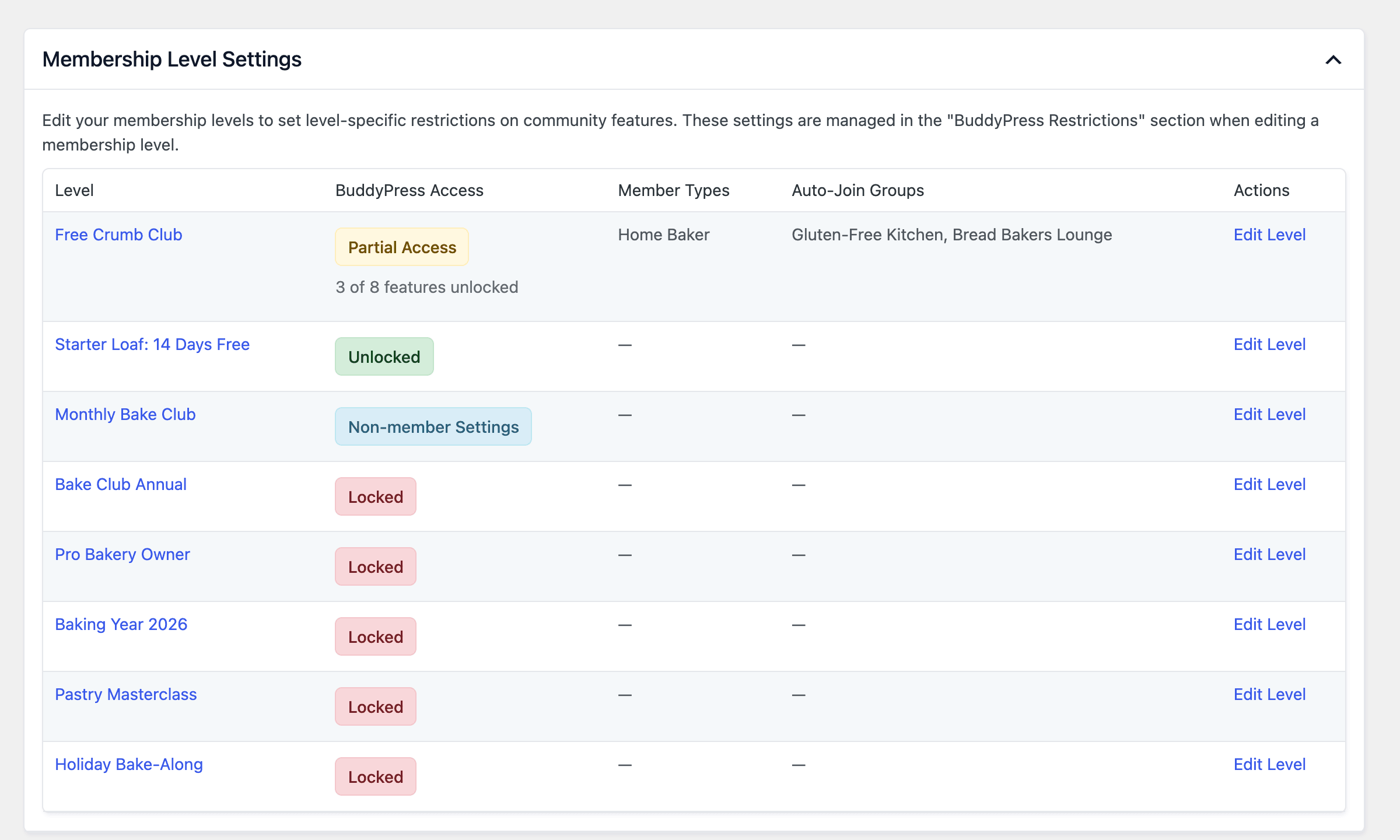
- Lock or Unlock Your Community by Level: Give a level access to the entire community, or unlock specific features one at a time: viewing groups, joining and creating groups, public and private messaging, friend requests, and the member directory.
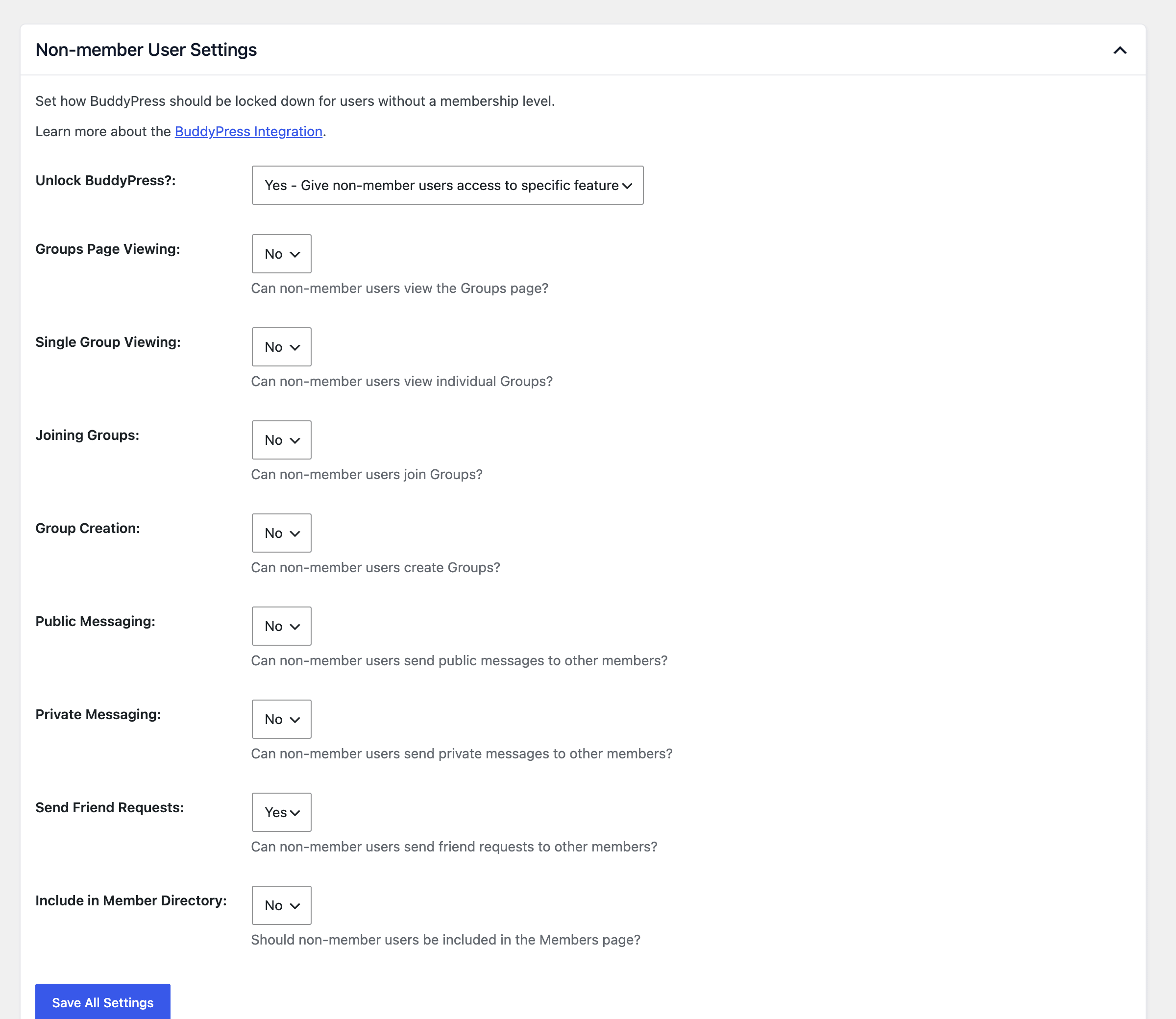
- Non-member Access Rules: Decide what visitors and users without a level can see, from nothing at all to a free preview of selected features. When the community is locked, BuddyPress blocks, activity feeds, and the BuddyPress REST API are locked too.
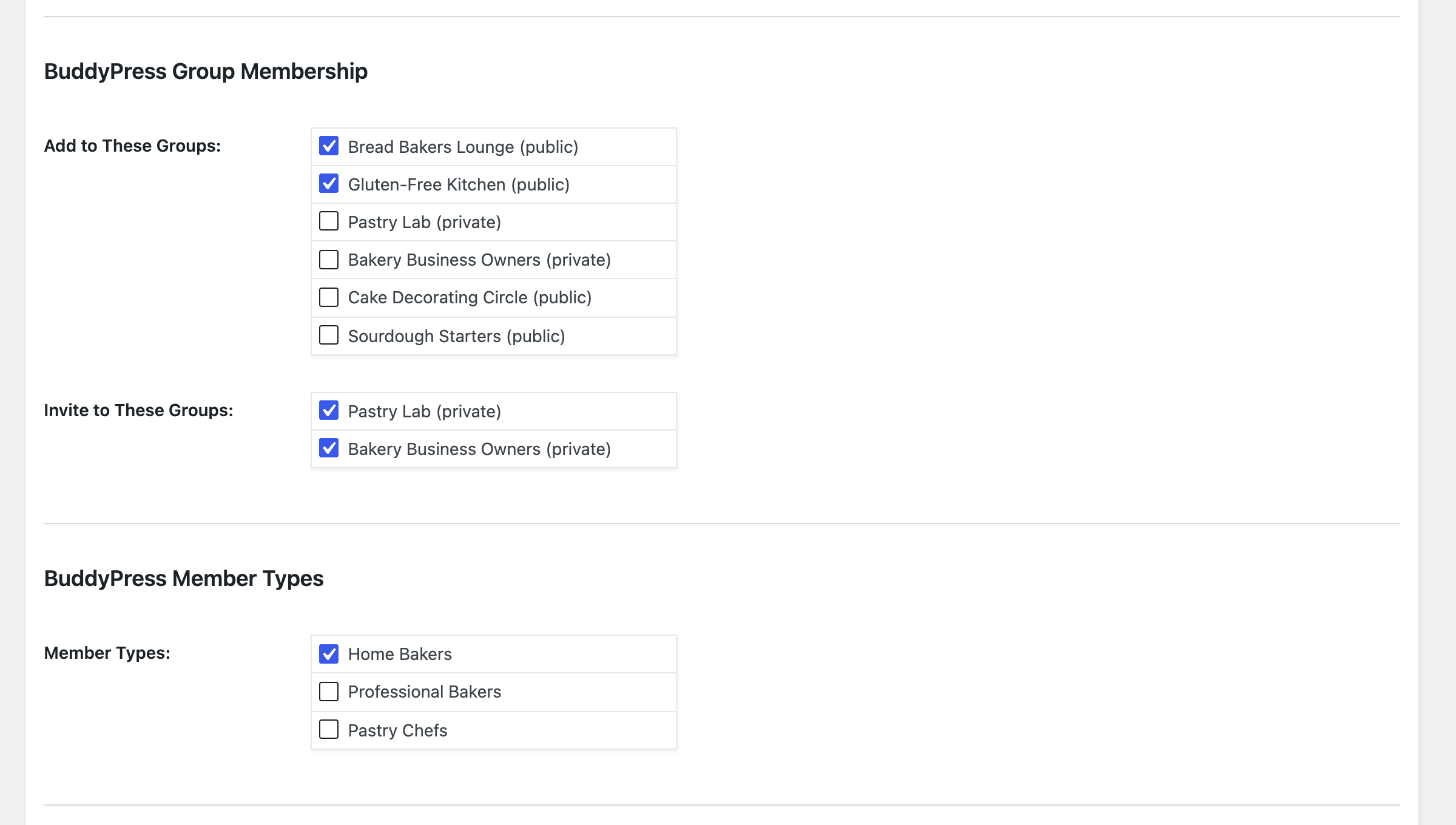
- Automatic Groups and Member Types: Add members to groups, invite them to private groups, and assign member types when they sign up. They’re removed when they lose the level.
- Members-Only Directory: Show only active members of the levels you choose in your community’s Members directory.
- Document Restrictions: Control who can view and upload documents with BuddyBoss Platform’s documents feature or the BuddyPress Docs plugin.
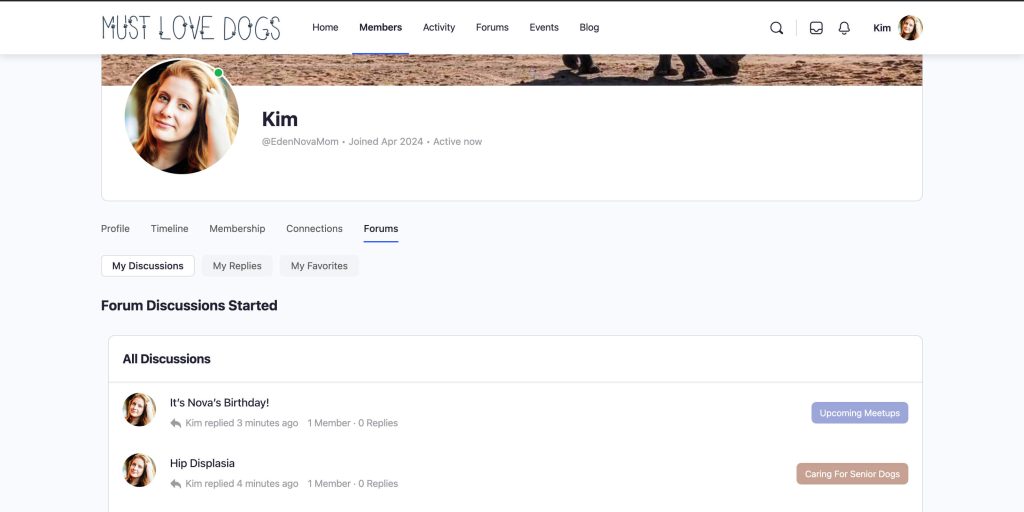
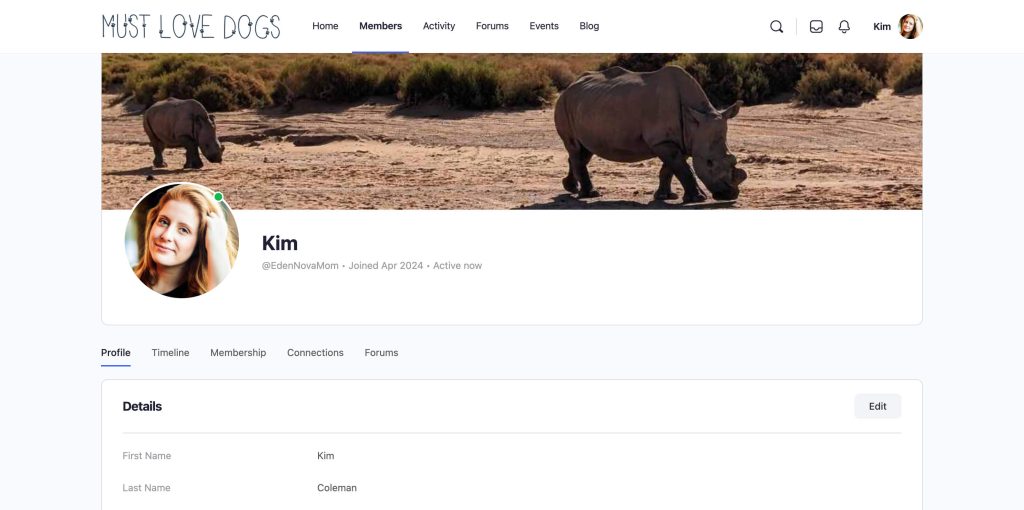
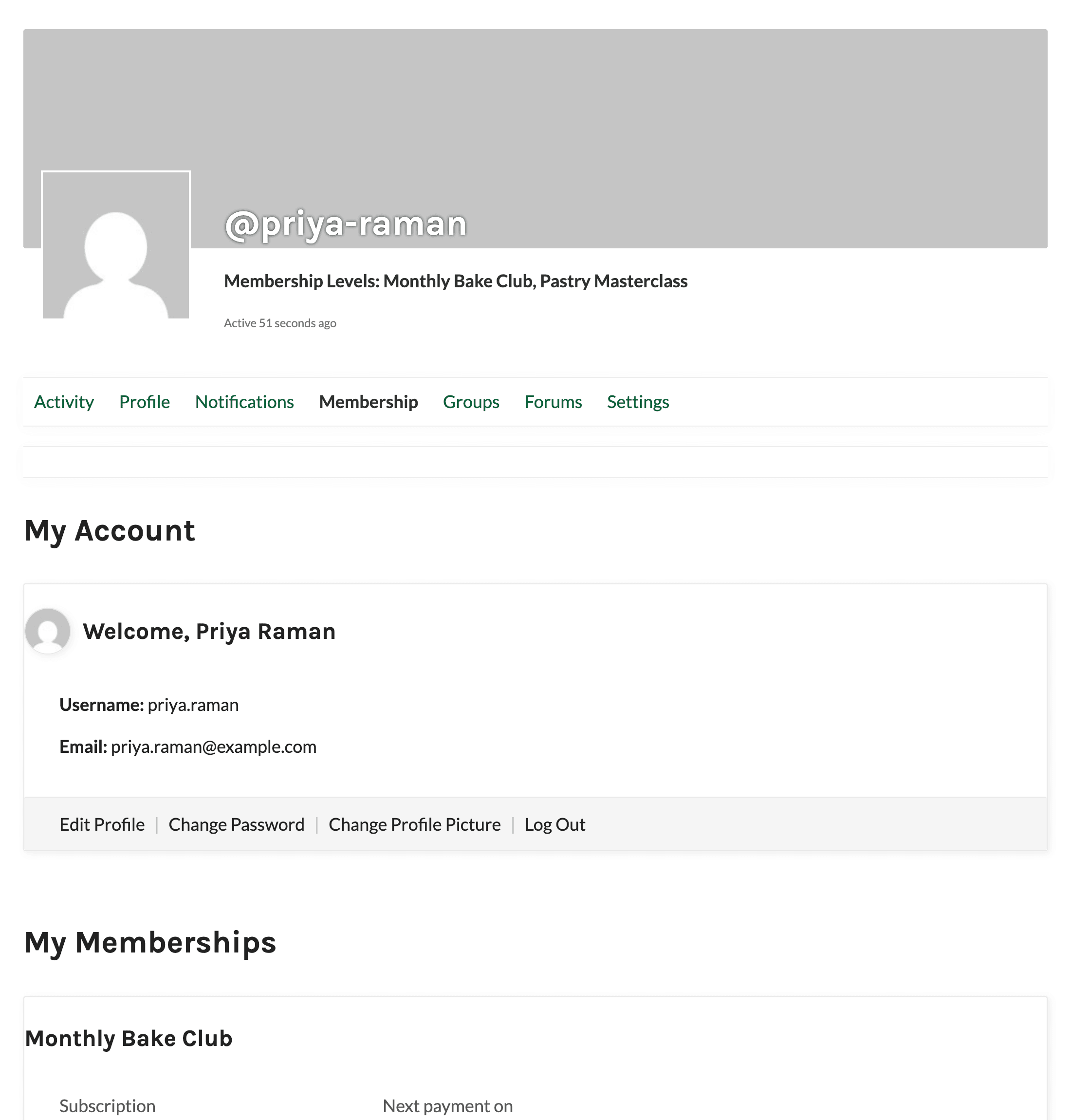
- Membership Tab on Profiles: Members can review their membership, billing, and orders from a Membership tab on their own community profile, and you can show each member’s level in their profile header.
- Profile Field Sync: Map Paid Memberships Pro User Fields to extended profile fields on the settings screen so the two stay in sync, with no code required.
- Works With Multiple Levels and Approvals: Members with more than one level get the combined access of all their levels, and pending members get community access, groups, and member types only after approval.
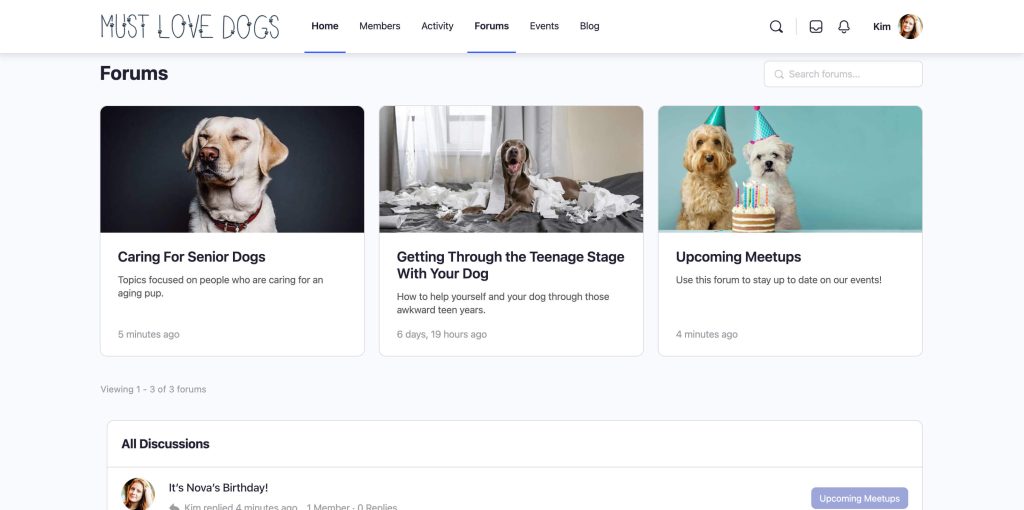
To protect forums by membership level, pair this Add On with the bbPress Integration Add On.
BuddyPress and BuddyBoss Integration Add On Documentation
Frequently Asked Questions
Yes. The Add On works with BuddyBoss Platform using the same settings as BuddyPress. Read Use the Add On With BuddyBoss Platform for the differences.
No. The BuddyPress or BuddyBoss registration page creates a user account only. It doesn’t collect payment or assign a membership level. Use the default Registration Page setting, Use PMPro Levels Page, for any paid or level-based community. Read more in Choose Your Registration Process.
Forums are handled by bbPress (or the bbPress-based forums in BuddyBoss Platform), not by this Add On. Install the bbPress Integration Add On to protect forums and topics by membership level.
The Add On combines the settings of all of the member’s active levels and gives them the most open access. Groups and member types from every level are applied. See How Access Is Combined.
Video: Build a Complete Community Site
Screenshots
Works with the free Paid Memberships Pro plugin. No paid plan needed. Create a free account or log in to download it and read the documentation.

